Make Your Dream Reality
Achieve it with our templates.

Achieve it with our templates.
Be the first to know about new products, discounts and sales!
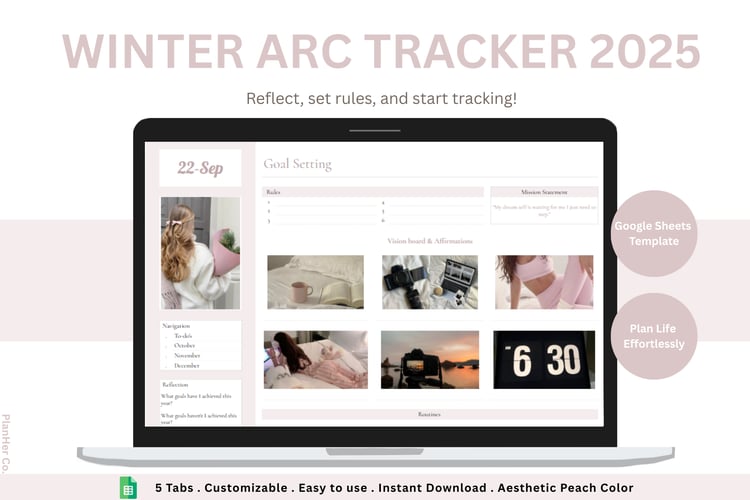
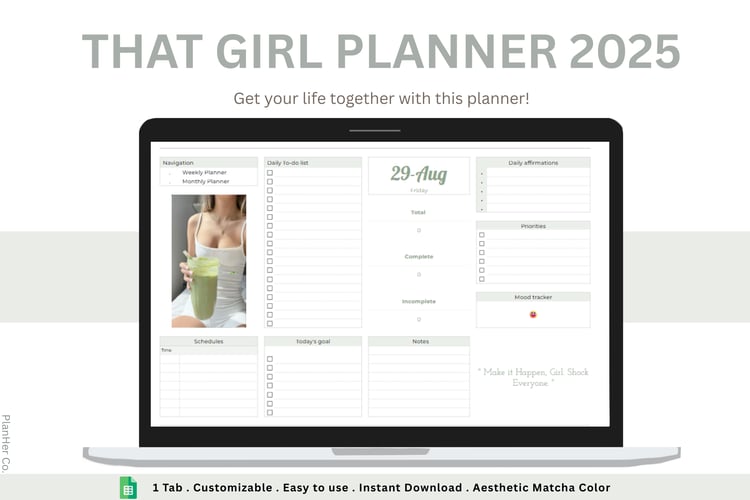
Once you purchased a template, you will receive a PDF containing the access link. Simply open the link and make a copy of the template.
To access the template, you will need a Google account. If you are on a mobile or tablet, make sure to download the Google Sheets app.
Each template comes with a YouTube video tutorial that walks you through how to use the template.
If you still have questions, you can contact me.
Yes! Our templates are device-friendly and can be used on any device. On mobile or tablet, you will need to download the Google Sheets app (Available on both the App Store and Play Store) to access the template.
Unfortunately, our templates are designed exclusively for Google Sheets. Exporting them to Excel may distort the layout and formulas.
For the best experience, we recommend using them only in Google Sheets.
Our templates are built with safeguards to help prevent accidental edits. If you try to modify a protected formula, you will see a warning.
If you proceed with the edit, the formula will be removed but you can still use the Undo feature to restore it.
Similarly, if you change the layout by mistake, you can undo the changes as long as you haven't exited the sheet.
Once you exit the template, unfortunately, you won't be able to undo previous changes. However, you can still go back to the PDF you received upon the purchase and make another copy.