

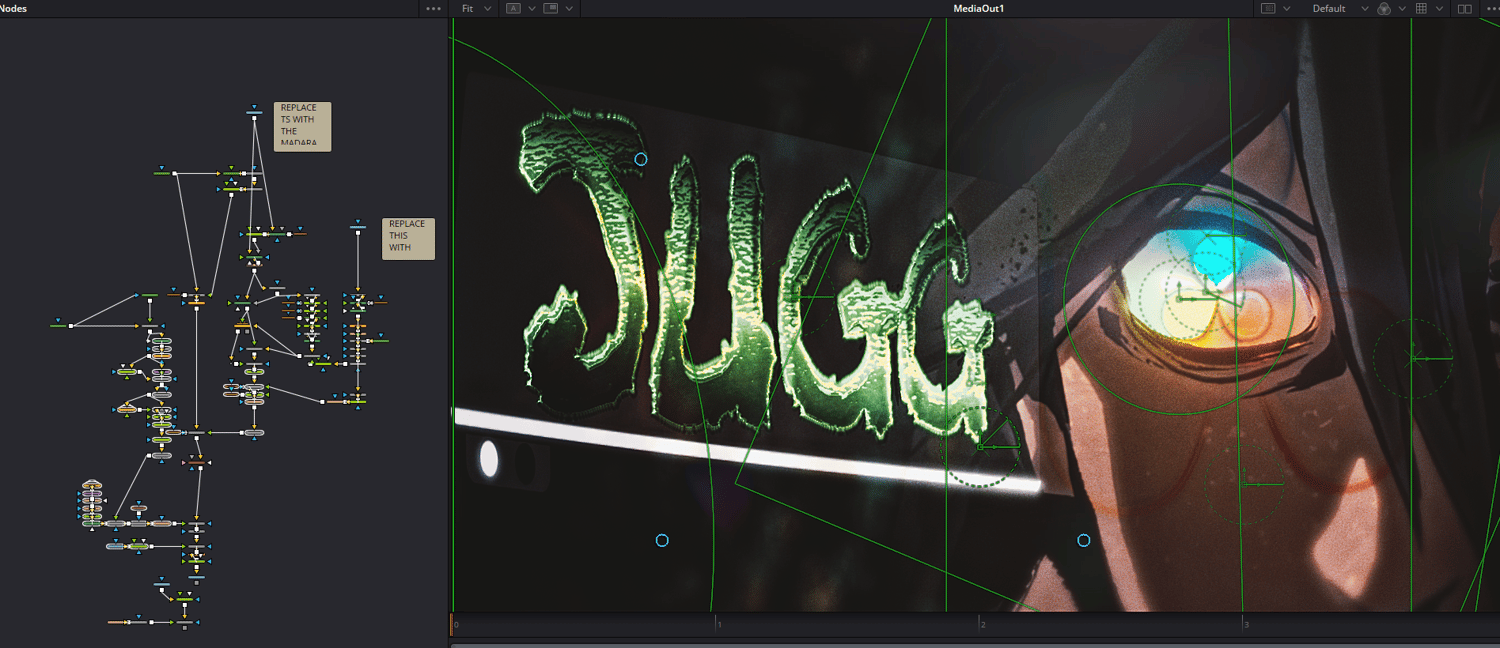
I use Davinci Resolve for everything, including thumbnail design.
Im dropping DaVinci Resolve project files for my YouTube thumbnails.
Everything in these projects is fully procedural. No PNG overlays. No pre-rendered assets (other than a logo). No shortcuts. Every element you see is generated directly inside DaVinci Resolve 20 using native tools and Fusion workflows.
That means you’re not locked into one look. You can change text, colors, lighting, glow intensity, composition, and overall vibe to create your own thumbnail using the same system.
This project is meant to be both:
- A ready-to-use thumbnail builder
- A learning resource for how advanced thumbnails can be constructed entirely in Resolve
If you’ve ever wanted to push Resolve beyond basic text and glow effects, this project shows how far you can take it when everything is built procedural.
If you’re interested in studying the workflows or using it as a base for your own thumbnails, the project files are now available on the store.