

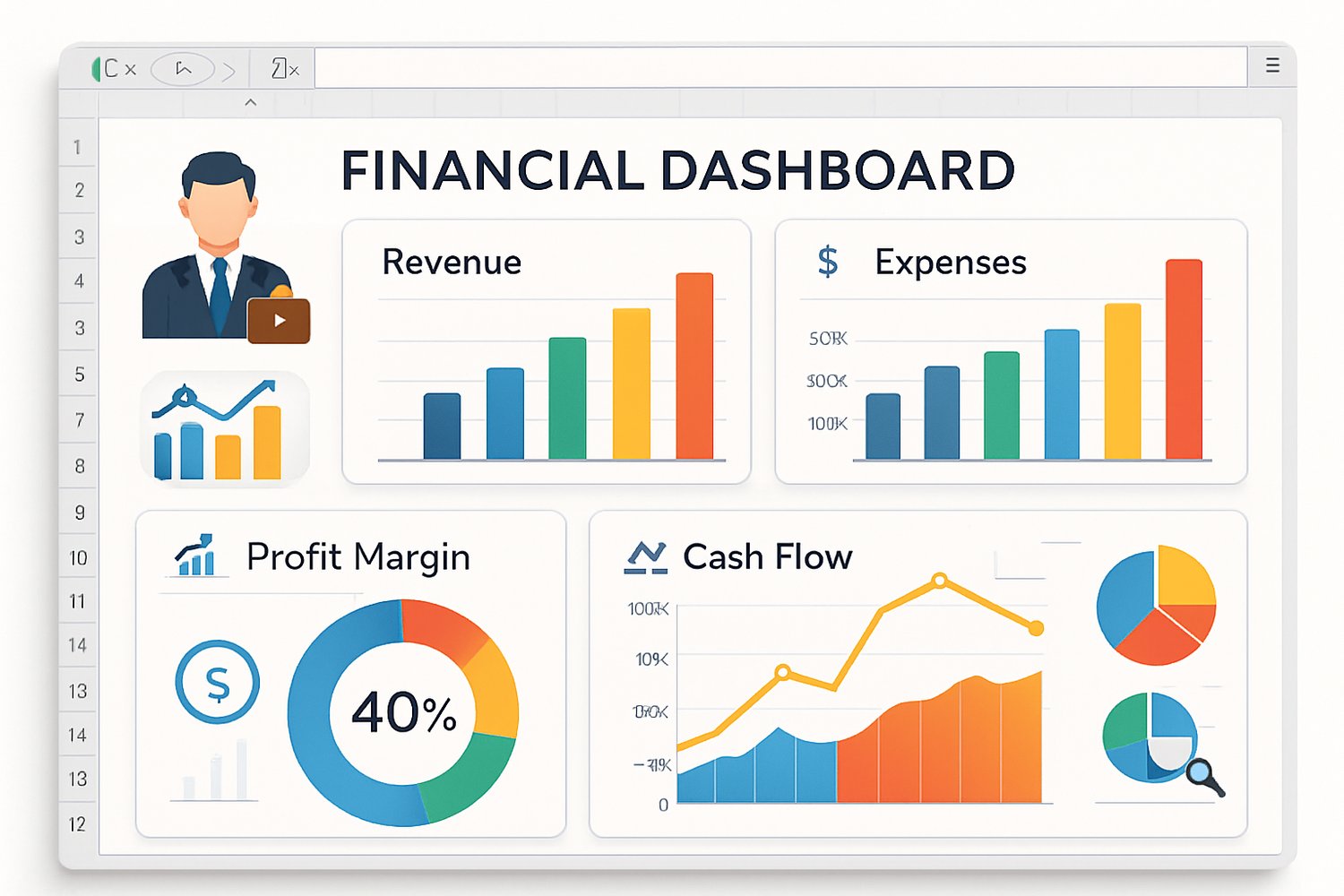
Excel dashboards are powerful tools, but picking the right one can seem tricky—especially with so many options available. Whether you’re a business owner, consultant, or finance team member, here’s how to make the best choice for your unique needs:
1. Identify Your Key Metrics
Start by listing the numbers that matter most. Is it revenue, expenses, profit margins, or cash flow? The best dashboard is one that puts your top KPIs front and center, so you can track what drives your business every day.
2. Consider Reporting Frequency
Do you need to report results monthly, quarterly, or for special projects? Some dashboards are tailored for daily tracking, while others are optimized for month-end analysis or budgeting cycles.
3. Think About Your Users
Is the dashboard just for you, your finance team, or will it be shared with clients and stakeholders? Pick a template with clean visuals and clear labels so everyone can easily understand the data—no matter their background.
4. Look for Automation and Customization
Save time by choosing a template with automated calculations, charts, and summaries. Bonus if it’s easy to customize—no need to start from scratch as your business evolves!
5. Visual Appeal Matters
A good dashboard isn’t just practical—it should be visually engaging too. Color-coded charts, smart layouts, and easy navigation make financial review less stressful and more productive.
At Excelly Made, I design dashboards with all these points in mind—so you can focus on insights, not busywork. Ready to see the difference? Check out our collection and let’s simplify your finances together!
For more tips and Excel resources, follow this blog or reach out with your questions. I’m here to help you work smarter every step of the way.
Comments ()