
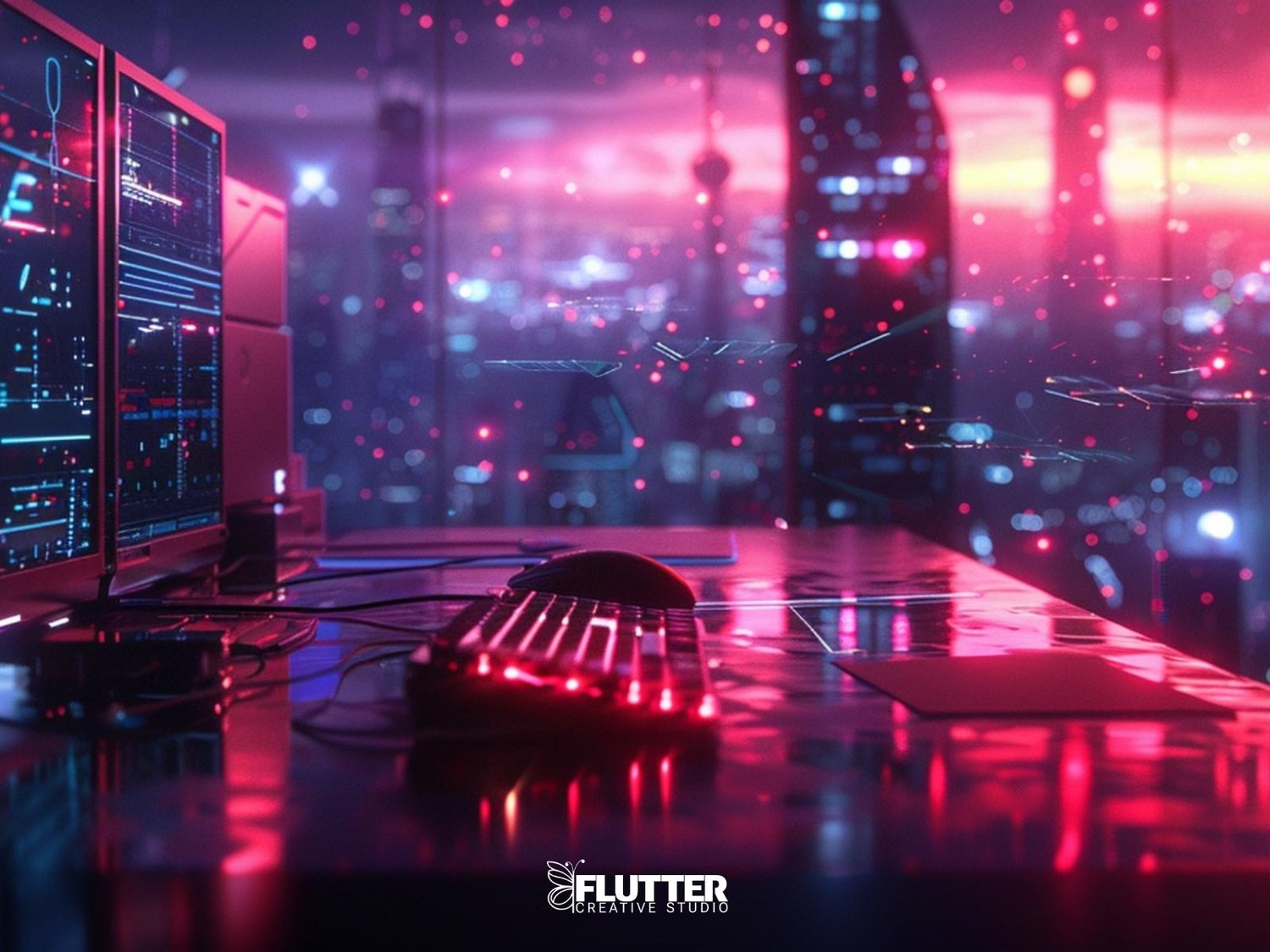
Let’s address the awkward truth: using AI for your visuals can feel like cheating, especially if you’re someone who values originality, storytelling, or traditional design skills.
But here’s the truth: AI is a tool, not a replacement. And when you use it with intention, it becomes an extension of your creative voice, not a threat to it.
Here are three practical ways to start using AI visuals without losing your soul in the process.
Make Style Your Signature, Not the Prompt
Anyone can type a prompt. What sets creators apart is their taste.
If you’re using MidJourney, NightCafe, or any AI art generator, start building a visual identity around:
- Consistent lighting or color schemes
- Specific character types or settings
- Use of textures, shapes, or negative space
➡️ When people can recognize your work without seeing your name, you’ve moved from user to artist.
Remix, Don’t Just Download
One mistake many new users make? Posting raw generations.
Here’s the fix:
- Add text overlays, movement, or sound in CapCut
- Use Canva to create stylized moodboards or covers
- Blend multiple outputs to tell a fuller story
Think of AI as your starting sketch, not the final frame.
Build Projects, Not Just Posts
The fastest way to stop feeling like a fraud? Create something with stakes.
Start a visual series. Design your own album cover. Build a product (like this one).
It doesn’t need to be massive, it just needs to be intentional.
➡️ When you move with purpose, the tools become secondary. What matters is the impact.
The Bottom Line
You’re not cheating. You’re evolving.
The future of design is collaboration, human and machine, instinct and interface.
So use the tools. Just use them with vision
🧠 Before You Go: A Prompt Worth Testing
Not sure if your creative process is aligned with your values?
Try this inside your own ChatGPT:
Prompt:
Based on what you know about my recent creative work, am I using AI as a crutch or as a tool for intentional expression? Please give me an honest review, including any red flags or blind spots I may be overlooking.
This won’t hurt. But it will reveal what you need to see.
© Flutter Creative Studio. All visuals and sounds reserved.
Comments ()