
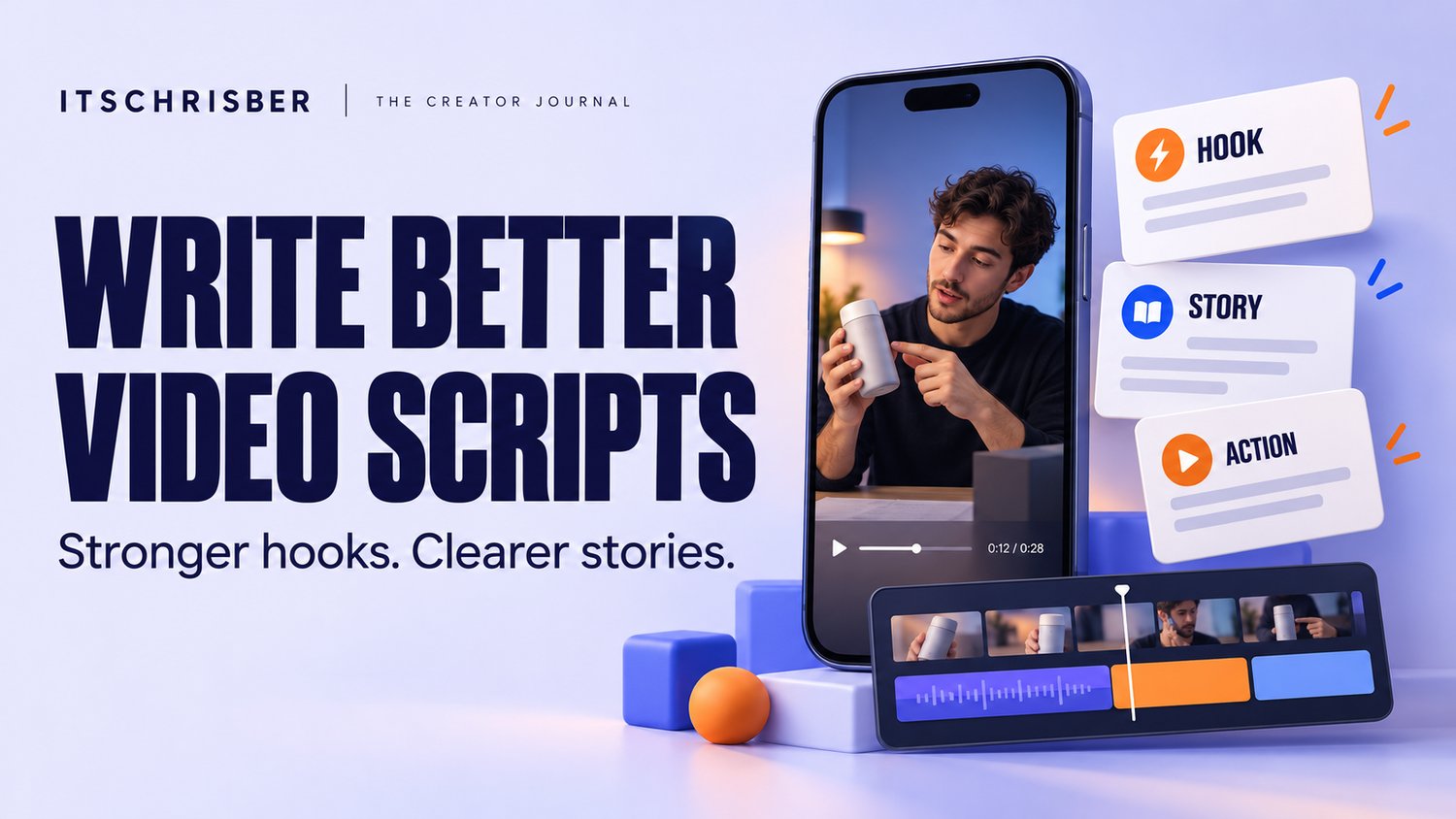

Have an idea for a Reel, TikTok, or YouTube Short—but struggle to turn it into something worth watching? Learn how to write a clear opening, deliver useful content, and plan what to film before you press record.
You have a product to show, a lesson to share, or a story worth telling.
Then you open the camera.
You start explaining, lose your place, and try again. After several attempts, you have plenty of footage but no clear direction. Editing becomes a search for the few sentences that work.
Or perhaps you finish the video, but the opening takes too long, the main point gets buried, and viewers have little reason to stay.
These problems can begin before filming—with a script that has not yet decided what the viewer should get from the video.
A useful short-form video script gives you three things: a reason to begin watching, a message worth staying for, and a clear ending.
In this guide, you will learn how to build that structure, improve vague hooks, and turn a simple idea into a practical filming plan.
1. Why Your Video Needs a Clear Message Before It Needs an Edit
Editing can remove pauses and improve presentation. It cannot easily fix a video that tries to explain five different things at once.
Imagine a small business owner filming a product video. They begin with their company history, mention three products, explain delivery, and finish with a discount.
All those details might matter—but the viewer may struggle to understand what this particular video is about.
Start with one sentence:
“After watching this video, the viewer should understand ______.”
For example:
- How to choose a storage box that fits a narrow shelf.
- How to organise three social media ideas before designing posts.
- What a downloadable toolkit includes.
- How to avoid one common editing mistake.
If you cannot complete that sentence clearly, narrow the topic before writing the script.
One specific lesson gives you a stronger starting point than a broad subject.
2. Write a Hook That Makes the Value Clear
A hook is the opening that gives the right viewer a reason to pay attention.
It can be a spoken sentence, on-screen text, an interesting visual, or a combination of these.
A useful hook helps someone recognise a problem, anticipate an answer, or understand what they are about to see.
Compare these examples:
Vague: “Today, I’m going to talk about creating content.”
More specific: “Have plenty of content ideas but never finish a post? Try this three-column plan.”
Vague: “This organiser is amazing.”
More specific: “Before buying an organiser for a narrow shelf, check these two measurements.”
Vague: “Here are some video tips.”
More specific: “If your tutorial takes too long to get started, move this sentence to the beginning.”
The improved versions identify a situation and suggest a useful next step.
Four Hook Patterns You Can Adapt
The recognisable problem
“Keep recording the same introduction? Write your final takeaway first.”
Use this when your audience already knows the frustration.
The practical demonstration
“Here’s how I turn one customer question into a short video.”
Use this when you can show the process.
The mistake and correction
“Your product video lists the features—but does it show how someone would use them?”
Use this when you can explain a meaningful improvement.
The decision-making question
“Do you need a content calendar, a script template, or both?”
Use this when your audience is comparing options.
These are writing patterns to test, not promises of performance. The opening must accurately represent what the rest of the video delivers.
3. Build the Script Around Four Simple Parts
Once you have a clear topic, organise it into this sequence:
Hook: Give the Viewer a Reason to Watch
Name the problem, demonstrate the result, or ask a relevant question.
Context: Explain Just Enough
Help the viewer understand why the problem happens. Keep background information brief.
Value: Deliver the Answer
Show the steps, demonstrate the product, or explain the lesson promised in the opening.
Next Step: Close With One Clear Action
Invite the viewer to try the tip, save the video, ask a question, or explore a relevant product.
For an educational post, “Try this with your next script” may be the most natural ending. For a product demonstration, “See the dimensions and details on the product page” may fit better.
Choose the action that follows logically from what the viewer has learned.
Want more starting points? Our toolkit includes 50 customisable scripts, each with three alternative opening hooks, plus suggested shots and editing directions.
Explore 50 Short-Form Video Scripts & Hooks — $8.99
4. A Complete Example: From Idea to Filmable Script
Let’s use a practical topic:
How to organise your next three social media posts.
The audience is a busy small business owner. The goal is to help them prepare content without repeatedly starting from a blank page.
Opening Hook
Say:
“Keep opening Instagram without knowing what to post? Plan these three posts before you design anything.”
Show:
A blank planning page with three empty spaces.
Brief Context
Say:
“Choosing the topic, writing the caption, and designing the image at the same time can leave you stuck.”
Show:
Separate notes labelled “Topic,” “Caption,” and “Design.”
Useful Solution
Say:
“First, answer one question customers regularly ask. Next, show your product being used. Then, explain one detail someone should check before buying.”
Show:
Fill the three spaces with:
- Customer question
- Product demonstration
- Buying tip
Clear Next Step
Say:
“Write those three ideas today. Save this video for your next planning session.”
Show:
The completed plan, held on screen long enough to read.
This example gives the viewer something they can apply immediately. It also gives the creator a manageable set of shots.
Read it aloud before filming. If it feels rushed, shorten the wording or allow more time for the demonstration.
This is an original example for this article, illustrating the method rather than quoting a script from the toolkit.
5. Plan the Visuals Alongside the Words
A script tells you what to say. A shot list helps you decide what the viewer needs to see.
Match each important sentence to useful visual evidence.
If you say a bag has several compartments, show the compartments. If you explain an editing step, show that step on screen. If you describe how to measure a shelf, show the measurement.
Avoid adding unrelated footage simply to keep something moving.
A simple filming plan could include:
- An opening shot showing the problem.
- A close-up of the relevant detail.
- A demonstration of the solution.
- A finished result.
- A closing frame with the next step.
You can also create this structure without appearing on camera. Hands-only demonstrations, screen recordings, product close-ups, and voiceovers can support a clear message.
The key question is: “Does this shot help the viewer understand what I am saying?”
6. Make a Template Sound Like You
A script template provides a starting structure. Your specific details make it useful.
Before recording, replace general wording with information from your own product, audience, or experience.
For example:
General: “This tool helps you save time.”
Specific: “This workbook keeps your weekly topics and production tasks together, so you can review them before creating your next batch.”
The specific version explains how the benefit could happen.
Customise four things:
The audience: Who are you speaking to?
The situation: What problem are they facing?
The example: What can you honestly explain or demonstrate?
The next step: What should they do after watching?
Read the revised script aloud. Replace words you would never normally use. Break long sentences into shorter ones, and remove any claim you cannot support.
Never turn a template into a fictional personal success story or invented customer testimonial.
7. Review Your Video Before Blaming the Hook
A strong opening cannot carry a confusing middle.
Before publishing, watch the finished video and ask:
- Does the first shot match the opening sentence?
- Is the main point easy to identify?
- Does the video deliver what the hook promises?
- Are demonstrations and on-screen text understandable?
- Have I removed repeated explanations?
- Does the ending provide one relevant next step?
After publishing, use the information available in your platform’s analytics to investigate what might need work.
An early drop in viewing may suggest an unclear opening or a mismatch with the audience. A drop during the explanation may suggest repetition, confusing visuals, or a section that takes too long. These are possibilities to investigate, not certain diagnoses.
Try changing one main element at a time. Testing a different opening while keeping the lesson similar can be more informative than changing the topic, visuals, length, and hook together.
Considering Paid Promotion on TikTok?
If you have a clear business offer and are exploring paid promotion, take a look at TikTok for Business. Decide what you want a campaign to achieve and what you can afford to test before spending.
Affiliate disclosure: I may earn a commission if you sign up or complete a qualifying action through this link.
8. Meet the ITSCHRISBER 50 Short-Form Video Scripts & Hooks Toolkit
Understanding a writing framework is useful. Applying it repeatedly still takes preparation.
You need an opening, a coherent script, suitable visuals, and a plan for presenting the finished video.
The 50 Short-Form Video Scripts & Hooks Toolkit by ITSCHRISBER brings those elements together in a collection you can customise for your own content or client projects.
What’s Included?
50 Customisable Video Scripts
Structured voiceover scripts covering educational content, product demonstrations, personal branding, storytelling, digital product promotion, and other creator-focused topics.
150 Alternative Opening Hooks
Each script includes three opening options, allowing you to choose an angle that fits your message and audience.
Suggested Shot Lists
Visual sequences to help you prepare demonstrations, close-ups, scenes, and supporting footage before recording.
Editing Directions
Guidance on pacing, text overlays, transitions, and visual comparisons to support the script.
Captions and On-Screen Headlines
A suggested social media caption and on-screen headline accompany each script, giving you starting points for presenting the video.
Five Worked Video Examples
Examples showing how scripts can be developed and personalised.
What Files Will You Receive?
The digital download includes:
- A 62-page PDF script handbook containing the collection and supporting resources.
- An editable Word document (.DOCX) for customising the material.
- A copy-ready text library (.TXT) for transferring scripts into your preferred writing application.
- A getting-started guide explaining how to select, personalise, film, edit, and publish.
Who Will Find It Useful?
Consider this toolkit if you:
- Regularly get stuck deciding how to start a video.
- Have ideas but need help organising them into scripts.
- Want to prepare your shots before filming.
- Create educational, business, product, or personal-brand content.
- Prefer adapting a structured draft to writing from scratch.
The material is intended for content such as TikTok videos, Instagram Reels, YouTube Shorts, and Facebook Reels. Adapt each video to the platform and audience where you publish.
What It Does—and What You Still Need to Do
This is a writing and production resource, not a collection of finished videos.
You still personalise the scripts, verify claims, supply footage, record or produce the audio, and edit your content. Footage, editing software, AI subscriptions, and licensed music are not included.
You may adapt the scripts for your own or client-facing videos. Reselling or redistributing the original files or script library is not permitted.
Get the 50 Short-Form Video Scripts & Hooks Toolkit — $8.99
9. Choose the Resource That Matches Your Bottleneck
Different tools solve different parts of the content process.
If you struggle with what to say and what to film, start with the scripts and hooks toolkit.
If you struggle with organising topics, production dates, and results across the month, explore the 30-Day Social Media Content Planner.
Choose the resource that addresses the part of the process currently slowing you down. You do not need to buy both to begin creating.
10. Write Your Next Video Before Opening the Camera
Choose one question your audience asks.
Write the answer in one sentence. Then turn that sentence into a small, useful demonstration or explanation.
Draft two possible openings. Choose the one that makes the value clearest. Add the shots you need and finish with one relevant next step.
You now have a script you can film, review, and improve.
If you want a wider collection of structures to work from, the ITSCHRISBER toolkit gives you 50 scripts, 150 alternative hooks, and supporting production guidance in one download.
Explore the Toolkit and Start Your Next Script — $8.99
ITSCHRISBER — Create Smarter. Grow Bigger.

Disclosure: This article promotes digital products sold by ITSCHRISBER and includes a separately disclosed TikTok for Business affiliate link. Scripts and planning resources support your creative workflow; they do not guarantee views, followers, engagement, sales, or revenue.
Comments ()