

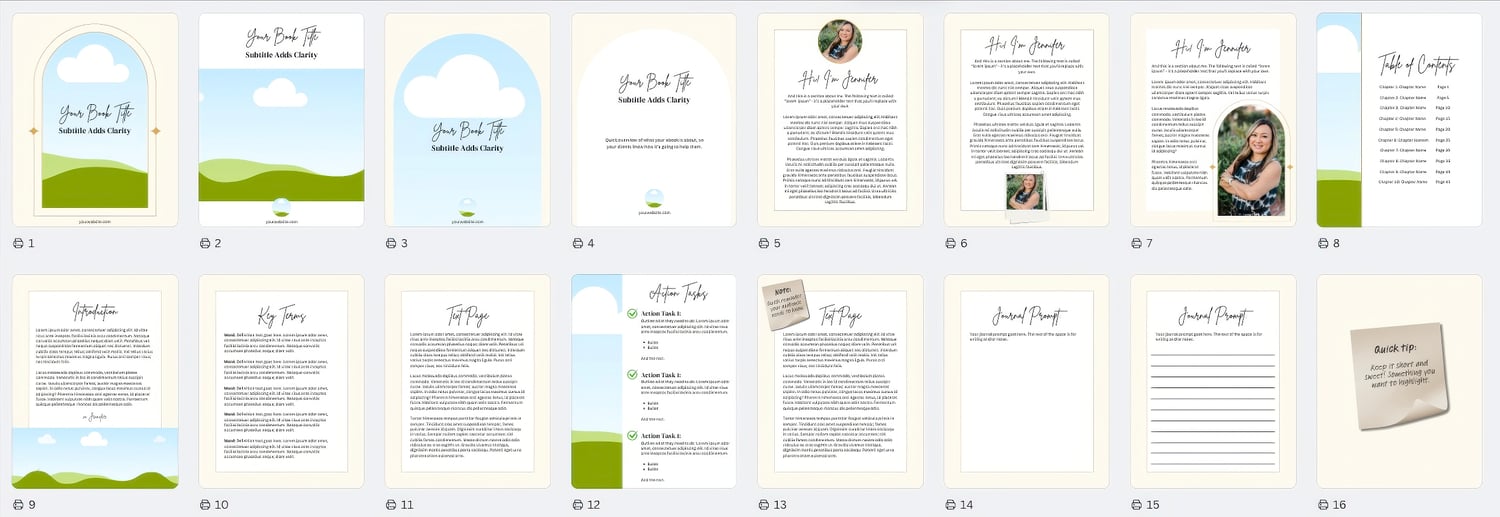
Want to create an ebook but feeling overwhelmed by design? You're not alone. Many authors and entrepreneurs struggle with the technical side of ebook creation. The good news? You don't need expensive software or design skills to create a stunning ebook.
Let me show you how Canva templates can transform your writing into a polished digital product.
Why Start with an Ebook Template?
Think of a template like a professional blueprint for your book. Instead of staring at a blank page wondering where to put your text and images, you get:
- Pre-designed page layouts that look cohesive and professional
- Perfectly matched fonts that create visual harmony
- Balanced spacing that makes your content easy to read
- Consistent styling across all pages
- Professional design elements that elevate your work
The Hidden Benefits of Using Templates
Starting with a template doesn't just save time - it helps you avoid common design mistakes that can make your ebook look amateur. Professional designers understand things like:
- Visual hierarchy (making important information stand out)
- White space (giving your content room to breathe)
- Color psychology (choosing colors that match your message)
- Typography rules (picking fonts that work well together)
When you use a template, you get all this design expertise built in.
How to Customize Your Template (Even if You're "Not Creative")
Here's the best part: customizing a template is SO easy. You can:
- Change the colors to match your brand
- Replace the fonts with your preferred options
- Add your own images and graphics
- Adjust the layout to fit your content
- Remove or duplicate pages as needed
Think of it like moving into a fully furnished house - everything is there and properly placed, but you can still make it your own.

Common Ebook Design Mistakes (That Templates Help You Avoid)
Many first-time ebook creators make these mistakes:
- Using too many different fonts
- Cramming too much text on each page
- Inconsistent spacing between elements
- Mismatched color schemes
- Poor contrast between text and background
A well-designed template eliminates these issues automatically.
Beyond the Template: Making Your Ebook Unique
While templates provide an excellent foundation, your content makes it special. Focus on:
- Writing compelling content
- Adding valuable insights
- Including relevant images
- Creating helpful diagrams or charts
- Organizing information logically
The template handles the design so you can concentrate on what matters most - your message and expertise.
Ready to Create Your Ebook?
Whether you're writing a cookbook, self-help guide, or business manual, starting with a template can save you hours of frustration and help you create a professional-looking ebook faster than you thought possible.
Remember: Your expertise and knowledge are valuable. Don't let design challenges stop you from sharing them with the world. With the right template, you're already halfway to publishing your ebook!
Sign Up Now - or Access it Through Your TCCC Membership!
Already a TCCC member? You've got access to this template, so head to your dashboard and check it out!
Not a member? No worries!
>> Get this Canva Template Now

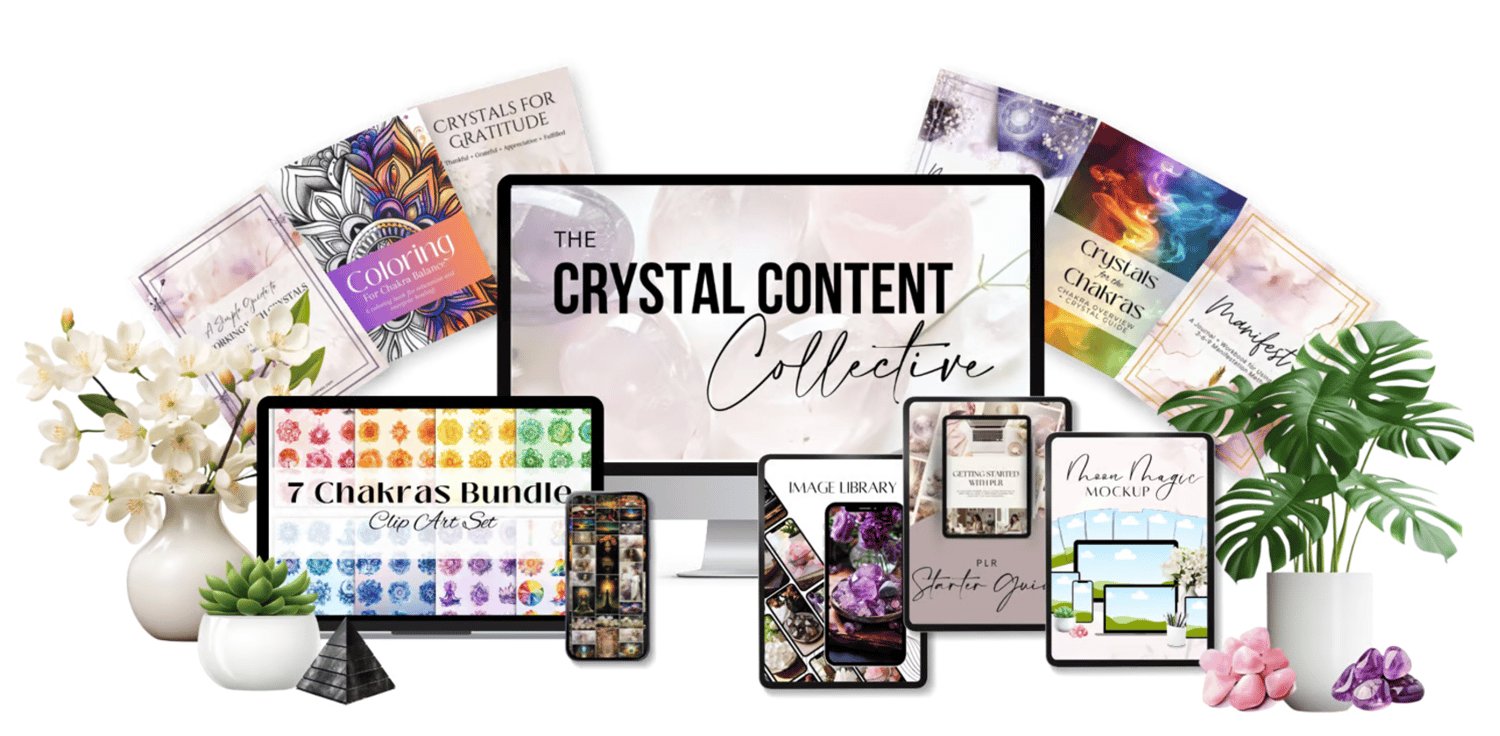
Want this Canva Template - and MORE?
Get unlimited access to this Canva template AND so much more - including an image library with thousands of stock images - for one low price!
>> Learn More + Join The Crystal Content Collective <<
>> Learn More + Join The Crystal Content Collective <<
Comments ()