
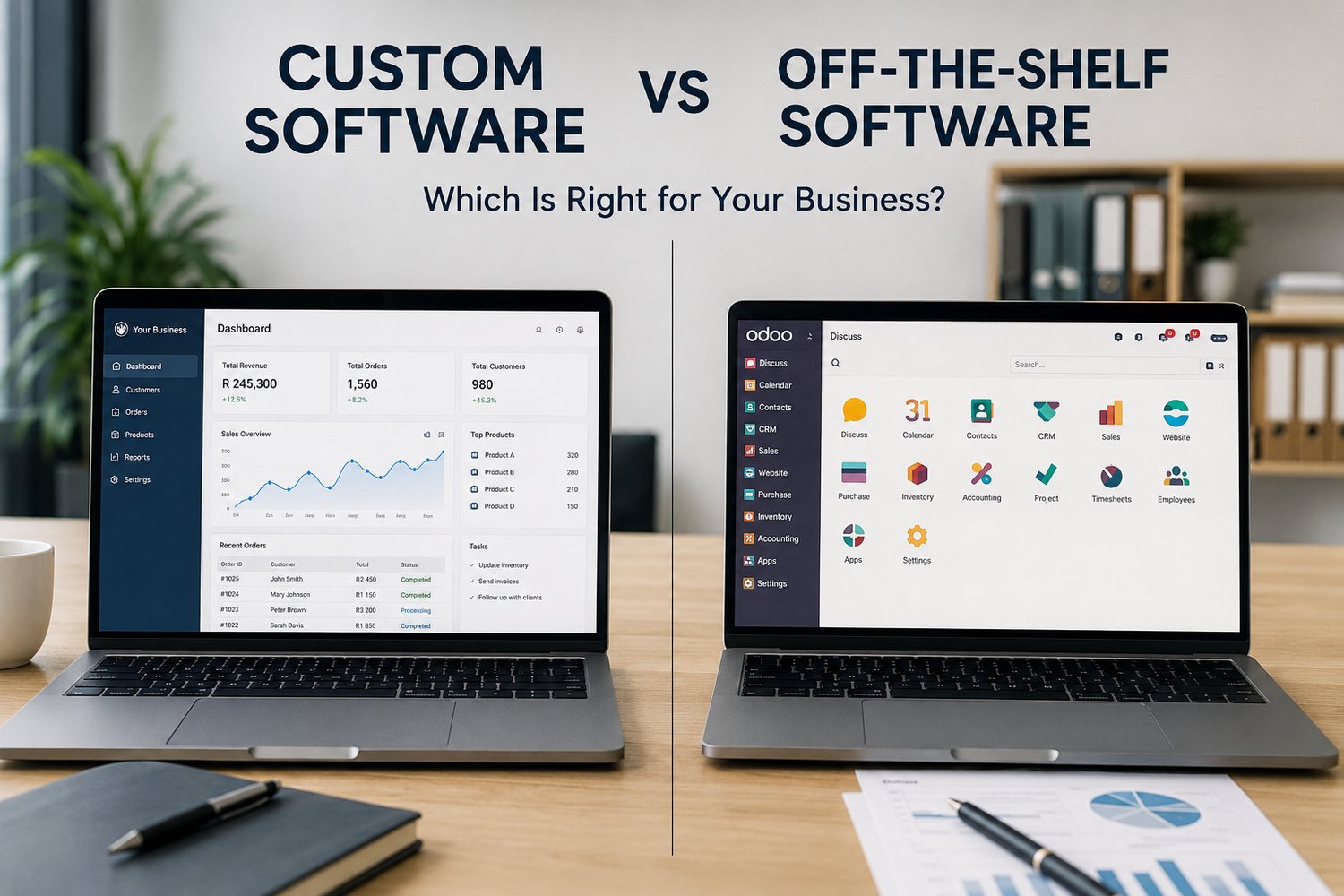
Choosing the right software can have a major impact on how efficiently a business operates.
From accounting and customer management to human resources, inventory, communication and business operations, software has become an essential part of modern organizations. But when businesses need a new technology solution, one important question often arises:
Should we purchase an existing off-the-shelf application, or should we invest in custom software designed specifically for our business?
There is no universal answer.
The right choice depends on your organization's processes, budget, growth plans, technical requirements and the problems you are trying to solve.
In this guide, we'll compare custom software vs off-the-shelf software, explore the advantages and disadvantages of each, and explain how businesses can determine which approach makes the most sense.
What Is Custom Software?
Custom software is an application developed specifically for the requirements of a particular business or organization.
Instead of changing your business processes to fit an existing application, the software is designed around your workflows.
For example, a company may need a system that combines:
- Customer management
- Inventory
- Invoicing
- Employee management
- Reporting
- Approval workflows
- Business analytics
Rather than purchasing several unrelated applications, the organization could commission a custom platform that integrates these functions.
Custom software can be developed for:
- Small businesses
- Growing companies
- Corporations
- Government organizations
- Schools and training institutions
- Healthcare organizations
- Financial services
- Retail businesses
- Agricultural businesses
- Logistics companies
What Is Off-the-Shelf Software?
Off-the-shelf software is a commercially available application designed to serve the needs of many customers.
Examples include software for:
- Accounting
- Customer relationship management
- Human resources
- Project management
- Communication
- Document management
- Marketing
- Payroll
- Inventory management
These solutions are usually ready to purchase or subscribe to and can often be deployed much faster than custom-developed software.
Instead of building the entire system yourself, you select an existing platform that provides the functionality your organization needs.
Custom Software vs Off-the-Shelf Software at a Glance
Factor Custom Software Off-the-Shelf Software
Development Built specifically for your business Already developed
Initial cost Usually higher Usually lower
Deployment Takes longer Usually faster
Flexibility Highly flexible Limited to available features
Scalability Can be designed around growth Depends on vendor
Integration Can be built for specific systems Depends on available integrations
Maintenance Your organization/vendor manages it Vendor usually manages it
Updates Controlled by your development strategy Controlled by vendor
Competitive advantage Potentially high Usually limited
Vendor dependency Can be reduced Often significant
Custom workflows Excellent May require workarounds
Upfront risk Higher Lower
Advantages of Custom Software
1. Designed Around Your Business
The biggest advantage of custom software is that it can be designed around your organization's specific requirements.
If your business has unique workflows, approval processes or reporting requirements, custom software can accommodate them.
You aren't forced to restructure your operations simply because your software doesn't support the way you work.
2. Greater Flexibility
Businesses evolve.
You may introduce:
- New products
- New departments
- New branches
- New services
- New customers
- New compliance requirements
Custom software can be developed with these future requirements in mind.
Additional functionality can be introduced as your organization grows.
3. Better Integration
Businesses often use multiple systems.
For example:
CRM → Accounting → Inventory → HR → Reporting
When these systems don't communicate effectively, employees may have to manually transfer information between platforms.
Custom software can be designed to integrate with existing systems and automate data flows.
This can reduce duplication and improve operational efficiency.
4. Potential Competitive Advantage
Commercial software is available to many organizations.
Custom software, however, can be designed around processes that make your business unique.
For example, a logistics company might develop a specialized platform for optimizing its delivery operations.
A competitor using generic software may not have the same capabilities.
Technology can therefore become part of the company's competitive advantage.
5. Greater Control
With custom development, your organization has greater influence over:
- Features
- User experience
- Integrations
- Security controls
- Data structures
- Workflows
- Future development
This can be particularly important when software supports critical business operations.
Disadvantages of Custom Software
Custom development also comes with challenges.
Higher Initial Cost
Developing software from scratch requires investment in:
- Analysis
- Design
- Development
- Testing
- Deployment
- Training
- Maintenance
The initial investment can therefore be significantly higher than purchasing an existing application.
Longer Development Time
Custom software may take weeks, months or longer depending on its complexity.
Businesses need to plan carefully before development begins.
Maintenance Requirements
Custom applications require ongoing:
- Security updates
- Bug fixes
- Performance monitoring
- Feature development
- Infrastructure management
A maintenance strategy is essential.
Advantages of Off-the-Shelf Software
1. Faster Deployment
One of the biggest advantages is speed.
Businesses can often subscribe, configure the software and begin using it relatively quickly.
This is particularly useful when the organization needs a solution immediately.
2. Lower Initial Investment
Off-the-shelf software usually has a lower initial cost because the development costs are distributed across many customers.
Many platforms also use subscription-based pricing, allowing businesses to avoid large upfront investments.
3. Established Features
Commercial applications have already been developed and tested.
They may include:
- Dashboards
- Reporting
- User management
- Mobile applications
- Integrations
- Automation
- Security features
Businesses don't have to start from zero.
4. Vendor Support
Established software providers typically offer:
- Technical support
- Documentation
- Training
- Software updates
- Security patches
This can reduce the burden on internal IT teams.
Disadvantages of Off-the-Shelf Software
Limited Customization
You can generally configure commercial software, but there are limits.
If your business has a highly specialized workflow, you may have to adapt your processes to the software.
This can result in:
- Manual workarounds
- Additional tools
- Spreadsheet-based processes
- Duplicate data entry
Vendor Dependency
Your organization may become dependent on the software provider.
Changes to:
- Pricing
- Features
- Licensing
- Support
- Product direction
can affect your business.
If the provider discontinues the product or significantly changes its pricing model, you may need to find an alternative.
Integration Limitations
Although many modern applications provide APIs and integrations, not every platform will integrate perfectly with your existing environment.
Businesses should evaluate integration requirements before committing to a solution.
Which Is More Secure?
Security depends less on whether software is custom or off-the-shelf and more on how the solution is designed, configured, maintained and monitored.
Custom software can provide highly specific security controls, but poorly developed custom applications can introduce serious vulnerabilities.
Likewise, established commercial platforms may have sophisticated security teams and mature security controls, but incorrect configuration can still expose an organization.
Regardless of the approach, businesses should consider:
- Authentication
- Multi-factor authentication
- Authorization
- Encryption
- Secure development
- Vulnerability management
- Logging
- Monitoring
- Backup
- Access control
- Data protection
Security should be considered from the beginning rather than added after deployment.
What About Cost?
Cost is often where the decision becomes complicated.
Off-the-Shelf Software
You may pay:
- Monthly subscriptions
- Annual licensing fees
- Per-user charges
- Implementation fees
- Premium feature fees
- Integration costs
The initial cost may be attractive, but long-term subscription expenses can become significant as your organization grows.
Custom Software
You may pay more initially for development, but you have greater control over the system and its future direction.
The correct question therefore isn't simply:
"Which option is cheaper?"
Instead, ask:
"Which option provides the best long-term value for our business?"
When Should You Choose Custom Software?
Custom software may be appropriate when:
Your processes are highly specialized
If existing applications cannot accommodate your workflows, customization may be justified.
Your business is growing rapidly
A custom platform can be designed around anticipated future requirements.
Integration is critical
If your organization needs multiple systems to communicate seamlessly, custom development may provide greater flexibility.
Software is strategically important
If technology is central to your competitive advantage, owning or controlling the underlying solution may be valuable.
Existing solutions are creating inefficiencies
If employees spend significant time using spreadsheets and manual processes to compensate for software limitations, it may be time to consider a more tailored solution.
When Should You Choose Off-the-Shelf Software?
Off-the-shelf software may be the better option when:
- Your requirements are fairly standard.
- You need a solution quickly.
- Your budget is limited.
- You don't need extensive customization.
- A mature product already meets your requirements.
- You prefer vendor-managed updates and support.
There is no reason to build custom software simply because you can.
If an existing solution solves the problem effectively, purchasing it may be the smarter business decision.
A Third Option: Customized Commercial Software
There is also a middle ground.
Some businesses purchase an existing platform and customize it through:
- Configuration
- APIs
- Plugins
- Extensions
- Custom integrations
- Workflow automation
This can provide many of the advantages of customization without requiring the organization to develop an entire application from scratch.
For many businesses, this hybrid approach can be highly practical.
Questions to Ask Before Choosing
Before making a decision, ask:
- What problem are we trying to solve?
- Are our business processes standard or unique?
- How quickly do we need the solution?
- What is our available budget?
- How many users will need access?
- Will the business grow significantly?
- What integrations are required?
- What security requirements do we have?
- What data will the system handle?
- Who will maintain the solution?
- How dependent will we become on a vendor?
- What will the total cost be over five years?
The last question is particularly important.
A solution that appears inexpensive today may become expensive over time because of subscriptions, additional users, integrations and premium features.
How NTKays Innovations Can Help
At NTKays Innovations, we understand that every organization has different technology requirements.
Our Software Solutions offering includes:
- Enterprise applications
- Business management systems
- ERP solutions
- CRM solutions
- Custom software development
- Integration and automation
- Licensing and support
Rather than recommending technology simply because it is available, we can help businesses evaluate their requirements and identify the most practical approach.
For some organizations, an established platform may be the right choice.
For others, custom development may deliver significantly greater value.
And in some cases, integrating and customizing an existing platform may provide the best balance between flexibility, cost and speed.
Final Thoughts
The debate between custom software vs off-the-shelf software isn't really about which option is universally better.
It's about finding the right technology for the business.
Off-the-shelf software can provide speed, affordability and proven functionality. Custom software can provide flexibility, integration, scalability and greater control.
The smartest approach is to first understand your business requirements, future objectives, security needs and total cost of ownership.
Technology should fit your business strategy, not become a constraint on it.
If your organization is considering new business software, replacing an outdated system or exploring custom development, NTKays Innovations can help you evaluate your options and identify a technology approach aligned with your goals.
Ready to find the right software solution?
Contact NTKays Innovations for a consultation and explore how software, automation and technology can help your organization operate more efficiently and prepare for future growth.