
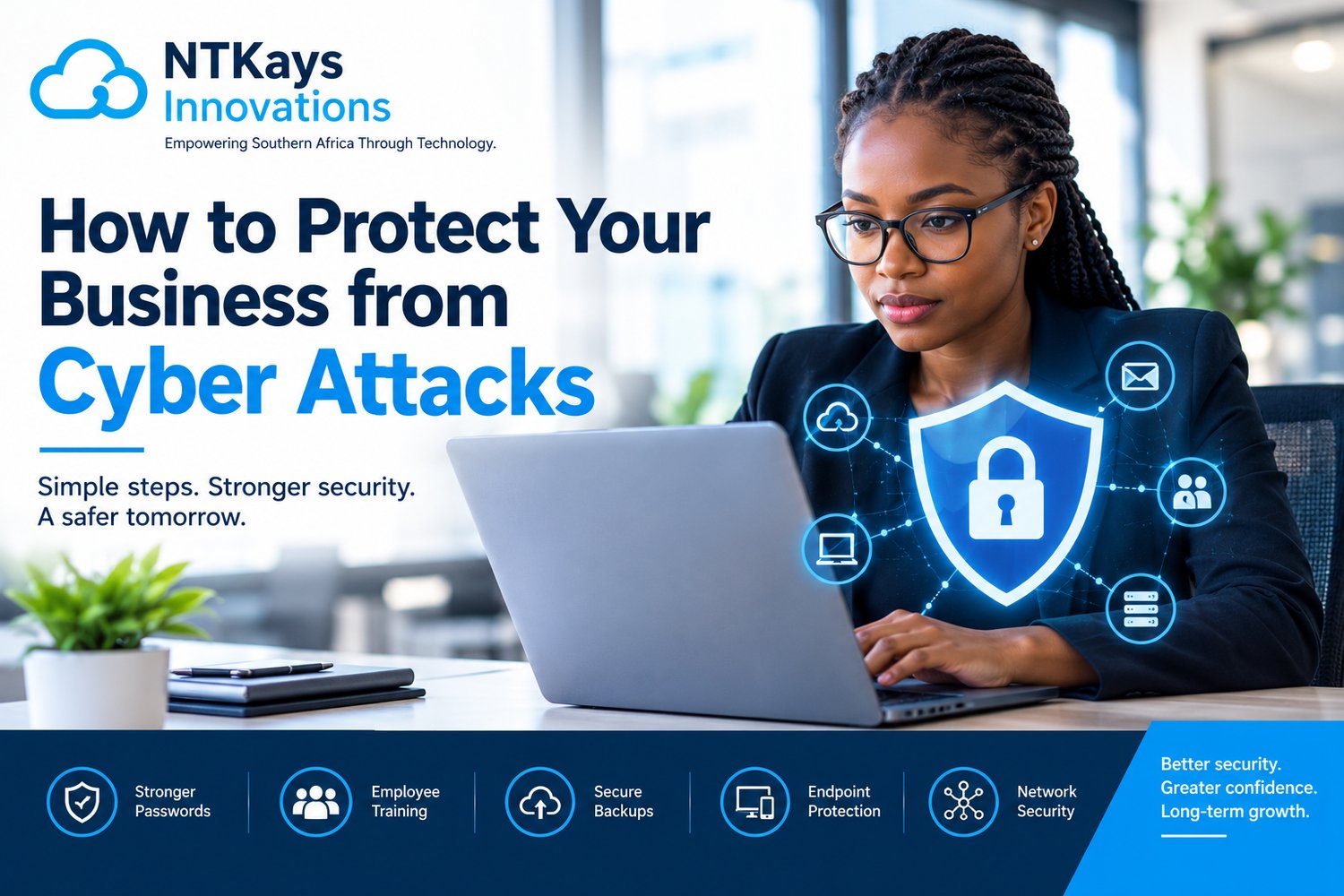
Cybersecurity is no longer only a concern for large corporations.
Today, businesses of all sizes rely on computers, smartphones, cloud platforms, networks, websites, email and digital applications to operate. This dependence creates opportunities for businesses, but it also creates opportunities for cybercriminals.
A single compromised email account can expose sensitive information.
A stolen password can give an attacker access to business systems.
A malicious attachment can introduce malware into a network.
A successful ransomware attack can disrupt operations and potentially make critical files inaccessible.
The good news is that cybersecurity does not have to begin with an enormous technology budget.
Businesses can significantly strengthen their security by combining good security practices, employee awareness, appropriate technology, regular monitoring and a well-prepared response plan.
Here are practical steps every business should consider.
Use Strong, Unique Passwords
Passwords remain one of the most common ways attackers attempt to gain access to accounts.
Employees should avoid passwords that are:
- Easy to guess
- Reused across multiple accounts
- Based on names or birthdays
- Shared with colleagues
- Stored insecurely
A strong password should be sufficiently long and difficult to guess.
More importantly, don't reuse the same password everywhere.
If one service is compromised and the same password is used elsewhere, attackers may attempt to use the stolen credentials against other systems.
Businesses can also consider using a reputable password manager to help employees securely manage unique credentials.
Enable Multi-Factor Authentication
A password alone should not always be the only barrier protecting an important account.
Multi-factor authentication (MFA) adds another verification step.
For example:
Password + authentication app
or:
Password + security key
or:
Password + another approved verification method
Even if an attacker obtains a password, MFA can provide an additional layer of protection.
Businesses should prioritize MFA for important accounts, particularly:
- Cloud platforms
- Administrator accounts
- Financial systems
- Remote access
- Business applications
Train Your Employees
Technology alone cannot protect a business.
Employees are an important part of the organization's security environment.
Staff should know how to recognize:
- Phishing emails
- Suspicious attachments
- Fake login pages
- Unusual payment requests
- Social engineering attempts
- Suspicious links
- Impersonation attempts
For example, an employee may receive an email appearing to come from a manager requesting an urgent payment.
Instead of immediately acting, the employee should know how to independently verify the request.
Cybersecurity awareness training can turn employees from potential points of vulnerability into an important layer of defense.
Be Careful With Email Attachments and Links
Phishing remains a major cybersecurity concern.
Attackers can send messages designed to look like they came from:
- Banks
- Customers
- Suppliers
- Managers
- Government organizations
- Delivery companies
- Technology providers
Before clicking a link or opening an attachment, employees should consider:
Was I expecting this message?
Does the sender address look correct?
Is the request unusual?
Is the message creating unnecessary urgency?
Does the link actually lead to the expected website?
When something looks suspicious, verify it through another trusted communication channel.
Keep Software Updated
Software vulnerabilities can provide attackers with opportunities to compromise systems.
Businesses should maintain appropriate updates for:
- Operating systems
- Applications
- Browsers
- Security software
- Network equipment
- Servers
- Mobile devices
Updates often include security fixes.
Delaying important updates indefinitely can leave known vulnerabilities unaddressed.
Businesses should therefore have a structured patch-management process.
Protect Business Devices
Every laptop, desktop, smartphone and tablet connected to company systems can potentially become an entry point into the business environment.
Organizations should consider appropriate:
- Endpoint protection
- Antivirus or anti-malware solutions
- Device encryption
- Screen locking
- Security updates
- Mobile-device management
Employees should also avoid installing unauthorized software on business devices.
Secure Your Business Network
A strong network security strategy can help reduce unauthorized access.
Businesses should consider:
- Firewalls
- Secure Wi-Fi
- Network segmentation
- Intrusion detection and monitoring
- Secure remote access
- Appropriate access controls
For example, guest Wi-Fi should generally be separated from sensitive business systems.
A visitor shouldn't be able to connect to Wi-Fi and casually wander into the same network containing your finance server.
Back Up Important Business Data
Imagine arriving at work and discovering that critical files are inaccessible.
Customer records.
Financial information.
Contracts.
Project files.
Operational documents.
What happens next?
Regular backups can significantly improve an organization's ability to recover from incidents such as:
- Ransomware
- Hardware failure
- Accidental deletion
- System corruption
- Other disruptive events
Businesses should identify their most important data and establish appropriate backup procedures.
Test Your Backups
Having a backup isn't enough.
You also need to know whether you can actually restore it.
Businesses should periodically test:
- File restoration
- System restoration
- Backup integrity
- Recovery procedures
A backup that has never been tested is a little like a fire extinguisher that has never been inspected. It may be perfectly useful, but you don't want to discover otherwise during an emergency.
Protect Cloud Accounts
Cloud services have become essential to modern businesses.
Organizations may use cloud platforms for:
- File storage
- Collaboration
- Business applications
- Backups
- Databases
Cloud environments still require security.
Businesses should implement appropriate:
- MFA
- Access controls
- User permissions
- Monitoring
- Data protection
- Backup strategies
Employees should only receive access to the information and systems they actually need.
Apply the Principle of Least Privilege
Not every employee needs administrator access.
The principle of least privilege means users should receive only the access required to perform their responsibilities.
For example:
An employee who only needs to access customer records shouldn't automatically receive administrative access to the entire server environment.
This can reduce the potential impact of compromised accounts.
Protect Administrator Accounts
Administrator accounts have particularly powerful permissions.
Businesses should take additional precautions with them.
Consider:
- Separate administrator accounts
- MFA
- Strong authentication
- Limited access
- Monitoring
- Regular permission reviews
Avoid using an administrator account for ordinary day-to-day activities when it isn't necessary.
Monitor Suspicious Activity
Prevention is important, but businesses should also be able to detect unusual activity.
Monitoring can help identify things such as:
- Repeated failed login attempts
- Unusual login locations
- Unexpected account activity
- Large data transfers
- Suspicious network traffic
- Unauthorized changes
Early detection can give an organization more time to respond.
Secure Remote Working
Remote and hybrid work can create additional security considerations.
Employees working outside the office may use:
- Home Wi-Fi
- Public networks
- Personal devices
- Remote-access tools
Businesses should establish appropriate security policies and technologies for remote work.
These can include:
- MFA
- Secure VPN or zero-trust access approaches
- Endpoint protection
- Device encryption
- Security training
- Access controls
Employees should also avoid accessing sensitive business systems through unsecured or unknown devices.
Protect Mobile Devices
Smartphones contain enormous amounts of information.
Employees may use mobile devices to access:
- Cloud storage
- Business applications
- Customer information
- Communication platforms
Businesses should consider appropriate mobile security measures such as:
- Screen locks
- Encryption
- Device management
- Remote-wipe capabilities
- Security updates
Lost devices should be reported quickly.
Secure Your Website and Online Services
A company's public-facing website can also become a target.
Businesses should keep website software and plugins updated and use appropriate security controls.
Depending on the environment, organizations may need:
- Web application security
- Secure hosting
- HTTPS
- Vulnerability monitoring
- Access controls
- Regular backups
A website should not be treated as a set-it-and-forget-it asset.
Protect Your Suppliers and Partners
Your business may be secure while one of your suppliers is not.
Organizations often share information and system access with:
- IT providers
- Cloud providers
- Contractors
- Suppliers
- Business partners
This creates third-party risk.
Businesses should understand:
Who has access to our systems?
What information do they receive?
Why do they need that access?
How is their access protected?
Vendor security should be part of the broader cybersecurity strategy.
Conduct Vulnerability Assessments
A vulnerability assessment can help identify weaknesses in an organization's technology environment.
It may examine areas such as:
- Network security
- Devices
- Applications
- Access controls
- Configuration
- Software vulnerabilities
Finding weaknesses before attackers exploit them gives businesses an opportunity to address the problem.
Develop an Incident Response Plan
Eventually, even organizations with strong security controls may experience a security incident.
The important question is:
What will you do when it happens?
An incident response plan should establish:
- Who is responsible?
- Who should be contacted?
- How systems will be isolated
- How evidence will be preserved
- How customers or stakeholders will be informed where appropriate
- How systems will be restored
- How lessons will be documented
During an incident, nobody wants to discover that the response plan exists only in someone's imagination.
Review Your Security Regularly
Cybersecurity is not a once-a-year exercise.
Businesses should regularly review:
- User accounts
- Permissions
- Devices
- Software
- Backups
- Security policies
- Network controls
- Cloud services
- Vulnerabilities
Employees also leave organizations.
When they do, their access should be removed promptly.
Regular reviews help ensure that security controls continue to match the organization's current environment.
A Simple Cybersecurity Framework for Businesses
A practical way to think about cybersecurity is:
Prevent
Stop threats where possible.
Detect
Identify suspicious activity quickly.
Respond
Take appropriate action when an incident occurs.
Recover
Restore systems and operations.
Learn
Use what happened to strengthen security.
Cybersecurity isn't about achieving a magical state where attacks become impossible.
It is about reducing risk and improving the organization's ability to prevent, detect, respond to and recover from incidents.
Common Cybersecurity Mistakes Businesses Should Avoid
Some mistakes are surprisingly common.
Using the same password everywhere
One compromised password can create multiple opportunities for attackers.
Ignoring software updates
Known vulnerabilities can remain exposed.
Giving everyone administrator privileges
Excessive permissions can increase the potential impact of a compromised account.
Not testing backups
A backup strategy isn't complete until restoration has been tested.
Assuming employees automatically understand phishing
Cybersecurity awareness needs to be taught and reinforced.
Waiting until an attack happens to create a response plan
Preparation is far easier before an incident.
Treating cybersecurity as only an IT responsibility
Security involves management, employees, suppliers and technology teams.
How NTKays Innovations Can Help
At NTKays Innovations, cybersecurity forms part of our broader ICT solutions designed to help businesses operate securely in an increasingly connected environment.
Our cybersecurity solutions include:
Endpoint Protection
Helping protect computers and other business devices.
Network Security
Supporting secure and controlled network environments.
Threat Detection & Monitoring
Helping organizations identify suspicious activity.
Vulnerability Assessment
Helping businesses identify potential weaknesses in their technology environment.
Data Protection & Privacy
Supporting the protection of important business information.
Security Awareness Training
Helping employees understand common cybersecurity threats and safer digital practices.
Compliance & Risk Management
Helping organizations consider cybersecurity risks as part of their broader technology and business environment.
Our cybersecurity services can also work alongside:
Cloud Solutions | Software Solutions | ICT Infrastructure | Smart Building Solutions
This integrated approach is important because modern cybersecurity extends across the entire technology environment.
Final Thoughts
Cyber attacks can affect businesses of every size.
Protecting your organization requires more than installing antivirus software and hoping for the best.
A strong cybersecurity strategy combines:
People + Processes + Technology + Monitoring + Preparation
Start with the basics.
- Use strong authentication.
- Train employees.
- Keep systems updated.
- Protect your network.
- Back up important data.
- Monitor suspicious activity.
- Control access.
- Test your recovery procedures.
- And regularly review your security posture.
The goal is not simply to build more technology.
The goal is to build a business that is better prepared for the digital threats it faces.
NTKays Innovations
Empowering Southern Africa Through Technology.