Your Cart
Loading
7 digital products you can create this weekend

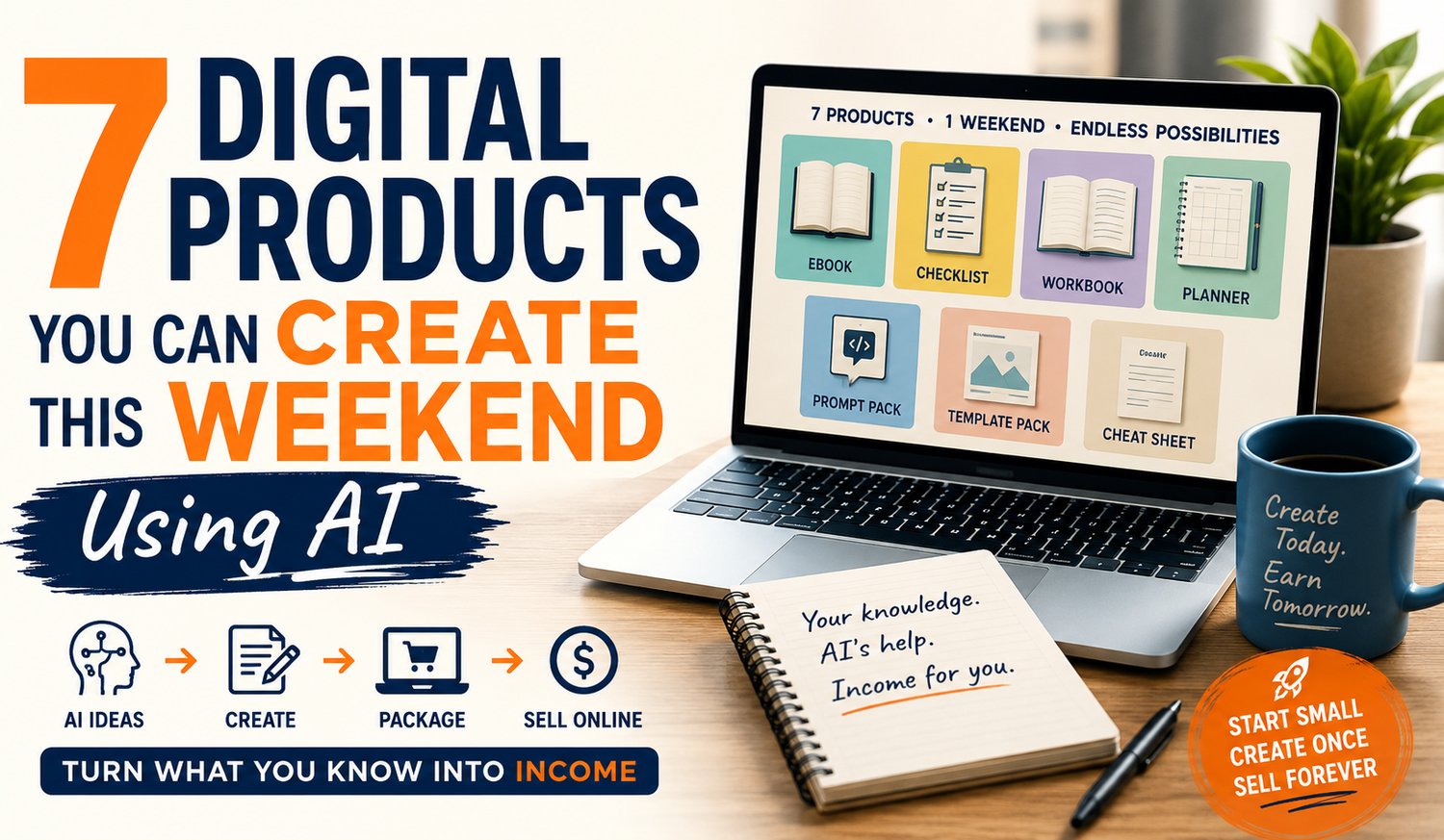
7 Digital Products You Can Create This Weekend Using AI

You Don't Need Months, a Huge Budget or Technical Skills to Create Your First Digital Product


Here's something that surprises many people when they first discover AI:

Creating a digital product doesn't have to take months.


You don't need a warehouse, expensive equipment or a team of designers. You don't even need to know how to code.


What you do need is something useful to share.


That might be knowledge from your career, something you've learned through a hobby, a skill you've developed over the years or simply a solution to a problem you've already figured out.


Add tools such as ChatGPT and Canva, and creating your first digital product becomes considerably easier. So here's a challenge:


Could you create your first digital product this weekend?


Quite possibly.

Here are seven ideas to get you started.


1. A Short eBook

Forget the idea that an eBook needs to contain hundreds of pages.

Some of the most useful digital products solve one specific problem for one particular type of reader.

If you've spent years gardening, your first eBook might be:

The Beginner's Guide to Growing Tomatoes in Small Spaces.

Love photography?


Try:

10 Simple Ways to Take Better Holiday Photos With Your Phone.

AI can help you organise your knowledge, create an outline, develop chapter ideas, improve your writing and proofread the finished manuscript.

The important ingredient is still your knowledge.

AI simply helps you package it.


2. A Checklist

Never underestimate the humble checklist.

They're quick to create, easy to use and can be extremely valuable when they help someone avoid mistakes.

Think about something you know how to do and break it into individual steps.

You might create:

  • A caravan departure checklist
  • A home downsizing checklist
  • A wedding photography checklist
  • A vegetable garden planting checklist
  • A first-time cruise checklist
  • A small business social media checklist

Ask AI to help organise your steps into a logical order, then use Canva to turn the information into an attractive downloadable PDF.

You could have your first product finished before the kettle has earned overtime.


3. A Workbook

A workbook takes information one step further.

Instead of simply telling someone what to do, you help them do it.

A workbook might contain questions, exercises, worksheets, planning pages and action steps.

For example, someone with years of recruitment experience could create a Career Change After 50 Workbook.

A keen family historian could create a Start Your Family Tree Workbook.

AI can help you develop the questions and exercises while Canva can help turn them into professional-looking pages.


4. A Planner

People love tools that help them become more organised.

Meal planners, content planners, gardening planners, travel planners, budgeting planners and project planners can all become useful digital products.

The trick is to focus on a particular audience or problem.

Instead of creating another generic planner, create something specific:

A 12-Month Vegetable Garden Planner for Beginners

is immediately more useful to the right person than:

My Planner.

AI can help identify what sections your audience might need and suggest ways to make the planner more useful.


5. A Prompt Pack

Here's a digital product that barely existed a few years ago.

A prompt pack is a collection of ready-to-use instructions that help people get better results from AI.

You could create prompts for:

  • Real estate agents
  • Gardeners
  • Small business owners
  • Bloggers
  • Coaches
  • Online sellers
  • Job seekers

The value isn't simply in supplying a pile of prompts.

The real value comes from understanding the audience well enough to know what they need AI to help them accomplish.

That's where your real-world experience becomes extremely valuable.


6. A Canva Template Pack

If you find yourself creating the same type of document or social media graphic repeatedly, there's a good chance someone else has the same problem.

That's where templates come in.

You might create templates for social media posts, checklists, worksheets, eBook pages, planners, presentations or promotional graphics.

Create the basic design once and your customer can customise it for their own needs.

Better still, combine templates with AI prompts that help customers create the words to put inside them.

Now you're not simply giving someone a design.

You're giving them a system for creating something useful.


7. A Cheat Sheet or Quick Reference Guide

Sometimes people don't want another 100-page book.

They just want the answer.

A good cheat sheet takes something complicated and reduces it to the most useful information someone needs at a glance.

Examples might include:

  • Beginner ChatGPT commands
  • Photography settings
  • Gardening planting times
  • Keyboard shortcuts
  • Social media image sizes
  • Basic woodworking measurements
  • Travel packing essentials

If you've ever created a little note for yourself because you couldn't remember something, you may already have the beginnings of a useful digital product.


Start With What You Already Know


Notice something about all seven ideas?

You don't need to invent anything.

Start with something you already understand.

  • Your career.
  • Your trade.
  • Your hobby.
  • Your experiences.
  • The problems you've solved.
  • The mistakes you've learned from.


AI doesn't replace that experience. It helps you organise it, develop it and turn it into something another person can use.

And don't make the mistake of trying to create your entire digital-product empire this weekend.

Create one useful thing.

  • Finish it.
  • Learn from it.
  • Then create the next one.

That's how a simple idea can eventually become a catalogue of products.


Ready to Create Your First Digital Product?

If you're thinking, "This sounds good, but I'd still like someone to show me what to do," we've created something specifically for you.


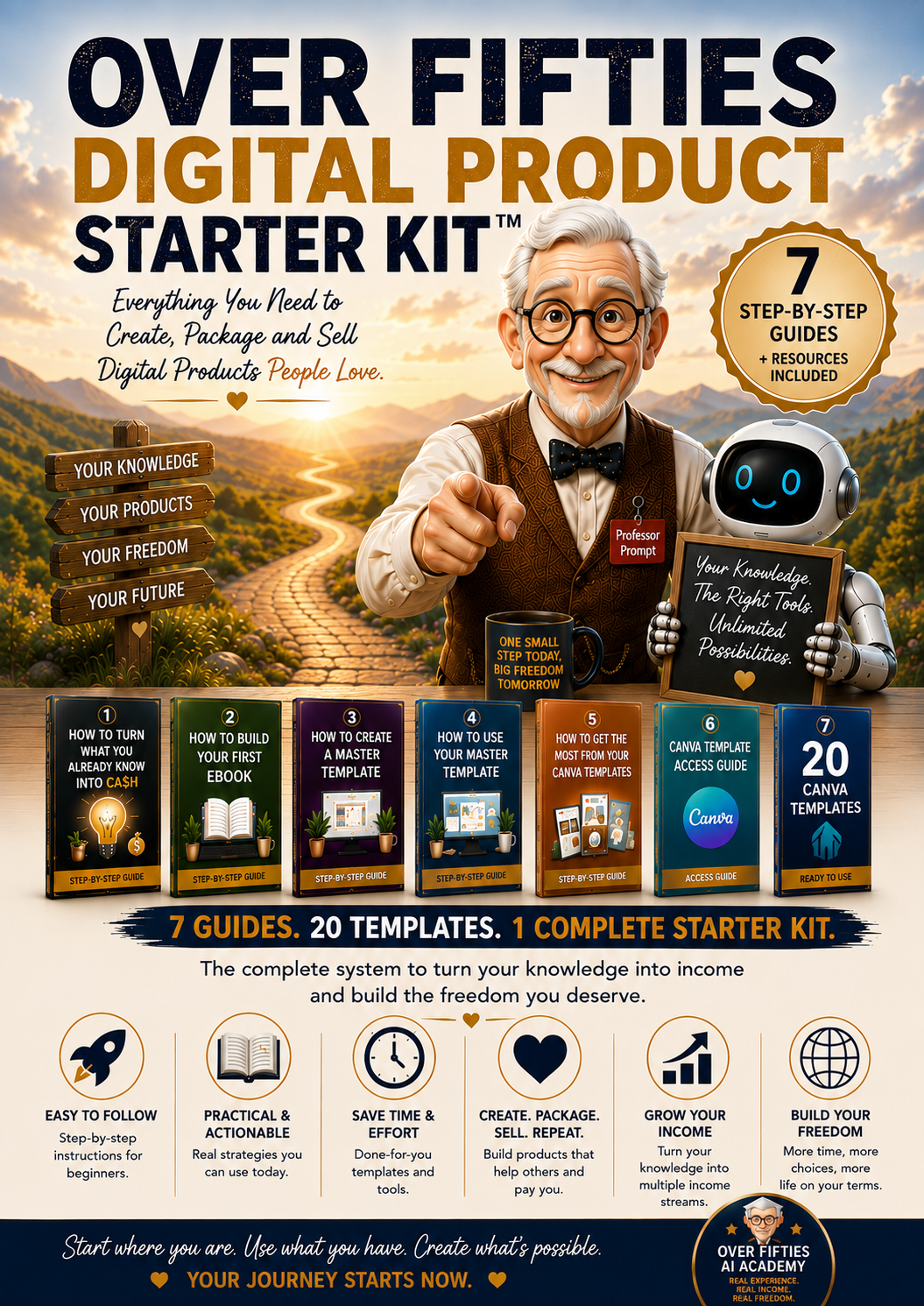
The Over Fifties Digital Product Starter Kit™ takes you through the process step-by-step, with practical guides and resources designed to help you move from an idea to a finished digital product without the technical overwhelm.

No previous experience required.

No coding.

And no need to figure everything out on your own.

Turn what you already know into something you can create, package and sell online.


Discover The Over Fifties Digital Product Starter Kit™

Because your first digital product doesn't need to be enormous.

It just needs to be useful.
The Over Fifties Digital Product Starter Kit™
On Sale
$27.00
$27.00
Added to cart

Here's the Step-by-Step Shortcut to Turning That Knowledge Into Something You Can Create, Package and Sell Online


Even If You Don't Have a Website, Have Never Sold a Digital Product and Think “Technical Know-How” Is Something Other People Have.


Turn What You Already Know Into Something You Can Sell.


The beginner-friendly, step-by-step system for creating, packaging and selling your first digital product — with no website, no previous experience and no technical know-how required.


You've already spent decades gaining the knowledge.

You shouldn't have to spend another decade learning how to sell it.


What If Your First Digital Product Is Already Sitting Inside Your Head?


You've spent years learning things.

Through work, hobbies, mistakes, successes and everyday life, you've collected knowledge that someone else may be trying to learn right now.


  1. The problem isn't that you don't know enough... you know plenty!
  2. The problem is knowing how to take what you know and turn it into something useful, professional and ready to sell.


That's exactly what the Over Fifties Digital Product Starter Kit™ was created to help you do.


From “I've Got an Idea” to “I've Got a Product”


  • You don't need to learn everything about online business.
  • You don't need to build a complicated website.
  • And you certainly don't need to spend months trying to become a graphic designer, copywriter or technology expert.
  • You simply need a clear path to follow.


Inside the Starter Kit, you'll discover how to choose an idea, organise what you know, create your content with help from AI, turn it into a professional-looking digital product and get it ready to sell online.

One step at a time.


Imagine Being Able To...


• Discover the knowledge you already have that could become your first digital product — even if you're currently thinking, “What on earth could I sell?”

• Turn a rough idea into a simple ebook outline without staring at a blank screen wondering where to begin.

• Use AI to help organise and develop your ideas while keeping YOUR knowledge, experience and personality at the heart of the finished product.

• Create professional-looking ebooks in Canva without needing to understand graphic design or start every page from scratch.

• Build one reusable Master Template that makes your second, third and tenth digital product dramatically easier to create.

• Discover how 20 ready-made Canva templates can become dozens — even hundreds — of individual pieces of content.

• Package what you've created into something that looks professional enough to proudly put your name on.

• Learn a simple way to sell your finished digital product online without needing to build your own website first.


And Here's the Best Part...


You don't have to figure out which step comes next!


We've already done that for you.

The Starter Kit gives you a simple roadmap that takes you from discovering what you could create...

...to building it...

...designing it...

...packaging it...

...and getting it ready to sell.


No More “Where Do I Start?”


  • No more bouncing between dozens of YouTube videos.
  • No more buying five different courses only to discover you need another course to understand the first five.
  • No more disappearing down a technology rabbit hole and emerging three weeks later knowing everything about Canva except how to finish your ebook.


You start with what you already know.

Then you follow the roadmap... Simple.


Your Knowledge Is the Raw Material.


  1. AI helps you organise it.
  2. The guides show you what to do next.
  3. The templates help you make it look good.


And by the end, you won't simply understand how digital products are created.

You'll have everything you need to start creating one of your own.


Here's Everything You Get Inside...


This isn't a folder stuffed with random PDFs and a few templates thrown in to make the numbers look impressive.

The Over Fifties Digital Product Starter Kit™ has been designed as a simple, step-by-step system.


  • Each guide has a job to do.
  • Each step builds on the one before it.


And together, they'll take you from wondering what you could possibly create...

...to having the tools, templates and know-how to create a digital product of your own.


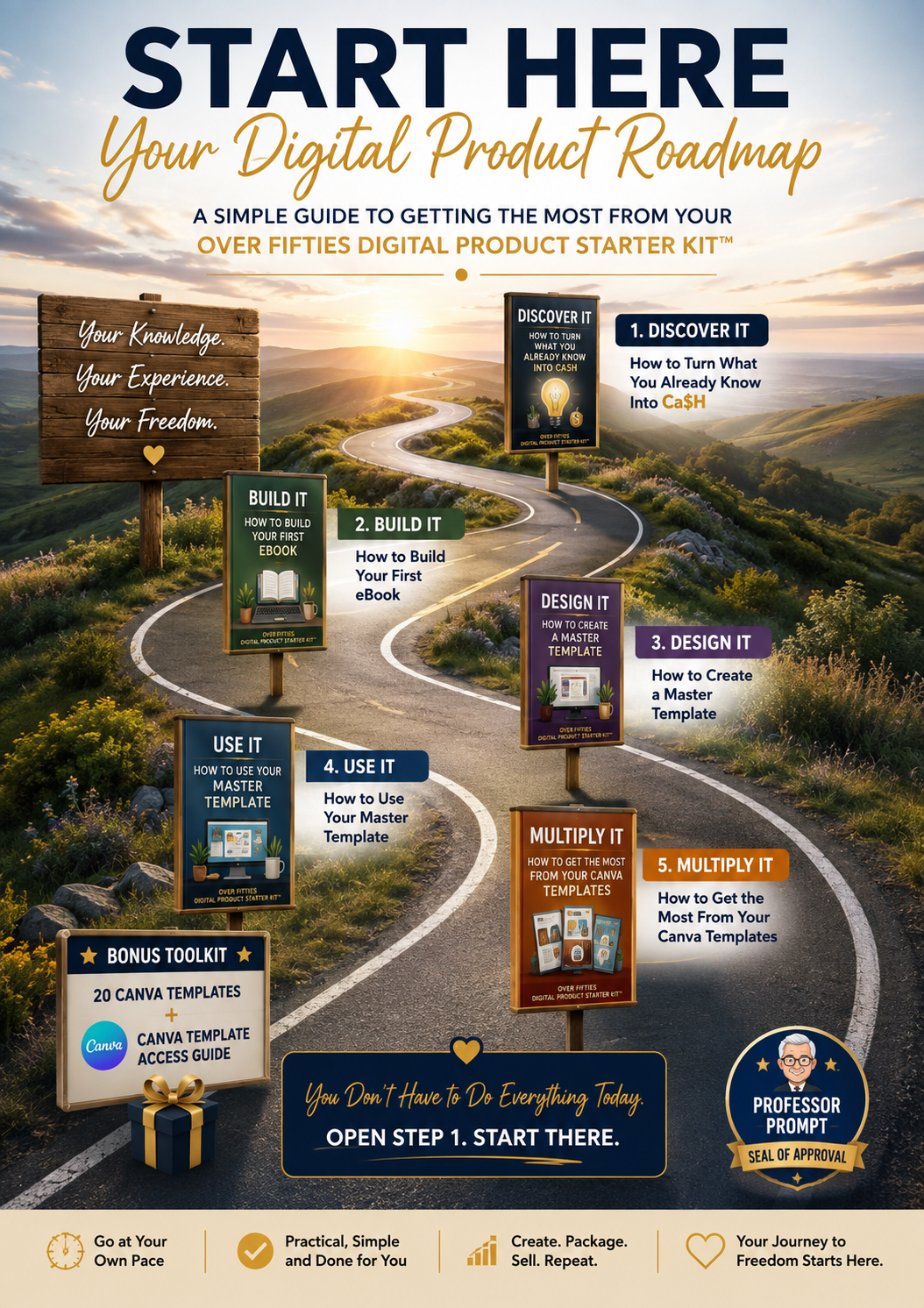
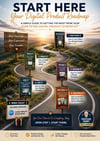
START HERE — Your Digital Product Roadmap


Before you do anything else, start here.


Your Digital Product Roadmap shows you what's inside your Starter Kit, how everything fits together and the easiest order to work through it.


You'll discover where to begin, which guide to use next and how each piece of the Starter Kit moves you closer to creating your first digital product.


You will see the entire journey before you take your first step — so you'll never have to wonder, “What am I supposed to do next?”


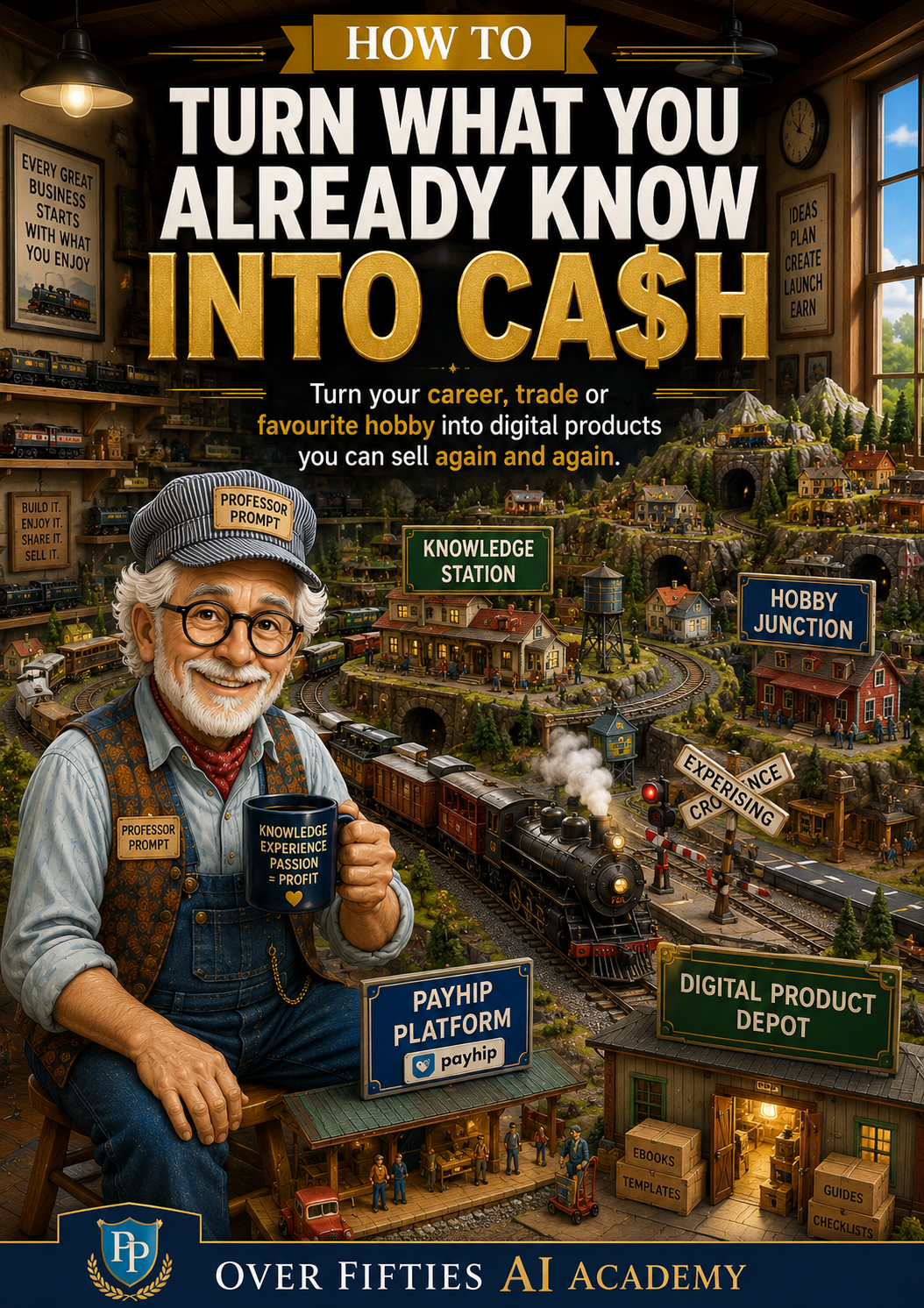
How to Turn What You Already Know Into Ca$H


Think you don't have anything worth turning into a digital product?


You might be surprised.

This guide helps you you look at your existing knowledge, skills and life experience differently — and identify ideas that could be transformed into something useful people may be willing to buy.


You'll learn how to choose an idea, think about the person you're creating it for, package your knowledge and start turning what you know into a real digital product.


  • You will discover why the idea for your first product may have been sitting under your nose for years — and how AI can help you uncover it.


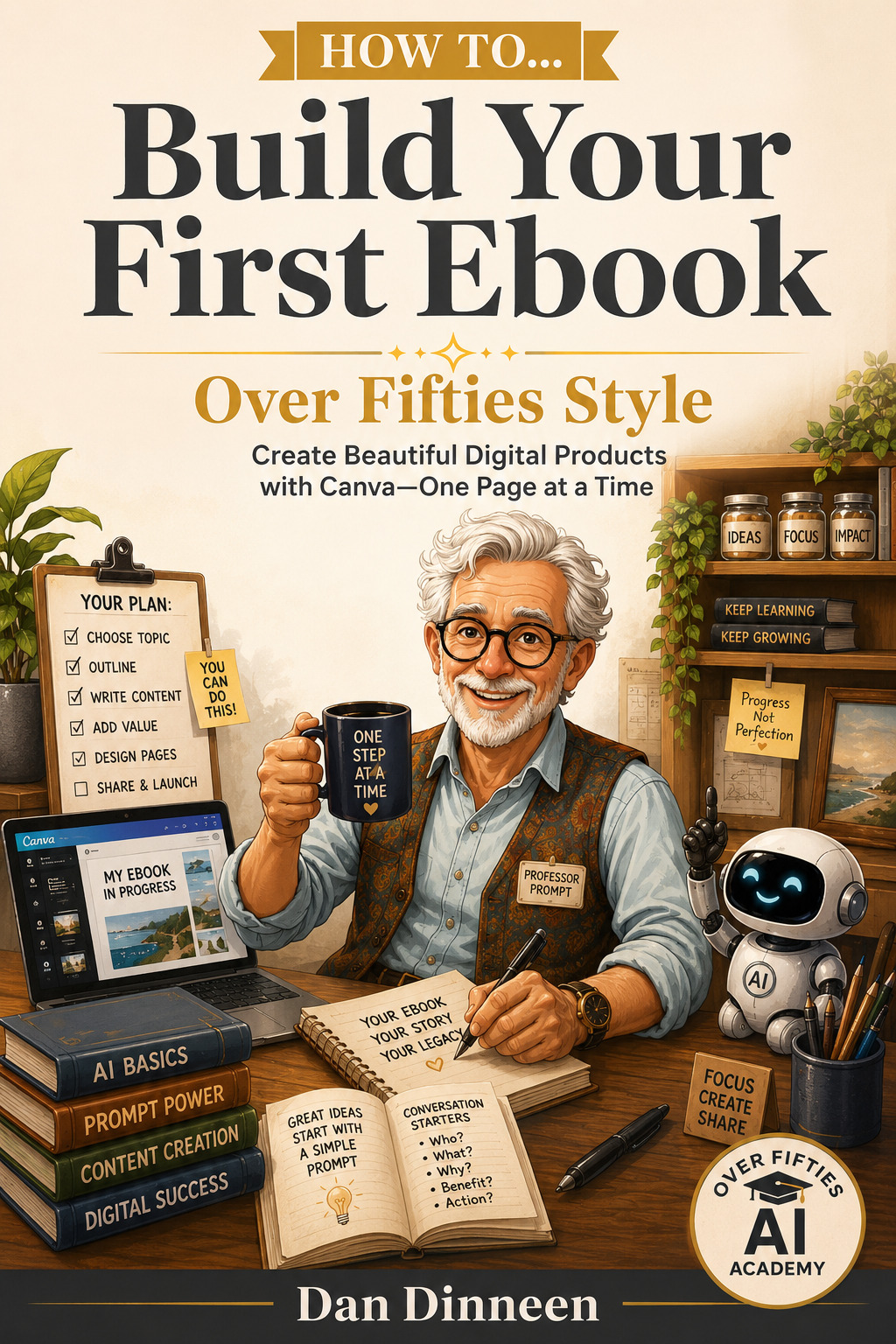
How to Build Your First Ebook


Once you've found your idea, it's time to turn it into something real.


This beginner-friendly guide walks you through planning, structuring, writing, designing, reviewing and publishing your first ebook.


You'll learn how to use AI to help organise your thoughts, create an outline and develop your content — without handing over your personality or experience to a machine.


  • Discover the simple “framework first” approach that can stop you wasting hours perfecting Page 1 while Pages 2–30 remain completely blank.


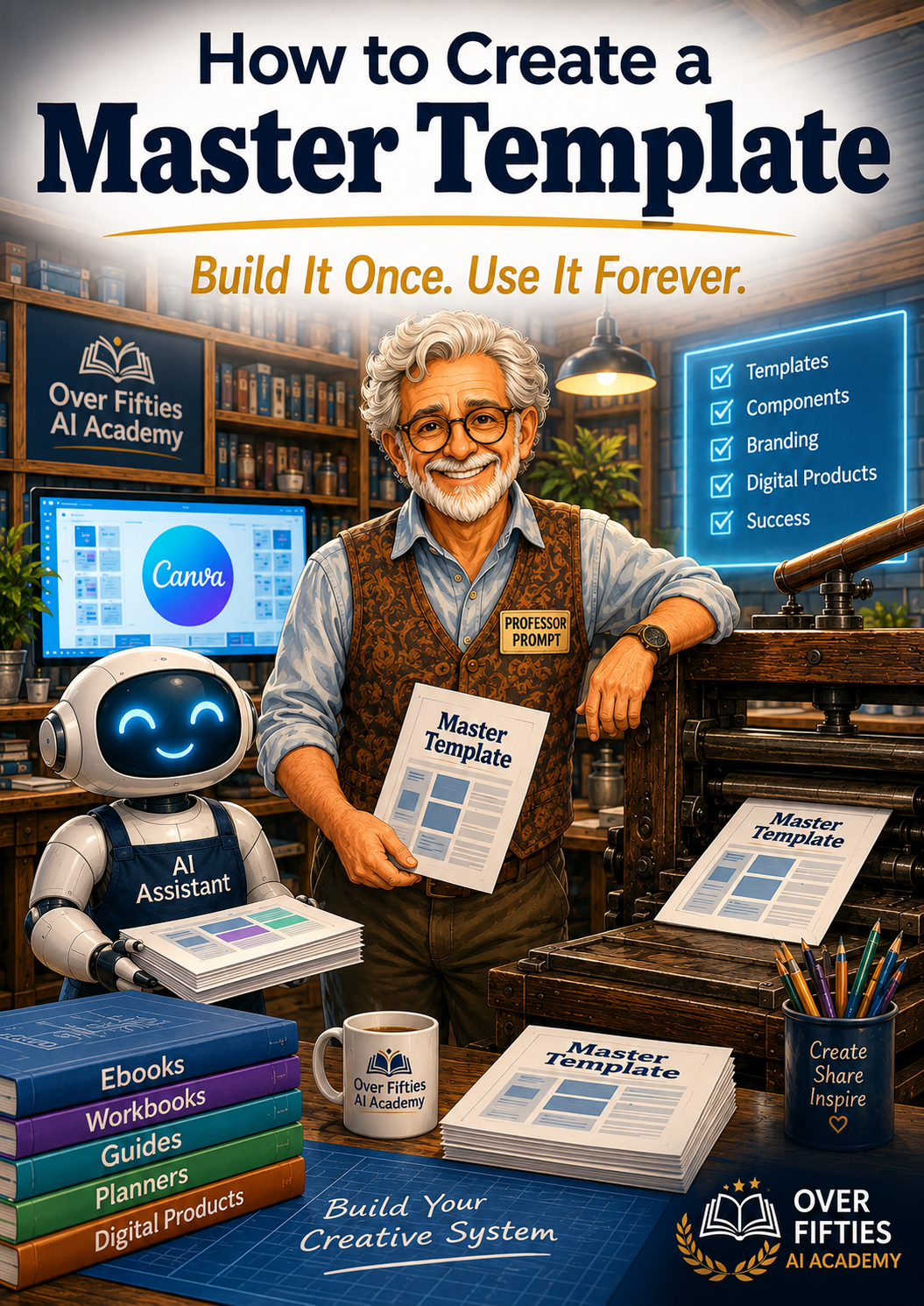
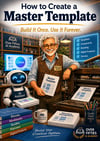
How to Create a Master Template


Here's where creating your NEXT digital product starts becoming much easier.


Instead of designing every ebook from scratch, you'll learn how to create your own reusable Master Template in Canva.

Build your favourite page layouts once...

Then duplicate, customise and reuse them whenever you create something new.


  • Learn how to turn hours of repetitive formatting into a reusable design system you can keep using again and again.


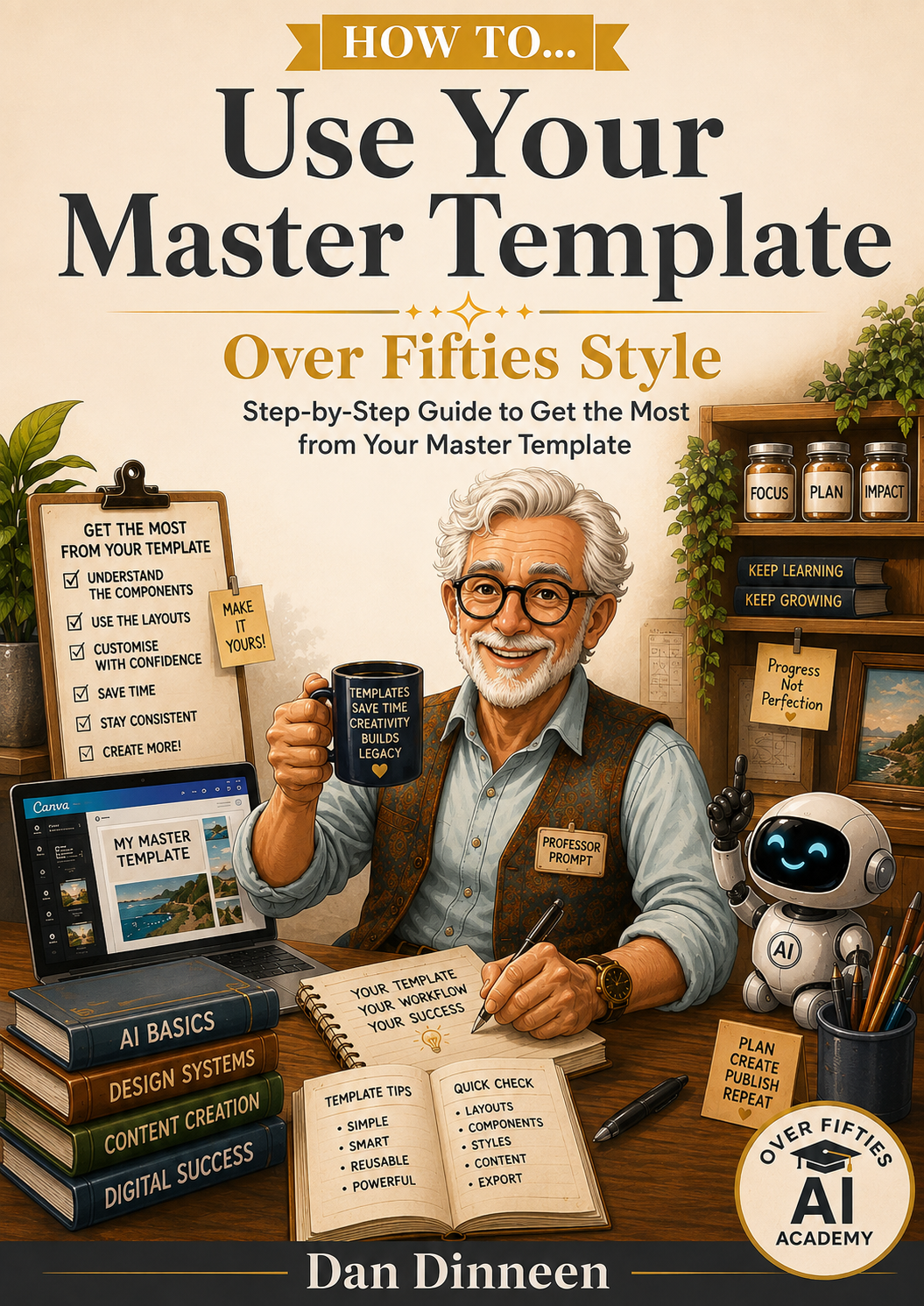
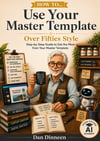
How to Use Your Master Template


Building a Master Template is one thing...


Knowing how to use it efficiently is where the real time-saving begins.

This guide shows you how to duplicate your original, select the layouts you need, replace placeholders, add your own content and turn that reusable framework into a finished product.


You will discover why DUPLICATE might become your favourite button in Canva — and why you'll never want to start with a blank page again.


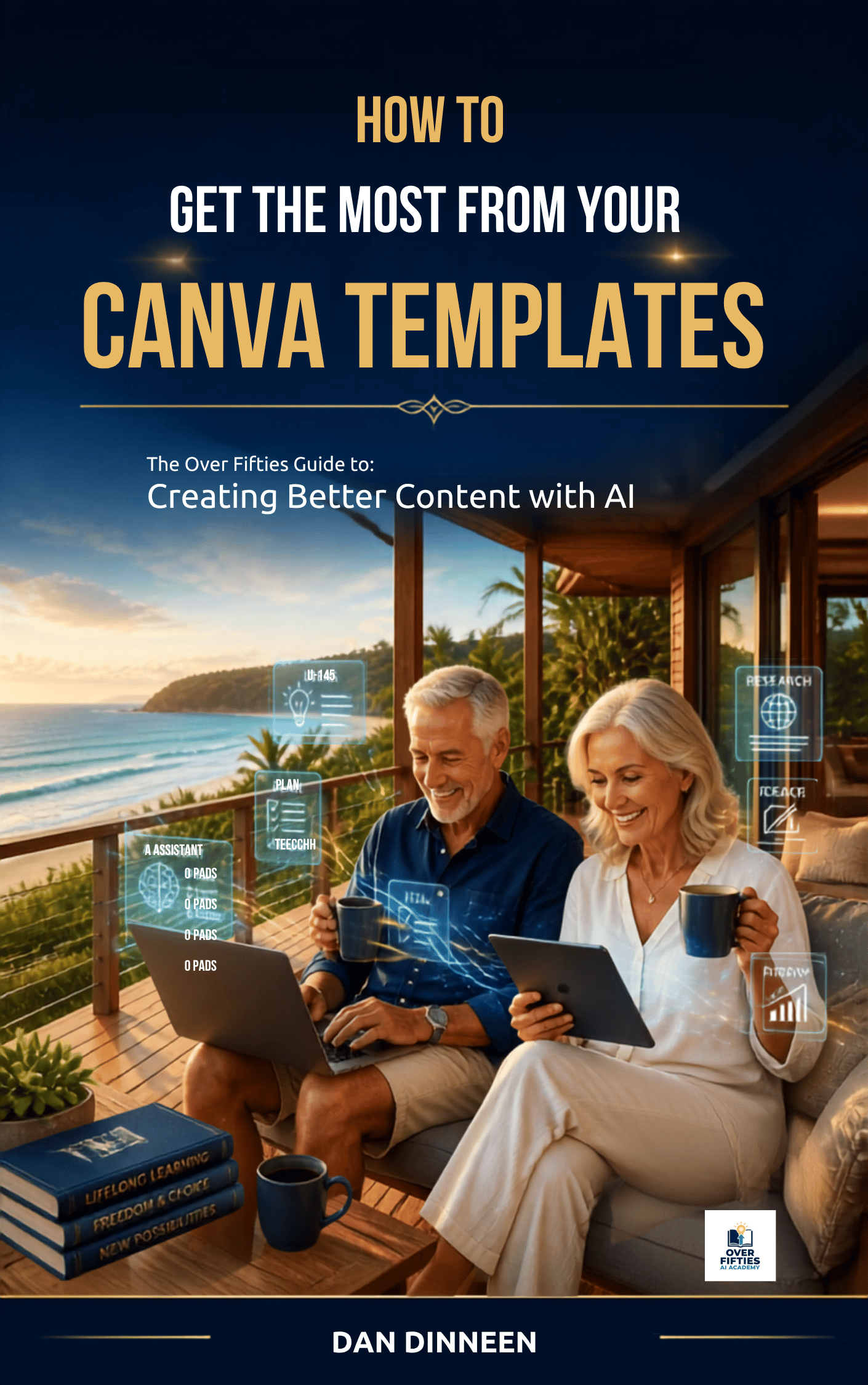
How to Get the Most From Your Canva Templates


Templates aren't supposed to be used once and forgotten.


This guide shows you how to customise, reuse and repurpose your Canva templates to create more content without constantly reinventing the wheel.


  • Change the words.
  • Change the image.
  • Change the purpose.
  • Create something new.


  • You will discover how ONE good template can become dozens of different designs — without needing dozens of new ideas or dozens of afternoons fighting with Canva.


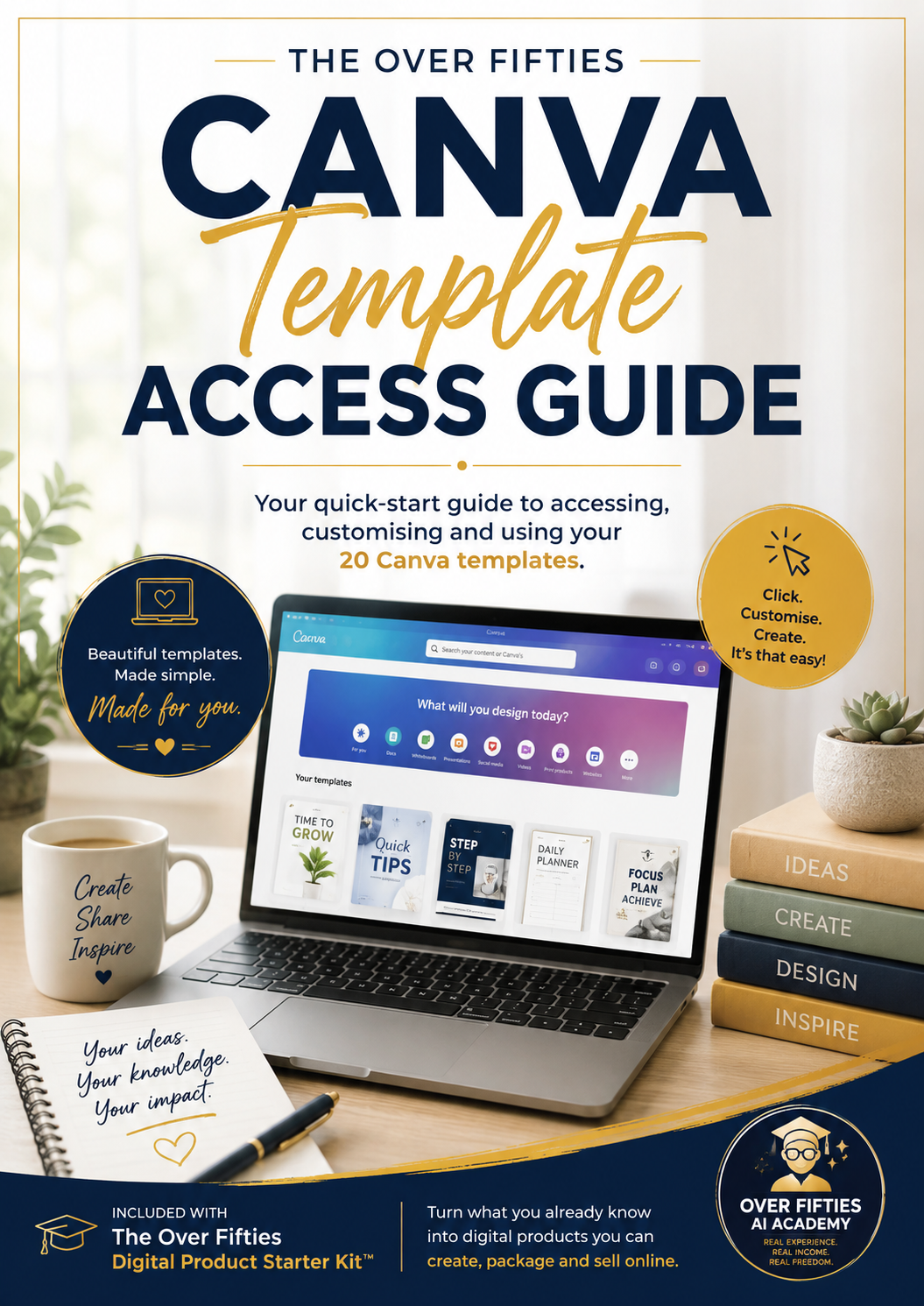
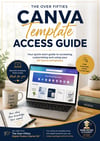
Your Canva Template Access Guide

No hunting through folders wondering where everything went.


Your Template Access Guide gives you one convenient place to access your complete Canva template collection, along with simple instructions for opening, copying, renaming and using your templates safely.


  • Open your templates, make your own copy and start creating — while keeping the originals safely tucked away for next time.


PLUS — 20 Ready-to-Use Canva Templates


And now we get to the toys


You'll also receive 20 professionally designed Canva templates covering a range of practical content styles — giving you ready-made starting points instead of another blank Canva screen.


  • Use them.
  • Duplicate them.
  • Change them.
  • Make them yours.


And because they're reusable, 20 templates don't mean just 20 designs — they can become dozens, hundreds or even more over time.


  • You will learn how to turn 20 starting points into your own growing library of branded content — without becoming a graphic designer.


Seven Guides. Twenty Templates. One Simple Roadmap.


You don't need another folder full of information you'll never use.


  • You need to know what to do FIRST.
  • Then what to do NEXT.
  • And what to do AFTER THAT.


  • That's what makes the Over Fifties Digital Product Starter Kit™ different.
  • It isn't designed to teach you everything there is to know about digital products.
  • It's designed to give you enough knowledge, enough guidance and enough practical tools to actually...


CREATE YOUR FIRST ONE.


And once you've done that?

The second one doesn't start from zero.

You've got the knowledge.

You've got the process.

You've got the templates.

And now...

You've got the experience.


But Hang On... We've shown you what's inside.


BUT... What Would All This Cost Separately?


By now, you've seen exactly what's inside the Over Fifties Digital Product Starter Kit™.

But here's an important question...

What would it cost if you bought everything separately?

Let's take a look.


START HERE — Your Digital Product Roadmap

Standalone Value: $9

A simple visual roadmap showing you what's inside your Starter Kit, where to begin and which step to take next.


How to Turn What You Already Know Into Ca$H

Standalone Value: $17

Discover how to identify the knowledge, skills and experience you already have — and turn them into ideas for digital products people may actually want to buy.


How to Build Your First Ebook

Standalone Value: $17

A practical, beginner-friendly guide to planning, creating, designing, reviewing and publishing your first professional-looking ebook.


How to Create a Master Template

Standalone Value: $17

Learn how to build your own reusable Canva Master Template so you don't have to start from scratch every time you create a new digital product.


How to Use Your Master Template

Standalone Value: $9

Discover the simple duplicate, customise and create process that turns your Master Template into a powerful shortcut for future projects.


How to Get the Most From Your Canva Templates

Standalone Value: $9

Learn how to customise, reuse and repurpose your templates so one good design can become dozens of different pieces of content.


PLUS — 20 Ready-to-Use Canva Templates

Standalone Value: $17

Twenty professionally designed, reusable Canva templates give you ready-made starting points for creating polished content without facing another blank page.


You'll also receive your Canva Template Access Guide, with simple instructions and convenient links to help you access, copy and start using your templates.


TOTAL VALUE: $95


If you purchased these products separately, you could expect to pay $95.


But I don't want you buying one guide today...


Another one next month...


Then discovering three months from now that you needed something else before you could finish what you started.


I want you to have the entire roadmap from Day One.


The guides.


The templates.


The process.


And a clear idea of what to do next.


So You Won't Pay $95.


Not $79.


Not $59.


Not Even $49.


You can get the complete Over Fifties Digital Product Starter Kit™ today for just... US$27


That's seven step-by-step guides, 20 reusable Canva templates and a complete beginner-friendly roadmap designed to help you turn what you already know into your first digital product.


  • No website required.
  • No previous digital-product experience required.
  • No complicated technical knowledge required.
  • And no spending the next six months trying to piece everything together yourself.


Start With What You Already Know.


  • You don't need another enormous course.
  • You don't need hundreds of hours of training.
  • And you certainly don't need to become an expert in everything before you're allowed to begin.
  • You need an idea.
  • You need a simple process.
  • You need the right tools.


And most importantly...

  • You need to take the first step.


You've Already Spent Decades Gaining the Knowledge.


You Shouldn't Have to Spend Another Decade Learning How to Sell It.


The Over Fifties Digital Product Starter Kit™ gives you the roadmap, guides and templates to help you stop wondering where to begin...


...and start creating.


Click Here & Get the Complete Starter Kit Today — Just US$27


Everything comes together in one convenient download, with your START HERE guide showing you exactly what to open first.

You will get a ZIP (165MB) file