
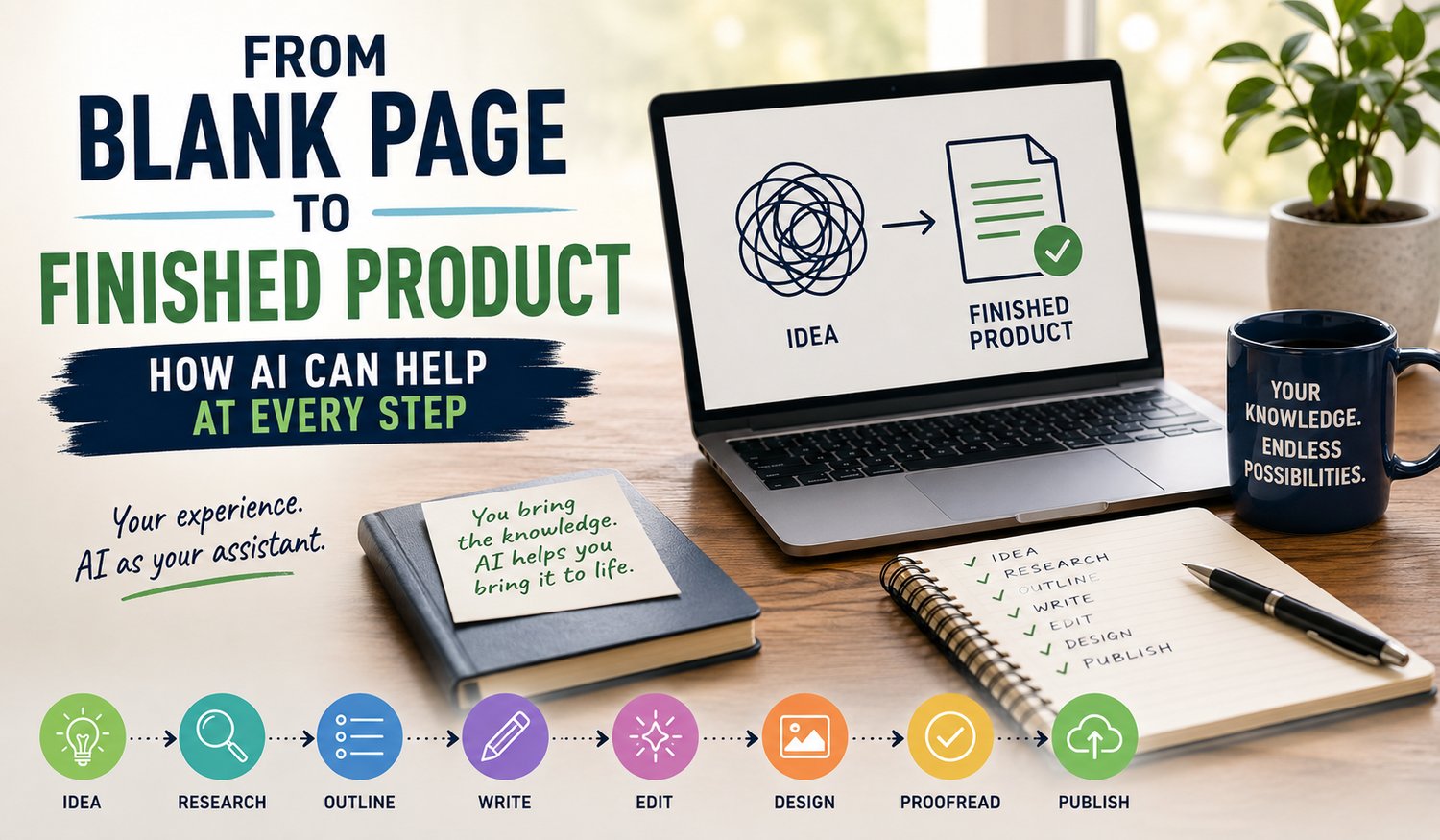
You Bring the Knowledge. AI Helps You Turn It Into Something Useful.
One of the hardest parts of creating your first digital product isn't writing it...
It's knowing where to start.
You open a blank Word document.
The cursor flashes at you.
You make another coffee.
Twenty minutes later, the cursor is still flashing and you've somehow ended up watching a YouTube video about restoring a 1967 Holden.
We've all been there.
The good news is that AI can make that blank page considerably less intimidating. Whether you're creating an eBook, workbook, checklist, planner, prompt pack or online guide, AI can help at almost every stage of the process.
It doesn't need to replace your knowledge or do everything for you.
Think of AI as an enthusiastic assistant sitting beside you.
You provide the experience and direction. AI helps with the heavy lifting.
Here's how.
1. Finding the Right Idea
Sometimes you know you'd like to create a digital product but have absolutely no idea what that product should be.
This is a perfect job for AI.
Start by telling it about yourself.
- What did you do for a living?
- What are your hobbies?
- What problems have you solved?
- What do friends regularly ask you for advice about?
You might say:
"I've spent 30 years working as a landscape gardener and I'd like to create a simple digital product for beginner gardeners. Give me 20 product ideas based on my experience."
Suddenly you're no longer staring at a blank page.
You're choosing between possibilities.
AI didn't give you the experience.
It simply helped you see the value in experience you already had.
2. Researching Your Topic
Once you've chosen an idea, the next question is usually:
What should I include?
AI can help you brainstorm the questions a beginner might ask, identify useful subtopics and suggest areas worth researching further.
If you're creating a beginner's guide to caravan travel, for example, AI might suggest sections covering packing, towing, campsite etiquette, safety, budgeting and trip planning. That gives you a starting point for your own research.
There's an important rule here, though:
AI can make mistakes.
Always check important facts, statistics, prices, laws, medical information or anything else where accuracy matters.
Use AI to help with research.
Don't hand over your common sense with the keyboard.
3. Creating Your Outline
This is one of my favourite uses for AI.
Give it your idea and ask it to organise the subject into a logical, step-by-step outline.
Within seconds, that intimidating blank document can become:
Introduction
Chapter 1
Chapter 2
Chapter 3
Exercises
Checklist
Resources
Conclusion
You haven't written the book yet—but you've created the roadmap.
And psychologically, that's a huge difference.
Instead of thinking:
"I've got to write an entire eBook."
You're thinking:
"Today I'll write Chapter 1."
Much easier.
4. Writing Your First Draft
Now AI can really start earning its keep.
You don't need to sit down and type every sentence from scratch.
Give AI your notes, stories, experiences and instructions, then ask it to help create a first draft.
The important word there is help.
Don't simply type:
"Write an eBook about fishing."
Tell AI who the reader is, what you're trying to teach, the tone you'd like to use and what information needs to be included because better instructions produce better results.
Then read what it gives you.
Add your stories.
Correct anything that's wrong.
Remove anything that sounds like a robot swallowed a dictionary.
Make it yours.
5. Editing and Improving
Here's where AI becomes your second pair of eyes.
You can ask it to:
- Simplify a complicated paragraph
- Shorten a long section
- Improve a headline
- Suggest a better example
- Remove repetition
- Make something easier for a beginner to understand
- Rewrite awkward sentences
- Improve the flow between sections
You can even ask:
"What could make this chapter more useful to someone who knows absolutely nothing about the subject?"
That's a surprisingly powerful question.
Remember, though, you're still the editor.
AI suggests. You decide.
6. Creating Images and Graphics
Your finished product doesn't need to look like a university thesis from 1983.
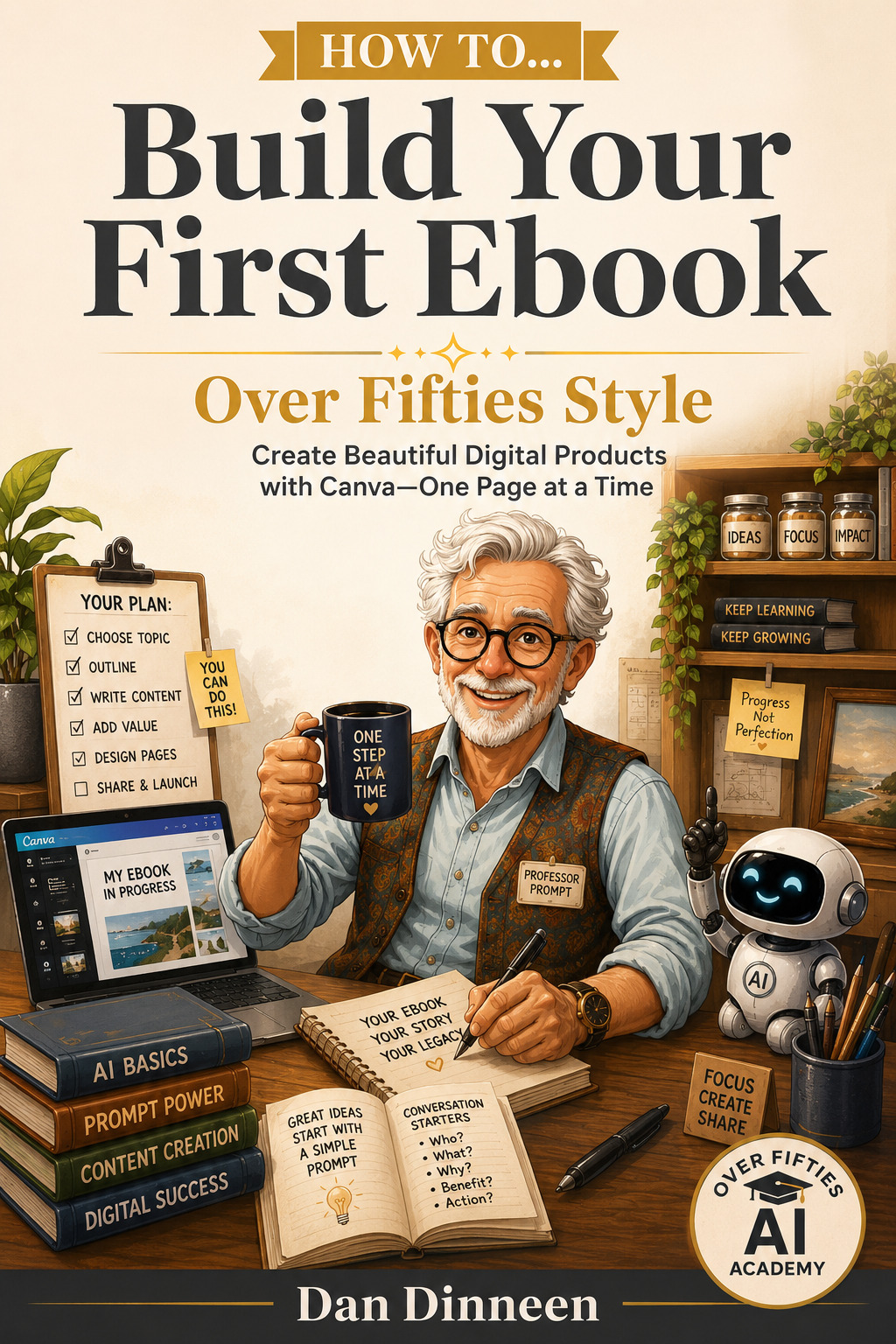
Tools such as Canva and AI image generators can help you create:
- eBook covers
- Illustrations
- Diagrams
- Checklists
- Worksheets
- Infographics
- Social media graphics
- Product mockups
You don't need advanced graphic design skills.
Start with a template, change the colours and text, add appropriate images and keep things simple.
Good design isn't about cramming everything onto the page. It's about making your information easy and enjoyable to use.
7. Proofreading the Finished Product
- Before publishing anything, proofread it.
- Then proofread it again.
AI is excellent at spotting spelling mistakes, awkward sentences, repeated words and grammatical problems.
But—and this deserves repeating—
AI makes mistakes too.
Never assume something is correct simply because AI wrote it confidently.
Read your finished product yourself.
Check names.
Check links.
Check numbers.
Check instructions.
Make sure no placeholder text survived the editing process.
AI can be your proofreader.
You remain the final quality-control department.
8. Turning One Product Into More Content
You've finished your product — Excellent!
But don't throw all that research and writing into a virtual filing cabinet and forget about it.
Ask AI to help repurpose it.
One eBook chapter could become:
- A blog article
- Five social media posts
- A checklist
- A short video script
- An email
- A carousel
- A conversation starter
- A downloadable cheat sheet
Suddenly one piece of work is doing several jobs.
That's one of the biggest advantages AI gives small creators.
You don't always need more ideas. Sometimes you simply need to get more mileage from the good ideas you already have.
9. Publishing Your Finished Product
Eventually there comes a point when you have to stop editing.
Yes, you could change that heading again.
Yes, perhaps that image could move three millimetres to the left.
Yes, you could spend another fortnight choosing between two shades of blue.
Or...
You could publish it.
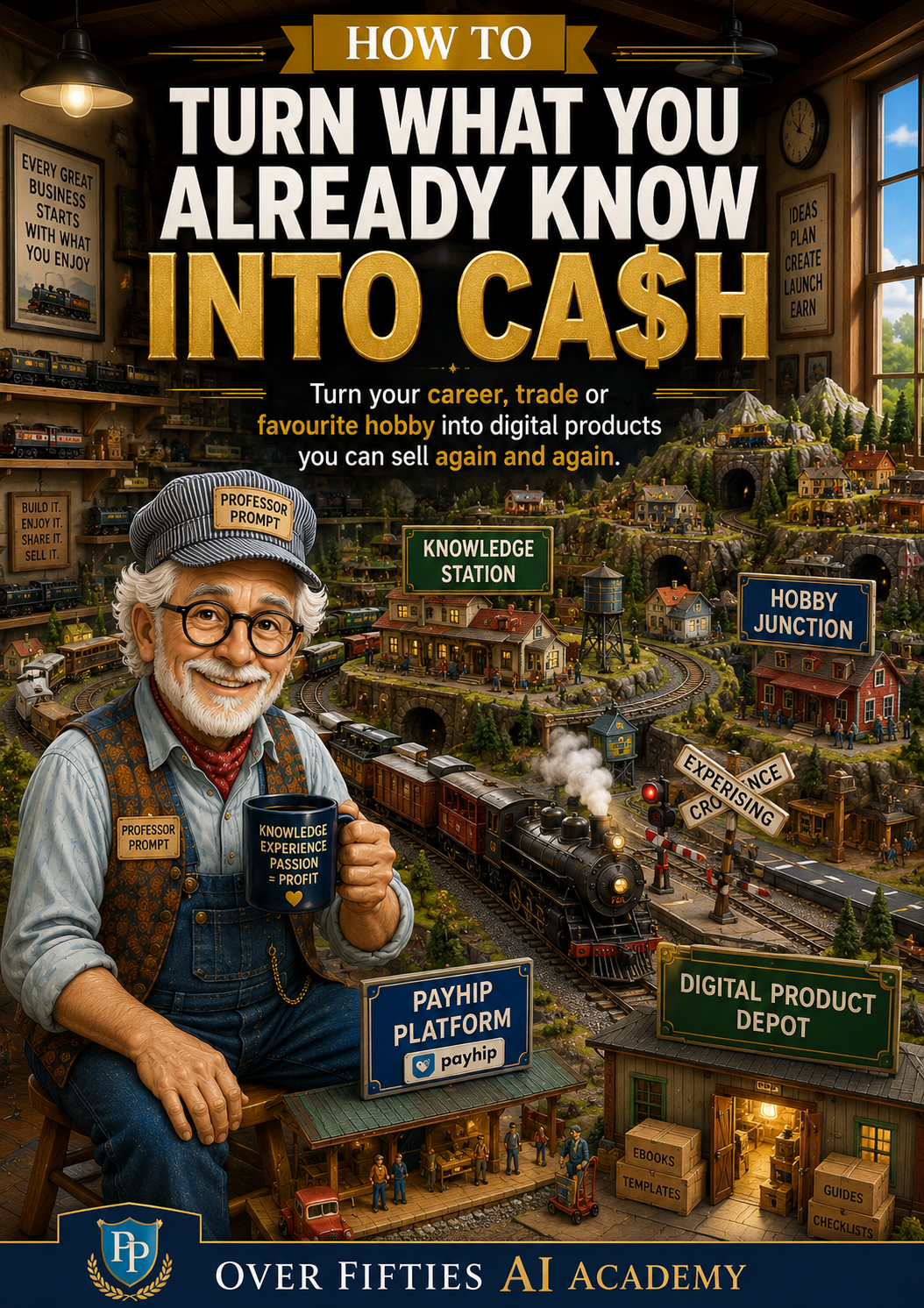
Platforms such as Payhip make it possible to upload your digital product, create a sales page, set a price and make it available for customers to download.
Your first product doesn't have to be perfect.
It needs to be useful, accurate and good enough that you're proud to put your name on it.
Then you learn from the experience and make the next one even better.
AI Doesn't Replace What You Know
There's a common misconception that AI somehow makes experience less valuable.
I believe the opposite is true.
AI can generate words.
It can suggest ideas.
It can organise information.
But it hasn't spent 30 years working in your trade.
It hasn't raised your family.
It hasn't spent decades enjoying your hobby.
It hasn't made your mistakes, solved your problems or learned your lessons.
That's the valuable part you bring to the partnership.
AI simply gives you new ways to turn that knowledge into something useful.
Ready to Turn Your Knowledge Into Your First Digital Product?
You don't have to work out the entire process by yourself.
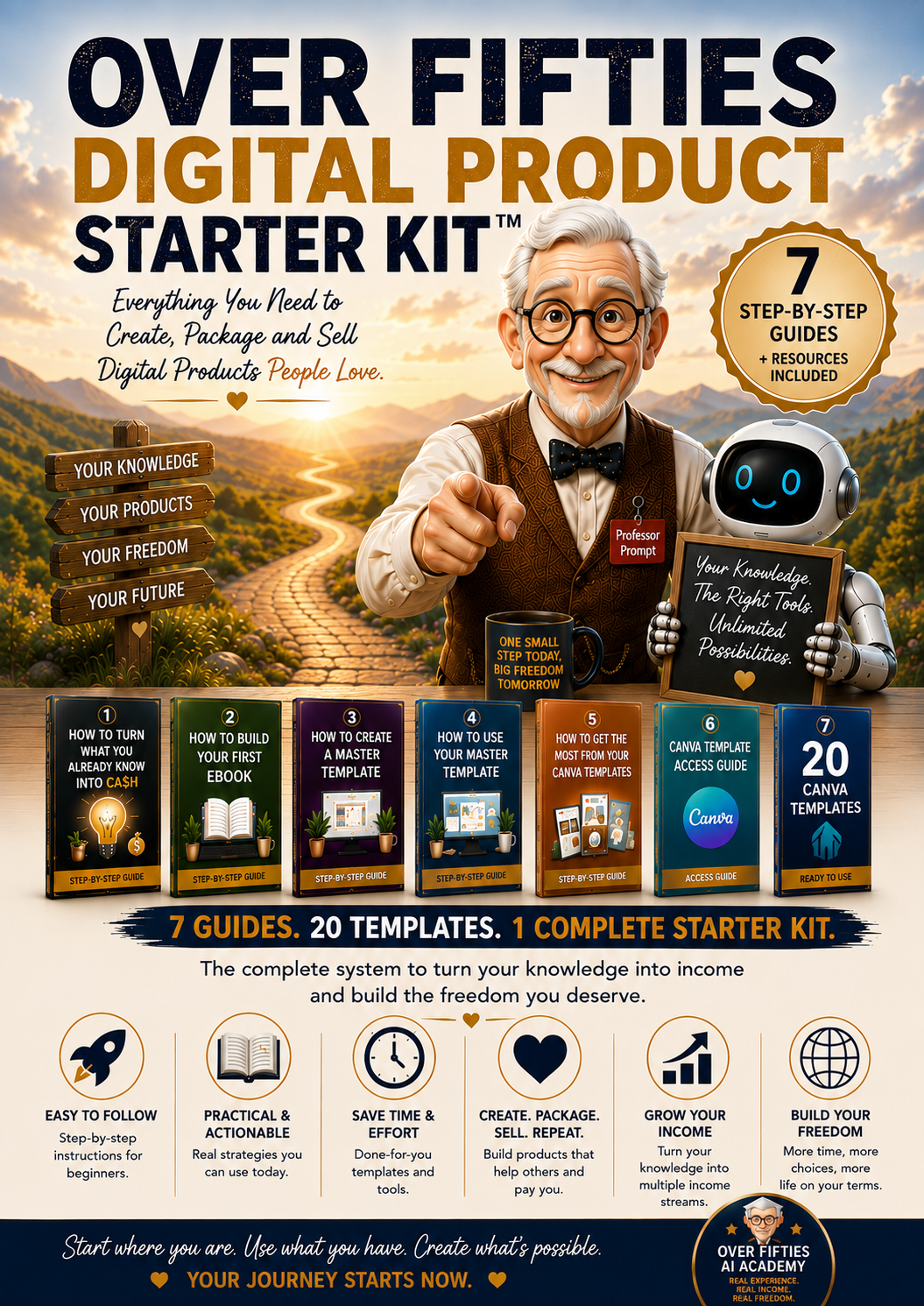
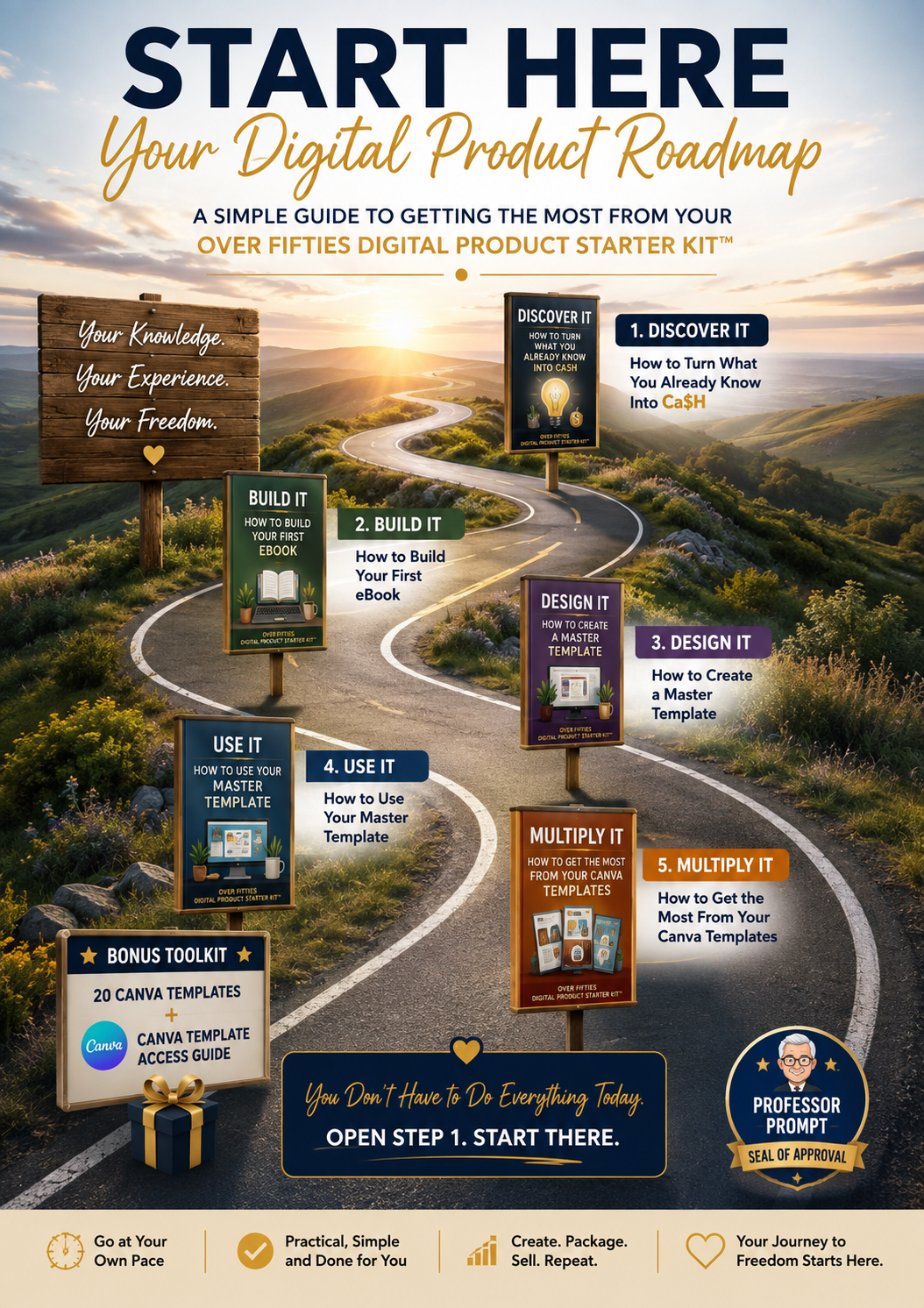
The Over Fifties Digital Product Starter Kit™ was created to help beginners move from that first idea to a finished digital product using practical, step-by-step guides and resources.
- No coding.
- No previous digital publishing experience.
- No technical mumbo jumbo.
Just straightforward help to get you creating.
You've already spent years gaining the knowledge. Now let AI help you put it to work.