
If you've already watched the video above, this is basically the written version with a few extra thoughts that I couldn't really fit into the video.
I genuinely think fan editors are one of the most talented creative communities on the internet. Like... every single day I see people making insane motion graphics, visual effects, 3D work, transitions and all this crazy stuff just because they enjoy editing.
But at the same time, I also think we're one of the most underpaid creative communities.
Not because people aren't talented enough.
Most of the time, it's because nobody really teaches editors how to actually make money from the skills they already have.
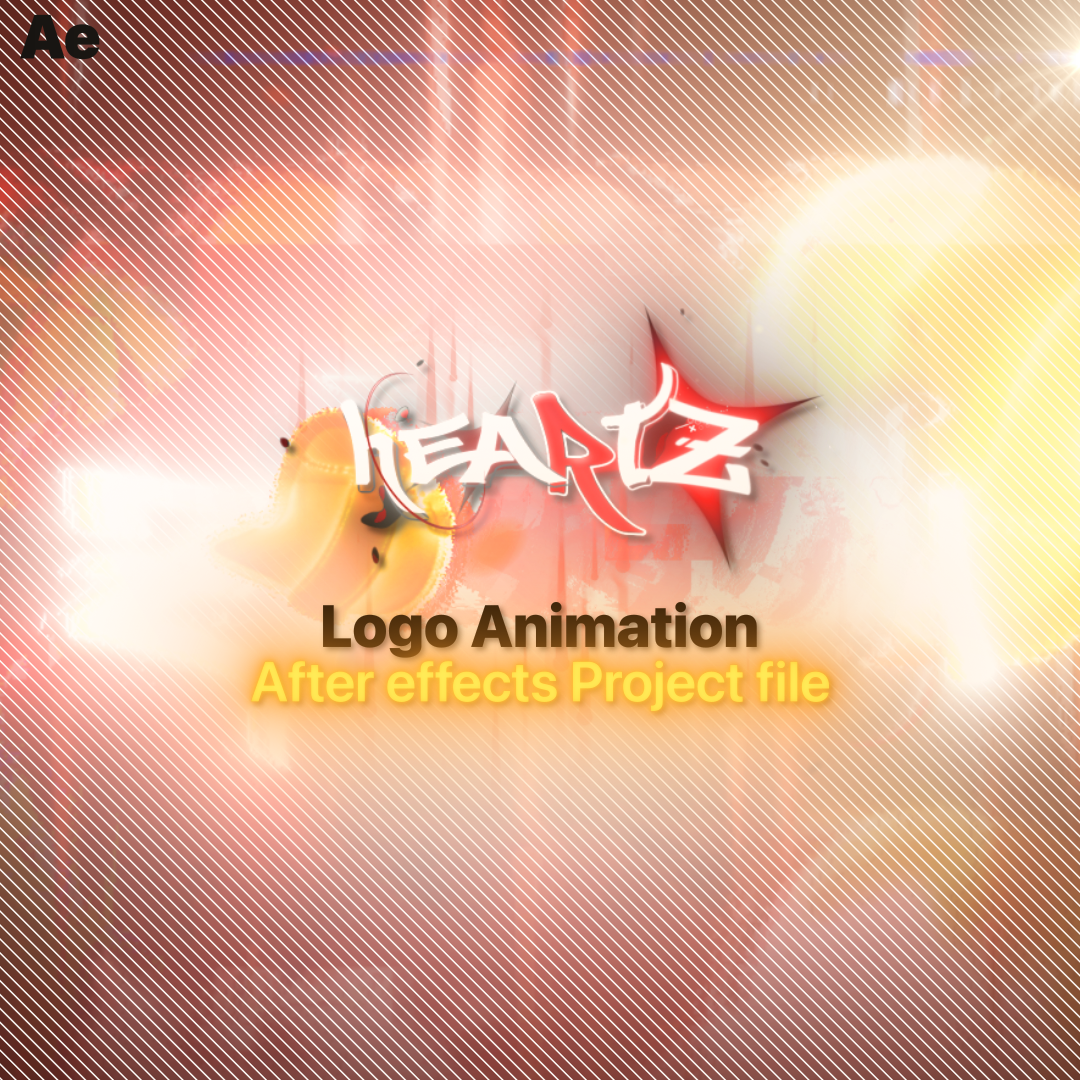
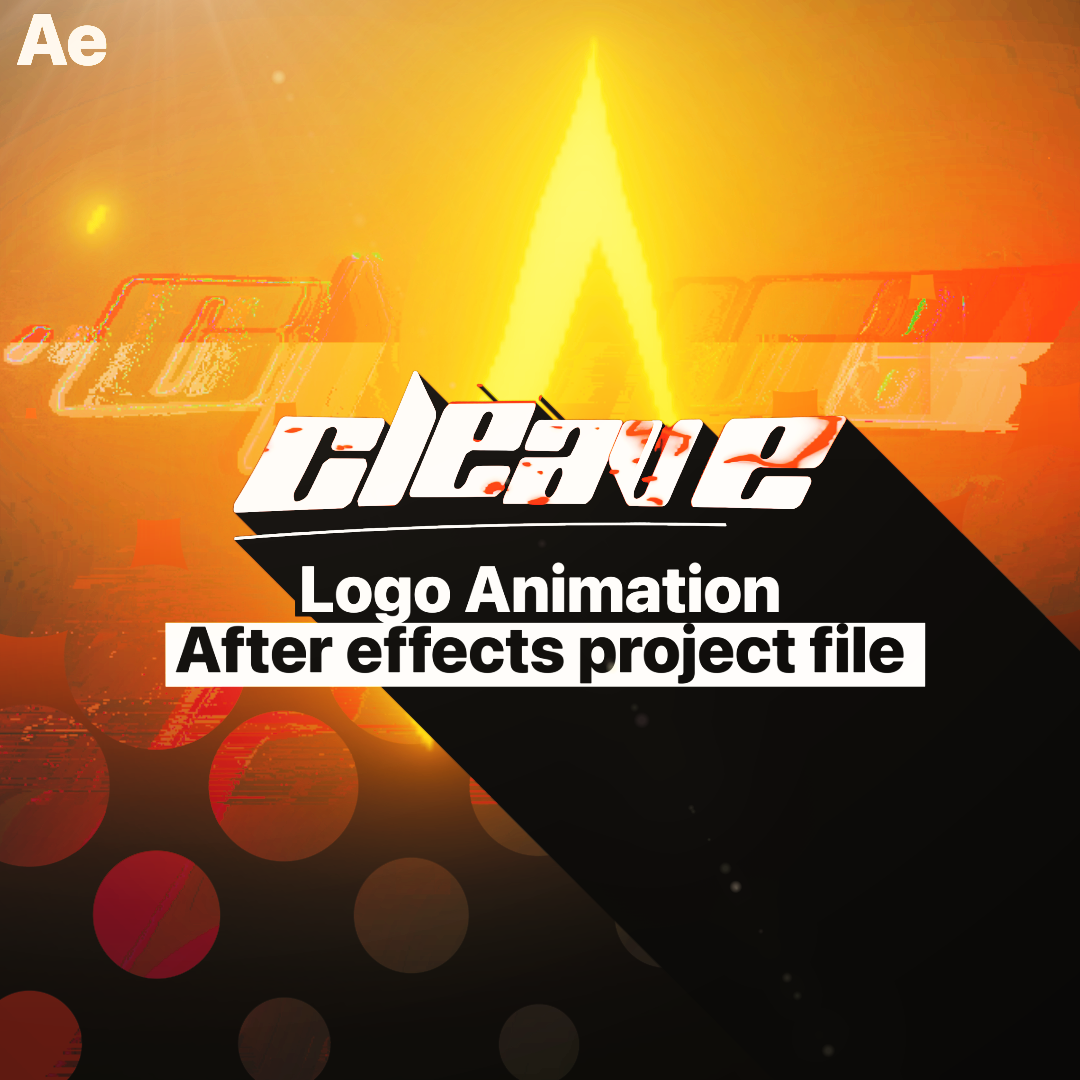
A lot of people think the only option is commissions. And don't get me wrong, commissions are great, but they're definitely not the only way to earn from editing. The thing is, most editors already have products without even realizing it. Project files, overlays, presets, transitions, tutorials... chances are you've already made something that another editor would happily pay for.
So in this guide, I just wanna go through everything I personally wish someone explained to me way earlier. Not only how to actually sell your editing resources, but also how to package them properly, promote them better, and hopefully make editing feel a little more sustainable long-term instead of only depending on commissions or hoping one edit randomly blows up.
Hopefully some of this helps.
Why I Think Fan Editors Are So Underpaid
I know this is probably gonna sound a little dramatic, but I genuinely think fan editors are one of the most underpaid creative communities out there.
Like... some people spend hours making a single edit. Not just putting clips together, but actually animating text, making transitions from scratch, creating overlays, doing VFX, learning After Effects, Blender, 3D, all that... and then either post it for free or get offered like $5 for it.
And somehow we've all just accepted that as normal.
The thing is, I don't think the problem has ever been skill.
If you've been in the editing community for a while, you've probably seen editors making work that's honestly on the same level as professional motion designers. The creativity is already there.
What usually isn't there is a way to actually monetize it.
I think a lot of that comes from how people see fan editing. Most of us start because we enjoy making edits of our favourite artists, movies or shows. Nobody really gets into it thinking, "I'm gonna build a business."
And that's completely okay.
I'm not saying every hobby needs to become a business either.
But if you're already spending hundreds of hours learning editing, experimenting with different styles and constantly improving, I don't think there's anything wrong with learning how to make some money from those skills too.
Because here's the thing...
A lot of editors think the only way to earn money is through commissions.
But that's honestly just one small part of it.
You've probably already made things that other editors would happily pay for without even realizing it. Things like project files, overlays, presets, transitions, colorings, templates... those are all digital products.
And unlike commissions, you don't have to remake them every single time someone buys them.
Once I started looking at editing like that instead of "I only make edits" everything kind of changed for me.
Instead of asking "Who can hire me?"
I started asking...
"What have I already made that could help another editor?"
That one mindset shift opens up way more possibilities than most people realize.
What Can Fan Editors Actually Sell?
I think this is probably one of the biggest things people don't realize.
When people hear "selling digital products," they immediately think they need to make some huge course or build this massive business or something.
Honestly... you really don't.
Like if you've been editing for a while, you've probably already made things that other editors would genuinely find useful.
Maybe it's an overlay pack.
Maybe it's a project file from one of your edits.
Maybe it's presets, transitions, effects, colorings, shakes... literally anything you've made that helps another editor.
Those are all digital products.
And that's not even where it stops.
If people are always asking how you made a certain edit, you could make a tutorial.
If you've developed your own editing style over time, you could create exclusive resources or memberships.
You could take commissions, sell bundles, make courses, or even just upload private resources for people who want to support your work.
There's honestly way more you can do than most people think.
The important part isn't trying to do everything at once.
Just start with whatever makes the most sense for you.
If you've got a folder full of old project files sitting on your computer, maybe start there.
If people are constantly asking for your overlays, maybe that's your first product.
If everyone keeps asking, "How did you do this transition?" maybe make a breakdown or tutorial.
There's no one correct way to do it.
The thing is... you're already spending hours creating these things anyway.
You're just giving people a way to support the work you're already making.
Preparing Your Products
Okay, so before you even think about selling anything, I think one of the biggest things you can do is just make your products feel more organized.
Like... imagine you buy a project file and it's just one folder with like 50 random files everywhere.
You have no idea where the fonts are.
You don't know which plugins were used.
Half the footage is missing.
It's just frustrating.
So before uploading anything, spend a little time organizing everything properly.
If you're selling project files, collect all of your dependencies first. In After Effects, you can literally go to File → Dependencies → Collect Files, and it'll gather everything your project needs into one place.
Then after that, just organize everything into folders.
Maybe one folder for footage.
One for overlays.
One for fonts.
One for plugins.
One for extra resources.
It doesn't really matter how you organize it, as long as it actually makes sense to someone who's opening your files for the first time.
Another thing I'd definitely recommend is adding a small text file explaining things people might need to know.
Maybe which plugins are required.
Maybe what fonts you used.
Maybe what people are allowed to do with the resources.
It only takes like two minutes to make, but it makes your products feel way more professional.
And once everything's ready...
Just zip it.
Seriously.
It keeps everything together, it's easier to upload, easier for customers to download, and just makes the whole experience cleaner.
It might not sound like a huge deal, but little things like this are honestly what separate a product that feels rushed from one that people actually enjoy using.
Presentation Matters More Than You Think
Now once your product is actually ready, the next thing is presentation.
And honestly... I think this is something a lot of editors underestimate.
You could have the best overlay pack or project file ever, but if the thumbnail doesn't look appealing, most people are probably just gonna scroll past it.
People judge products in like... a few seconds.
So make those few seconds count.
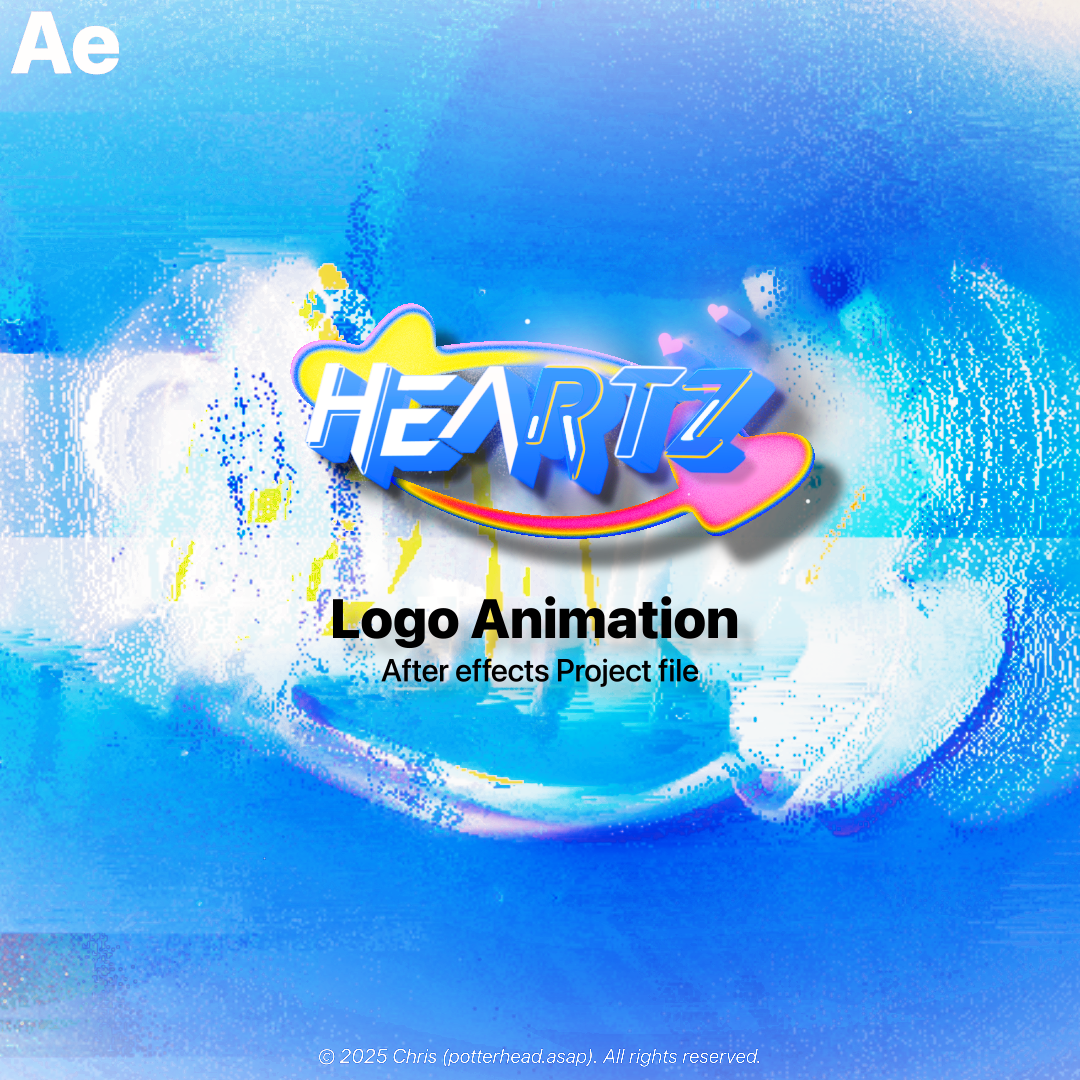
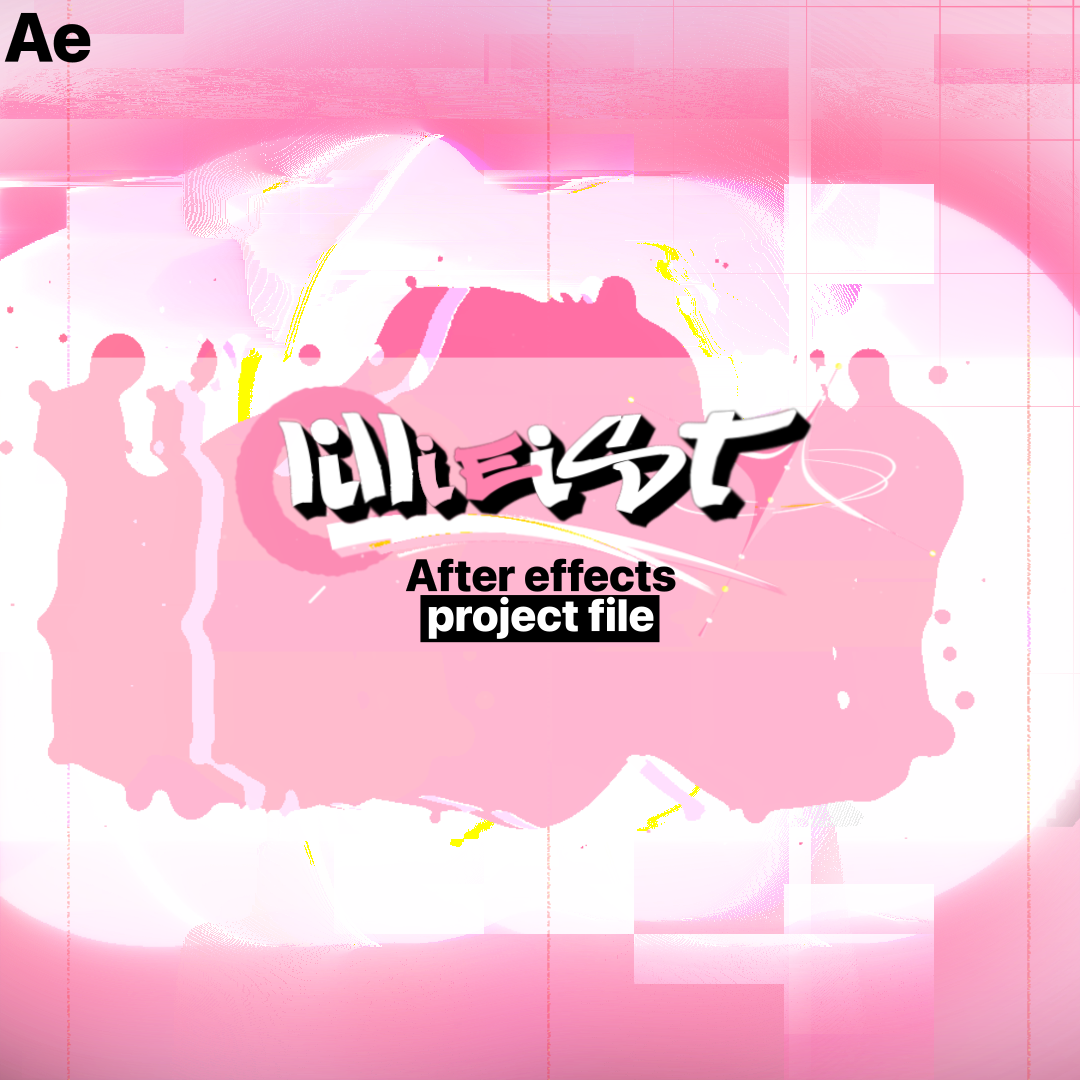
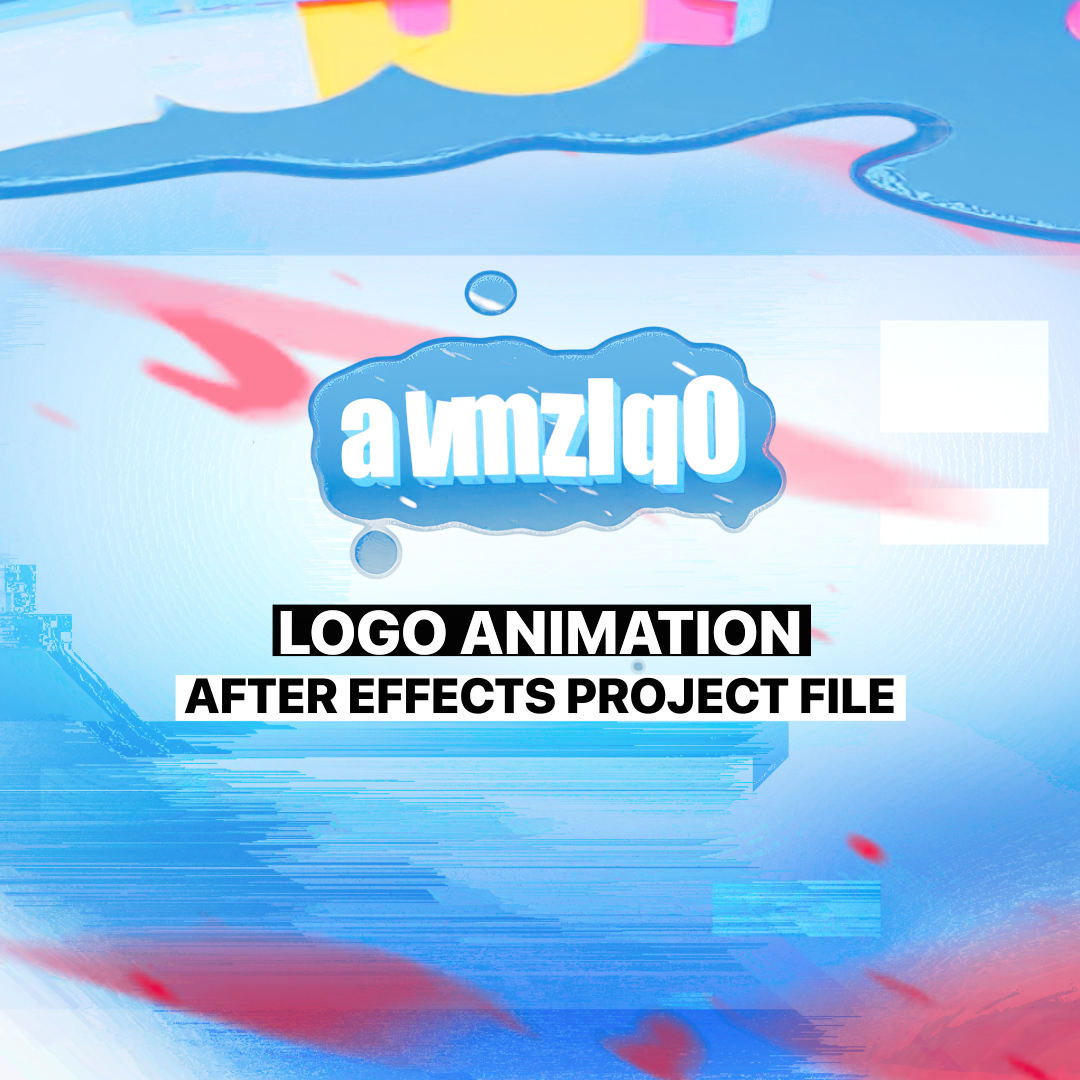
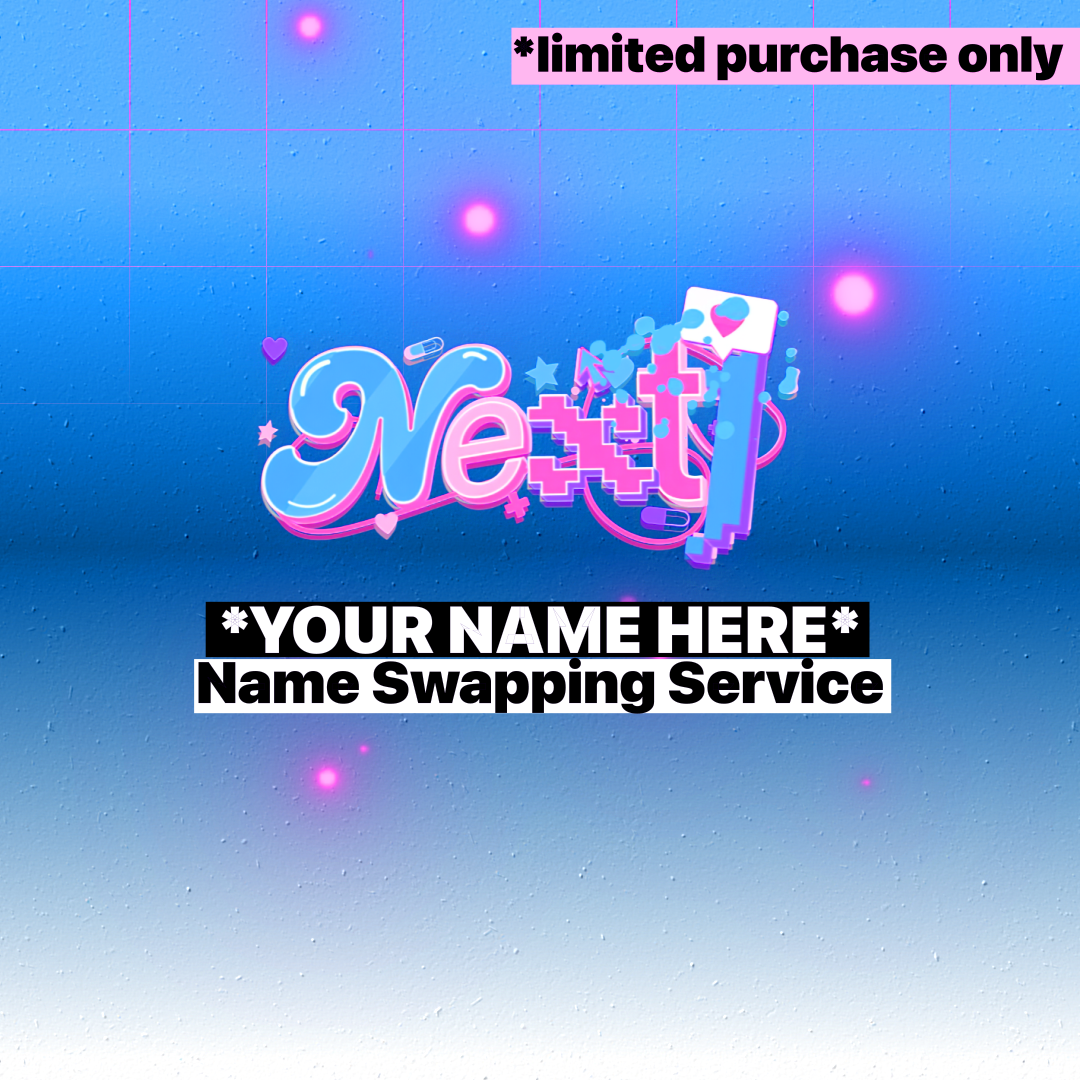
For editors, I honestly think the easiest way to make a thumbnail is just taking your favorite frame from the edit, adding a bit of text and designing it around your own editing style.
It doesn't have to be anything super complicated.
Even a clean screenshot with some nice typography already looks way more professional than a random frame with no effort put into it.
The same goes for previews.
Don't just upload a ZIP file and hope people buy it.
Show people what they're actually getting.
If it's an overlay pack, show the overlays being used.
If it's a project file, show the final result.
If it's presets, compare before and after.
The easier you make it for someone to understand what they're buying, the easier it becomes for them to actually buy it.
Another thing I always think about is making everything feel consistent.
If someone clicks on your store, your thumbnails, banners and previews should all feel like they belong together.
You don't need some huge brand identity or anything, but having a consistent style makes your store feel way more memorable.
At the end of the day, you're not just selling files.
You're also selling the experience of downloading something that actually feels polished and well made.
So... Where Do You Actually Sell All of This?
Okay, so now you've got your product ready.
You've organized everything, made a thumbnail, recorded a preview...
Now what?
Like... where do you actually upload it?
Honestly, there are quite a few platforms out there, but for fan editors specifically, I genuinely think Payhip is one of the easiest places to get started.
And yes, the youtube video is sponsored by Payhip, but I've actually been using it for my own editing resources for years now, which is why this collaboration made so much sense to me in the first place.
I think the biggest reason so many editors use it is because it just... doesn't overcomplicate everything.
Most people aren't trying to build some huge business with a team of 20 people.
They just want somewhere they can upload their project files, customize their store a little, connect their payment methods and start selling.
That's literally it.
And that's exactly what Payhip lets you do.
One thing I personally like is that you're not limited to just one type of product either.
Obviously you can sell things like:
- Project Files
- Overlay Packs
- Presets
- Transitions
- Colorings
But if you ever decide to expand later, you can also sell:
- Courses
- Memberships
- Private Resources
- Tutorials
- Bundles
- Commissions
So your store can actually grow with you instead of needing to move everything somewhere else later.
Another thing I think is really nice, especially if you're just starting out, is that there's no monthly subscription on the Free plan.
I know a lot of editors don't really want to spend money before they've even made their first sale.
So instead of paying every month just to keep your store online, Payhip simply takes a small percentage whenever you actually make a sale.
I honestly think that's way less intimidating when you're just getting started.
And then later on, if your store grows, you can always upgrade if you want lower transaction fees.
I also really like that it supports multiple payment methods like PayPal, Stripe, Razorpay and a bunch of others because the editing community is honestly everywhere.
You could have someone buying your resources from the US, Canada, India, the UK... basically anywhere.
And another thing editors will probably appreciate is that you can actually customize your storefront to match your own editing style.
Whether your edits are more dark moody style, minimal or candy style, your store doesn't have to look like some boring corporate website.
You can actually make it feel like your store.
And I think that's something people overlook.
Your storefront is kind of like another part of your portfolio.
When someone lands on it, they're not just deciding whether they like your product.
They're deciding whether they trust you as a creator.
Setting Up Your Store
Once you've created your account, it's honestly pretty straightforward from there.
The first thing you'll wanna do is personalize your store a little.
Use this link to get started https://payhip.com?fp_ref=chris
Start with your store name and username because that's basically what people are gonna see first. I'd recommend picking something that's easy to remember and matches your editing account if possible. It'll make everything feel a lot more consistent.
After that, you'll land on your dashboard.
At first it might look like there's a lot going on, but honestly after using it for like five minutes, it all starts making sense.
You've got your Products section where you'll upload everything you're selling.
Your Store section is where you can customize how everything looks.
Then you've got Analytics, which is honestly one of my favorite parts because you can actually see things like where your visitors are coming from, how many people are viewing your products and how your store is performing over time.
Then there's the Marketing section.
This is where a lot of the fun stuff lives.
You'll find things like discounts, coupons, bundles, affiliate links, email marketing, cross-selling, upselling and a bunch of other tools that I'll talk about a little later because they're honestly some of the biggest reasons people keep coming back to buy from your store.
There's also a Customers section where you can see purchases, followers, invoices and manage your customers all in one place.
Another thing I'd definitely recommend doing early on is going through your Settings.
Take a few minutes to add your social media links, connect your payment methods and choose the currency you want your products to be sold in.
It's only something you really have to set up once, but it'll save you a lot of time later.
One feature I actually think is pretty underrated is the ability to customize your checkout experience.
For example, you can ask customers questions during checkout, redirect them to a custom thank-you page after they purchase, or even leave a personalized thank-you message.
Little things like that make your store feel way more personal instead of just feeling like another online checkout page.
And honestly... don't stress too much about making everything perfect on day one.
Your first store isn't supposed to be perfect.
You'll probably change your thumbnails, banners, pricing and even your branding over time.
The important part is just getting your store online and giving yourself somewhere people can actually support your work.
Designing Your Store
Okay, now for probably my favorite part...
Actually designing your store.
I think one thing about editors is that we naturally care about aesthetics.
Like... if you opened two different stores selling the exact same thing, but one looked clean and matched the creator's style while the other looked unfinished, you'd probably trust the first one more.
That's just how people work.
So don't treat your storefront like it's just somewhere people download files.
Treat it like another extension of your portfolio.
If your edits are dark and cinematic, make your store feel like that.
If your style is colorful and energetic, let that show through your banners, thumbnails and colors.
If your edits are more minimal, keep your storefront clean too.
The goal isn't to copy someone else's store.
It's to make people instantly think,
"Yep... this definitely feels like their brand."
One thing I'd also recommend is keeping everything consistent.
Try using the same fonts, colors and overall style across your products.
It doesn't have to be complicated.
Even something as simple as using the same thumbnail layout across all your products can make your store feel way more professional.
Another thing I personally like doing is thinking about the customer experience instead of just making things look nice.
Ask yourself...
If someone landed on my store for the first time...
- Would they know what I'm selling?
- Can they find products easily?
- Does everything feel organized?
- Would I buy from this store?
Those are honestly way more important questions than trying to make everything look flashy.
Because at the end of the day, good design isn't just about making something look nice.
It's about making things easier for people to use.
And honestly... don't be afraid to change things later.
My own store has changed so many times over the years.
New banners.
Different thumbnails.
Different layouts.
That's completely normal.
As your editing style grows, your storefront can grow with it too.
Uploading Your Products
Once your store is ready, it's finally time to upload your products.
This part is actually pretty straightforward.
You upload your files, add your thumbnails and previews, write your description, choose your pricing... and you're basically done.
The thing is, I know pricing is probably one of the biggest things people worry about.
Like...
"Should I charge more?"
"Should I make it cheaper?"
"Would people even buy this?"
I don't think there's one perfect answer because every editor is different.
If you're still growing, sometimes starting with a smaller product actually works really well.
It gives people a chance to try your editing style first without committing to a bigger pack.
Then later on, if they enjoy your resources, they're a lot more likely to come back.
Another thing I really like is making different versions of the same product.
Maybe a smaller version.
Then a bigger version with more overlays, project files and bonus resources.
Or even splitting one huge pack into different parts.
Not everyone is looking for the biggest pack immediately.
Some people just wanna see what your resources are like first.
You can also create coupons, discounts, bundles and a bunch of different offers directly from your store.
I wouldn't worry too much about using every single feature straight away though.
Just focus on getting your first product out there first.
You can always improve things later as your store grows.
Marketing Trick #1: Give Something Away
This is probably one of my favorite things to talk about because I genuinely think fan editors have been doing this for years... they just don't realize it's actually a marketing strategy.
Let's say you make an overlay pack.
Most people immediately think,
"Okay... now I have to sell it."
But what if you didn't?
What if instead you took maybe five or ten overlays from that pack and gave them away for free?
Now suddenly people start using your overlays in their edits.
And then what happens?
They credit you.
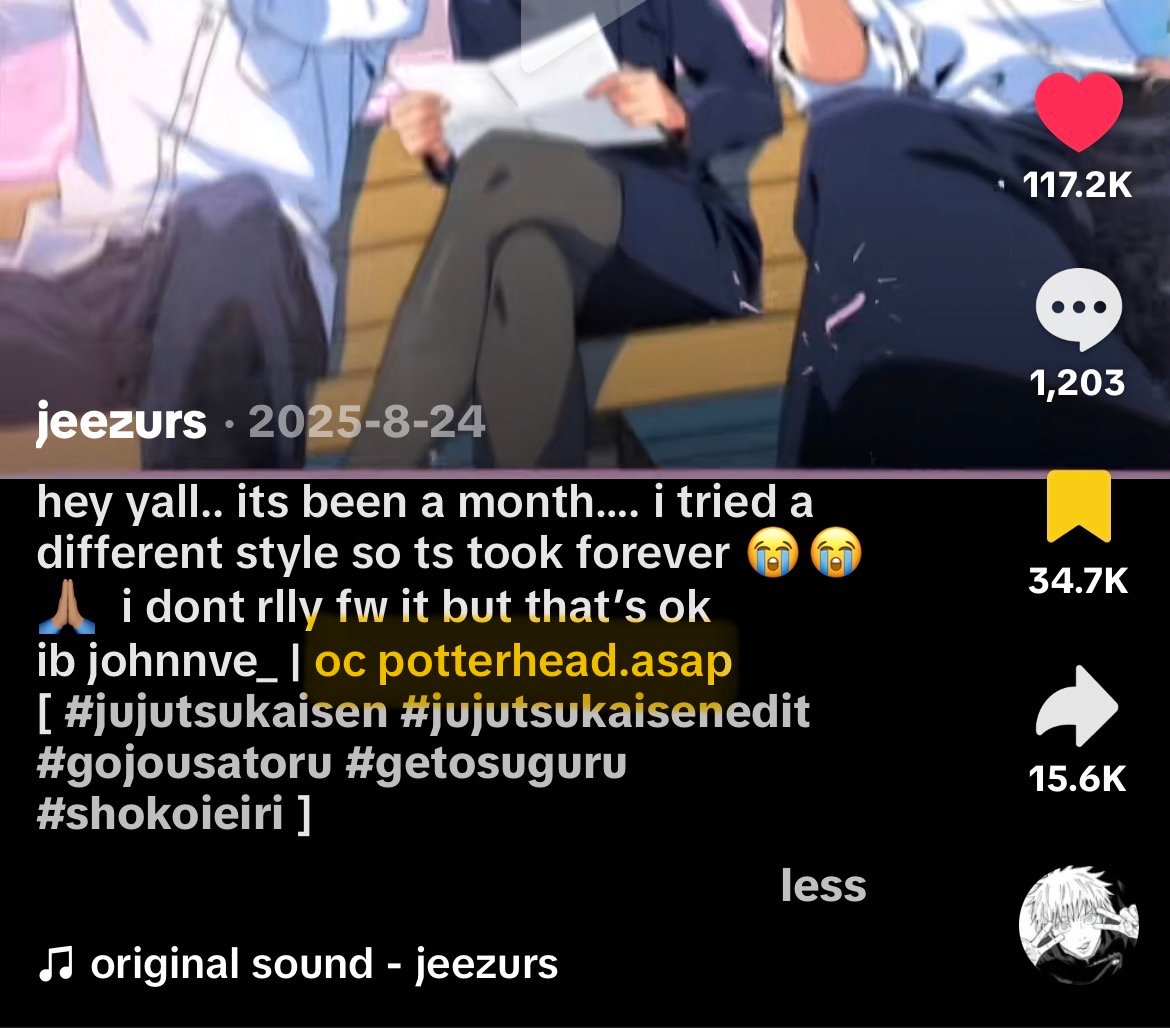
Now every edit using your overlays is basically introducing your work to new people.
If one of those edits blows up, even better.
Now you've got hundreds or maybe thousands of people asking,
"Where did they get those overlays?"
They check the credits.
They find your account.
They find your store.
And that's why I always think free products are way more powerful than people give them credit for.
You're not just giving something away.
You're giving people a reason to discover your work.
And over time, people start recognizing your editing style.
Maybe it's your overlays.
Maybe it's your transitions.
Maybe it's your colorings.
Whatever it is, people slowly start associating those things with you.
And that's honestly one of the best things you can build as a creator.
Because eventually it creates this really nice loop where...
Your products promote your edits.
And then...
Your edits promote your products.
Once that starts happening, it doesn't feel like you're constantly trying to convince people to buy something anymore.
People are already discovering your work naturally.
Marketing Trick #2: Create Different Versions
Another thing I'd recommend is giving people options instead of only having one version of a product.
For example, you could have a smaller starter pack and then a bigger version with more overlays, project files or extra resources.
Some people just wanna try your work first before buying a larger pack, and giving them that option can make a huge difference.
You can also create bundles, split larger products into different parts or make beginner and premium versions depending on your audience.
The goal isn't to make more products just for the sake of it.
It's about making your resources more accessible to different people.
Marketing Trick #3: Don't Ignore Built-in Marketing Tools
One thing I think a lot of creators overlook is using the tools that are already built into their store.
Things like bundles, discounts, cross-selling, upselling, affiliate programs and email marketing can all help bring people back without you having to constantly post about your products.
Social media is always changing, but an email list is something you actually own.
If someone enjoyed one of your products, letting them know when you release another one is a really simple way to keep people coming back.
Pricing Your Products
Pricing is probably something you'll figure out over time.
A lot of editors either charge way too little because they don't think their work has value, or way too much without really knowing why.
One thing that's helped me is thinking about how much time your product saves another editor.
People aren't just paying for a ZIP file.
They're paying for your editing style, your experience and all the time you spent learning those skills in the first place.
As your audience grows, your pricing can grow too.
Protecting Your Products
I know a lot of editors worry about people reposting or leaking their resources.
The reality is... nothing online is ever going to be impossible to leak.
But that doesn't mean you shouldn't protect your work.
Things like download limits, PDF stamping and other built-in protection features can still make a big difference and help discourage people from endlessly sharing your products.
Final Thoughts
At the end of the day, I don't think every fan editor needs to turn their hobby into a business.
But if you're already spending hours learning new editing techniques, creating resources and improving your skills, there's nothing wrong with finding ways to earn from them too.
You don't need everything figured out before you start.
Just upload your first product, keep learning as you go and improve things over time.
Hopefully this guide gave you a few ideas and made the whole process feel a little less intimidating.
And if you're thinking about starting your own store, you can create one for free with Payhip and follow along with everything I talked about in the video above.
Happy editing. 💜