

Summary
DJI will end official support for the Mavic 2 Pro on August 31, 2026.
DJI’s current end-of-service notice says that after a product reaches its service-suspension date, the company will no longer provide services involving product inquiries, technical support, or product maintenance. The Mavic 2 Pro appears on that list with an August 31 deadline.
That matters to real estate photographers because the Mavic 2 Pro remains capable of producing the types of aerial stills many property clients need. DJI’s original specifications include a 20-megapixel 1-inch CMOS camera, DNG RAW capture, 3- and 5-frame auto-exposure bracketing, adjustable aperture, and 4K video.
The end of DJI support does not mean DJI has announced that every Mavic 2 Pro will stop flying on September 1. DJI’s notice addresses its support lifecycle. In the United States, whether an aircraft can legally continue operating for paid real estate work remains a separate question governed by FAA requirements such as Part 107, registration, and Remote ID.
My practical recommendation is:
If your Mavic 2 Pro is working properly and still meets your client needs, there is no reason to retire it solely because of the support deadline. If it has a problem that may require DJI maintenance or technical support, address that immediately. If the aircraft is your only way to deliver a paid drone service, start building a replacement or backup plan now rather than waiting for a failure.
Table of Contents
- What DJI Is Ending on August 31
- What DJI Has Not Announced
- Why the Mavic 2 Pro Still Matters
- Why This Deadline Matters More to Working Photographers
- What to Do Before August 31
- Test the Entire Aircraft, Not Just the Camera
- Review Your Batteries
- Decide Whether You Need DJI Maintenance
- Save the Documentation You Depend On
- Check Your Remote ID Setup
- Confirm Your FAA Registration
- Decide Whether the Mavic 2 Pro Is Primary or Backup Equipment
- If Your Mavic 2 Pro Is Working Perfectly
- If Your Mavic 2 Pro Has an Existing Problem
- If It Is Your Only Business Drone
- If You Already Own a Newer Drone
- If You Are Thinking About Buying a Used Mavic 2 Pro
- Do Not Replace Good Equipment Just Because It Is Old
- Build Replacement Cost Into the Business
- Separate Image Quality From Business Reliability
- Plan for Software and Mobile-Device Changes
- What Remains Uncertain
- What I Would Do This Week
- Frequently Asked Questions
What DJI Is Ending on August 31
DJI maintains an official list of products reaching the end of its service lifecycle.
The current U.S. notice lists the Mavic 2 Pro with:
Production suspension: August 2021
Service suspension: August 31, 2026.
DJI explains that after the service-suspension date it will no longer provide services for affected products involving:
- Product inquiries
- Technical support
- Product maintenance
DJI’s current Mavic 2 support page still displays online repair and customer-service resources ahead of that deadline.
If your aircraft currently has a problem that may require official service, this is the part of the announcement that deserves immediate attention.
Do not assume that waiting until the final day will guarantee a repair can be accepted or completed. Contact DJI directly and confirm what options remain for your specific aircraft.
What DJI Has Not Announced
There is an important distinction here.
DJI’s end-of-service notice does not say:
- Every Mavic 2 Pro will be remotely disabled.
- The aircraft becomes illegal on September 1.
- Existing aircraft must be retired.
- Existing photographs or video become unusable.
The announcement is about DJI ending official product inquiries, technical support, and maintenance for the model.
That means a functioning aircraft may continue to have practical business value after August 31.
You still need to evaluate the aircraft the same way you would any aging piece of professional equipment:
Can it operate safely?
Can it meet current FAA requirements?
Can you keep the supporting equipment working?
Does it still produce the quality your clients require?
Can your business absorb the downtime if it fails?
Those questions matter more than the age printed on the product timeline.
Professional Tip
End of manufacturer support should trigger a business review, not an automatic equipment purchase.
Why the Mavic 2 Pro Still Matters
DJI introduced the Mavic 2 Pro in August 2018.
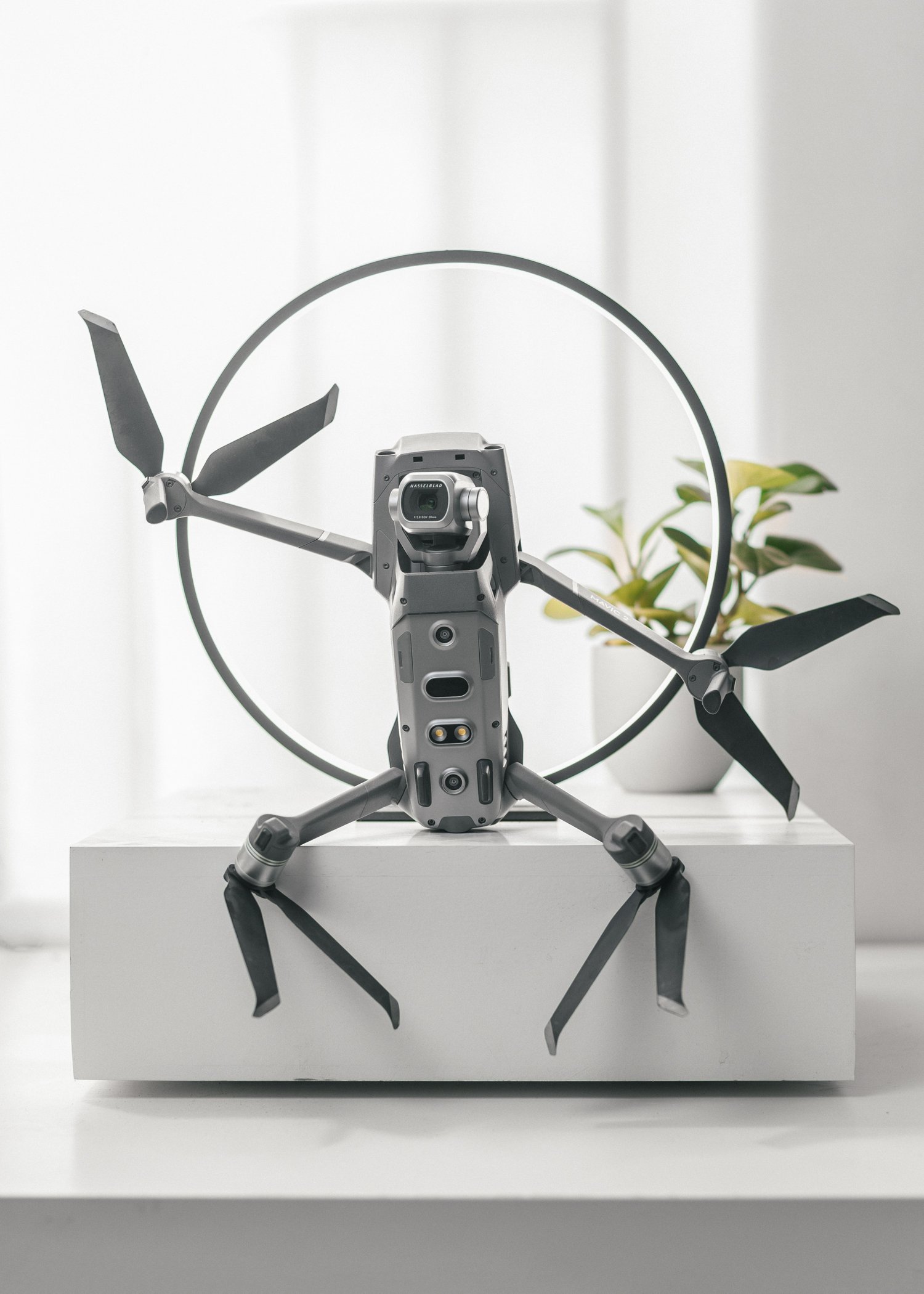
At launch, it combined a folding aircraft with a 20-megapixel, 1-inch CMOS Hasselblad camera. DJI specified DNG RAW still capture, 3- or 5-frame auto-exposure bracketing, an adjustable f/2.8–f/11 aperture, and 4K video.
Those specifications explain why an older Mavic 2 Pro can still be useful for property work.
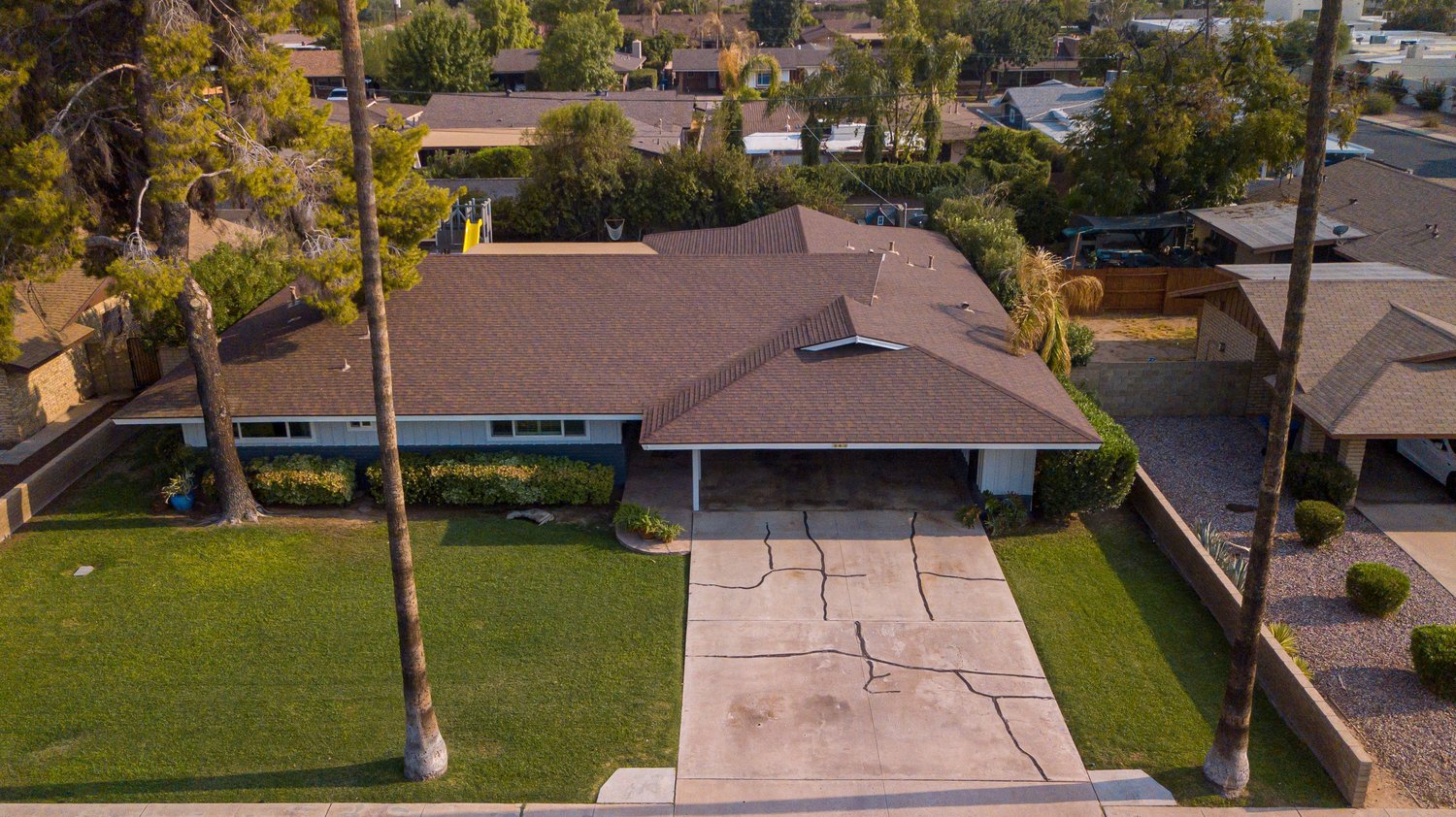
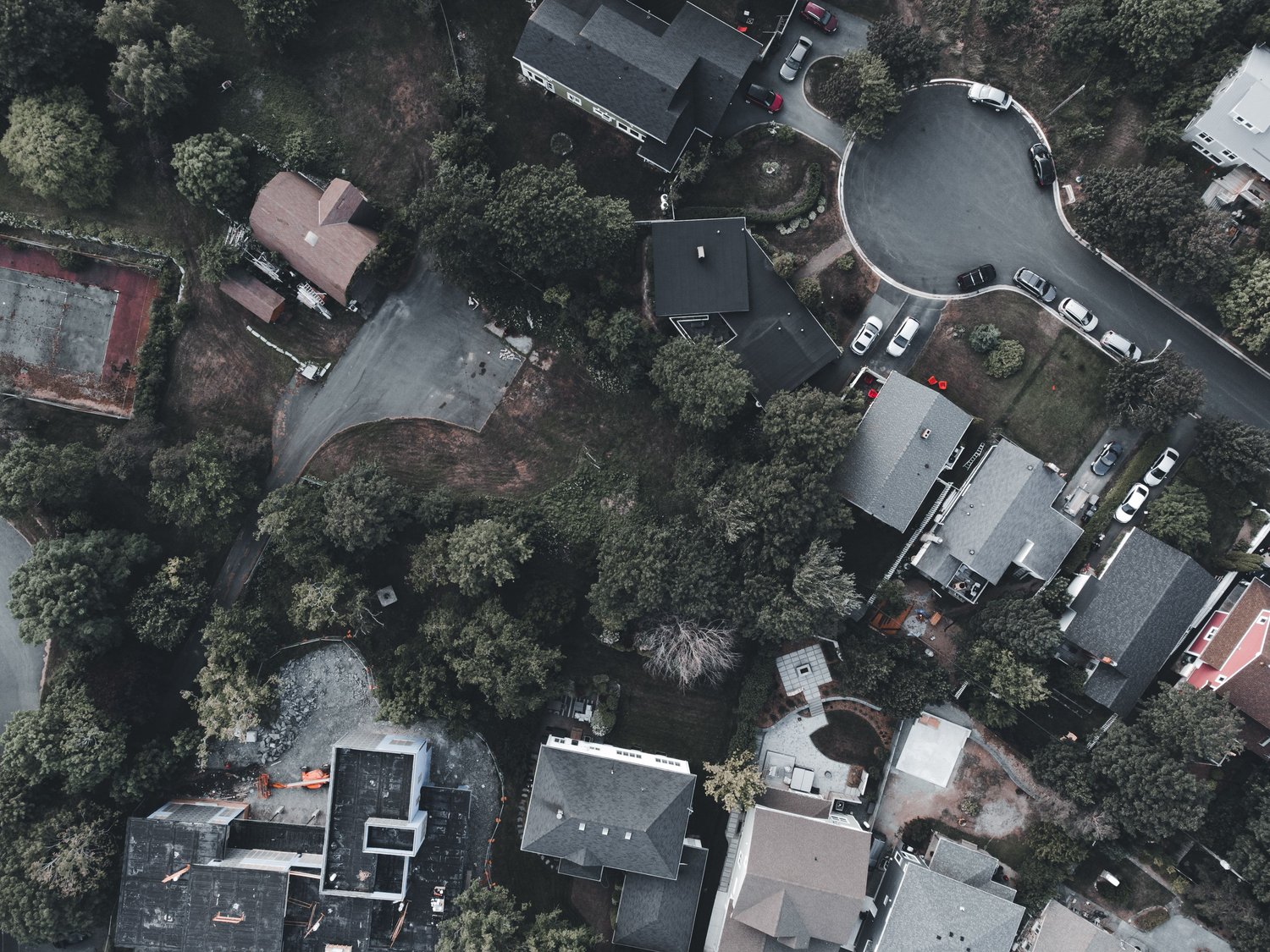
A normal residential aerial assignment may involve:
- Front elevated perspective
- Rear-property overview
- Lot relationship
- Neighborhood context
- Acreage
- Water access
- Nearby amenities
- Construction progress
None of those automatically require the newest aircraft available.
If the files fit your editing workflow and the finished deliverables satisfy the client, the aircraft is still performing a useful job.
The bigger issue now is reliability and support.
Why This Deadline Matters More to Working Photographers
A recreational pilot can decide not to fly for several weeks while figuring out a repair.
A professional photographer may have an aerial add-on booked tomorrow morning.
That changes the calculation.
Imagine that your Mavic 2 Pro develops a gimbal problem.
The aircraft may still turn on.
It may still fly.
But the camera no longer remains level.
If DJI maintenance is no longer available for the model, resolving that problem can become more complicated.
The same business problem exists when you depend on aging:
- Batteries
- Controller
- Charger
- Cables
- Propellers
- Mobile device
- Software compatibility
Professional equipment needs more than theoretical image quality.
It needs to be available when the client books it.
What to Do Before August 31
I would use the remaining support window to review the complete drone kit.
Do this deliberately rather than buying random replacement parts.
Start with:
- Aircraft
- Gimbal and camera
- Controller
- Every working battery
- Charger
- Propellers
- Storage cards
- Cables
- Mobile device
- Remote ID setup
- FAA registration
- Backup plan
The purpose is to identify an existing problem while official DJI support still remains available.
Test the Entire Aircraft, Not Just the Camera
A drone can produce a beautiful photograph while developing other issues.
Perform a normal controlled test flight in an appropriate location.
Pay attention to:
- Startup
- GPS acquisition
- Controller connection
- Camera feed
- Gimbal movement
- Hover stability
- Aircraft response
- Battery behavior
- Return-to-home settings
- Card recording
- Still capture
- RAW files
- Bracketing
- Video
Then inspect the files on your computer.
A field test tells you more than turning the drone on inside the office.
If anything seems abnormal, investigate it now.
Review Your Batteries
A professional drone kit depends heavily on battery reliability.
Look at each battery individually.
Do not think of them as one group simply because they came from the same kit.
If a battery has been giving you inconsistent performance, abnormal behavior, physical damage, or significantly reduced useful flight time, treat that as an equipment issue rather than hoping it improves.
Your normal production kit should contain enough dependable batteries to complete the assignments you actually sell.
There is little value in owning five batteries if you trust only two of them.
Common Mistake
Evaluating the aircraft carefully while treating old batteries as permanent accessories. Batteries are part of the production system too.
Decide Whether You Need DJI Maintenance
DJI’s current support page still shows an online repair-request process for the Mavic 2 family before the service deadline.
If you already know the aircraft has a problem involving:
- Gimbal
- Camera
- Flight system
- Controller
- Physical damage
- Connection
- Another technical issue
contact DJI now.
Ask whether the specific issue remains serviceable and what timing applies.
I would not wait until August 31 to begin that conversation.
The useful question is not:
Can I technically wait another week?
It is:
If this aircraft needs official maintenance, how much time do I want left to deal with the problem?
Save the Documentation You Depend On
DJI’s current Mavic 2 support area still contains access to product information, manuals, specifications, tutorials, applications, and support resources.
Save local copies of the documentation you actually rely on.
That may include:
- User manual
- Battery guidance
- Controller instructions
- Your aircraft serial number
- Registration records
- Remote ID records
- Service history
- Purchase receipt
- Insurance information
I would do this for any business-critical equipment approaching end of support.
You may never need the documents.
If you do need them later, having a clean equipment record is useful.
Check Your Remote ID Setup
Remote ID deserves specific attention with older aircraft.
The FAA currently requires drones that must be registered—or that have been registered—to operate in accordance with the Remote ID rule unless an applicable exception applies.
The FAA describes three main compliance paths:
- Operate a Standard Remote ID drone.
- Operate a drone fitted with an approved Remote ID broadcast module.
- Fly without Remote ID equipment only within a qualifying FAA-Recognized Identification Area under the applicable restrictions.
The FAA also maintains a public Declaration of Compliance database that pilots can use to verify whether an aircraft or Remote ID module has an accepted declaration.
Do not assume that an old drone is compliant because it still connects to the controller.
Check your actual aircraft and the Remote ID solution you are using.
Confirm Your FAA Registration
For Part 107 operations, registration and Remote ID records are part of the business workflow.
The FAA explains that Part 107 pilots register individual devices in their DroneZone inventory and must provide the relevant Remote ID information when applicable.
Use the support deadline as a reminder to confirm:
- Aircraft registration
- Registration number
- Remote ID device information
- Pilot certificate currency
- Insurance records when applicable to your business
Administrative problems are easier to correct from the office than from the edge of a property five minutes before a shoot.
Decide Whether the Mavic 2 Pro Is Primary or Backup Equipment
This may be the most important business decision.
There is a major difference between:
Mavic 2 Pro as a backup aircraft
and
Mavic 2 Pro as the only aircraft supporting a paid drone service.
A backup aircraft can tolerate more operational uncertainty.
If it fails, your primary aircraft continues working.
The only aircraft in the business carries much more risk.
If every aerial appointment depends on a product entering unsupported status, start planning what happens when that aircraft eventually becomes unavailable.
You do not necessarily need to purchase something today.
You need a plan.
If Your Mavic 2 Pro Is Working Perfectly
Recommendation: Keep using it and monitor.
If the aircraft:
- Is mechanically sound
- Has dependable batteries
- Meets your image-quality needs
- Fits your current FAA compliance setup
- Works with your existing production system
the support deadline alone does not create a strong reason to stop using it.
Continue saving toward replacement.
Maintain the aircraft carefully.
Monitor the surrounding hardware and software.
Know what you would replace it with if necessary.
That approach lets the equipment continue earning revenue without pretending it will last forever.
If Your Mavic 2 Pro Has an Existing Problem
Recommendation: Act now.
This is the clearest group affected by the deadline.
DJI says official product inquiries, technical support, and maintenance end after August 31.
If something is already wrong:
Contact DJI.
Describe the issue.
Confirm whether official repair remains available.
Do not delay a known service need because the aircraft still completes some flights.
A small problem becomes much more inconvenient when the support option you intended to use no longer exists.
If It Is Your Only Business Drone
Recommendation: Build a continuity plan now.
You do not necessarily need two identical aircraft.
You need an answer to:
What happens to tomorrow’s client if this drone cannot fly?
Possible continuity plans include:
- Replacement aircraft
- Backup aircraft
- Another qualified Part 107 pilot
- Trusted subcontractor
- Rental option where practical
- Clear client rescheduling procedure
The appropriate solution depends on how much drone work you sell.
If aerial photography represents a large percentage of your orders, equipment redundancy becomes more valuable.
If You Already Own a Newer Drone
Recommendation: Decide whether the Mavic 2 Pro still earns its space.
An older aircraft can be useful as:
- Backup
- Secondary aircraft
- Training aircraft
- Lower-risk job-site aircraft
Keep it only when it has a real purpose.
A backup aircraft with questionable batteries, unknown compliance status, and no recent test flight is not much of a backup.
Test it periodically.
Keep the records current.
Know that it can actually complete an assignment.
If You Are Thinking About Buying a Used Mavic 2 Pro
Recommendation: Be cautious.
The used price may look attractive.
The camera specifications may still be completely adequate for your work.
You are also considering an aircraft whose official DJI support ends August 31.
For a hobbyist or someone who understands the risks, that may be acceptable.
For a new photographer building a paid aerial service around a single aircraft, I would place more value on:
- Support horizon
- Battery availability
- Reliable service
- Current compliance
- Business continuity
than on saving the maximum amount upfront.
If you buy used, understand exactly what you are buying.
Do Not Replace Good Equipment Just Because It Is Old
Photography businesses waste money when equipment age becomes the purchase trigger.
A tool should usually be replaced because something meaningful changed.
Examples:
- Reliability
- Client requirement
- Service requirement
- Workflow
- Safety
- Compliance
- Repairability
- Business downtime
The Mavic 2 Pro is now entering a different part of its lifecycle.
That deserves attention.
It does not erase the work the aircraft is capable of producing.
A profitable tool can remain useful long after a newer model exists.
Build Replacement Cost Into the Business
The end-of-support date is also a useful pricing reminder.
Every paid drone service should contribute toward future equipment.
Your aerial fee needs to support more than the minutes spent in the air.
The service also depends on:
- Aircraft
- Batteries
- Controller
- Propellers
- Storage
- Insurance
- Registration
- Training
- Travel
- Editing
- Replacement
A drone eventually reaching unsupported status is normal equipment lifecycle.
The business should be financially prepared for that lifecycle.
If replacing one aircraft would create a major financial emergency, your aerial pricing may deserve review.
Separate Image Quality From Business Reliability
This distinction matters with older professional gear.
The Mavic 2 Pro can still produce a 20-megapixel DNG RAW file because its specifications did not change when DJI published an end-of-support date.
That answers the image-quality question.
It does not answer:
- Can I repair it?
- Can I replace a failed component?
- Do I trust the batteries?
- Will my mobile setup remain compatible?
- Can I support booked clients if it fails?
A professional purchase decision has to consider both.
The best-looking file is not useful when the aircraft cannot make it to the job.
Plan for Software and Mobile-Device Changes
Manufacturer support is only one piece of an older technology system.
The Mavic 2 workflow also depends on:
- Controller
- Mobile device where applicable
- Operating system
- DJI application
- Cables
- Storage
A setup working today may continue working for a long time.
Future software or operating-system changes can also create compatibility problems with older hardware.
DJI has not announced in its end-of-service notice that the Mavic 2 Pro will stop functioning through its existing app on September 1.
The sensible approach is to avoid unnecessary changes to a stable business-critical setup without testing them first.
If you update a phone or tablet operating system, make sure the drone workflow still functions before arriving at a paid assignment.
What Remains Uncertain
Several questions cannot be answered simply from DJI’s support notice.
Long-Term Parts Availability
Official maintenance is ending, but third-party and secondary-market parts conditions can change over time.
Third-Party Repair
Independent repair options may exist, but availability, quality, parts sourcing, and cost can vary.
Battery Availability
The condition and availability of compatible batteries may become a larger issue as the product ages.
Future Software Compatibility
A working application and mobile-device combination today does not guarantee indefinite compatibility.
Used-Market Pricing
Some photographers may sell older aircraft while others look for inexpensive backups.
Those conditions will develop over time.
That uncertainty is another reason to make a plan before the aircraft fails rather than afterward.
What I Would Do This Week
If a Mavic 2 Pro is still part of my paid real estate photography workflow, I would do seven things.
1. Fly a Controlled Test
Check the aircraft, camera, gimbal, controller, and files.
2. Evaluate Every Battery
Identify which batteries I actually trust for client work.
3. Address Existing Problems Now
If the aircraft needs DJI support or maintenance, contact the company before August 31.
4. Confirm FAA Records
Check registration and Remote ID.
5. Save Important Documentation
Keep local copies of the information I would want if the support page changed later.
6. Decide the Drone’s Role
Primary aircraft or backup?
7. Write the Replacement Plan
Know what I will do when the Mavic 2 Pro can no longer reliably perform paid work.
None of those require a panic purchase.
They turn the support deadline into a normal business-planning exercise.
A Simple Decision Guide
Your Mavic 2 Pro Works Well and Meets Current Needs
KEEP USING + MONITOR
Maintain it and continue building a replacement reserve.
Your Mavic 2 Pro Has a Known Technical Problem
CONTACT DJI NOW
Official inquiries, support, and maintenance end August 31.
Your Mavic 2 Pro Is Your Only Paid Aerial Platform
CREATE A BACKUP PLAN
You do not have to replace it immediately, but one aircraft failure should not surprise the business.
Your Mavic 2 Pro Is Already a Backup
TEST AND MAINTAIN IT
A backup only has value when it is flight-ready.
You Are Considering Buying One Used as Your First Business Drone
PROCEED CAUTIOUSLY
Factor the support deadline, aircraft condition, batteries, Remote ID setup, and continuity risk into the actual cost.
Frequently Asked Questions
When does DJI support for the Mavic 2 Pro end?
DJI lists August 31, 2026 as the service-suspension date for the Mavic 2 Pro.
What support is ending?
DJI says that after the service-suspension date it will stop services involving product inquiries, technical support, and product maintenance for affected products.
Did DJI already stop producing the Mavic 2 Pro?
DJI’s current lifecycle notice lists production suspension in August 2021.
Does my Mavic 2 Pro stop working on September 1?
DJI’s end-of-service notice does not announce an automatic aircraft shutdown. It addresses official product support and maintenance.
Does the support deadline make the drone illegal to fly?
No rule in DJI’s end-of-service notice determines U.S. flight legality. Commercial drone operations remain subject to applicable FAA requirements.
Can I still use a Mavic 2 Pro for real estate photography?
A functioning aircraft may continue to be useful when it meets the client’s image requirements and the operation complies with applicable rules. DJI’s published specifications include 20-megapixel RAW photography, auto-exposure bracketing, adjustable aperture, and 4K video.
Does the Mavic 2 Pro have Remote ID?
Do not assume Remote ID status from the model name alone. The FAA instructs pilots to verify aircraft or modules through its accepted Declaration of Compliance system and maintain the appropriate Remote ID information in DroneZone. Older aircraft can also use an accepted broadcast module where applicable.
Can I add a Remote ID module to an older drone?
The FAA identifies a Remote ID broadcast module as one of the permitted methods for retrofitting a drone that does not have Standard Remote ID, subject to the rule’s operating requirements.
Should I send my drone to DJI for maintenance before August 31?
If you have a known problem that may require official maintenance, contact DJI immediately and confirm your options. DJI’s current Mavic 2 support page still lists an online repair-request process ahead of the deadline.
Should I replace my Mavic 2 Pro now?
Not solely because the calendar reaches August 31. Evaluate reliability, batteries, support needs, FAA compliance, client requirements, and your ability to handle a failure.
Is a Mavic 2 Pro still good enough for MLS aerial photos?
Its official camera specifications include a 20-megapixel 1-inch sensor, DNG RAW capture, and exposure bracketing. Whether those files meet your current client standard depends on your market and deliverable.
Should I buy a used Mavic 2 Pro?
A used aircraft may still produce useful files, but a photographer relying on it for paid work should factor in official support ending August 31, battery condition, repair options, compliance, and downtime risk.
Did support for the Mavic 2 Zoom end at the same time?
No. DJI’s current lifecycle list shows the Mavic 2 Zoom service-suspension date as March 31, 2026, while the Mavic 2 Pro is listed for August 31.
What should I do if the Mavic 2 Pro is my only drone?
Create a continuity plan. That can involve a replacement aircraft, backup aircraft, or a working relationship with another qualified pilot who can cover a client when necessary.
Recommended REPT Training
Drone Photography for Real Estate
If drone work is already part of your service, use this deadline as a reason to review the entire aerial workflow: flight planning, property coverage, composition, client expectations, backup equipment, and pricing.
Browse the complete REPT Knowledge Base:
A dependable ground-photography workflow gives you a stronger foundation before adding the equipment, certification, and operational planning required for paid drone work.
Complete Real Estate Photography Training
For deeper training through equipment, exteriors, interiors, editing, delivery, and the complete real estate photography workflow:
DJI — “Support for Mavic 2”
Current Mavic 2 product-support page containing specifications, manuals, support resources, and the online repair-request workflow available ahead of the service-suspension deadline. Accessed August 19, 2026.
https://www.dji.com/support/product/mavic-2
DJI — “DJI Introduces Mavic 2 Pro and Mavic 2 Zoom”
Published August 23, 2018. Original DJI announcement detailing the Mavic 2 Pro’s 1-inch Hasselblad camera, 20-megapixel still capture, flight platform, and video capabilities.
https://www.dji.com/media-center/announcements/dji-introduces-mavic-2-pro-and-mavic-2-zoom
DJI — “Mavic 2 Product Information”
Official technical specifications for the Mavic 2 Pro, including 20-megapixel 1-inch CMOS sensor, DNG RAW, auto-exposure bracketing, adjustable aperture, and video formats.
https://www.dji.com/mavic-2/info
Federal Aviation Administration — “Remote Identification of Drones”
Current FAA guidance covering Remote ID applicability, Standard Remote ID aircraft, broadcast modules, FRIAs, and DroneZone registration procedures.
https://www.faa.gov/uas/getting_started/remote_id
Federal Aviation Administration — “UAS Declaration of Compliance”
Current FAA public database for checking accepted Remote ID and Operations Over People declarations of compliance.
https://uasdoc.faa.gov/listDocs?docType=rid
Federal Aviation Administration — “FAA-Recognized Identification Areas”
Current FAA guidance covering operation of drones without Remote ID equipment inside approved FRIAs.