

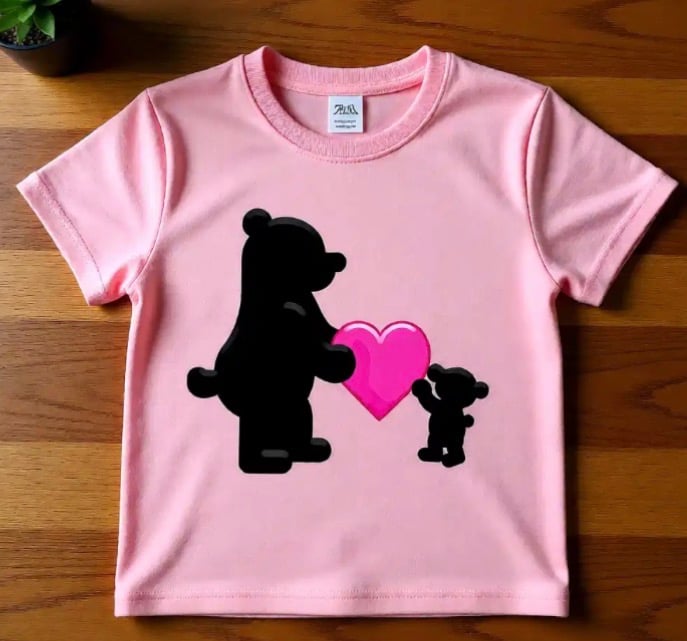
Did you know you can use a DTF design from websites like jiffy.com? All you need is a design and upload it to the website like Jiffy.
Directions below…..
Detailed Steps to Use DTF Transfers with an Iron
- Prepare the Surface & Iron: Set your iron to the highest temperature (cotton/linen setting) and turn off all steam. Steam interferes with the adhesive. Place your garment on a hard, flat surface (avoid ironing boards with padding, which can be too soft).
- Remove Moisture: Iron the area of the shirt for 5-10 seconds to remove any wrinkles or moisture.
- Position the Transfer: Place the DTF transfer onto the garment, ensuring the white side is facing down (the image is facing up). Use thermal tape to secure it if necessary.
- Cover the Design: Place a piece of parchment paper or a Teflon sheet over the transfer to protect the design and the garment.
- Apply Firm Pressure: Press down firmly with the iron on each section for 20-30 seconds. Because irons are small, you will likely need to move the iron to cover the entire design, holding it firmly in each spot. Use your body weight to ensure maximum pressure.
- Cool and Peel: Allow the transfer to cool completely (cold peel). If any part of the design lifts, lay it back down, re-cover with parchment paper, and press again.
- Final Press: To make the transfer more durable and give it a matte finish, cover it again with parchment paper and press for another 10-15 seconds.