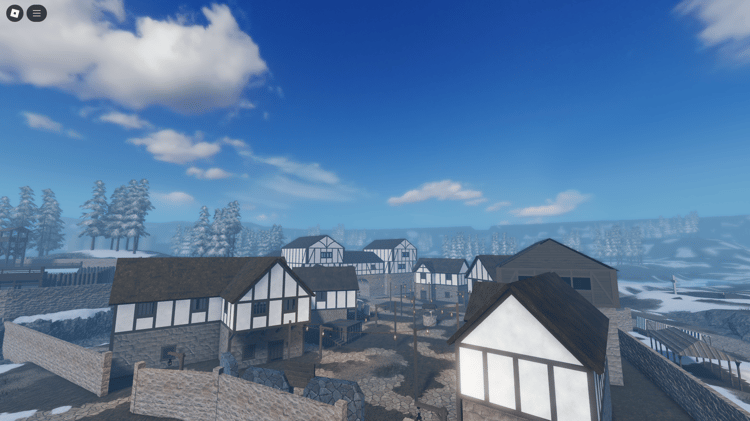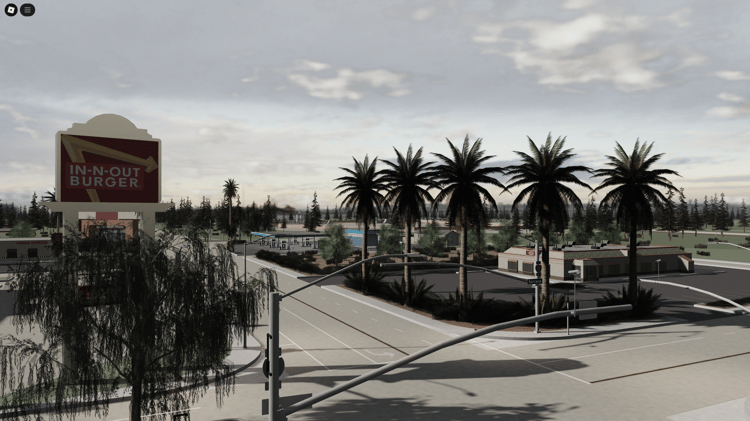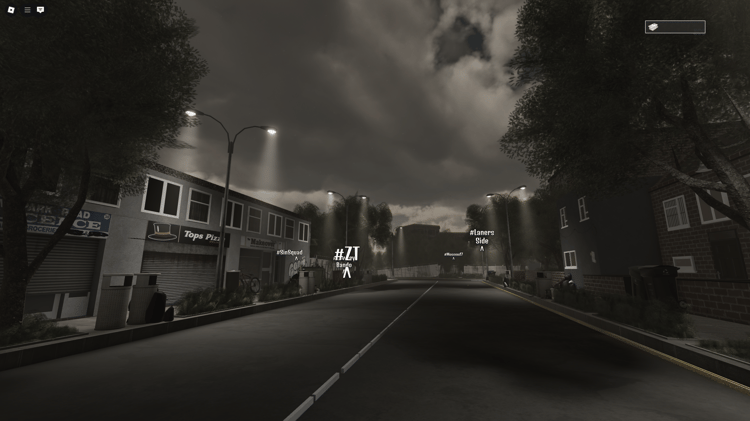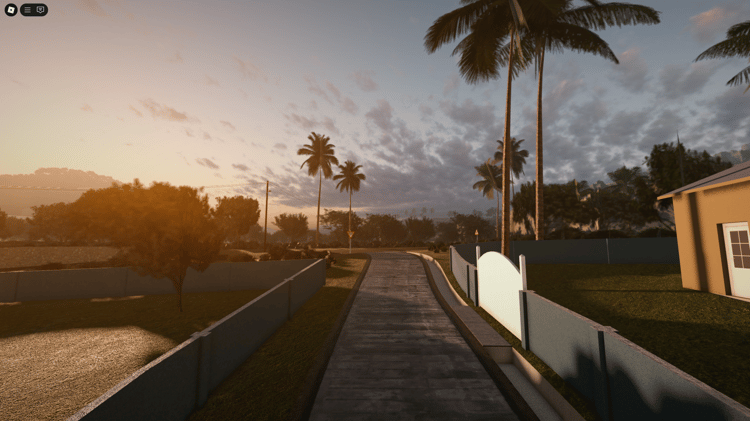

Roblox airport games remain one of the most popular roleplay and simulator categories on the platform.
Whether you want to build a realistic commercial airport, a military airbase, or a city RP map with aviation features, this guide explains everything you need to know to build a complete airport experience in Roblox Studio.
Step 1: Choose What Type of Airport Game You Want to Build
Airport games fall into several categories:
- commercial airline RP
- airbase or military aviation
- flight simulator
- rescue mission or emergency response
- cargo and logistics aviation
- private airfield RP
- open world city with airport zone
Your choice affects the map layout, runways, vehicles, and systems you’ll need.
Step 2: Build the Main Airport Structure
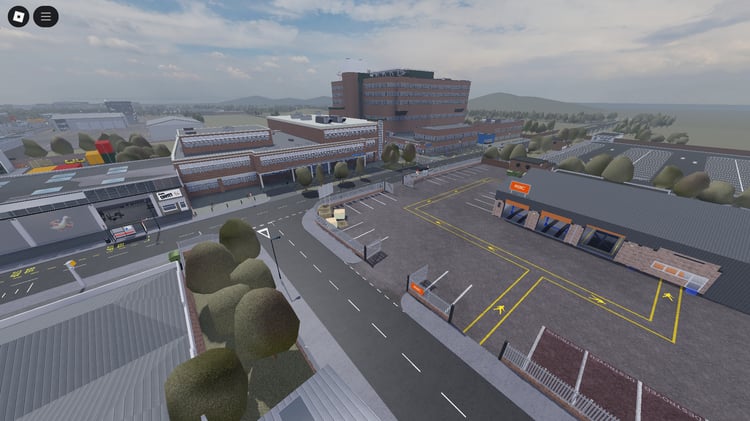
A typical airport layout includes:
- terminal (enterable or exterior only)
- check-in hall
- security area
- gates and jet bridges
- baggage claim
- departure lounge
- control tower
- maintenance hangar
- fuel depot
- runway and taxiway network
Design your airport around a central terminal so players always know where to spawn and navigate.
Step 3: Add Runways and Taxiways
A functional airport requires:
- one or more runways
- taxiway paths
- runway markings
- approach lights and PAPI lights
- runway numbering
- signs and guide markers
Make sure runways are long enough for the size of aircraft you plan to use.
Step 4: Add Aircraft Models
Aircraft give your airport game purpose and interaction.
You can include:
- commercial jets
- private planes
- fighter jets
- helicopters
- cargo aircraft
- drones
- VTOL aircraft
Choose between static aircraft for decoration, drivable aircraft, or fully scripted flight systems.
Step 5: Add Airport Vehicles
These increase immersion and activity around your airport:
- baggage carts
- fuel trucks
- tugs
- fire rescue vehicles
- shuttle buses
- towing tractors
Vehicles make the airport feel alive and help players perform jobs.
Step 6: Add Aviation Systems
Airport and aircraft mechanics improve gameplay depth:
- luggage conveyor belts
- aircraft doors and boarding systems
- ID checks and access zones
- flight HUDs and dashboards
- throttle controls
- minimap or radar systems
- hangar doors
- rank/job systems
- plane dealerships
These systems create a full airline RP or aviation simulator experience.
Step 7: Optimize Performance
Airport maps are large, so optimization matters:
- reduce unnecessary parts
- use mesh structures
- use level-of-detail models
- group large models
- avoid excessive lighting
- keep interior detail reasonable
Optimization ensures mobile players can run your game smoothly.
Step 8: Use Professional Airport Assets (Highly Recommended)
Building a full airport from scratch takes hundreds of hours.
Most developers use high-quality premade aviation models, aircraft, and systems to speed up development.
For a complete airport asset collection including planes, runways, terminals, hangars, airbase structures, and flight systems, visit:
Roblox Airport & Aviation Assets
https://kwstudio.org/roblox-airport-aviation-assets
These assets include terminals, runways, aircraft models, airport vehicles, and aviation systems optimized for Roblox Studio.
Step 9: Add Jobs and Gameplay Loops
To keep your airport game active, you can include:
- pilot job
- security officer
- airline crew
- firefighter or emergency team
- baggage handler
- air traffic controller
- ground crew
Jobs give players goals and encourage returning gameplay.
Step 10: Publish and Update
Airport games grow through regular updates:
- new aircraft
- new routes
- more terminals
- improved lighting
- new vehicles
- job expansions
- emergency scenarios
- quests and missions
Frequent updates will keep your player base active and improve your search visibility in Roblox’s algorithm.
Summary
Building a Roblox airport game in 2025 involves designing a realistic terminal layout, adding runways, using drivable planes, integrating aviation systems, optimizing for performance, and offering job-based gameplay.
Using professional airport assets dramatically speeds up development and improves quality.