

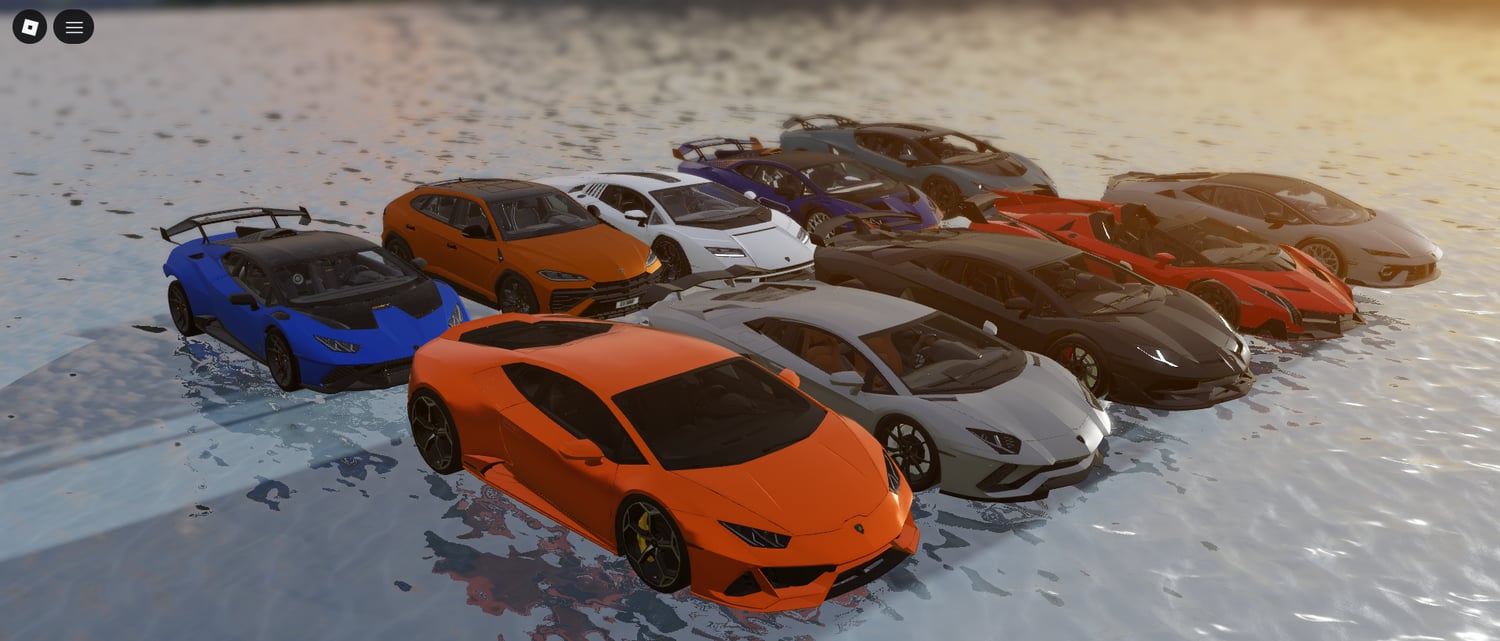
Everyone wants to build the next Liberty County, but most people fail because they focus on the wrong things. They spend weeks making a "realistic" police station and zero hours making sure the cars don't flip when they hit a curb.
If you want to build an RP game in 2026, you need to think about systems, not just parts. Here’s how you actually get it done.
1. Pick Your Niche (Don't try to do everything.)
If you're a small team, don't try to build a full-scale city with 50 jobs. Pick a focus:
- State Patrol: High-speed highway chases and traffic stops.
- Urban Rescue: Tight city streets, fire response, and EMS.
- Small Town: High interaction, slow-paced roleplay.
- Hardcore Sim: Advanced MDT (Mobile Data Terminal) systems and strict rules.
2. Map Design: Stop Making "Static" Cities
A common noob mistake is building a map that looks good in screenshots but is a nightmare to drive in.
- Road Hierarchy: You need wide main roads for high-speed chases. If every street is a narrow one-way, your police chases will end in a laggy pile-up in 30 seconds.
- Navigation over Detail: In 2026, Roblox players expect performance. Use Mesh LoDs and keep your part counts low so mobile players (who make up half your audience) don't crash.
3. Vehicles: The "Make or Break" Component
In an Emergency RP game, players spend 90% of their time in a car. If your driving physics suck, your game is dead.
- The 2026 Standard: Use optimized chassis scripts that handle high-latency well.
- Pursuit Tech: Implement a "Pursuit Detection" system. If a player is wanted, the game should automatically flag them for LEOs.
- Custom ELS: Don't just use stock flashing lights. Use a system that allows for patterns (Siren 1, Siren 2, etc.) to give players that "pro" feel.
4. Roles That Actually Mean Something
Don't just give people a uniform; give them a job.
- Police: Needs a functional MDT/CAD system. In 2026, you can even use APIs to link your game data to external CADs for hardcore communities.
- Fire/EMS: You need "Callout" generators. If there isn't a fire to put out or a player to revive every 10 minutes, your Fire/EMS players will get bored and leave.
- Criminals: Give them something to do besides "robbing the bank." Add petty crimes, street racing, or even traffic violations.
5. Why Work Smart? (KW Studio & Assets)
Building every single fire truck, UI frame, and jail script from scratch is a great way to burn out in three months.
As a dev myself, I’ve seen teams win by using structured assets. Instead of wasting time reinventing a UI for a radio, we use curated kits from places like KW Studio.
The benefit? You spend your time on the "unique" parts of your game—like your custom map or special events—rather than spending five hours fixing a door script.
6. Optimization: The 2026 Reality
Roblox is pushing Dynamic Heads and high-fidelity avatars. This eats up memory.
- StreamingEnabled: This is no longer optional. You must learn how to use it for large maps.
- Soundscapes: Use the new acoustic simulation (reverb/occlusion) to make sirens sound realistic when they’re behind a building. It’s a small detail that makes your game feel "Triple-A."
The Verdict
The secret sauce isn't a "cool idea." It’s a game that runs at 60 FPS, has cars that feel good to drive, and gives players a reason to come back tomorrow.
Focus on the loop: Respond to call → Get Reward → Upgrade Gear → Repeat.
If you need a head start on the technical side, check out our dev-ready kits: kwstudio.org/collection/emergency-rp.