

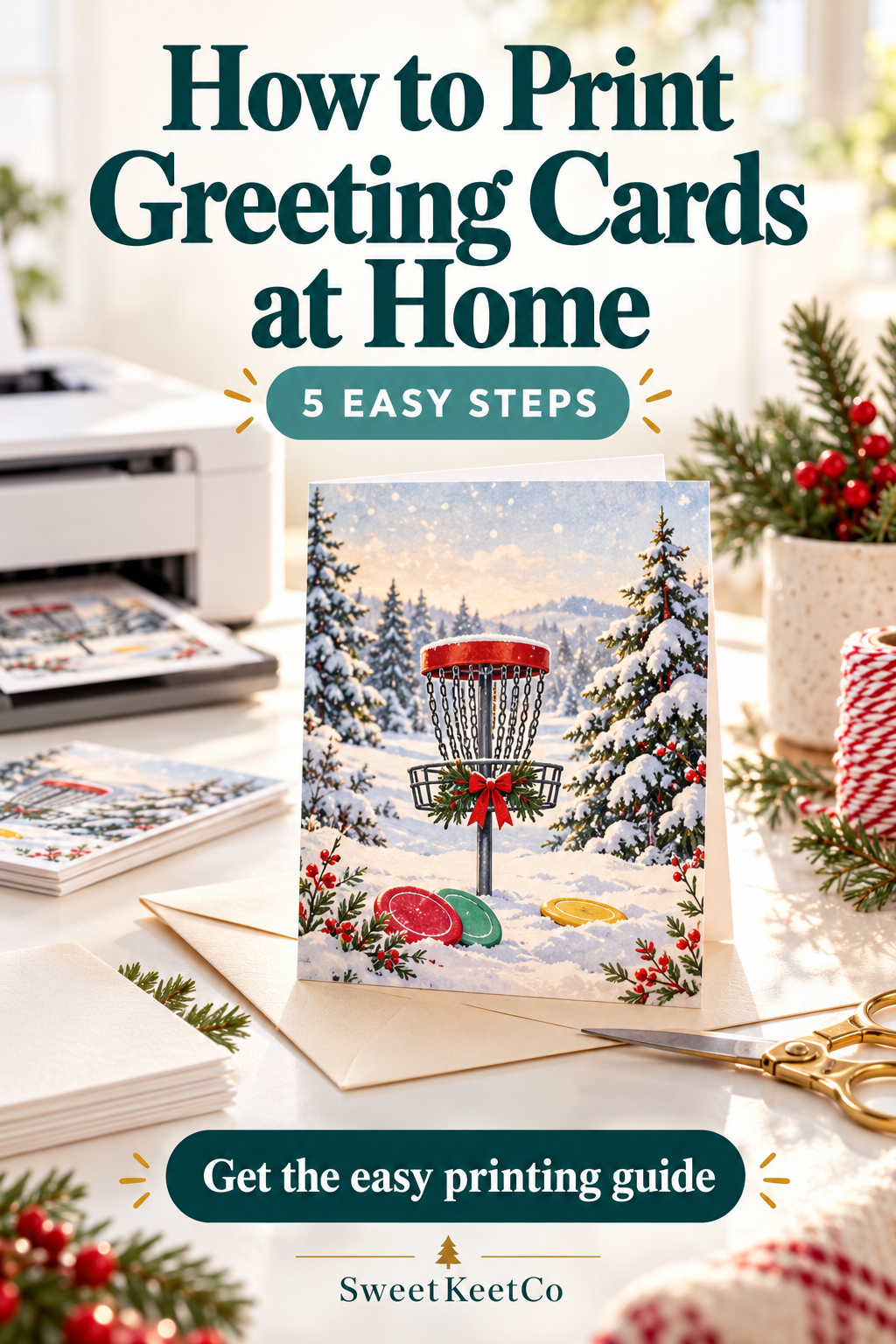
A thoughtful card can start right at your own printer! Whether you’re getting ready for Christmas or surprising a friend, this simple guide will help you turn a printable design into a card you’ll be excited to give.
What you’ll need
- Your downloaded greeting card file
- A home printer
- Printer-compatible cardstock
- Plain paper for a test print
- Scissors or a paper trimmer
- A ruler and an envelope
1. Download and open your file
Save the card file to your device, then open the PDF in a PDF reader. Printing from the downloaded file gives you more control than printing a screenshot.
Read the included instructions first. Paper size, scaling, and double-sided settings can vary between designs.
2. Choose your paper
For a sturdier card, choose white cardstock that your printer supports. Check your printer’s paper-weight limit before buying or loading thicker paper.
Matte cardstock is a simple starting point. If you use coated paper, make sure it’s made for your printer type—inkjet or laser.
3. Check your print settings
Select the paper size listed in your card’s instructions.
- Use Actual Size or 100% when the file is designed to print at its exact dimensions.
- Choose the correct paper type and a high-quality print setting.
- Check the preview for cropped artwork or text.
- Follow the included directions for printing the inside and outside.
Avoid “Fit to Page” unless instructed: it can change the finished card’s size.
4. Make a plain-paper test
Print one copy on plain paper before using cardstock. Fold it to check that the cover and inside message face the right way.
For double-sided cards, test the flip setting and paper-loading direction. These depend on your printer and the file’s layout.
Once everything lines up, print on your cardstock and let the ink dry before handling.
5. Trim, fold, and make it personal
Trim along the provided cut guides, if included. Fold the card carefully down the center and press the crease with a clean, smooth tool.
Add a handwritten message, slip it into a matching envelope, and it’s ready to give!
For a finished 5 × 7-inch card, choose an envelope designed for 5 × 7 cards, often called an A7 envelope.
A little printing help
Card printing too small? Check the paper size and scaling.
Artwork cut off? Check the required margins and whether the design needs borderless printing.
Inside upside down? Change the double-sided flip setting and test again.
Colors look different from your screen? Some variation is normal; paper and printer settings affect the result.
Ready to share a little disc golf humor?
Explore SweetKeetCo’s printable disc golf Christmas cards and find a design that will make your favorite disc golfer smile.