
In the ever-evolving digital era, having a Gmail account is not just a necessity; it's a gateway to a multitude of online services, communication tools, and productivity applications. As we step into 2024, the process of creating a new Gmail account remains a fundamental skill for individuals and businesses alike. In this comprehensive guide, we'll walk you through the steps, highlight the key features, and offer insights into optimizing your Gmail experience.
Why Gmail Matters in 2024
Before we delve into the step-by-step process, let's understand why Gmail remains a top choice in 2024. As one of the most widely used email services globally, Gmail offers a user-friendly interface, robust security features, and seamless integration with other Google services like Google Drive, Google Calendar, and Google Meet. Whether you're a professional managing business communications or an individual staying connected with friends and family, Gmail provides a versatile and reliable platform.
Step 1: Accessing the Gmail Sign-Up Page
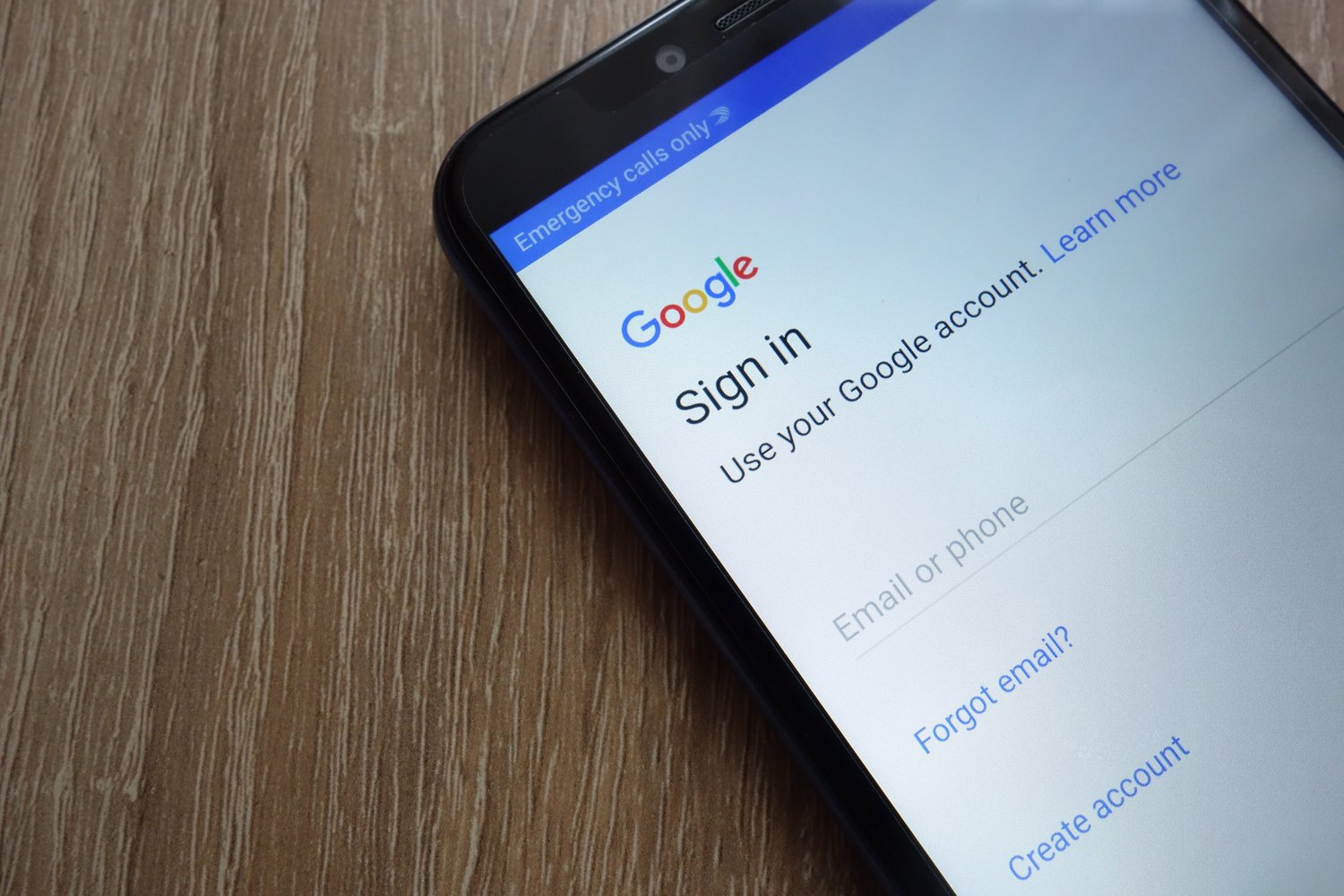
To embark on your Gmail journey, begin by navigating to the Gmail sign-up page. You can do this by opening your web browser and entering "gmail.com" in the address bar. Once the page loads, look for the "Create account" option, typically located prominently on the screen.
Step 2: Providing Personal Information
Clicking on "Create account" will prompt you to enter your personal information. This includes your first and last name, desired email address (which will end in "@gmail.com"), and a secure password. Take a moment to choose a strong password that combines letters, numbers, and symbols for enhanced security.
Step 3: Verifying Your Identity
To ensure the security of your account, Google will ask for a verification step. This usually involves providing a phone number for a verification code to be sent via text message or a voice call. Alternatively, Google may ask you to verify using an existing email address.
Step 4: Personalizing Your Account
Once your identity is verified, you have the opportunity to personalize your Gmail account. This includes adding a profile picture, setting up a display name, and configuring other preferences. Personalization not only adds a personal touch but also helps recipients recognize your emails.
Step 5: Understanding Gmail's Features
As you create your Gmail account, familiarize yourself with the array of features Google provides. Explore the intuitive email organization through labels and folders, leverage the power of Google Drive for file storage and sharing, and integrate your calendar for seamless scheduling and event management.
Step 6: Configuring Security Settings
Gmail takes security seriously, and you should too. In the settings, enable two-factor authentication for an added layer of security. Regularly review your account activity and settings to ensure your Gmail account remains secure and private.
Step 7: Exploring Additional Google Services
With your Gmail account, you gain access to a suite of Google services. Consider exploring Google Docs for document creation and collaboration, Google Sheets for spreadsheets, and Google Slides for presentations. These tools enhance productivity and facilitate seamless collaboration with others.
Conclusion: Your Gateway to a Connected World
In conclusion, creating a new Gmail account in 2024 is not just a routine task; it's an entryway to a connected and productive digital world. As you navigate the steps, remember that your Gmail account is more than just an email address—it's a key that unlocks a multitude of tools designed to simplify your personal and professional life.
Whether you're communicating with colleagues, sharing files with friends, or collaborating on a project, Gmail is the cornerstone of your online presence. Embrace the features, stay vigilant about security, and leverage the power of Google's ecosystem to make the most of your Gmail experience in 2024 and beyond. Your digital journey begins with a single click—welcome to the world of Gmail!