
Introduction
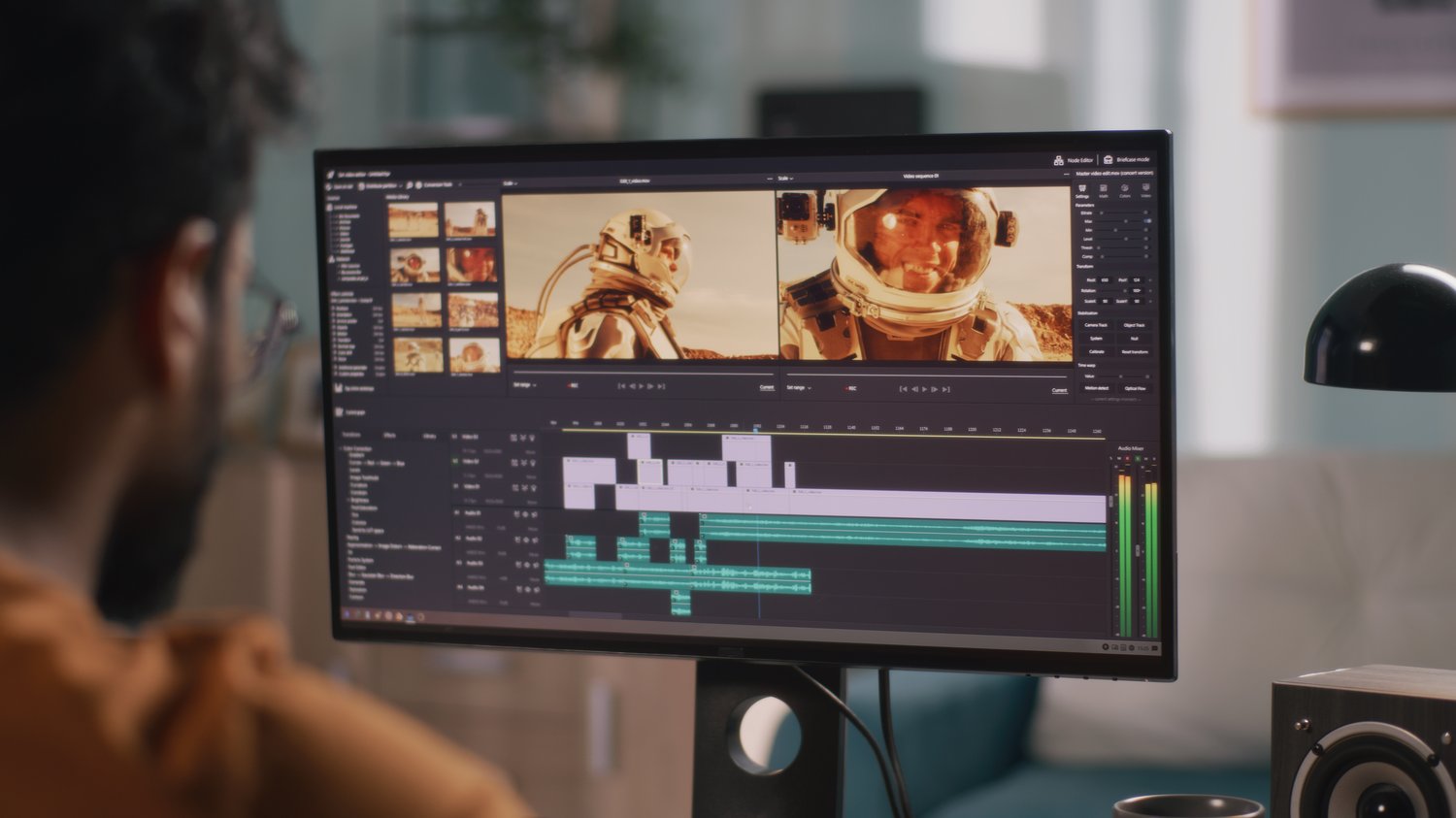
In the vast ocean of digital content creation, video editing software serves as the compass, guiding creators through the waves of creativity. Whether you're a seasoned professional or a novice dipping your toes into the world of video editing, finding the right software is crucial for bringing your vision to life. In this comprehensive guide, we'll explore ten distinct video editing software options, each with its unique features and capabilities.
1. Adobe Premiere Pro: Where Creativity Meets Professionalism
At the forefront of the video editing landscape stands Adobe Premiere Pro, a powerhouse known for its professional-grade features and versatility. As the flagship product of Adobe's Creative Cloud, Premiere Pro offers a seamless integration with other Adobe applications, allowing creators to transition effortlessly between tasks such as video editing, graphic design, and audio production. With a plethora of transitions, effects, and advanced audio editing tools, Adobe Premiere Pro is the go-to choice for professionals seeking a comprehensive solution.
2. Final Cut Pro X: A Mac User's Delight
Exclusively designed for Mac users, Final Cut Pro X combines an intuitive interface with advanced color grading and multicam editing capabilities. Catering to the unique needs of Apple enthusiasts, Final Cut Pro X streamlines the editing process with its magnetic timeline, allowing for a smooth and efficient workflow. Whether you're editing a vlog or a cinematic masterpiece, Final Cut Pro X is a top-tier choice for Mac users looking to elevate their video editing experience.
3. DaVinci Resolve: The Swiss Army Knife of Video Editing
DaVinci Resolve stands out as an all-in-one solution, encompassing video editing, color correction, visual effects, and audio post-production within a single platform. With both free and paid versions available, DaVinci Resolve caters to a broad spectrum of users, from beginners to industry professionals. Its robust color grading tools, impressive visual effects, and collaborative features make it a versatile choice for those working on diverse projects.
4. iMovie: Apple's Gateway to Video Editing
For those stepping into the realm of video editing, iMovie provides a user-friendly and accessible platform. Pre-installed on Apple devices, iMovie simplifies the editing process with its drag-and-drop interface, making it an excellent choice for beginners. While it may lack some advanced features, iMovie's simplicity makes it ideal for basic editing needs and quick video creation, serving as a gateway for Apple users venturing into the world of content creation.
5. HitFilm Express: Budget-Friendly Power-Packed Editing
HitFilm Express is a free video editing software that defies the notion that free tools compromise on features. With an extensive array of special effects, advanced editing tools, and a user-friendly interface, HitFilm Express is a solid choice for budget-conscious content creators. Whether you're a student filmmaker or a social media content creator, this software offers a powerful yet cost-effective solution.
6. Filmora: Simplicity Meets Creativity
Known for its simplicity and a wide range of creative options, Filmora caters to a diverse audience, including beginners and casual video editors. With a user-friendly interface and a library of pre-built effects, Filmora simplifies the editing process, making it an accessible choice for those who want to add a touch of creativity to their videos without delving into complex editing techniques.
7. KineMaster: Mobile Editing On-the-Go
In an era where mobile content creation is on the rise, KineMaster stands out as a mobile video editing app. Offering a user-friendly interface and powerful editing tools, KineMaster empowers creators to edit videos on the go. From social media content to vlogs, this app provides a convenient solution for those who prefer mobile-based video editing.
8. Sony Vegas Pro: Professional Editing Made User-Friendly
Sony Vegas Pro strikes a balance between professional-grade features and a user-friendly interface. Known for its robust audio editing capabilities, this software is a favorite among video editors who prioritize efficient workflows without compromising on the quality of their productions.
9. Lightworks: Precision Editing for Professionals
Lightworks is a professional-grade video editing software available in both free and paid versions. With advanced features and precision editing tools, it caters to filmmakers and video editors who demand high-quality results. Lightworks has been used in the editing of renowned films, showcasing its capabilities in the professional filmmaking landscape.
10. Camtasia: Screen Recording and Beyond
Closing our list is Camtasia, a versatile software known for its screen recording and video editing capabilities. Widely used for creating tutorials, presentations, and educational content, Camtasia offers a user-friendly interface and a range of features suitable for both beginners and educators.
Conclusion
In the dynamic and ever-evolving landscape of video editing software, choosing the right tool depends on your specific needs, preferences, and skill level. Whether you're a professional seeking advanced capabilities or a beginner looking for a user-friendly interface, there's a video editing software tailored to match your requirements.
As you embark on your video editing journey, consider experimenting with different software options to discover the one that aligns best with your creative vision. Remember, the best software is the one that empowers you to bring your ideas to life seamlessly.
#VideoEditing #AdobePremierePro #FinalCutProX #DaVinciResolve #iMovie #HitFilmExpress #Filmora #KineMaster #SonyVegasPro #Lightworks #Camtasia #ContentCreation #DigitalMedia #VideoProduction