

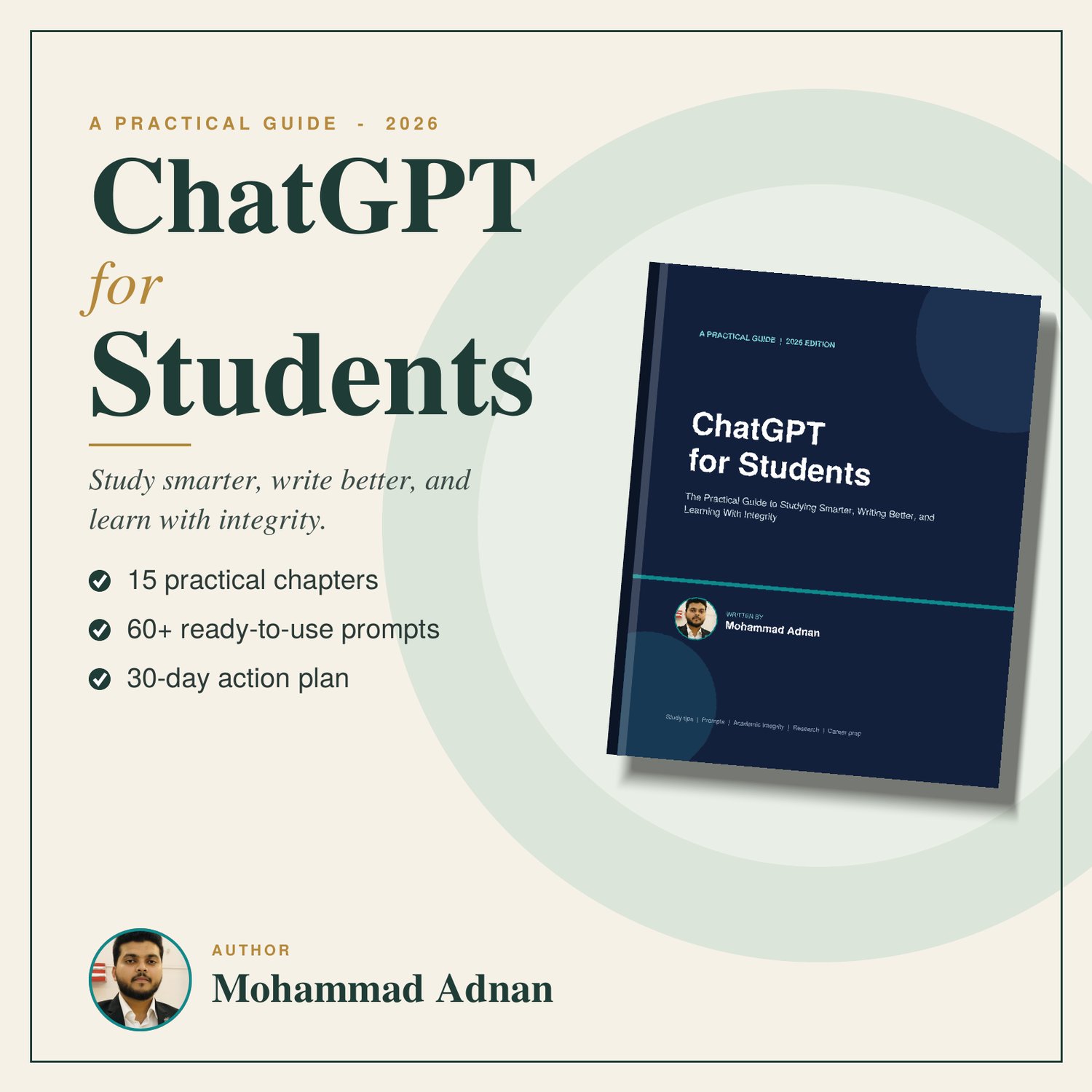
ChatGPT for Students: Study Smarter, Not Harder
Technology is changing the way students learn. One useful AI tool is ChatGPT, which can help students understand difficult topics, practice skills, organize their study time, and explore new ideas.
But ChatGPT should be used as a learning assistant, not as a replacement for studying.
Here are some practical ways students can use ChatGPT effectively.
1. Understand Difficult Topics
If you don't understand something in your textbook, ask ChatGPT to explain it in simple language.
For example:
Prompt:
“Explain photosynthesis in simple language for a Class 5 student.”
You can also ask for examples or an explanation step by step.
2. Create Study Notes
ChatGPT can help you turn a topic into simple revision notes.
Prompt:
“Create short revision notes about the water cycle. Include the main points and important terms.”
Always check the information against your textbook or trusted educational sources.
3. Practice Questions
You can ask ChatGPT to create practice questions based on a topic.
Prompt:
“Create 10 multiple-choice questions about the solar system for a Class 6 student. Don't show the answers until I ask.”
This can make revision more interactive.
4. Improve Your English
Students can use ChatGPT to practice vocabulary, grammar, sentence formation, and conversation.
For example:
Prompt:
“Give me 10 simple English sentences to practice today and explain any difficult words.”
You can also ask it to correct your writing and explain your mistakes.
5. Create a Study Plan
If you have several subjects to prepare for, ChatGPT can help you organize your study time.
Prompt:
“Create a 7-day study plan for my upcoming exams. I need to study Mathematics, Science, English, and Social Studies. Include revision and practice time.”
A study plan should be realistic and adjusted to your actual schedule.
6. Learn Step by Step
Instead of asking ChatGPT for just an answer, ask it to teach you the process.
For example:
Prompt:
“Teach me this mathematics problem step by step. Don't give me the final answer immediately.”
This encourages you to understand the method rather than simply copying an answer.
7. Turn Learning Into a Quiz
You can ask ChatGPT to quiz you on a topic.
Prompt:
“Quiz me on the human digestive system. Ask one question at a time and wait for my answer before giving me the next question.”
This can make revision more engaging.
8. Generate Ideas for Projects
If you need ideas for a school project, ChatGPT can help you brainstorm.
For example:
Prompt:
“Give me 10 simple science project ideas suitable for a school student. Explain what each project demonstrates.”
Use AI for brainstorming and planning, while doing the actual learning and work yourself.
9. Summarize Long Topics
If you have a long lesson, you can ask ChatGPT to help identify the key concepts.
Prompt:
“Explain the main concepts I should understand from this topic in simple language and create a short revision checklist.”
For important academic work, compare the response with your textbook and teacher's instructions.
10. Ask for Feedback
ChatGPT can also help you improve your writing.
Prompt:
“Check this paragraph for grammar and spelling mistakes. Explain each correction so I can learn from my mistakes.”
This is more useful than simply asking AI to rewrite everything for you.
Important: Use AI Responsibly
ChatGPT can make mistakes, so students should not automatically believe every answer.
Before using information in schoolwork:
- Check important facts.
- Compare answers with your textbook.
- Follow your teacher's instructions.
- Don't submit AI-generated work as your own when your school doesn't allow it.
- Use AI to understand and practice rather than simply copy answers.
- Never share private or sensitive information with an AI tool.
10 Useful ChatGPT Prompts for Students
Here are some prompts you can save and use:
- “Explain this topic in simple language.”
- “Teach me this step by step.”
- “Create 10 practice questions about this topic.”
- “Quiz me one question at a time.”
- “Create short revision notes.”
- “Explain this with a simple example.”
- “Help me create a realistic study plan.”
- “Check my answer and explain my mistakes.”
- “Give me vocabulary practice for my English level.”
- “Ask me questions to test whether I really understand this topic.”
Final Thoughts
ChatGPT can be a useful study assistant when it is used thoughtfully.
The goal isn't to let AI do your studying for you. The goal is to use technology to understand better, practice more, and learn independently.
Start with one simple prompt today, check the information carefully, and keep improving your learning habits.
Want More Student Resources?
Explore Learnova for useful ebooks, worksheets, study resources, and practical learning materials designed to make studying simpler and more engaging.
Comments ()