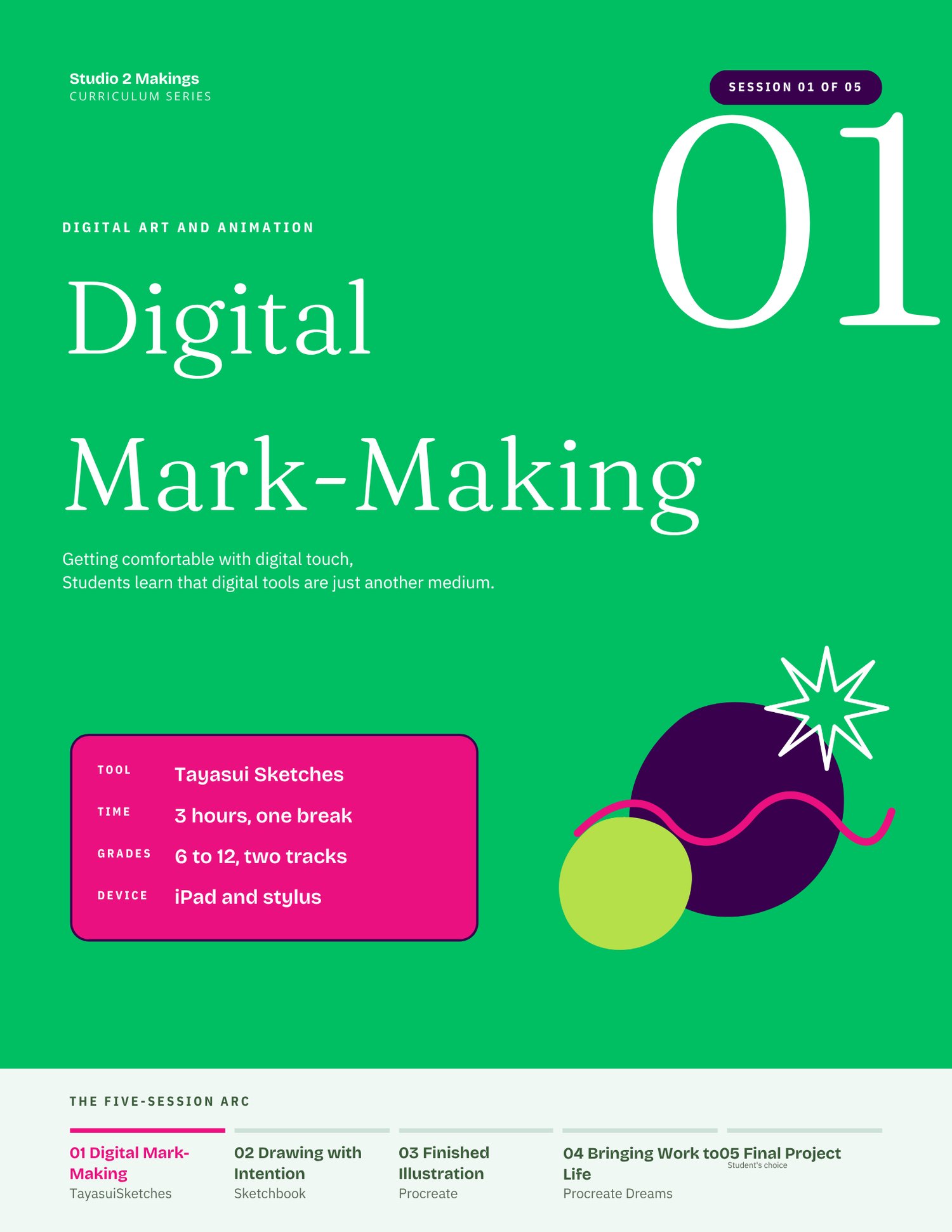
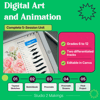

Digital Art and Animation: Complete 5-Session iPad Unit | Grades 6 to 12
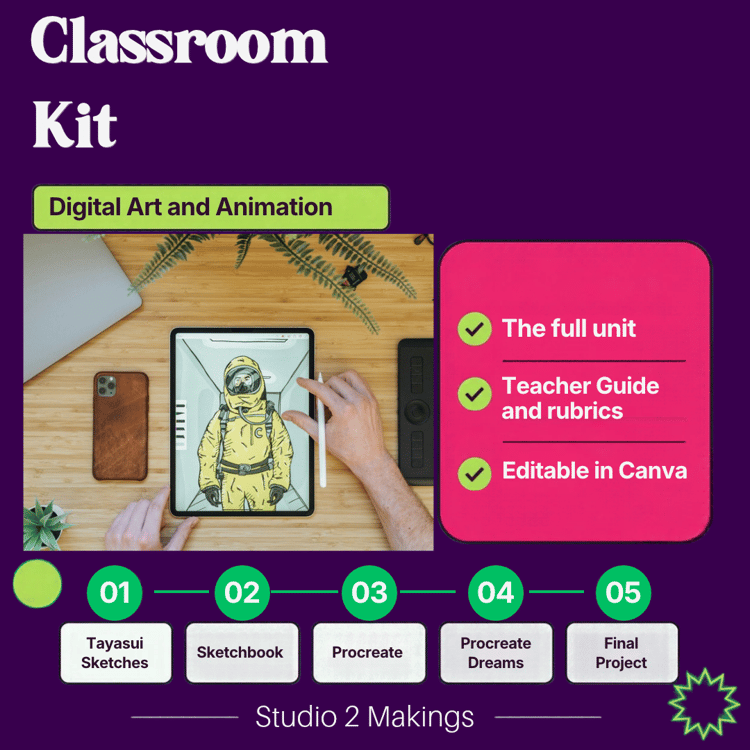
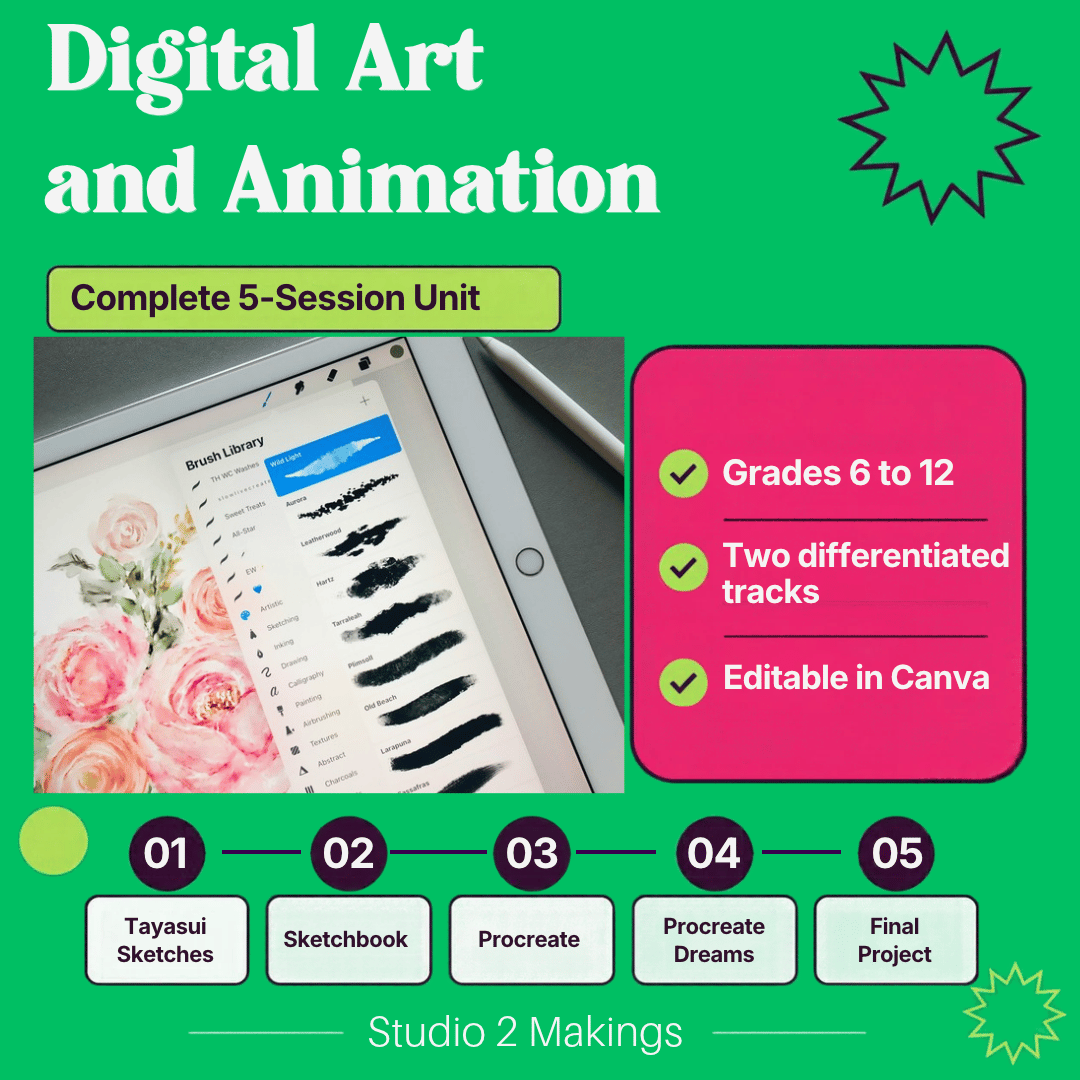
This unit takes students from their very first digital mark to an original animation they designed, illustrated, and brought to life themselves. Across five sessions, students carry one subject through four iPad apps: Tayasui Sketches, Sketchbook, Procreate, and Procreate Dreams. The character they sketch in Session 1 becomes the illustration they finish in Session 3 and the animation they direct in Session 5.
I built this curriculum from my own classroom. I'm an artist and licensed teacher, and I've taught digital art and animation to students across libraries, museums, and schools. Every session has been taught with real students, and the timing, prompts, and sticking points come straight from that experience.
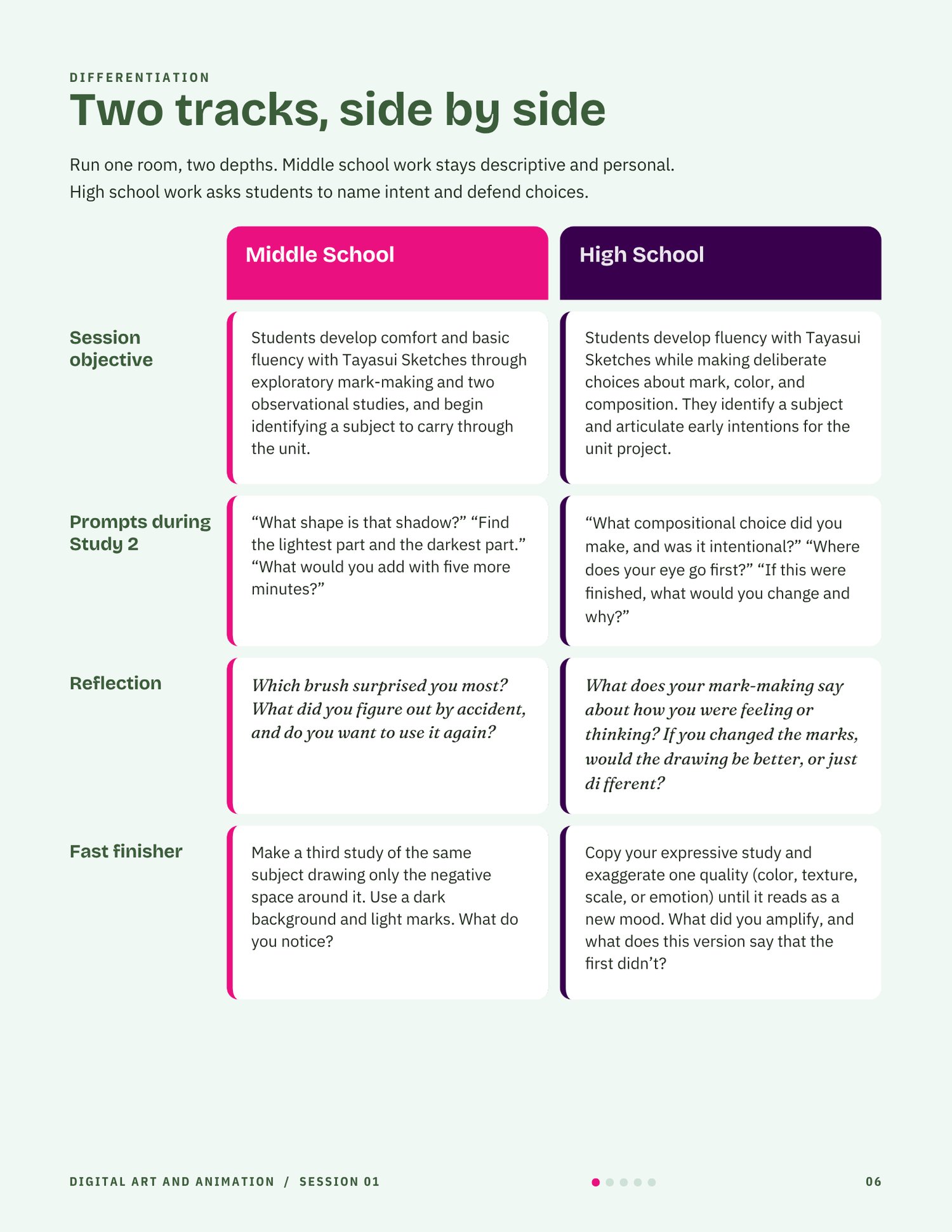
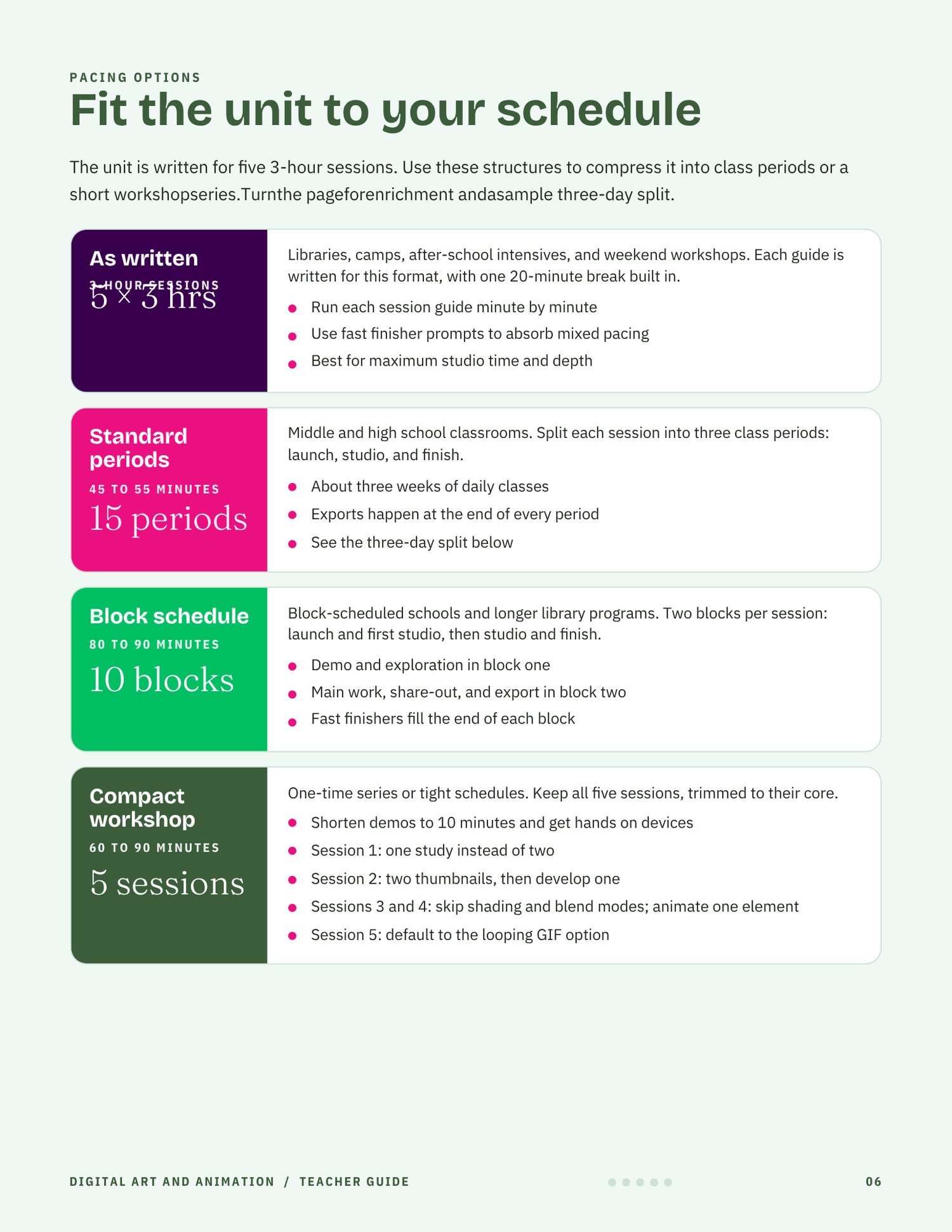
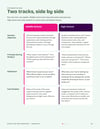
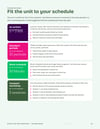
Each session runs three hours as written, and the guides show you how to split it into class periods. Every session includes a middle school track (grades 6 to 8) and a high school track (grades 9 to 12), so you can teach one room at two depths.
Every slide deck is fully editable in Canva. Add your own examples, match your school colors, or adjust the timing for your schedule. A free Canva account is all you need.
What's included:
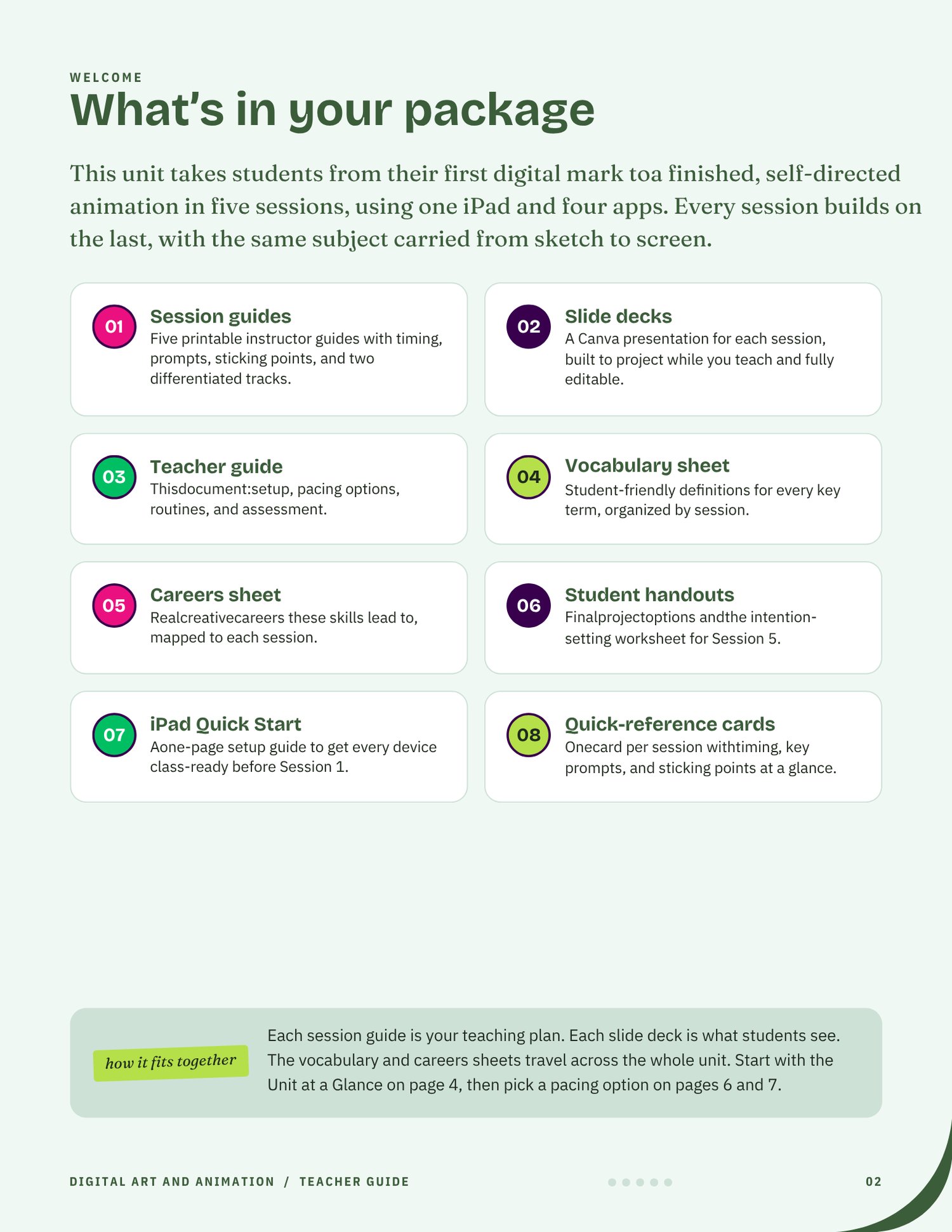
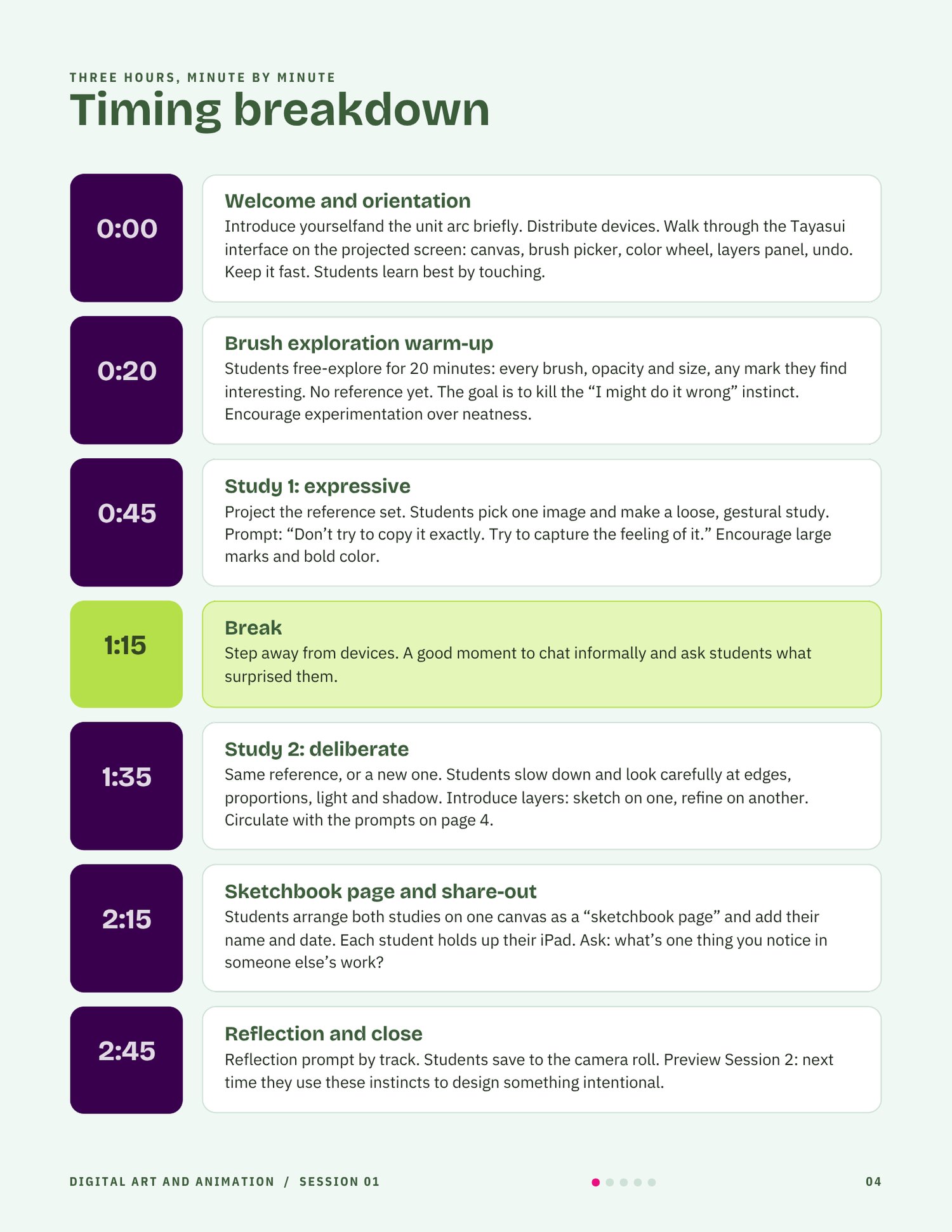
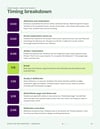
- 5 printable session guides with minute-by-minute timing, circulating prompts, sticking points, and exit checklists
- 5 editable Canva slide decks, one for each session
- Two differentiated tracks in every session, with objectives, prompts, reflections, and fast finishers for each
- Vocabulary sheet with 36 student-friendly terms, organized by session
- Careers sheet linking unit skills to eight creative careers
- iPad Quick Start setup guide
- Editable Student Templates for display
- zipped folder of all PDF assets
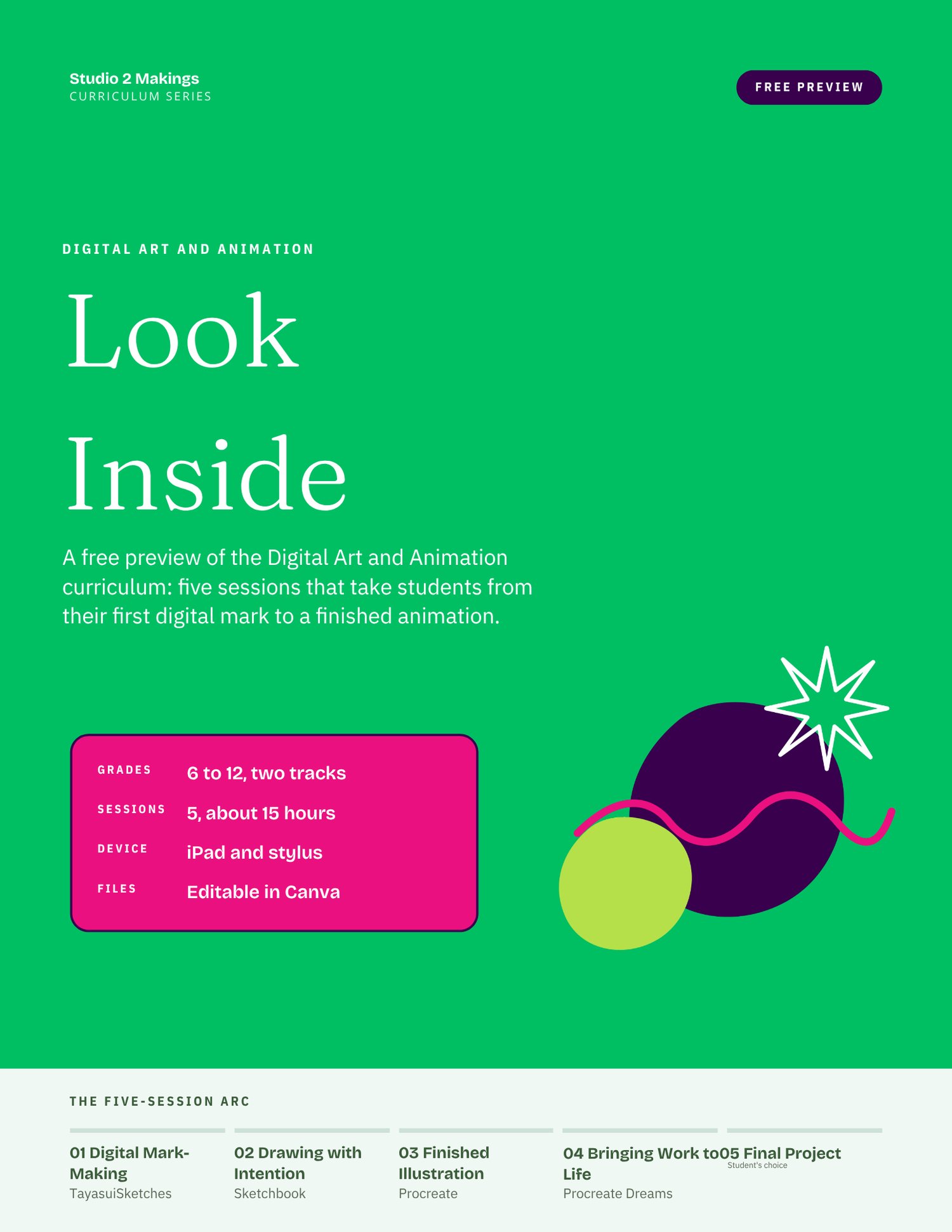
Grades: 6 to 12 · Time: 5 sessions, about 15 hours · Device: iPad and stylus · Format: PDF guides and Canva template links
Check out the Shop for Unit Add-Ons or our Classroom Bundle!