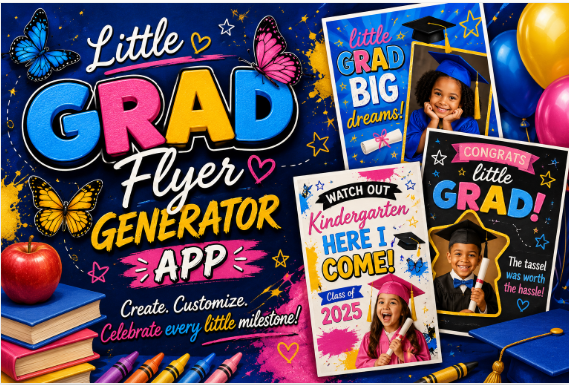
Little Grad Flyer Generator App
Create custom graduation flyer prompts for boys and girls in minutes
Your little graduate only gets this moment once. This generator helps you create polished, eye-catching graduation flyer prompts without guessing what to type or wasting time piecing prompts together from scratch.
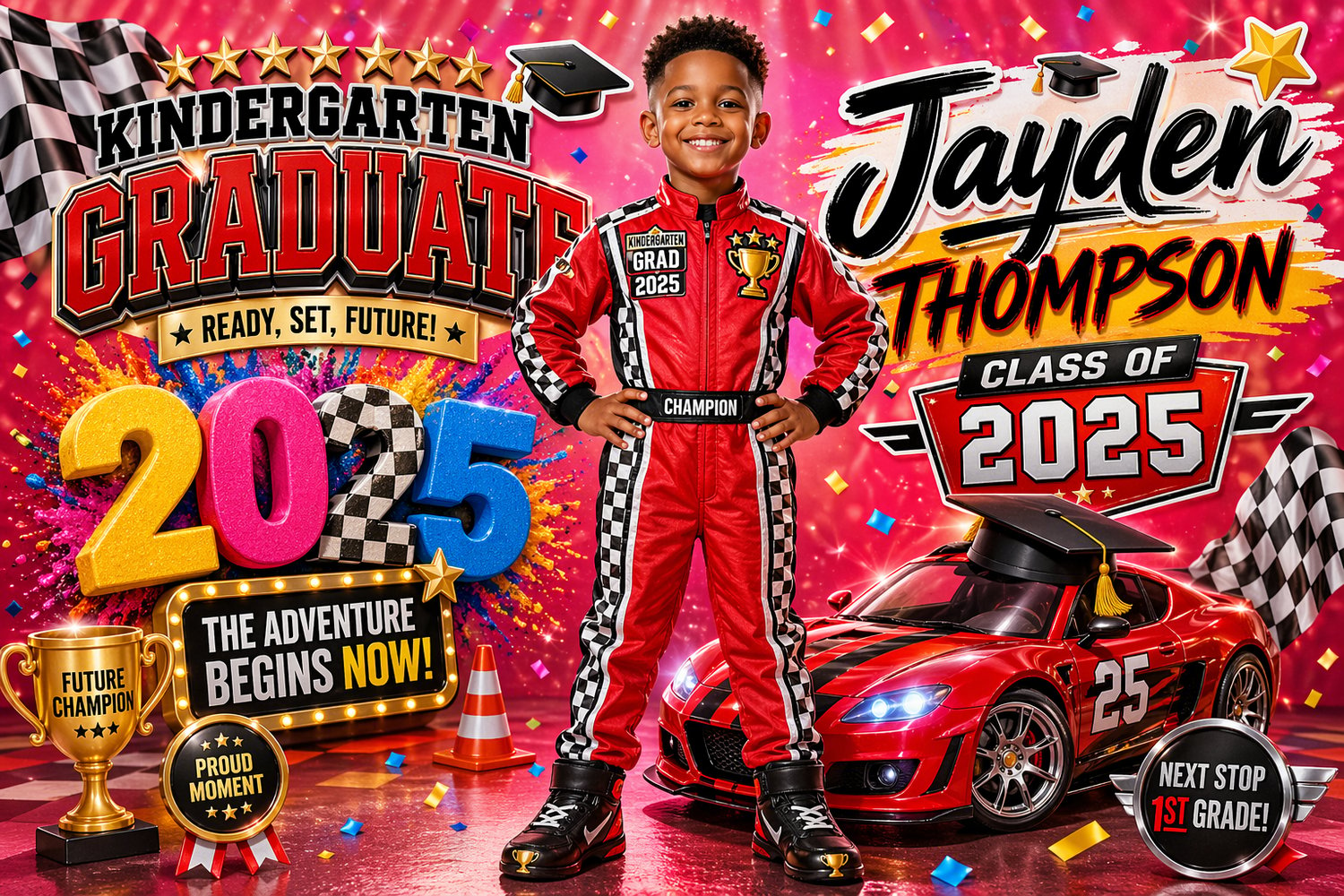
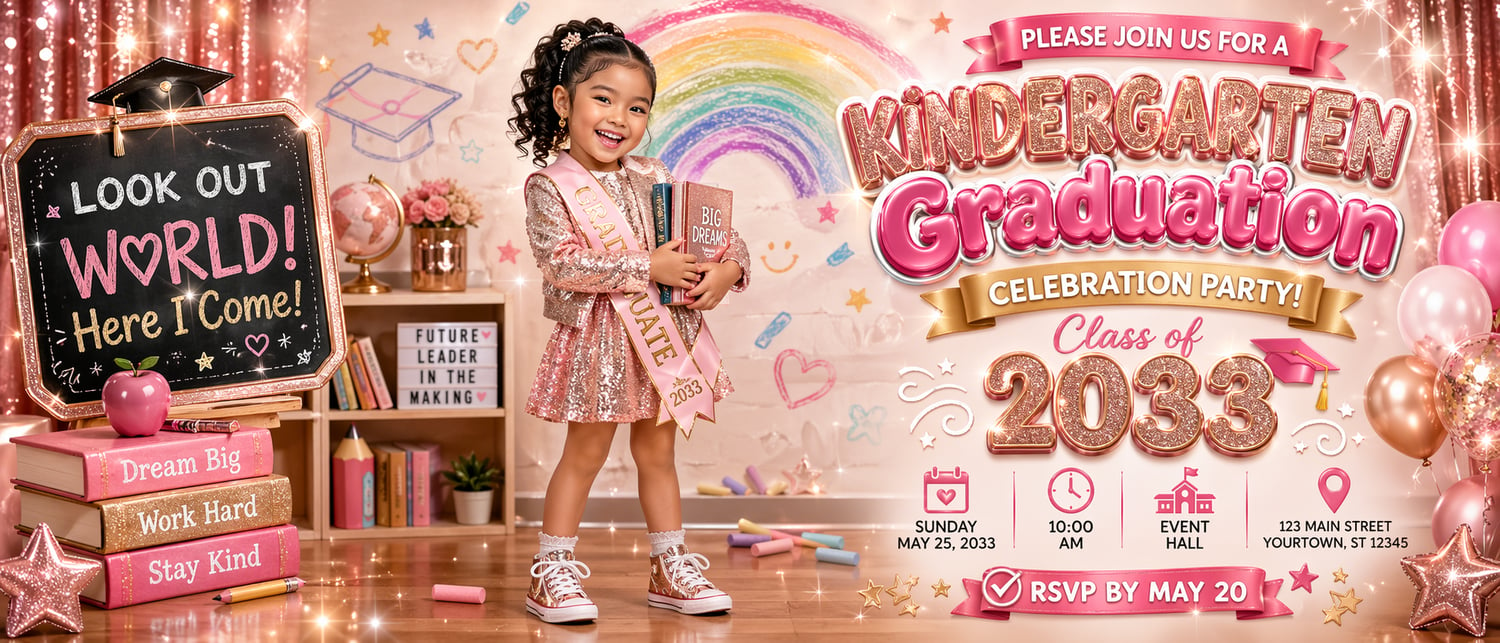
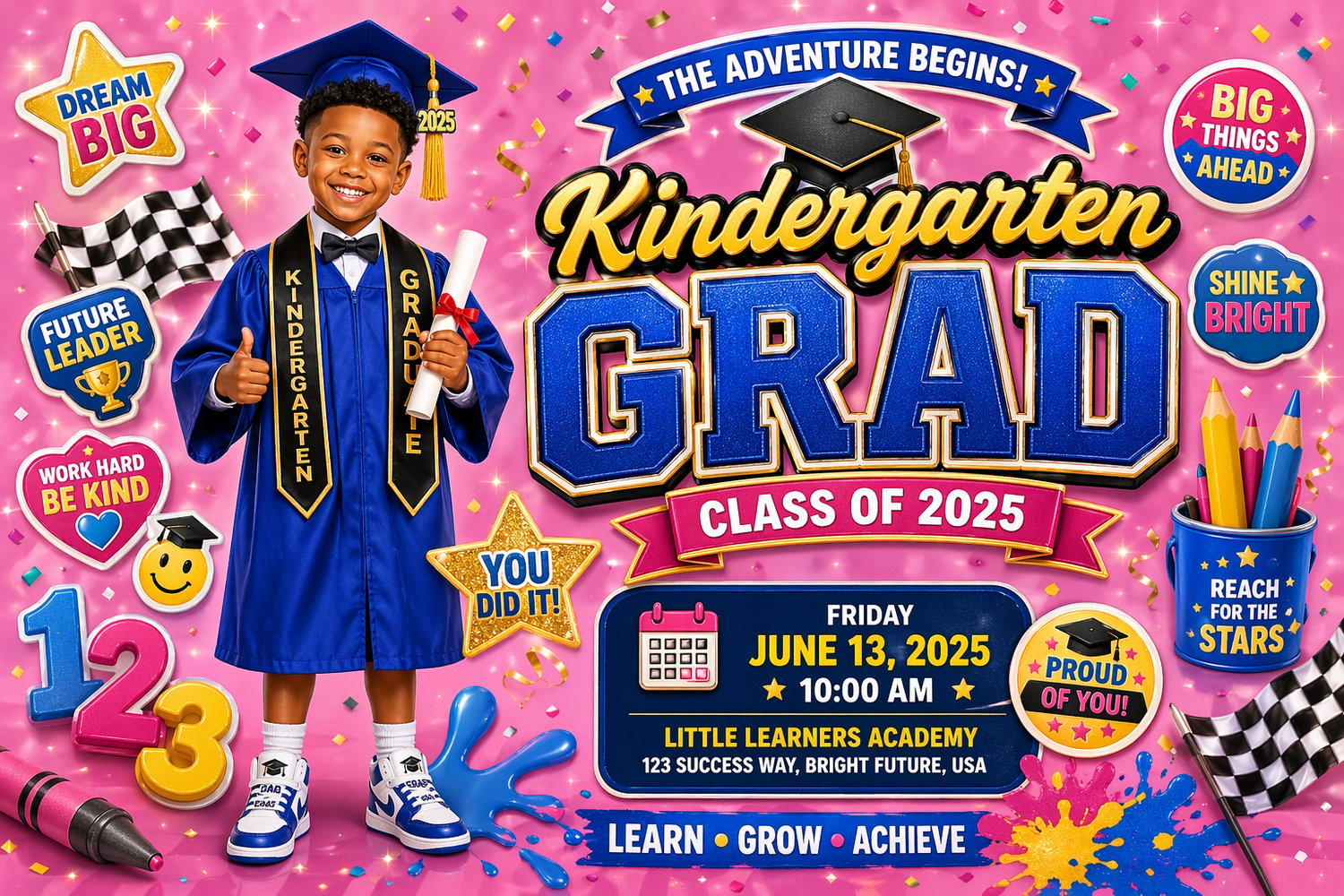
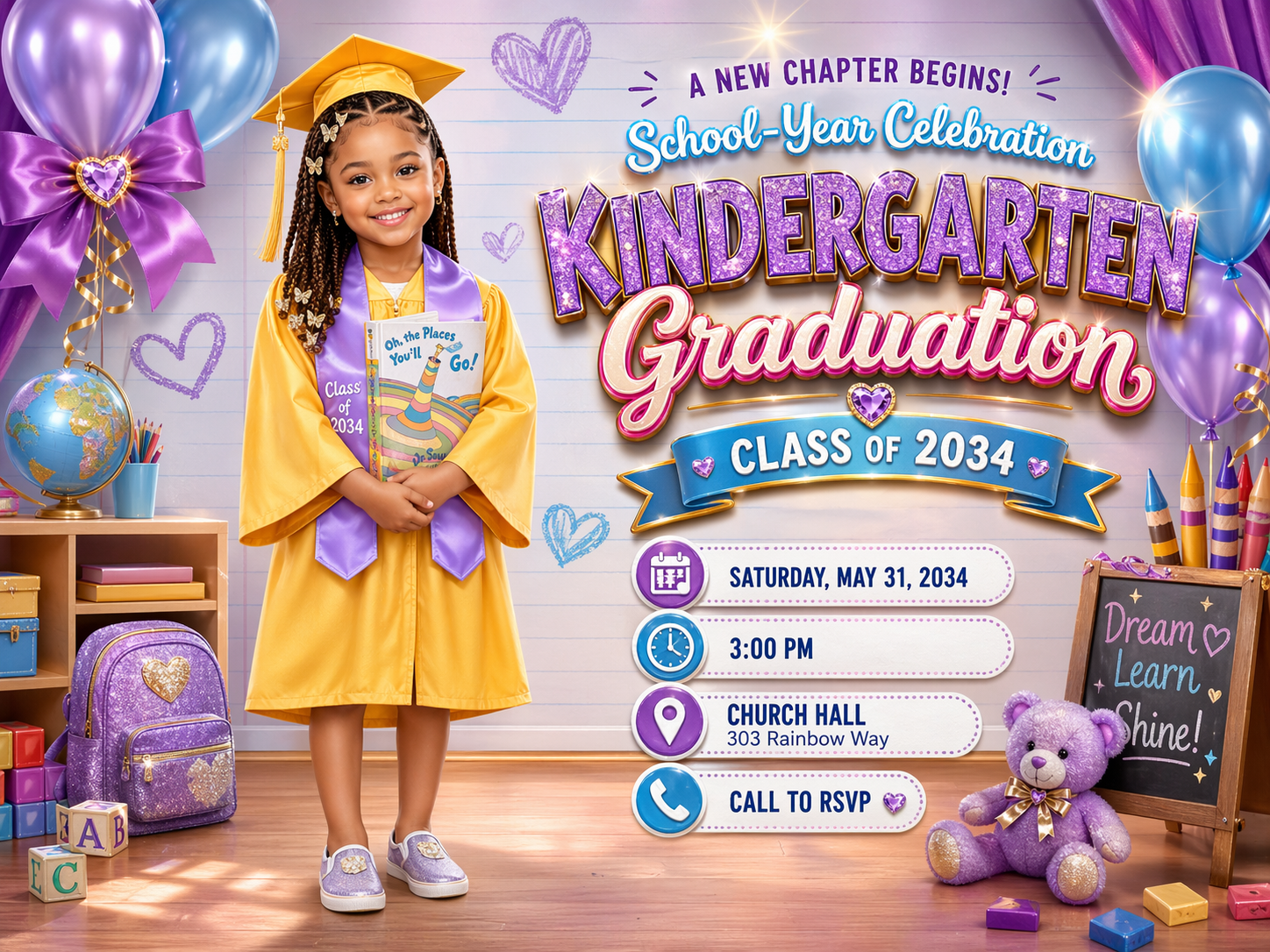
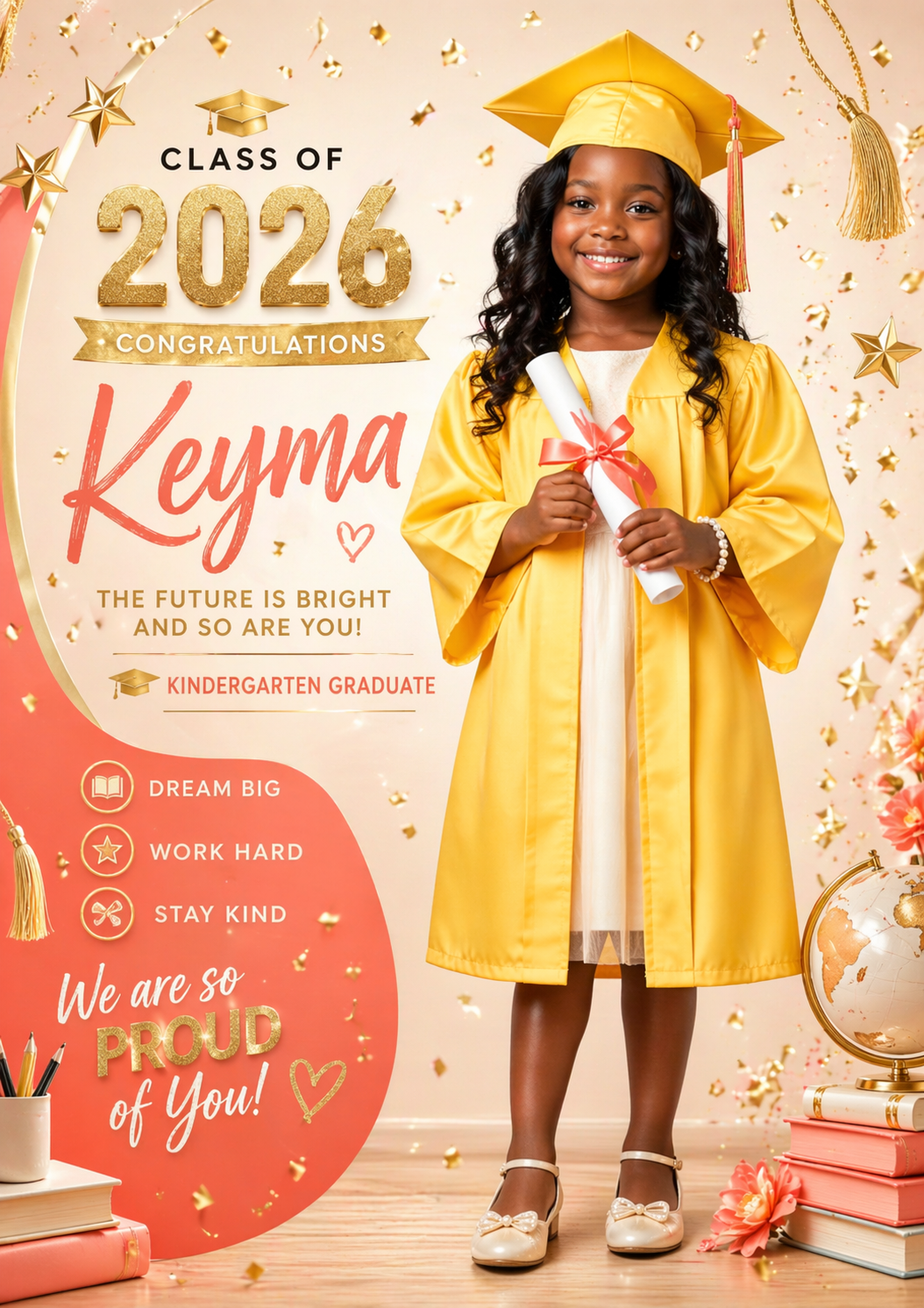
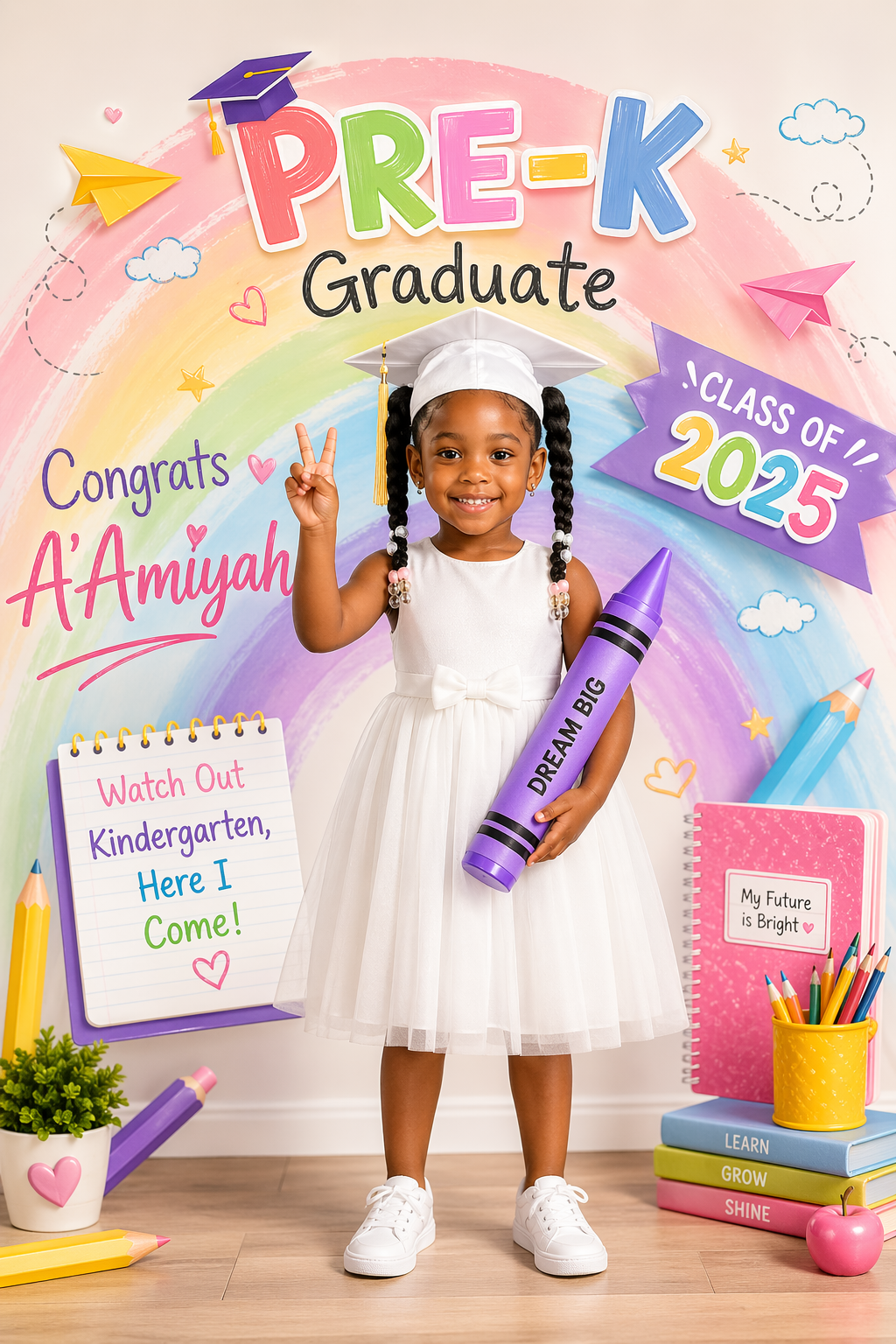
The Little Grad Flyer Generator was made to help you create premium graduation flyer image prompts for boys and girls with a glossy, kid-friendly, flyer-ready look. It gives you the power to mix and match backgrounds, colors, lighting, outfits, shoes, accessories, facial features, poses, text styles, and event details so your final prompt feels custom and put together.
And yes — you can also use your child’s uploaded photo as a reference so the output is built around their look instead of giving you some random kid that doesn’t even resemble them.
Why you need this
Trying to build graduation flyer prompts from scratch is annoying. One minute you’re typing in colors, then trying to think of outfits, then trying to remember lighting, then figuring out what text needs to be on the flyer, then the image still comes out looking off.
This generator fixes that.
Instead of starting from zero every time, you’ll have a tool that helps you build a clean, structured, graduation flyer prompt fast. You can make it cute, bold, playful, polished, colorful, classy, sporty, glam, boy-themed, girl-themed, or photo-reference based.
What this generator helps you create
You can use it to create prompts for:
- kindergarten graduation flyers
- pre-K graduation flyers
- elementary school graduation flyers
- custom graduation announcement graphics
- flyer-style keepsake images
- social media graduation promo graphics
- printable-style graduation flyer concepts
- graduation memory posts
- custom party announcement visuals
- class-year themed graduation designs
What makes this different
This isn’t just some basic prompt box.
This generator gives you structured control over the visual details that actually matter in a graduation flyer.
You’ll be able to customize:
- backgrounds
- background elements
- color palettes
- lighting
- effects
- shadow
- finish
- location
- font style
- text options
- ornate elements
- products and props
- ethnicity
- skin tone
- eye color
- hair color
- hairstyle
- facial expressions
- facial features
- pose
- boys outfits
- girls outfits
- boys shoes
- girls shoes
- boys accessories
- girls accessories
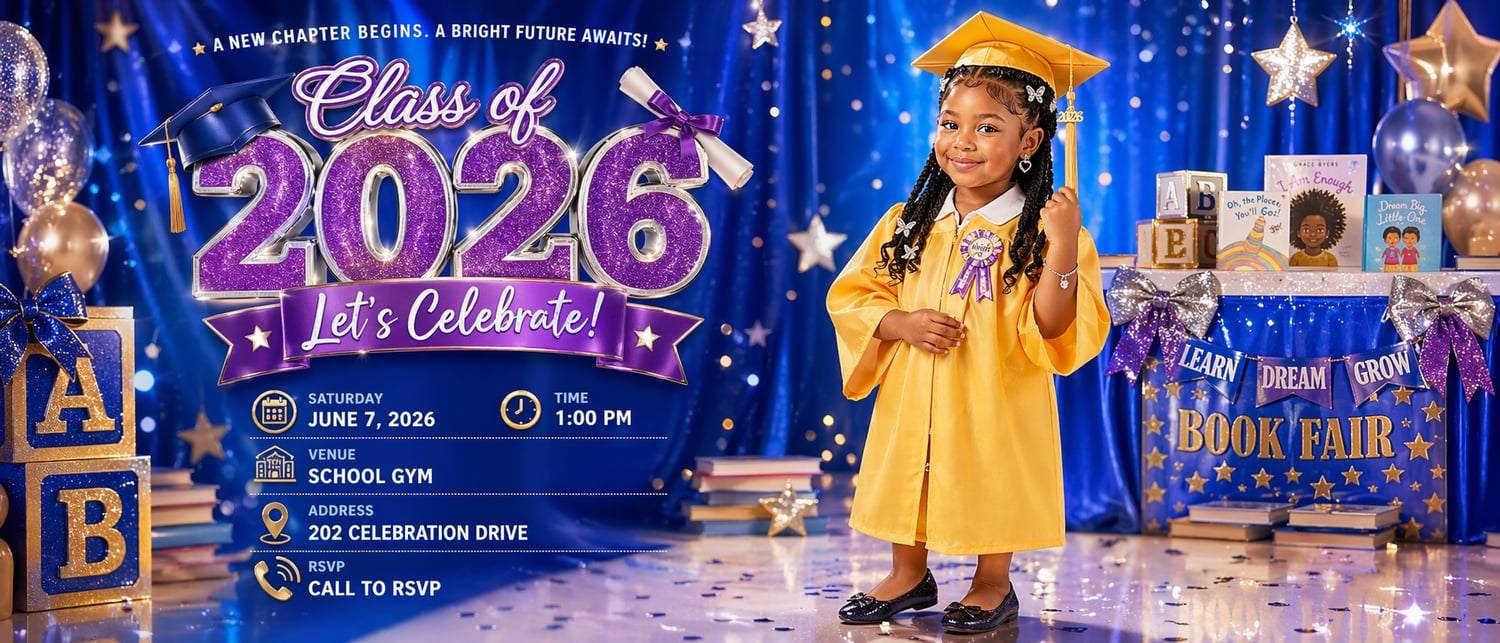
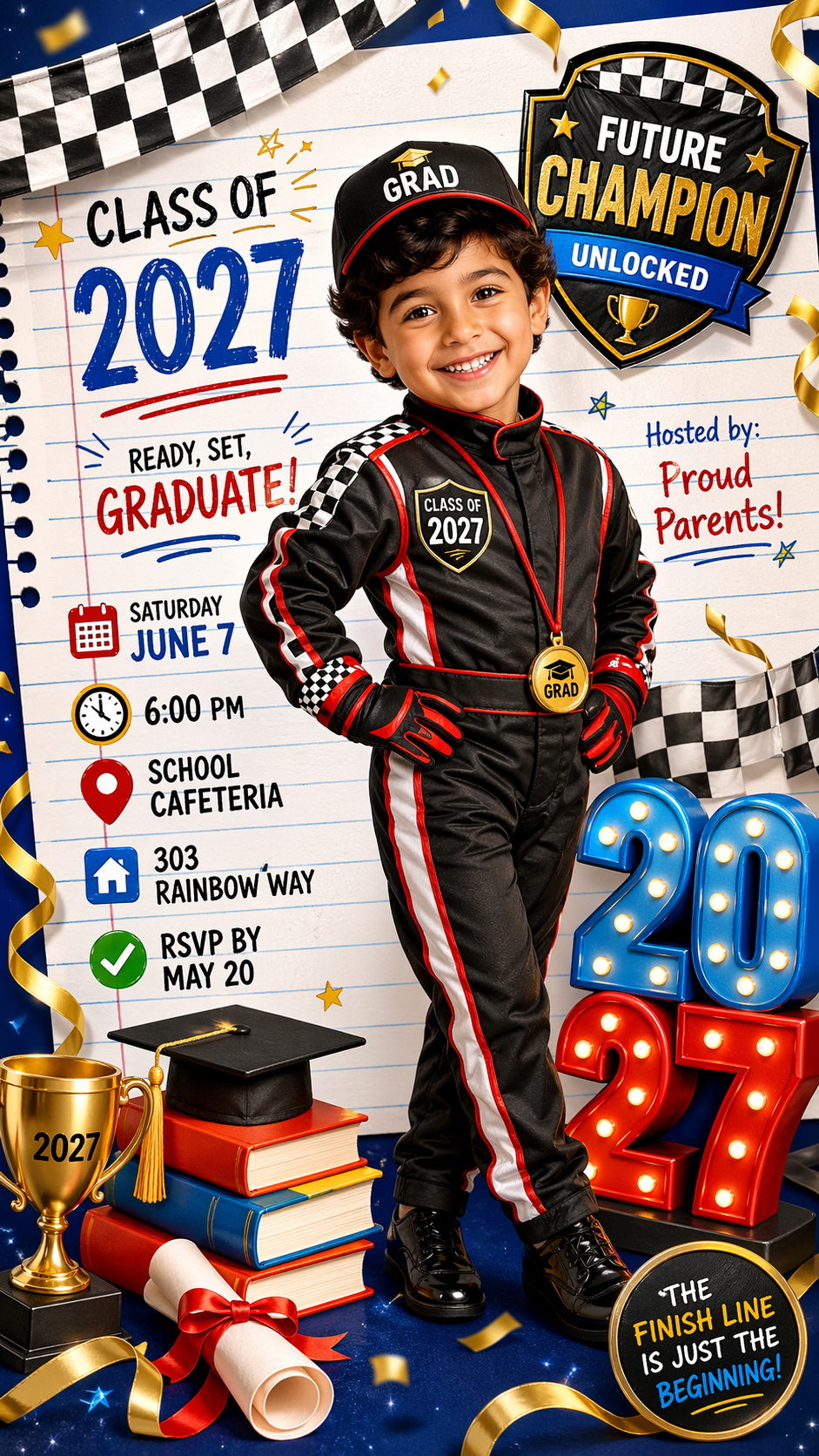
- flyer event details like date, time, venue, address, and RSVP
One of the best features inside this generator is the option to turn on:
Use uploaded photo as reference
When that toggle is selected, the output adds stronger wording telling the image tool to use your uploaded child photo as the facial and identity reference.
That means the prompt can tell the image tool to preserve:
- the same face
- the same skin tone
- the same age appearance
- the same overall child likeness
This gives you a better shot at getting a result that actually feels like your child instead of some random generated face.
Flyer-ready text support
Since this is a flyer generator, it also gives you text-related controls so you can build prompts that include the real flyer details people actually need.
You can create prompts that call for:
- graduate name
- class year
- event date
- event time
- location
- address
- RSVP details
- school name
- taglines
- celebration headlines
- flyer-ready callout text
So instead of just creating “a cute graduation image,” you’re building something that can be used like an actual flyer concept.
Extra content generation features
Depending on the version you’re using, the generator also includes bonus output sections like:
- video script ideas
- marketing content
- music content
- extra prompt outputs
Who this is for
This is great for:
- moms
- dads
- grandparents
- party planners
- custom digital product sellers
- content creators
- Etsy sellers
- graduation keepsake creators
- people who want custom flyer-style graduation images fast
What this helps you avoid
This generator helps you avoid:
- staring at a blank screen
- writing weak prompts
- forgetting important flyer details
- getting inconsistent results
- mixing girl details into boy results
- wasting time rebuilding the same graduation prompt over and over
Perfect for digital product sellers too
If you sell custom graduation designs, this can save you a ton of time.
Instead of manually typing every prompt from scratch, you can use the generator to create polished custom prompts faster for:
- customer mockups
- flyer previews
- promo images
- digital keepsakes
- graduation post graphics
Final close
If you want to create graduation flyer prompts that look more polished, more custom, and way less random, this generator gives you the structure to do it fast.
You’re not just getting a prompt tool. You’re getting a graduation flyer system that helps you build cleaner prompts, stronger visuals, better customization, and more personalized results — especially if you want to use your child’s photo as a reference.
Get the Little Grad Flyer Generator now and start creating graduation flyer prompts that actually look custom, polished, and worth showing off.