
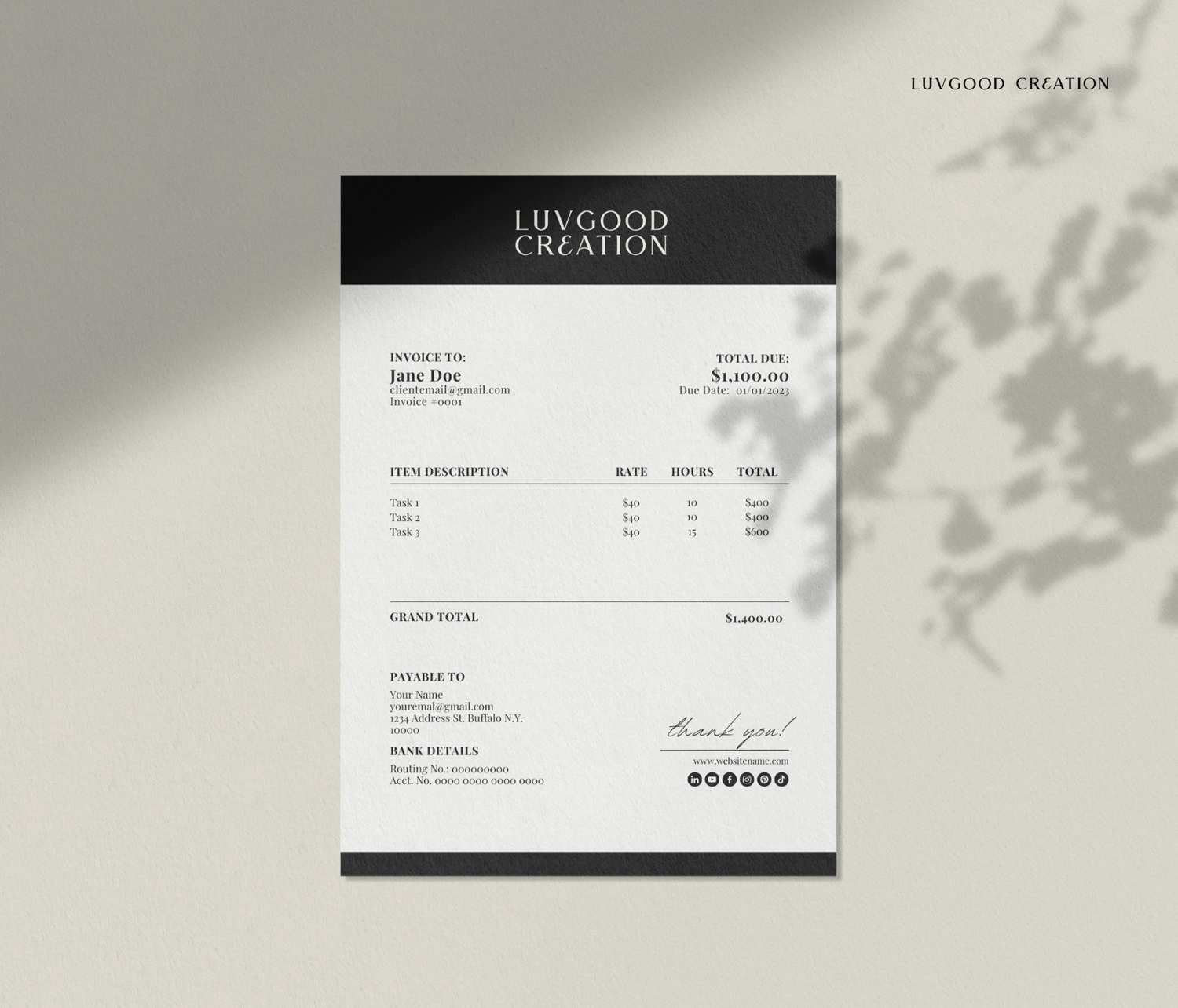
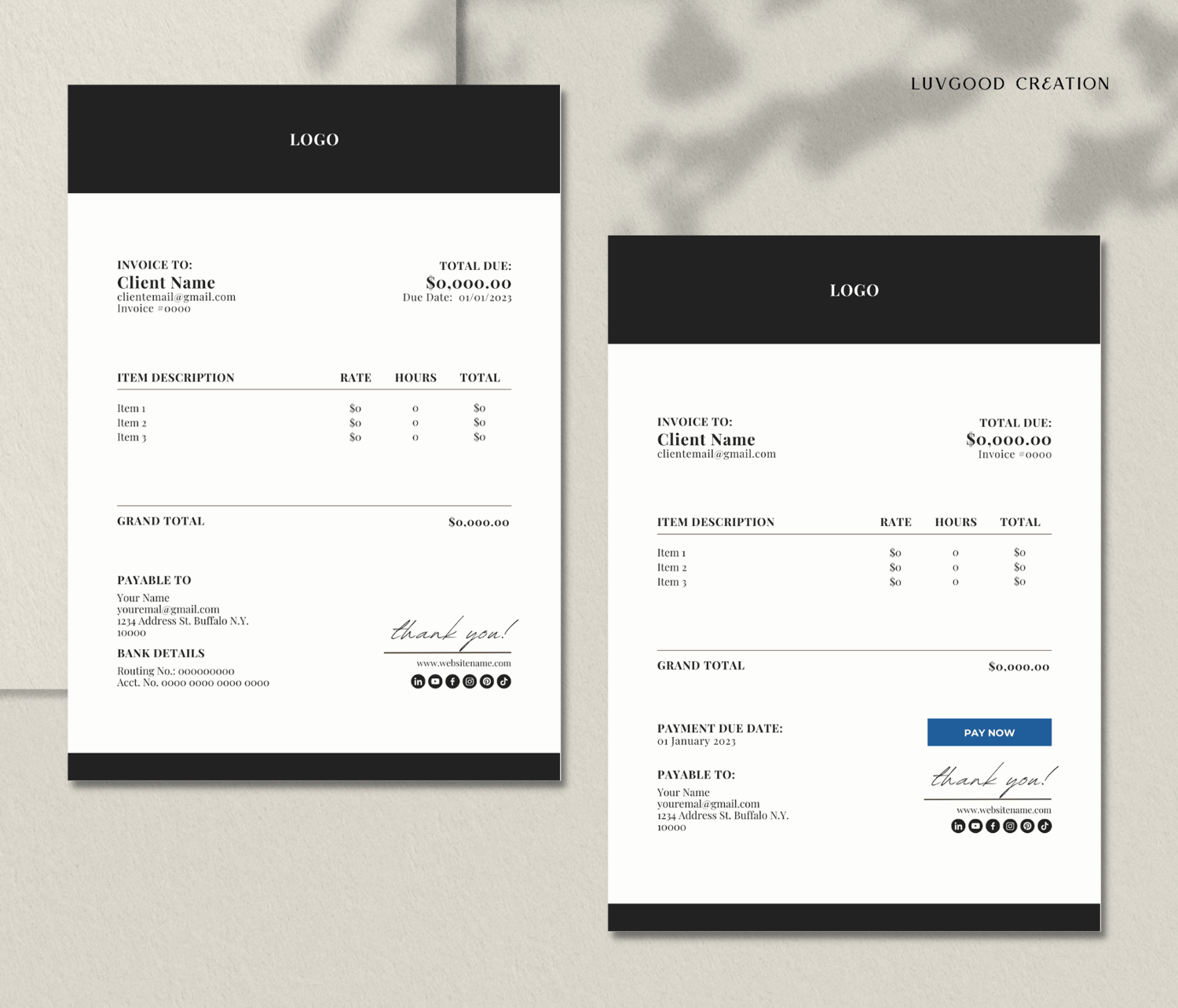
Invoice Template | Canva Template
Give your business a polished and professional look with this Canva design template. It's the perfect way to impress your clients and get paid on time.
Say goodbye to the hassle of creating invoices from scratch, and hello to a time-saving solution that will take your business to the next level. This invoice template is easy to use, with customizable fields that allow you to tailor each invoice to your specific needs.
And the best part? You can download the template instantly after purchasing. No more waiting around for someone else to create your invoices or spending hours on formatting, you’ll have everything you need at your fingertips.
FEATURES:
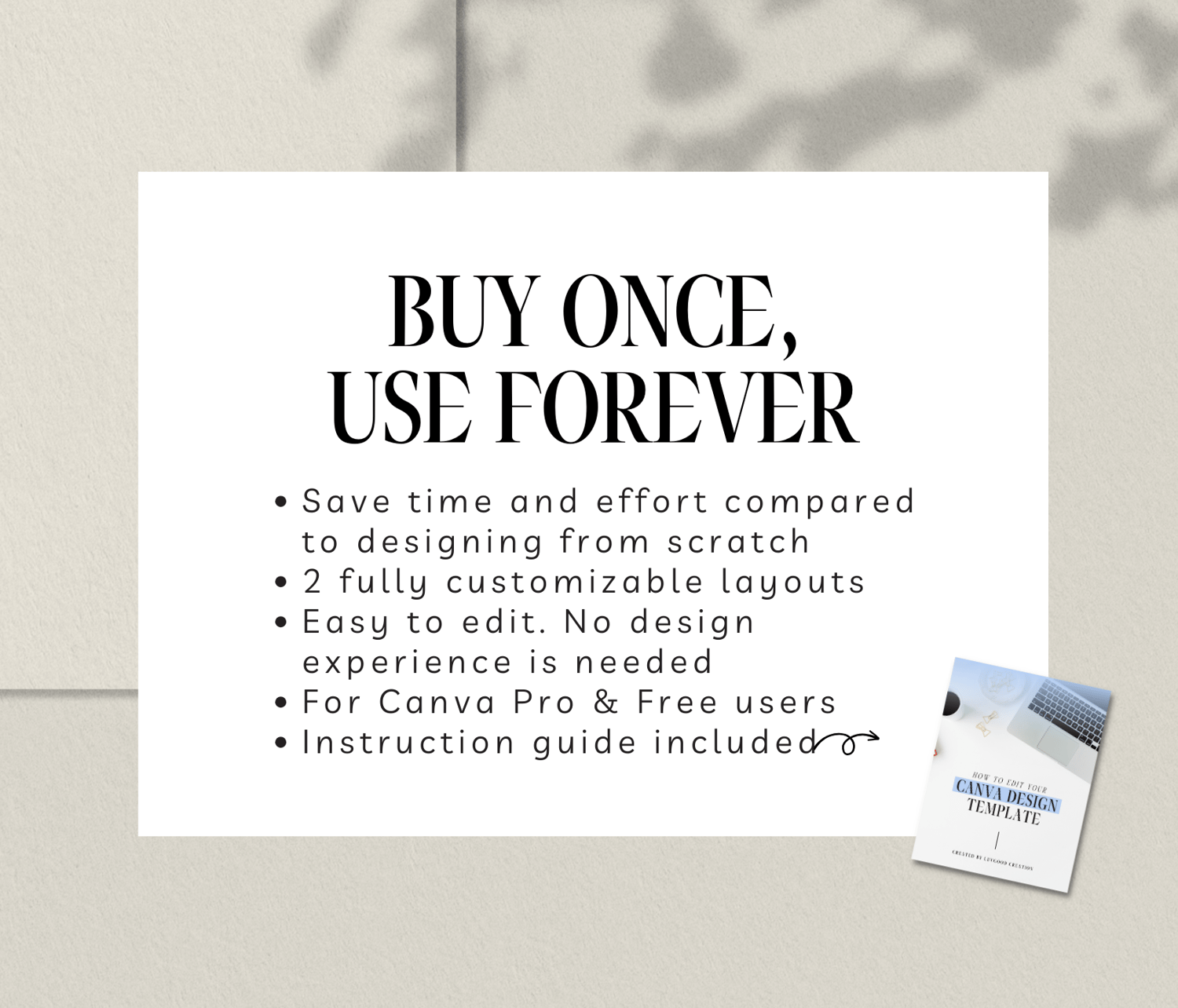
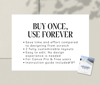
- Save time and effort compared to designing from scratch
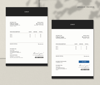
- 2 fully customizable layouts
- Easy to edit. No design experience is needed
- For Canva Pro & Free users
- Instruction guide included
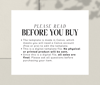
PLEASE READ BEFORE YOU BUY
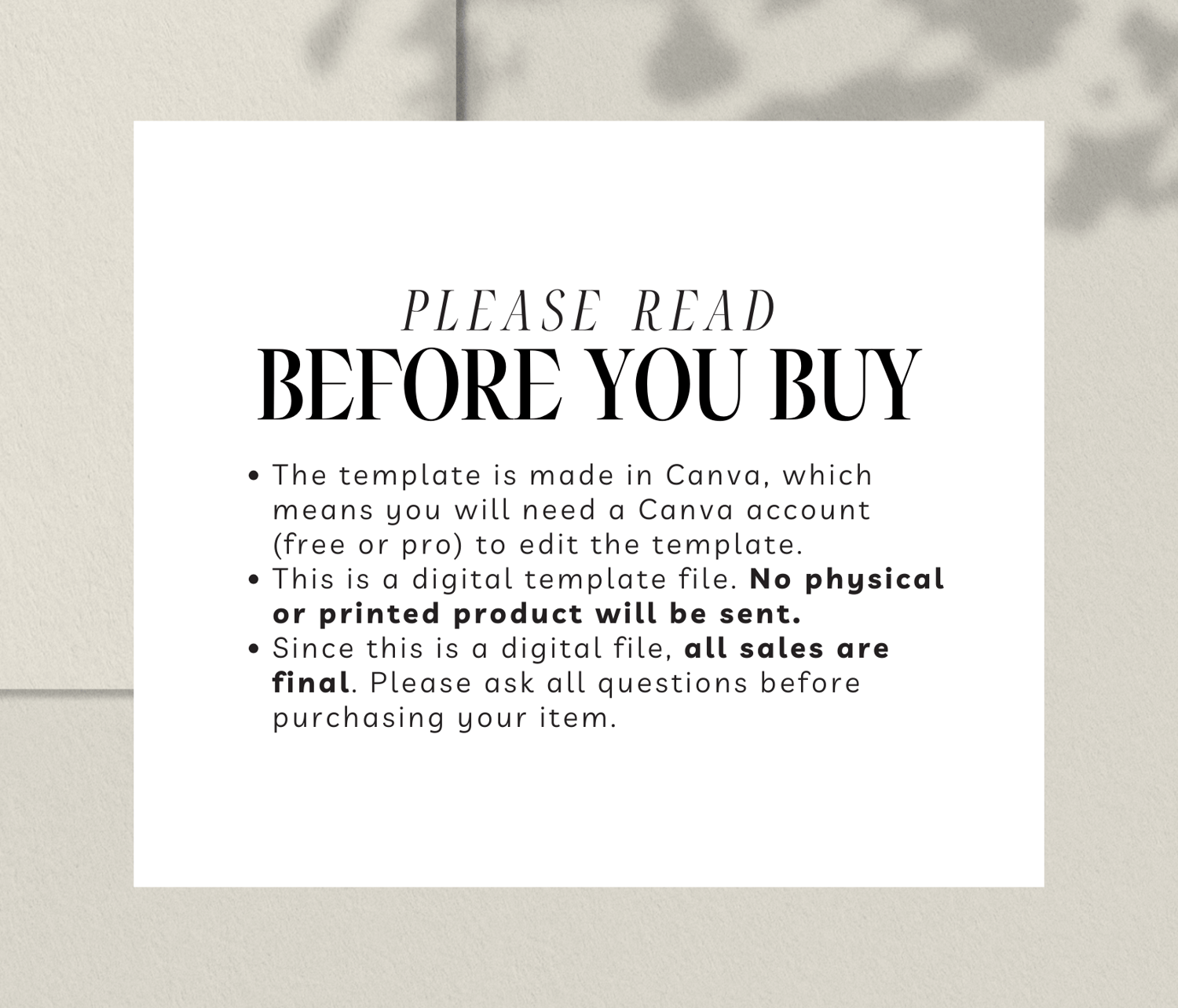
- The template is made in Canva, which means you will need a Canva account (free or pro) to edit the template.
- This is a digital template file. No physical or printed product will be sent.
- Since this is a digital file, all sales are final. Please read terms & conditions and ask all questions before purchasing your item.
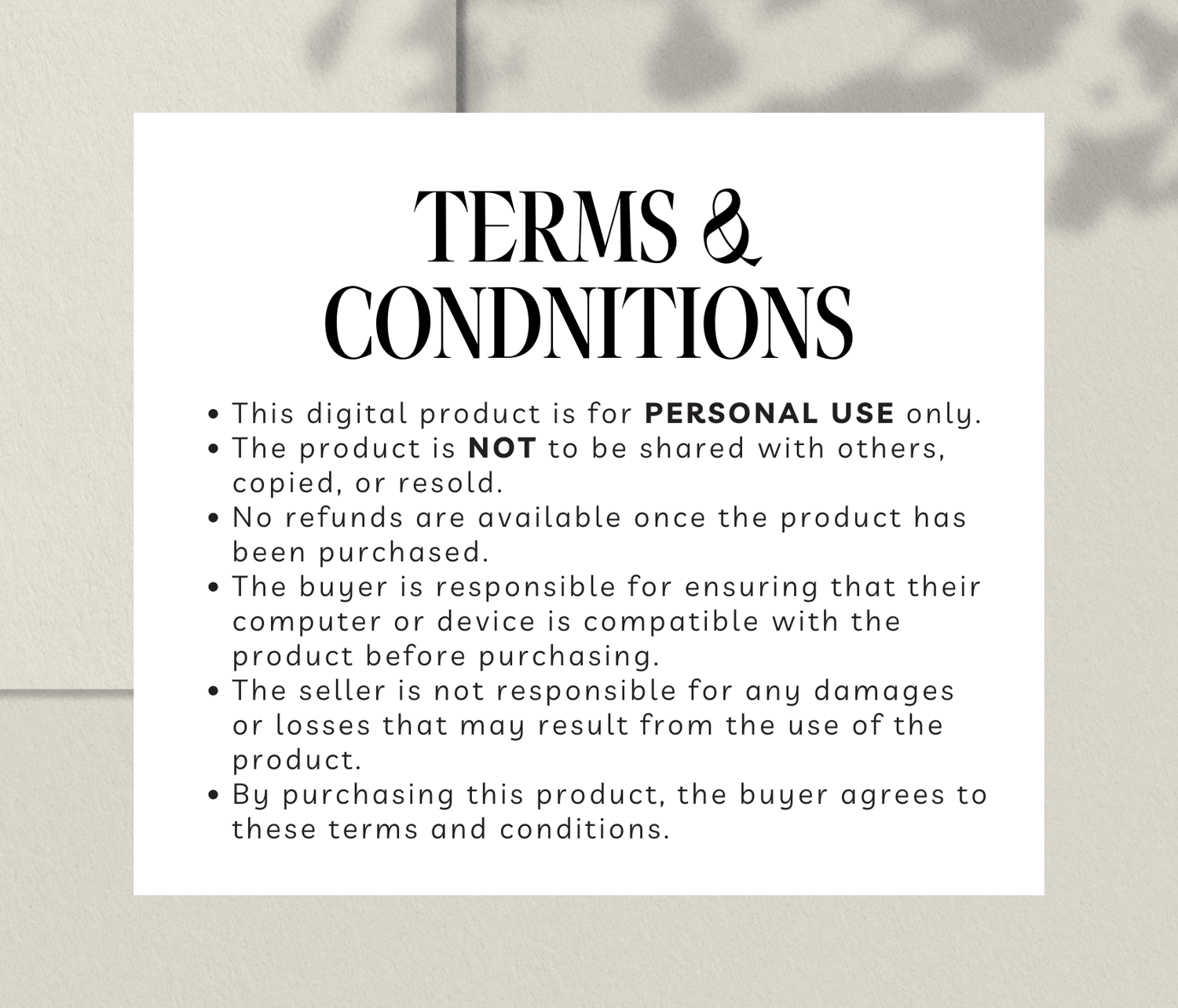
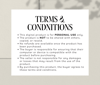
TERMS & CONDITIONS:
- This digital product is for PERSONAL USE only.
- The product is NOT to be shared with others, copied, or resold.
- No refunds are available once the product has been purchased.
- The buyer is responsible for ensuring that their computer or device is compatible with the product before purchasing.
- The seller is not responsible for any damages or losses that may result from the use of the product.
- By purchasing this product, the buyer agrees to these terms and conditions.
HOW TO DOWNLOAD:
- Once you've completed your purchase, download the PDF file that contains a link to the template as well as an instructional guide. (Note: you need to download the PDF within 1 month after purchasing)
- Sign in to your Canva account.
- Click the Canva template button in the PDF. After clicking, it should display a screen previewing the template - please click Use Template.
*It's recommended to read the instruction guide before you begin to ensure you get the most out of the template.