




Irregular Income Budget Tracker, Freelancer Spreadsheet, Variable Income Planner (Digital Download)
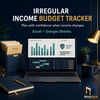
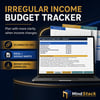
IRREGULAR INCOME BUDGET TRACKER
Plan your money with more clarity when your income changes from month to month.
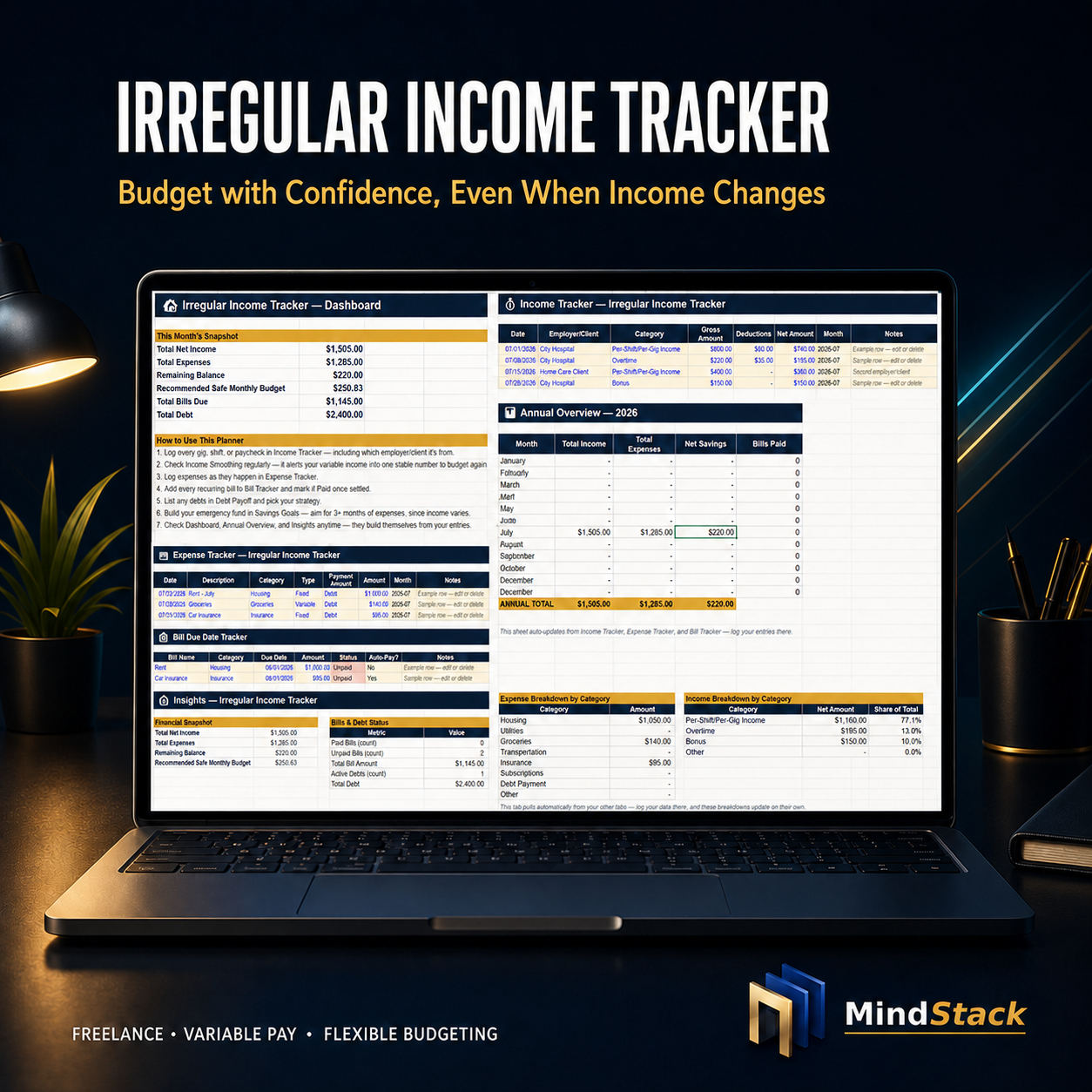
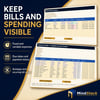
This practical 10-tab Excel workbook is designed for freelancers, contractors, gig workers, commission earners, side-hustlers, and households with variable income. Track income as it arrives, organize expenses and bills, plan more conservatively for slow months, and keep savings and debt goals visible.
WHAT YOU RECEIVE
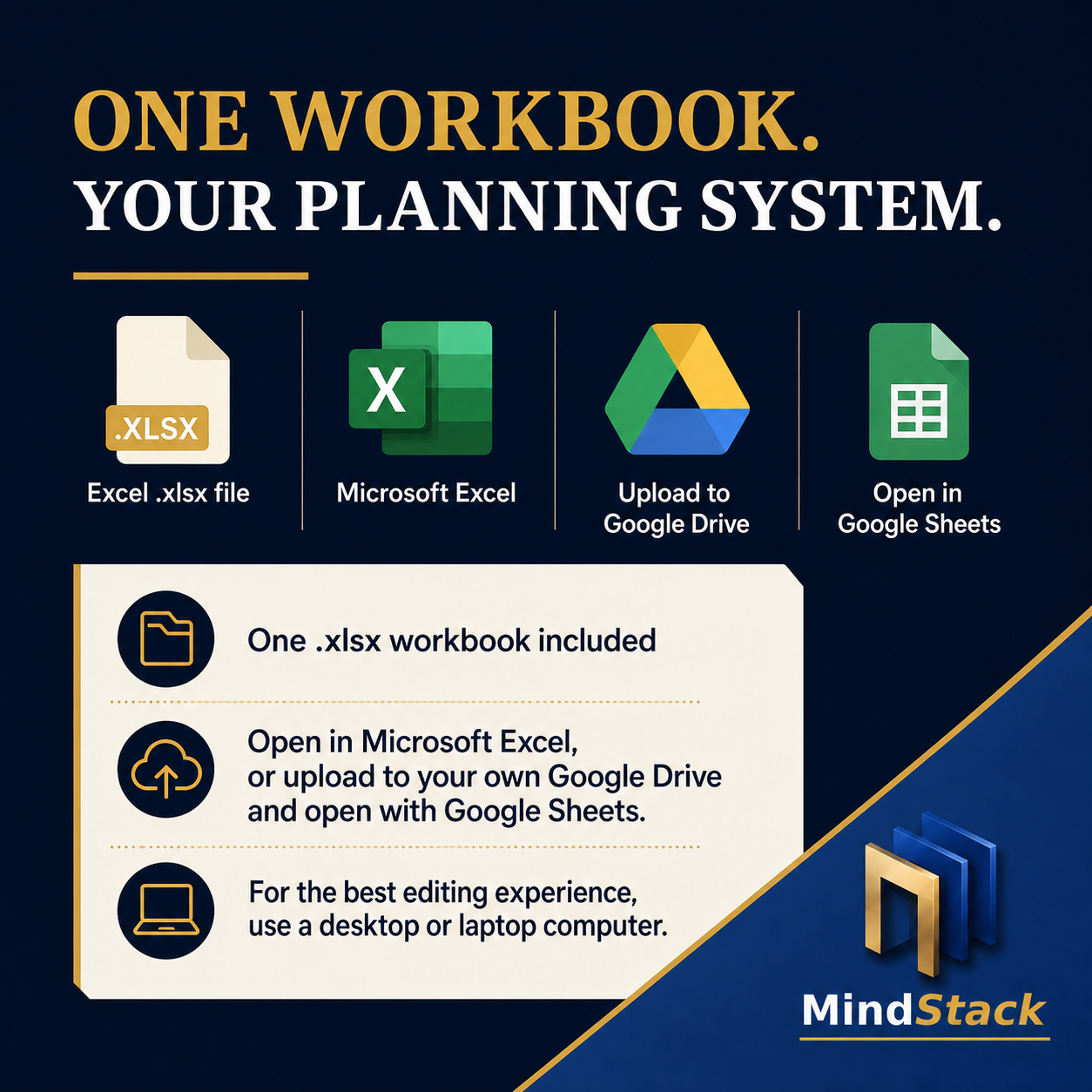
• One digital .xlsx workbook
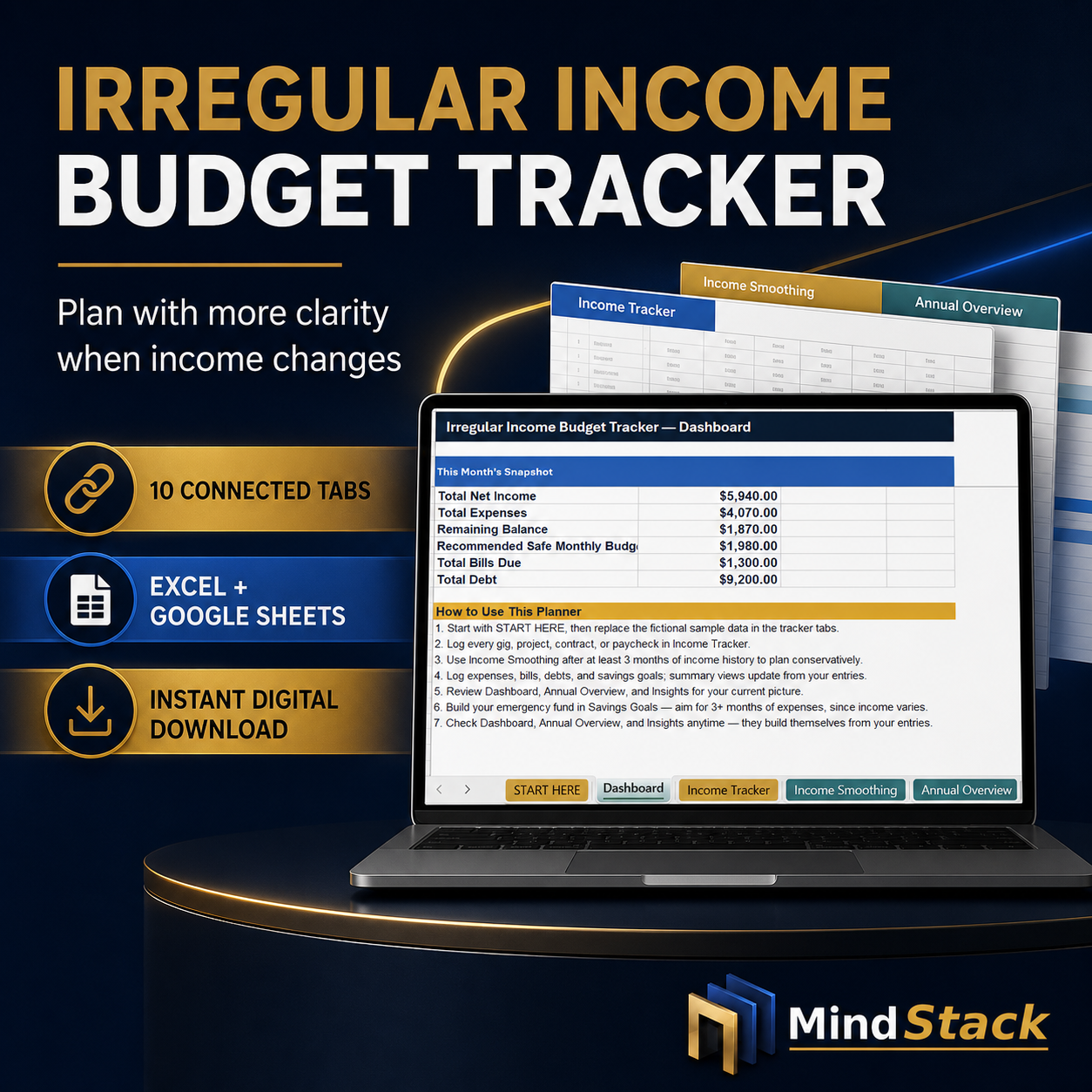
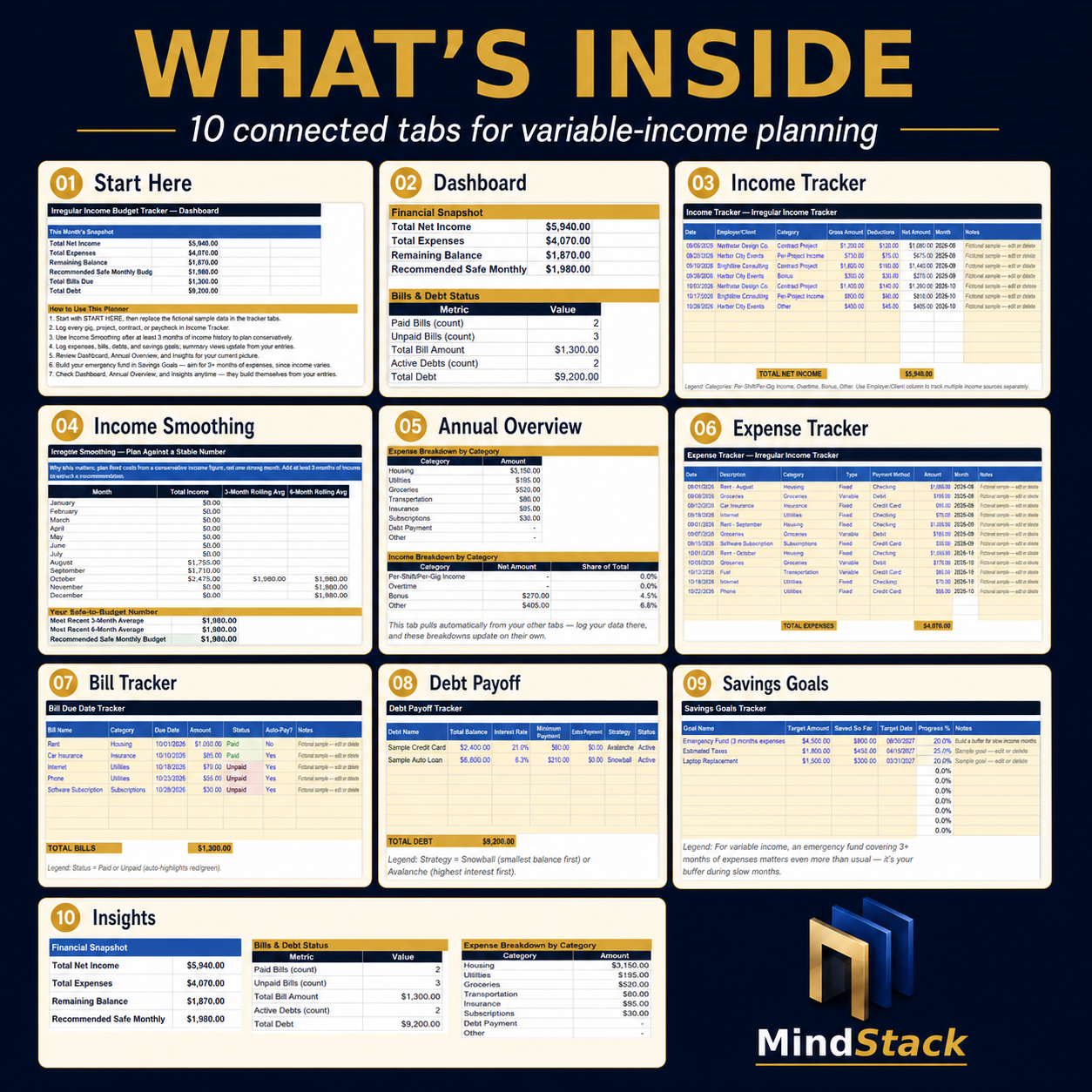
• 10 connected tabs
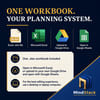
• A file that opens in Microsoft Excel and can also be uploaded to your own Google Drive and opened in Google Sheets
• Instant digital download — no physical product will be shipped
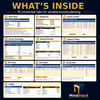
WHAT’S INCLUDED
• Start Here — setup order, privacy guidance, compatibility notes, and instructions
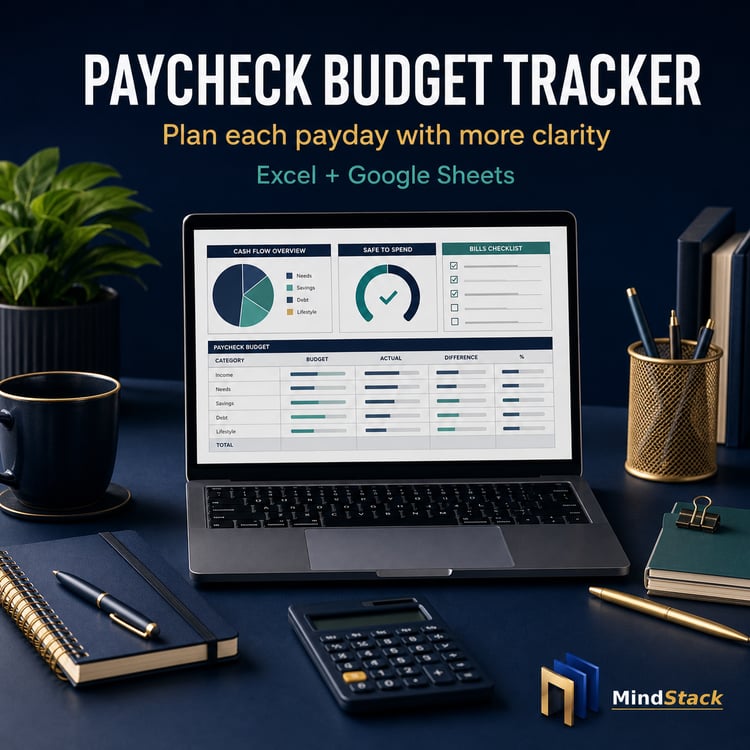
• Dashboard — current snapshot of net income, expenses, balance, bills, debt, and safe-budget figure
• Income Tracker — log freelance, contract, gig, commission, overtime, bonus, or other income
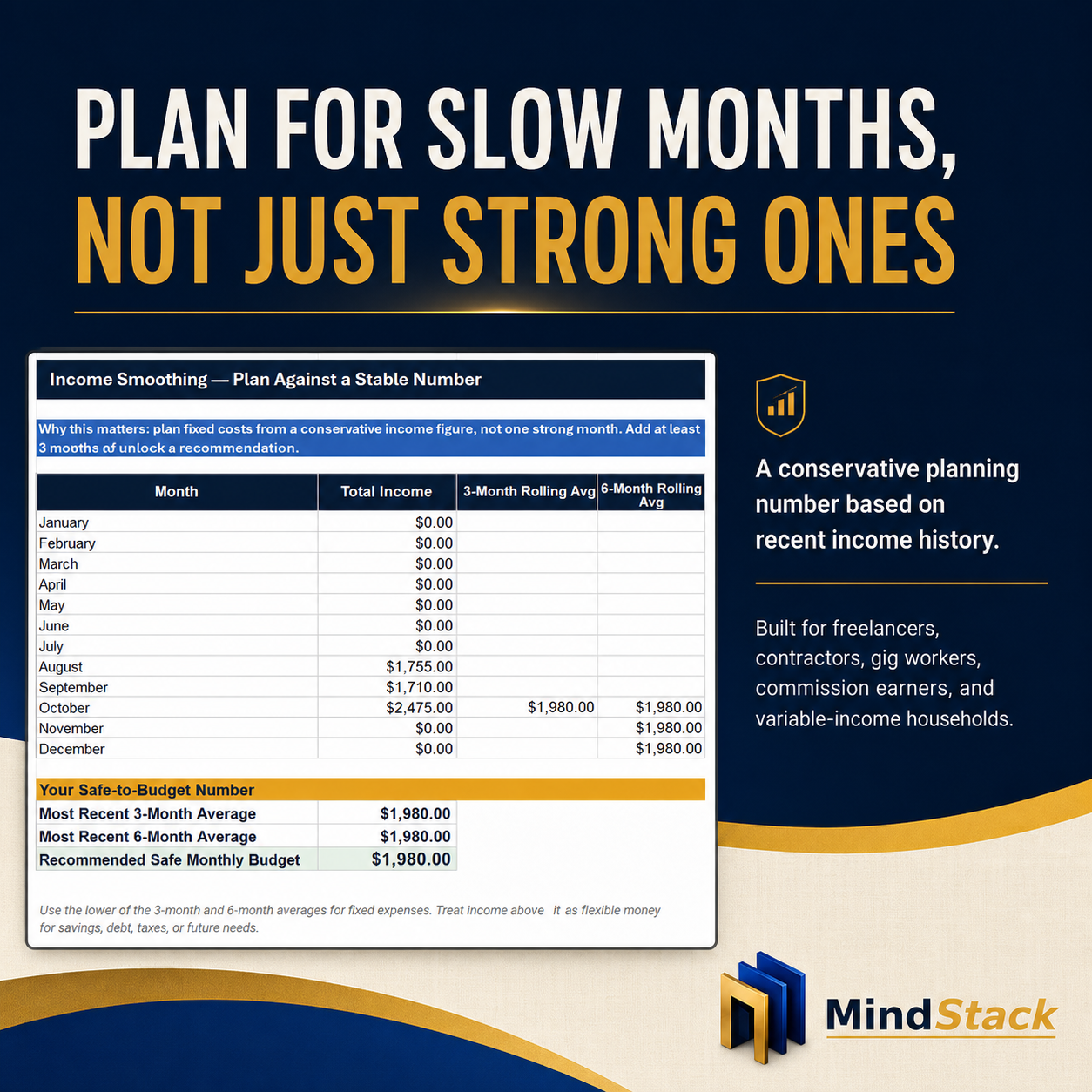
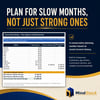
• Income Smoothing — conservative 3-month and 6-month income averages for variable-income planning
• Annual Overview — month-by-month income, expenses, net savings, and bills paid
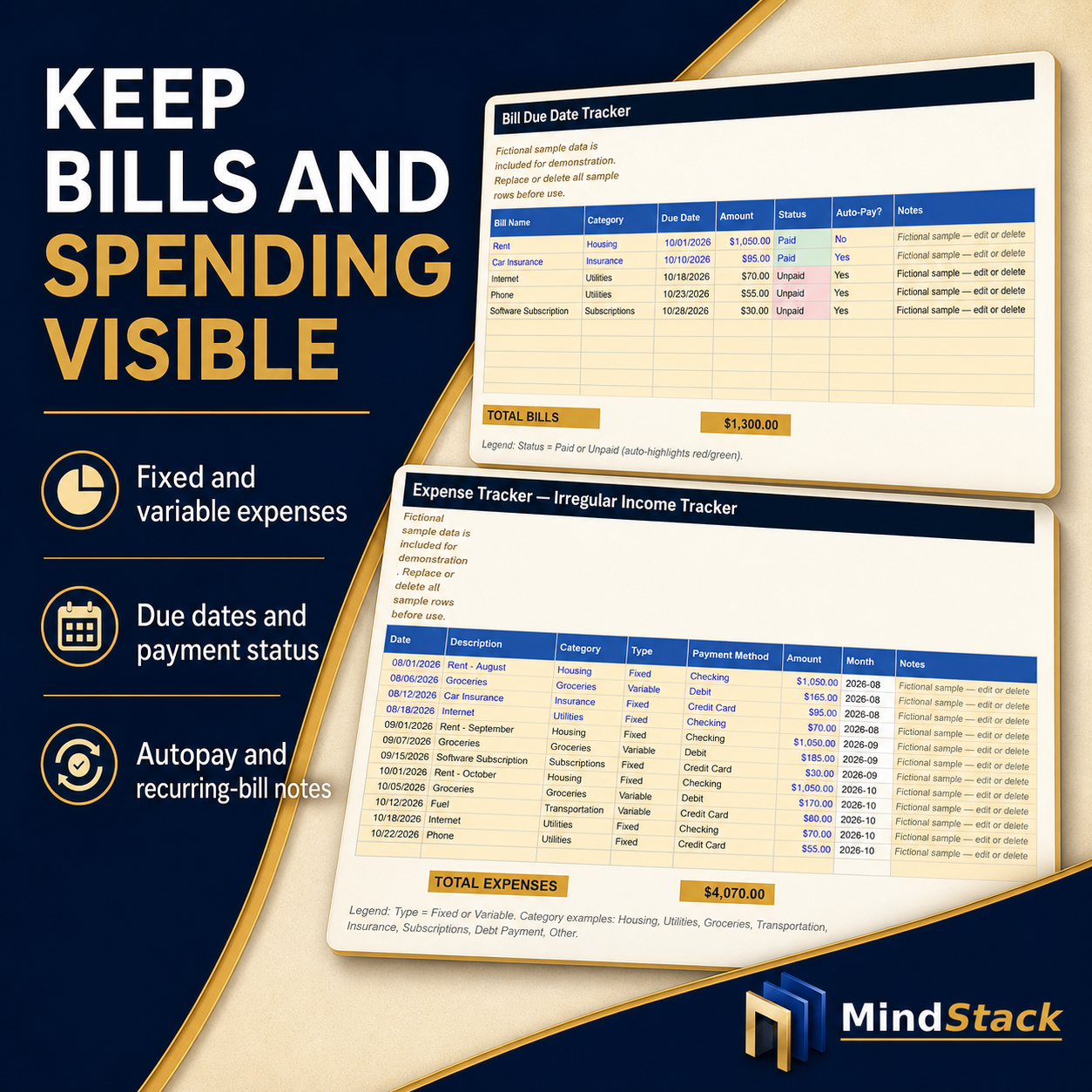
• Expense Tracker — organize fixed and variable expenses
• Bill Tracker — track due dates, amounts, payment status, and autopay
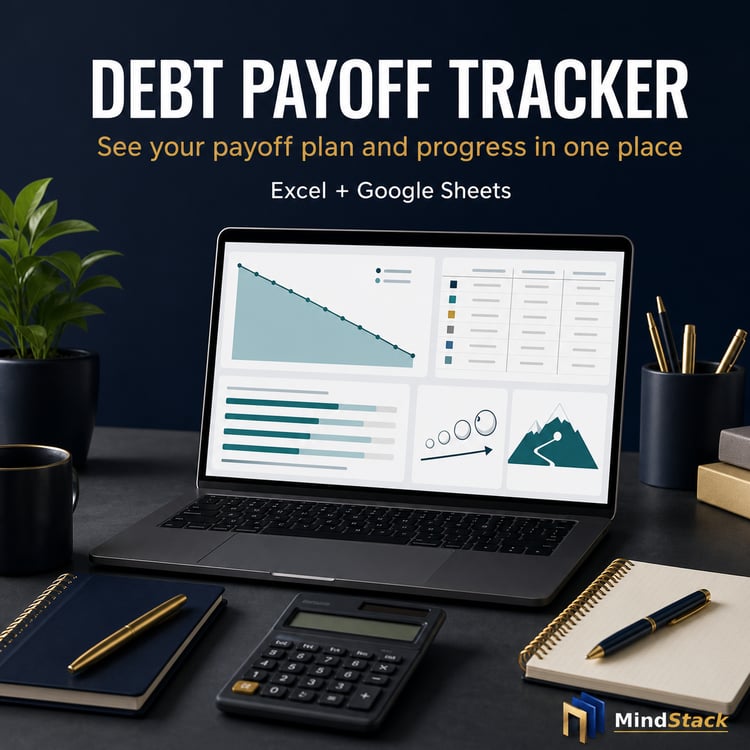
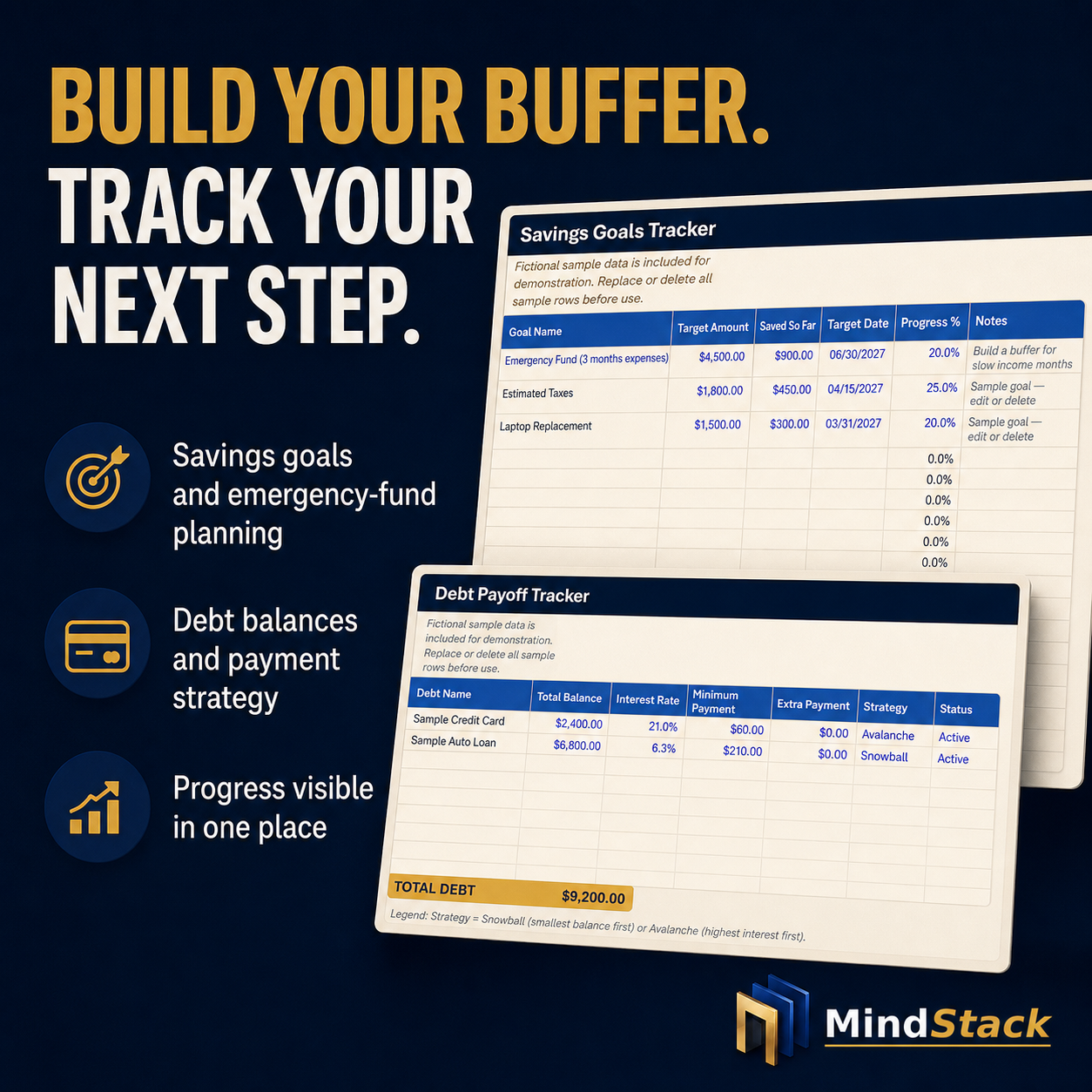
• Debt Payoff — organize balances, interest rates, minimum payments, and payoff strategy
• Savings Goals — track emergency funds, estimated taxes, purchases, and other goals
• Insights — review income and expense categories, bills, debt, and financial snapshot
HOW THE SAFE-BUDGET FEATURE WORKS
After you record at least three months of income, the tracker uses the lower of your recent 3-month and 6-month average income to suggest a conservative monthly planning figure. This is designed to help you avoid building fixed expenses around one unusually strong month.
HOW TO USE
1. Download the .xlsx workbook after purchase.
2. Open it in Microsoft Excel, or upload it to your own Google Drive and open it with Google Sheets.
3. Start with the Start Here tab.
4. Replace or delete the fictional sample entries.
5. Add income, expenses, bills, debts, and savings goals as they happen.
6. Review the Dashboard, Income Smoothing, Annual Overview, and Insights tabs regularly.
GOOD TO KNOW
• One .xlsx workbook is included.
• Designed for Microsoft Excel and Google Sheets.
• For the best editing experience, use a desktop or laptop computer.
• The workbook does not connect to a bank, transfer money, or pay bills.
• Fictional sample data is included for demonstration and should be replaced or deleted.
• Digital product only — no physical item will be shipped.
PERSONAL USE LICENSE
For personal use only. You may not resell, share, redistribute, upload, or use this file commercially.
SUPPORT AND REFUND REQUESTS
Because this is a digital download, refunds are generally not available after access or download. However, if you experience a technical issue, receive an incorrect file, or make a duplicate purchase, contact MindStack within 7 days of purchase with your order details. Requests are reviewed according to the MindStack Refund Policy.
DISCLAIMER
This workbook is for organization and planning only. It is not financial, tax, legal, accounting, investment, or other professional advice. You are responsible for reviewing your own financial situation and using this tool in a way that fits your needs.
NEED HELP?
For technical download or file issues, contact us through Etsy Messages and include the product name and a brief description of the issue.
Please read any included Start Here guide before using your files.
If your download contains a ZIP file, extract it before opening the contents.