

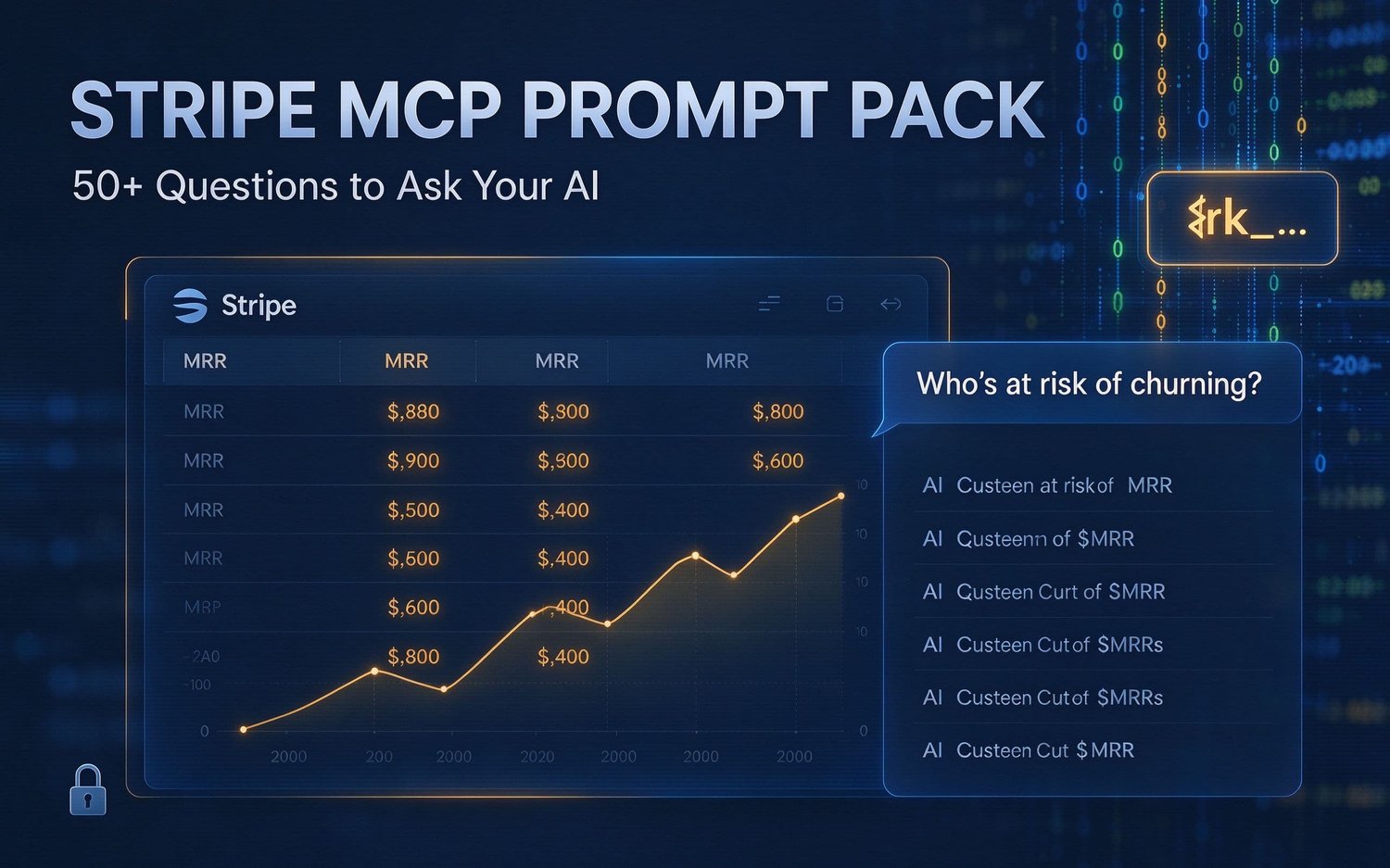
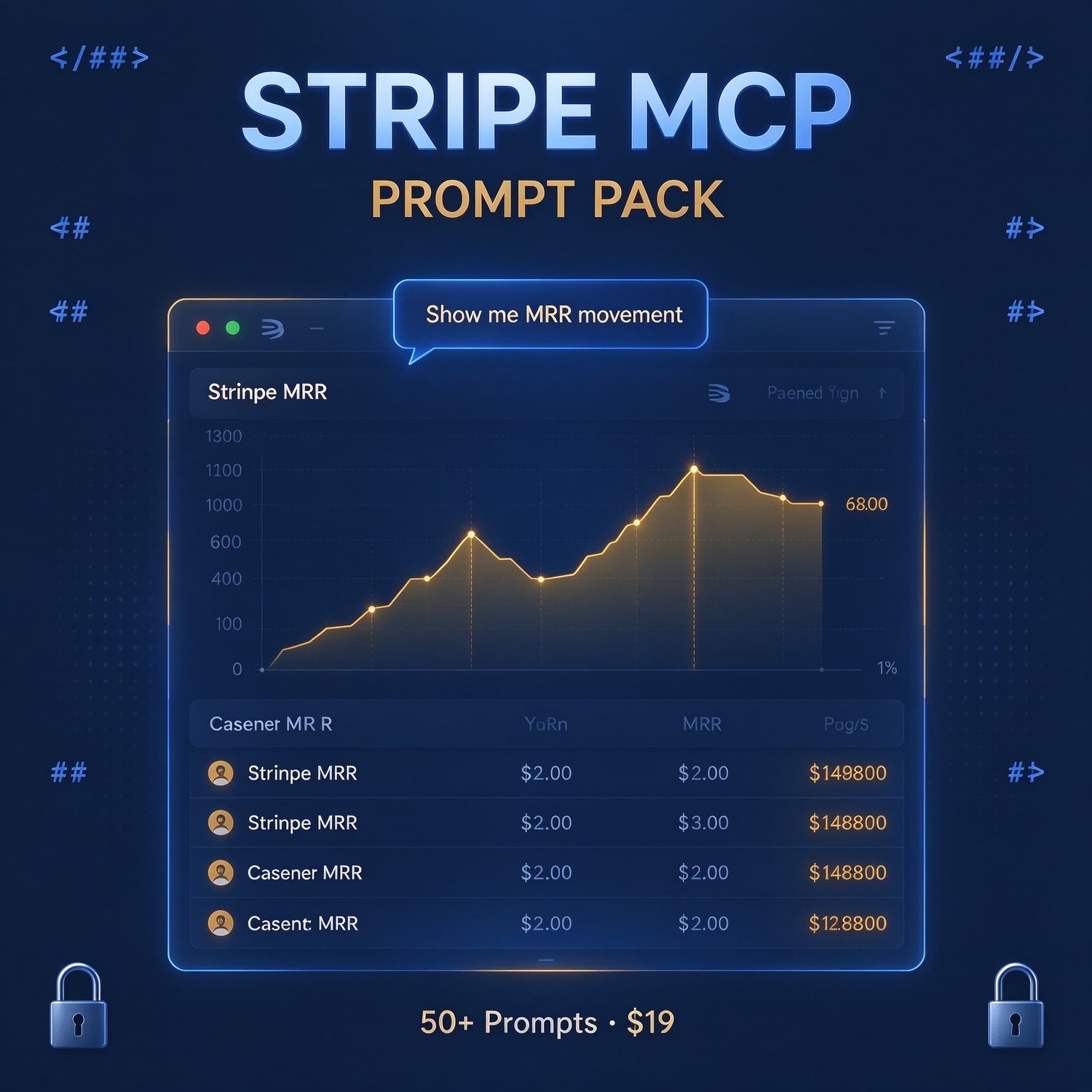

Stripe MCP Prompt Pack — 50+ Questions to Ask Your AI After Connecting Stripe
Stripe MCP Prompt Pack
🔑 Restricted Key Permission Template
Exact read-only permissions to grant (and what to never grant). JSON format ready to reference.
🐛 Troubleshooting Guide (9 issues)
• MCP not connecting, invalid API key, permission denied
• Rate limits, empty results, JSON config errors
• AI trying to write, slow responses, OAuth issues
• Copy-paste diagnostic prompt to isolate any issue
Who This Is For
✅ Indie SaaS founders who want to catch churn before the monthly Stripe email
✅ AI-native builders using Claude Code, Cursor, or Codex daily
✅ Shopify sellers who need Stripe fee and chargeback analysis
✅ Anyone who connected Stripe MCP but doesn't know what to ask
Who This Is NOT For
❌ People who haven't connected Stripe MCP yet (it's free — claude mcp add --transport http stripe https://mcp.stripe.com)
❌ Non-technical users who don't use AI coding agents
❌ People expecting a full MCP server (this is a prompt pack, not server software)
Example: What One Prompt Does
You ask: "Who's at risk of churning this week? Sort by MRR."
AI returns:
Insight: Acme Corp alone is 12.5% of your MRR — highest priority.
Action: Call or email Acme Corp today. Personal outreach recovers 70% of failed payments vs 30% for auto-retry.
That's $667/mo protected in 10 seconds.
Security First
This is not a toy. Stripe data includes customer PII and financial records. That's why:
1. Always use a restricted read-only key (rk_ prefix, never sk_)
2. The system prompt blocks writes even if your key has write permissions
3. Start in test mode — verify with the 4-point security test before live data
4. No API keys are stored in this pack — you add your own via environment variable
⚠️ This product is not affiliated with Stripe, Inc. Stripe is a trademark of Stripe, Inc. Always review AI-generated analysis before making financial decisions.
FAQ
Q: Does this include the MCP server software?
A: No. Stripe's official MCP is free and connects in one command. This pack is what you ask after connecting.
Q: What AI clients work with this?
A: Any MCP-compatible client: Claude Code, Claude Desktop, Cursor, Codex, Windsurf, and others. Config templates provided for 4 platforms.
Q: Can the AI create charges or issue refunds?
A: No. The system prompt explicitly blocks all write operations. Combined with a read-only API key, this is defense in depth.
Q: Do I need to know how to code?
A: You need to be comfortable using an AI coding agent (Claude Code, Cursor, etc.) and editing a JSON config file. No programming required beyond that.
Q: What's your refund policy?
A: 7-day money-back guarantee. If the prompts don't work with your setup or you find them not useful, reply to your Gumroad receipt for a full refund.
Q: Will this work with my Stripe account?
A: Yes, any Stripe account with transaction data. Works with both test and live mode (start with test).
Ready to Stop Guessing?
$19 one-time. Instant download. 7-day refund.
Stop clicking through 10 Stripe dashboard screens. Ask your AI, get an answer, take action.
Disclosure: This product is independently created and not affiliated with Stripe, Inc. or Anthropic. Stripe and Claude are trademarks of their respective owners.