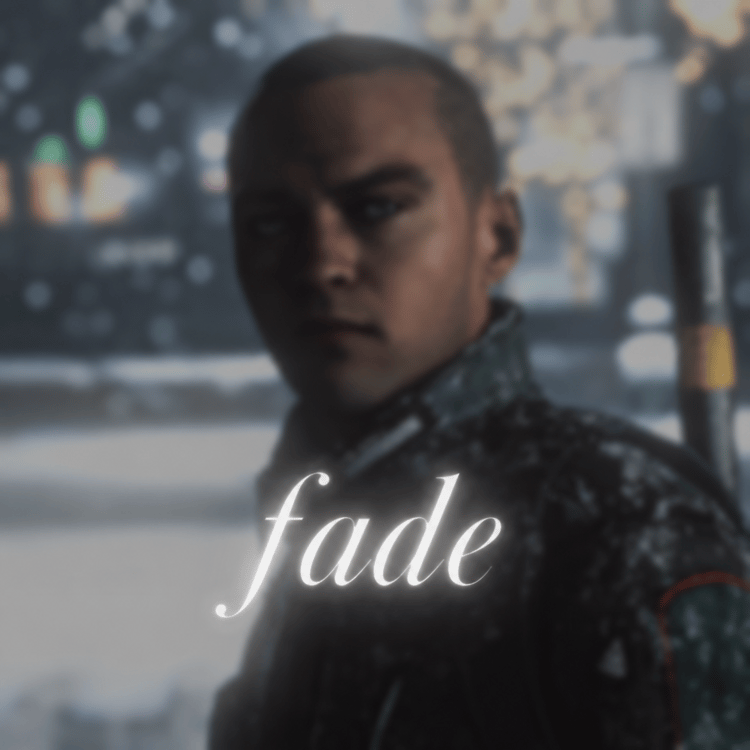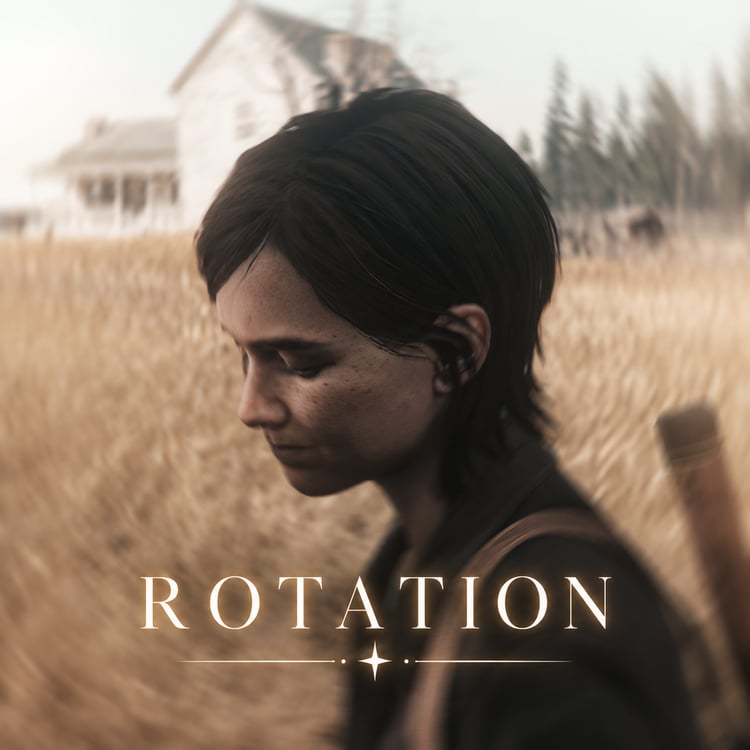

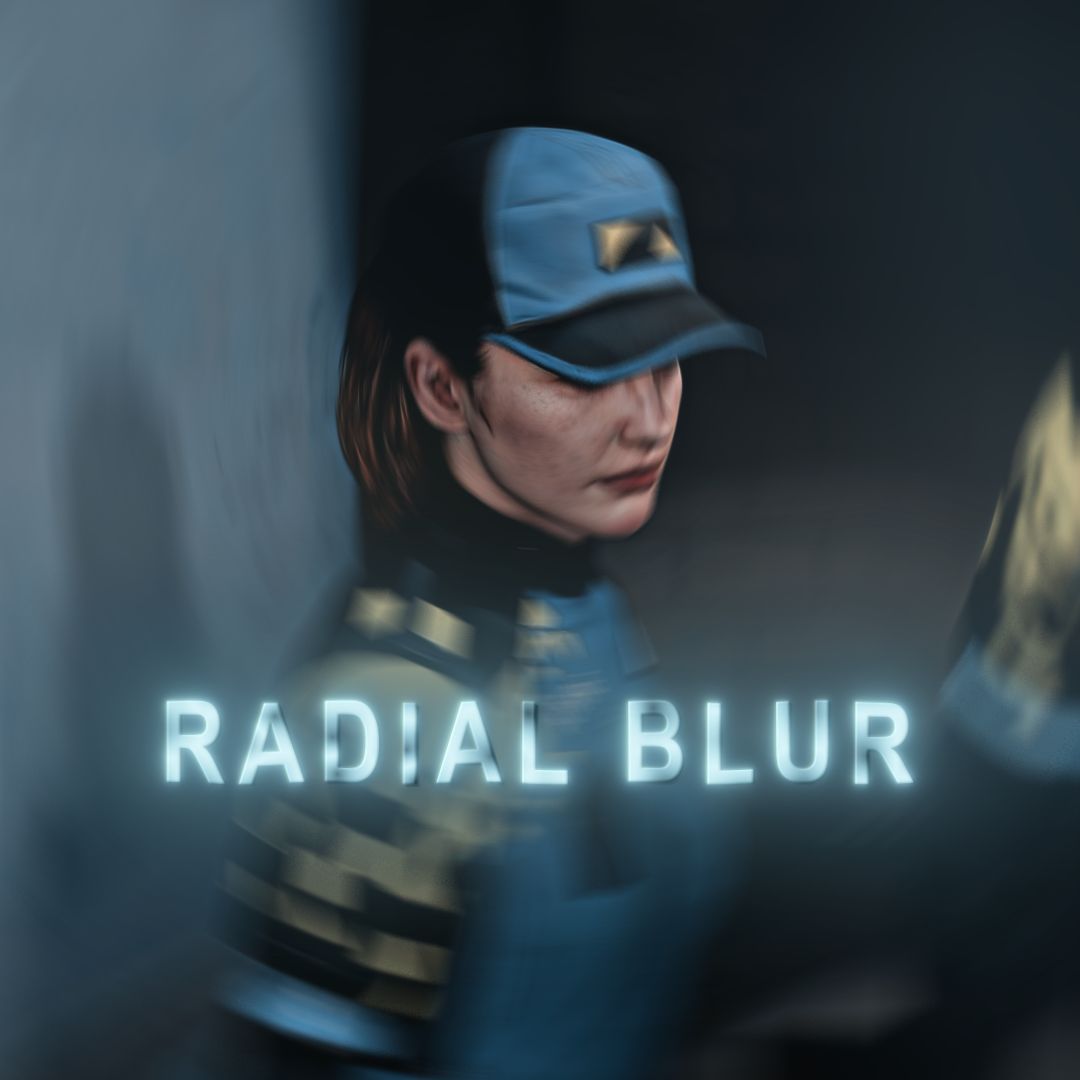
Radial Blur
On Sale
$0.00
✅ Blur effect for spinning transitions
✅ Visually smoothens fast rotations
How to use
- Download the file(s) to your computer
- Place them in your user presets folder:
C:\Users\<YourUsername>\Documents\Adobe\After Effects\User Presets
- You can make new folders in your presets folder for organization
- Open AE and search for the effect in the effects panel (or open your presets folder under animation presets)
- Apply it to an adjustment layer and align second keyframe with beat/transition
- Use ALT + drag keyframes to adjust blur duration if necessary
Requires a newer version of After Effects
No plugins needed
Tag me in your edits so I can repost ;)
DM me on TikTok or Instagram if you have questions or need help @notdavidcage
No refunds