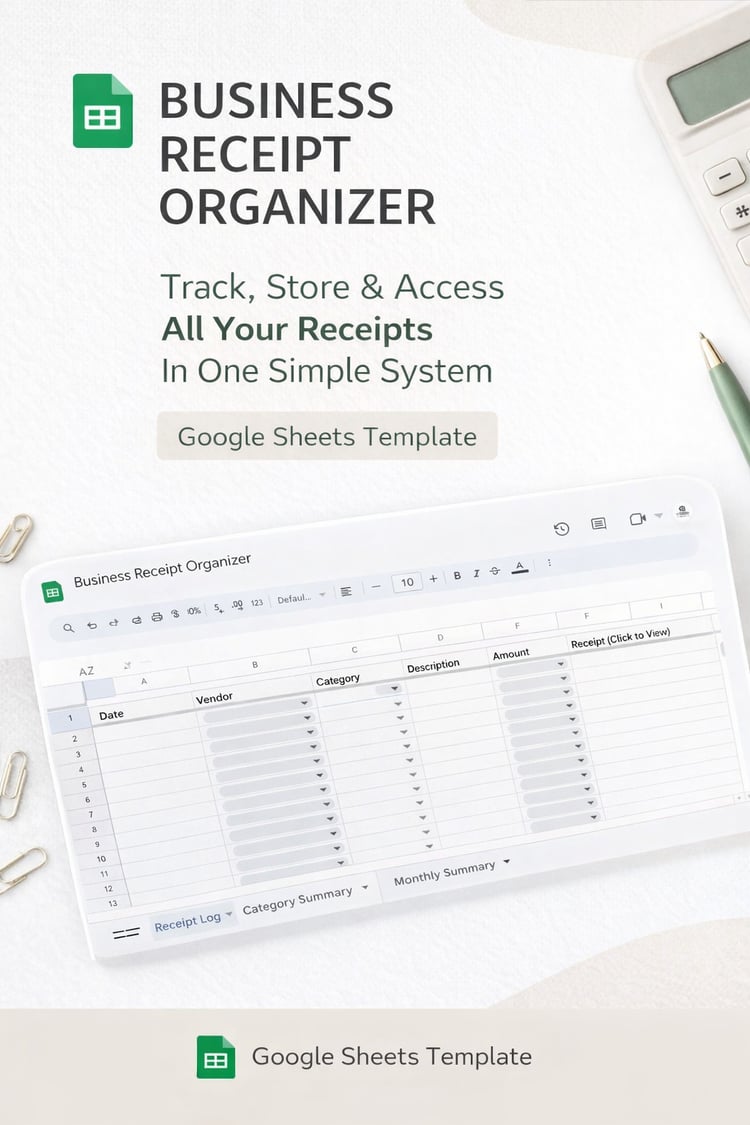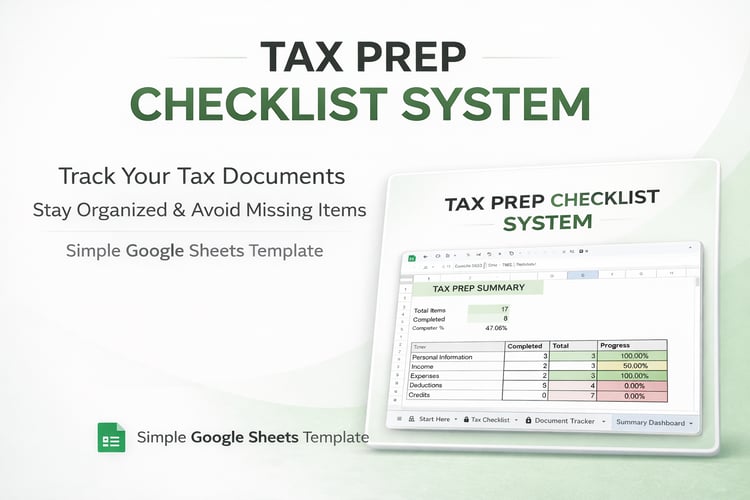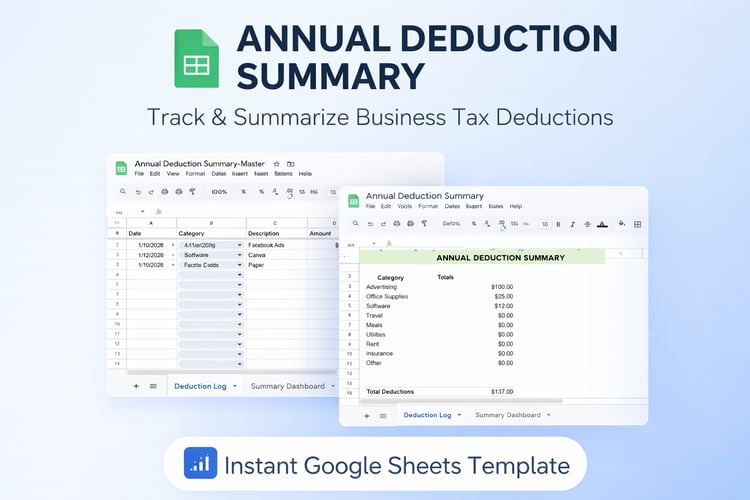

Year-End Tax Prep Summary Template (Automated)
Make tax season easier with the Year-End Tax Prep Summary Template — your all-in-one, organized wrap-up for your business finances.
Whether you're a small business owner, freelancer, or content creator, this automated summary helps you prepare everything you need for tax filing in one clean, professional document.
This template gives you a simple place to record your:
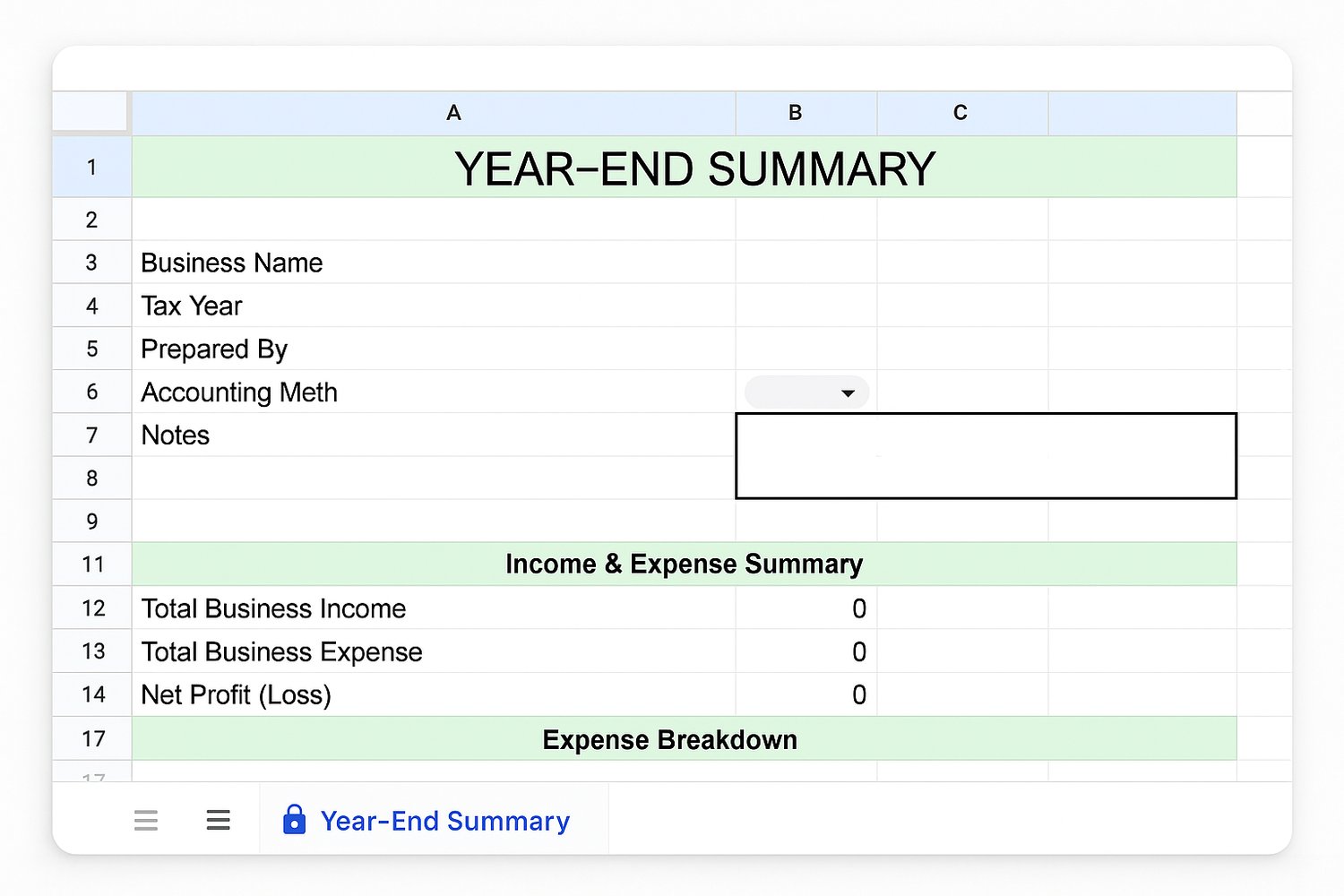
- ✔️ Business Information
- ✔️ Total Income & Total Expenses
- ✔️ Profit/Loss Summary
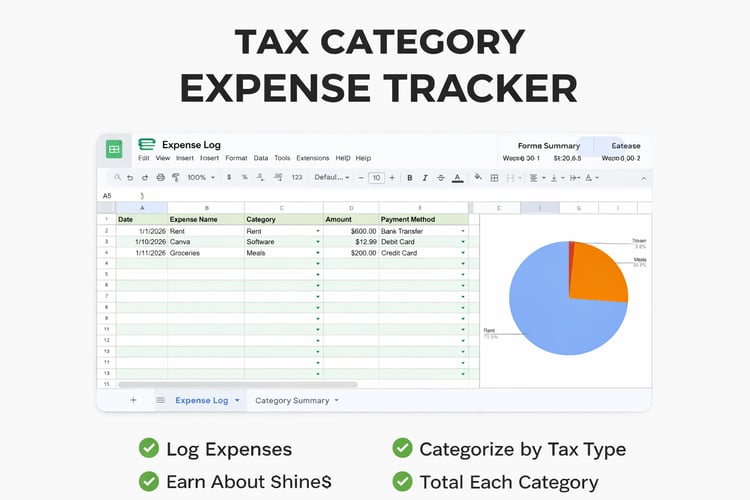
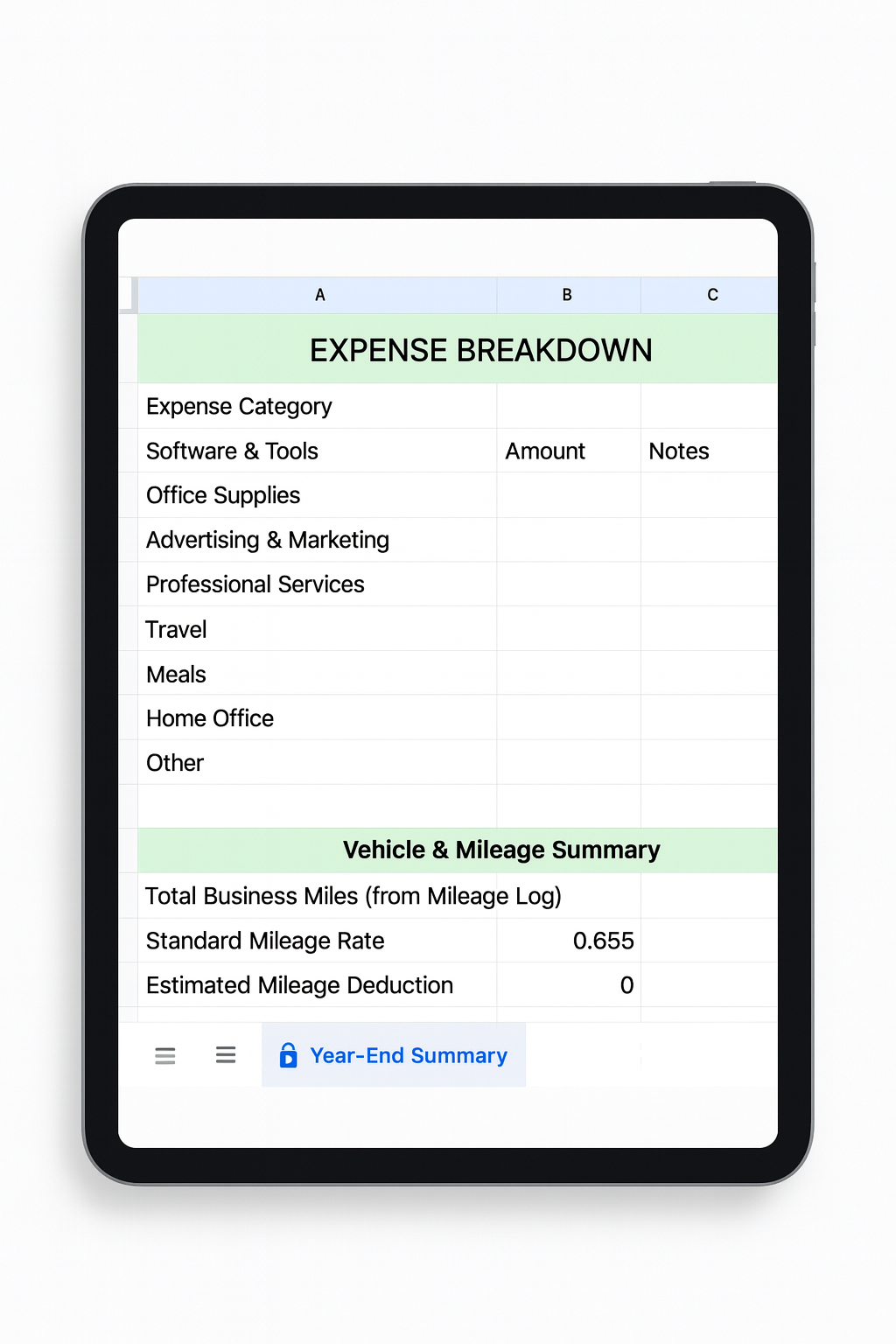
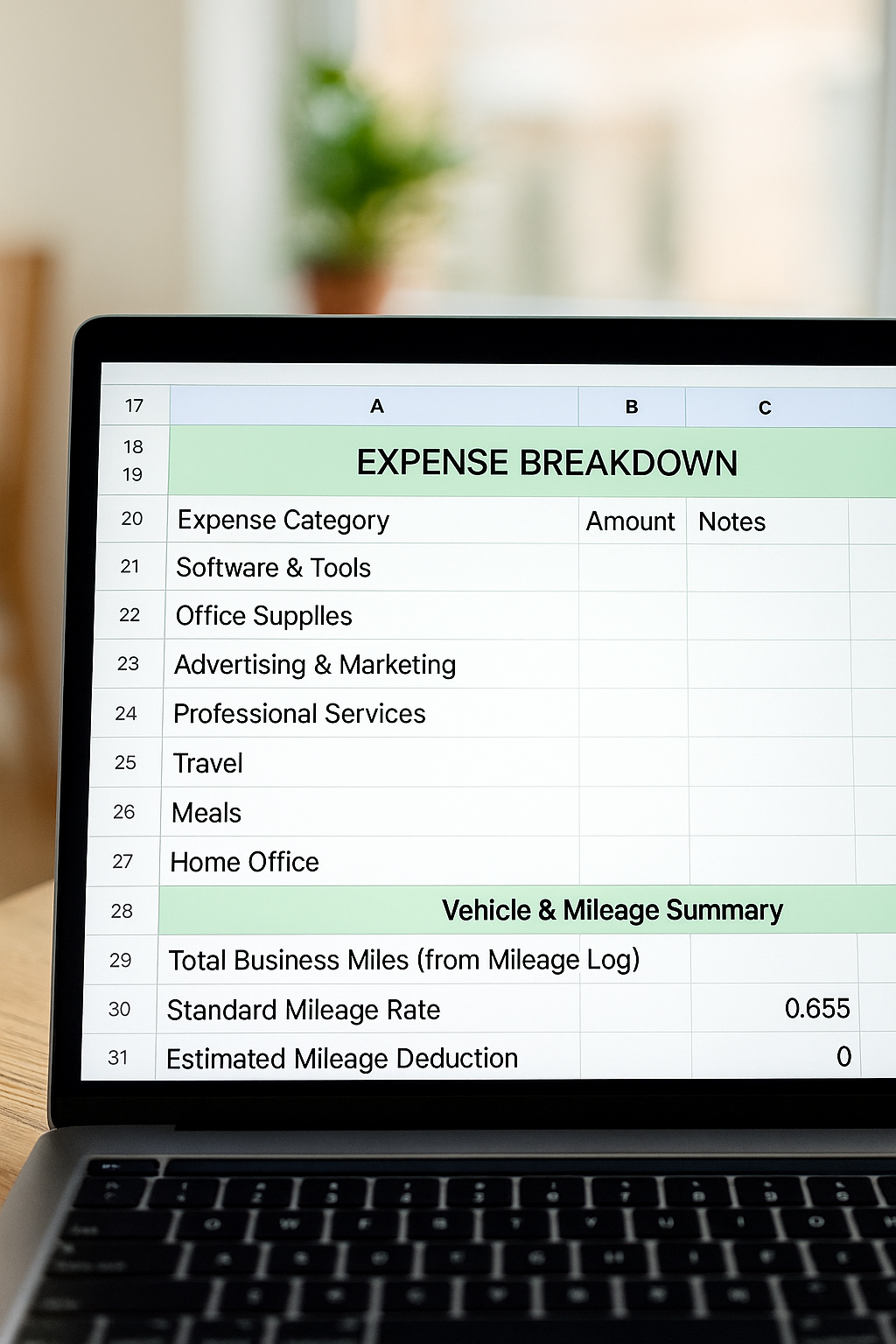
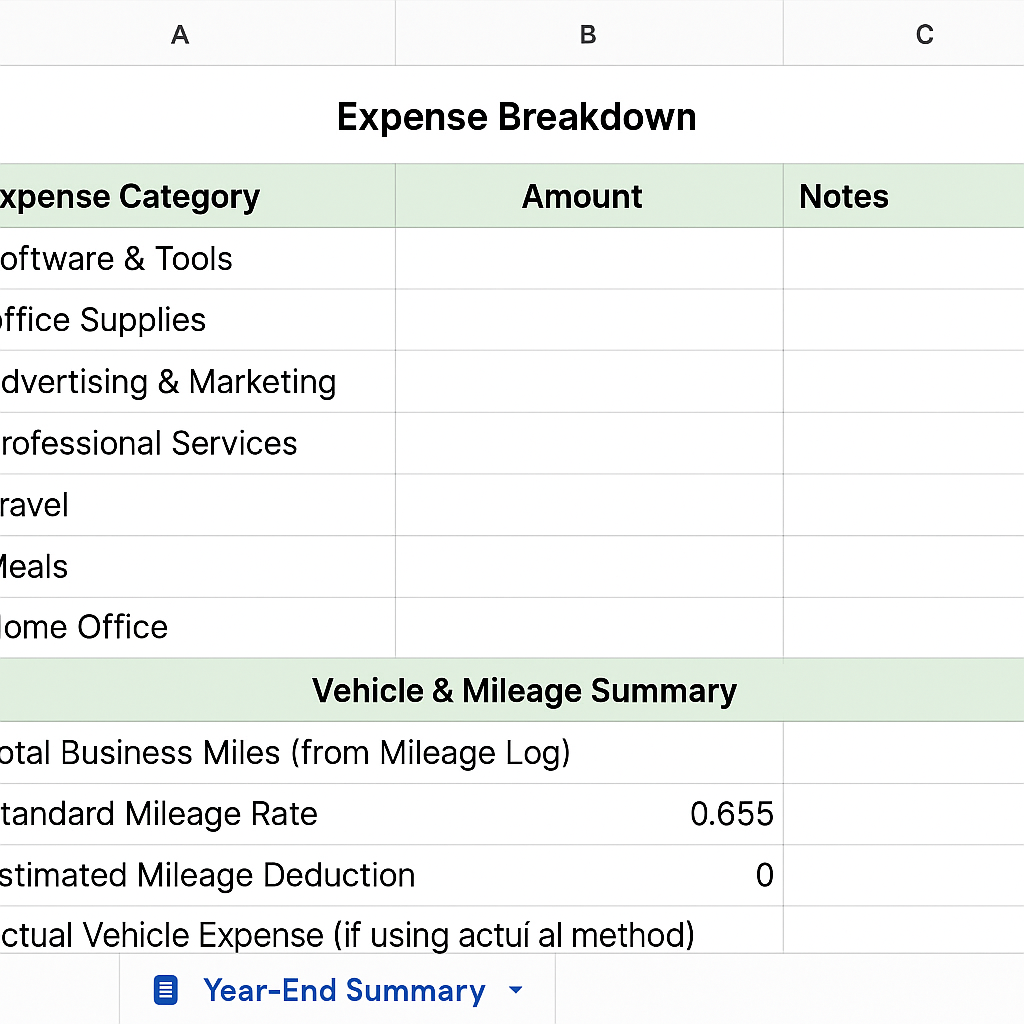
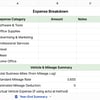
- ✔️ Expense Category Breakdown
- ✔️ Annual Mileage & Deduction Estimate
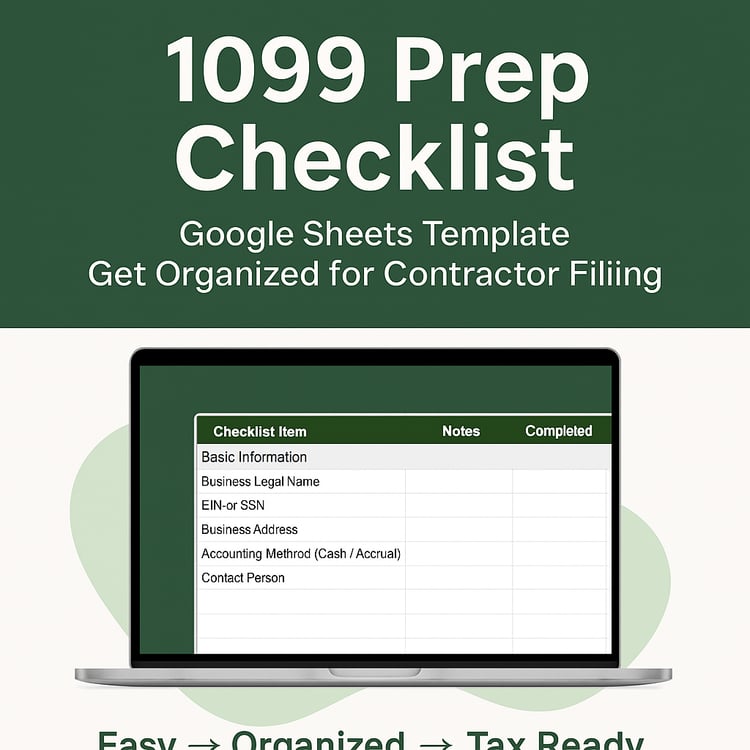
- ✔️ Checklist Completion Status
- ✔️ Notes for Your Tax Preparer
Designed to work perfectly with your:
- Mileage Log Automation
- Income & Expense Tracker
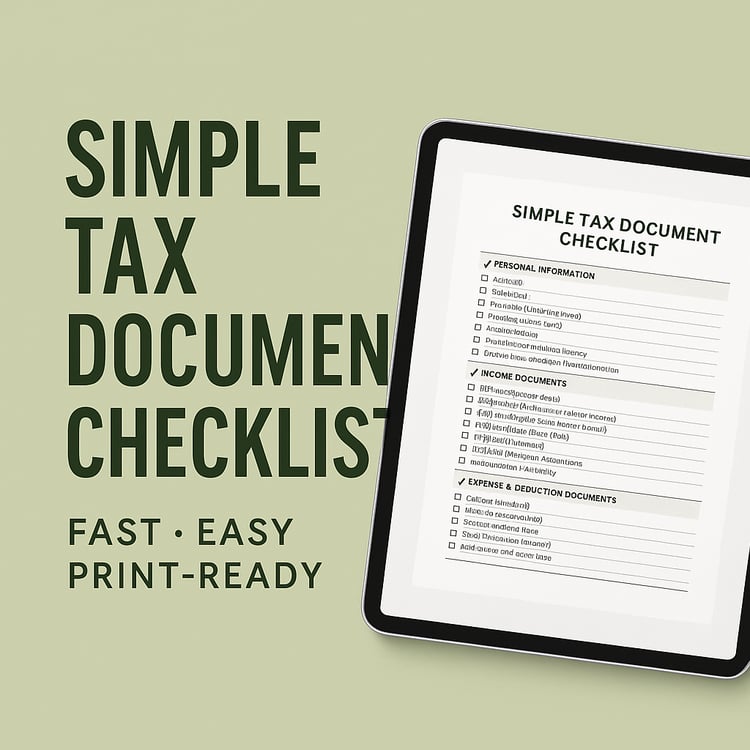
- Simple Tax Document Checklist
Use it as your final “tax packet” to give to your accountant or keep for your own records.
⭐ WHAT YOU’LL RECEIVE
- 1 Google Sheets Template (Year-End Tax Prep Summary)
- Fully formatted + partially automated
- Protected formulas and structure
- Editable fields only where needed
- Clean, professional layout
- Step-by-step instructions in the PDF
- Lifetime access to the file you copy
🎯 WHO THIS IS FOR
Perfect for:
- Small Business Owners
- Etsy & Payhip Sellers
- Service Providers
- Freelancers
- Content Creators
- Coaches
- Anyone who wants a SIMPLE, STRESS-FREE year-end summary
🔧 KEY FEATURES
- Easy drop-down menus
- Automated totals for mileage & deductions
- Organized expense categories
- Notes section for tax preparer
- Printable or exportable as PDF
- Beginner-friendly — no accounting knowledge needed
This product is delivered as a Google Sheets template.
To use the template:
- You must be signed into a Google account
- Open the link in a full browser (Chrome works best)
- The link will prompt you to make a copy of the template
- Save the copy to your own Google Drive to begin using it
Important:
The original file is view-only. Making a copy is required in order to use and edit the template.
If you see an “access denied” message, it usually means you are not signed into a Google account or the file is being opened in a restricted browser. Signing in and reopening the link in Chrome resolves this in most cases.
Support & Response Time
Support requests are answered within 24–72 hours during normal business hours.
If I’m away from my computer, an automated reply may be sent with helpful access instructions in the meantime.
⚠️ IMPORTANT
- This is a digital product — non-refundable.
- For informational and organizational purposes only.
- This is NOT tax or legal advice.
- Google Sheets required to use template.
❤️ Thank you for supporting us!
Created by 111 Corner Automation Hub — making business systems simple and accessible.