


Budget Spreadsheet & Expense Tracker for Google Sheets & Excel — Debt Snowball, Sinking Funds & Subscription Audit | Google Sheets Copy Included
💰 BUDGET SPREADSHEET — GOOGLE SHEETS + EXCEL
📗 Sheets copy included · 🌙 Dark + Light · ⚡ Instant download
Most budget templates are a list of boxes you fill in.
This one does the arithmetic.
✅ WHAT YOU GET
• 📗 A ready-made Google Sheets copy — one tap, "Make a copy"
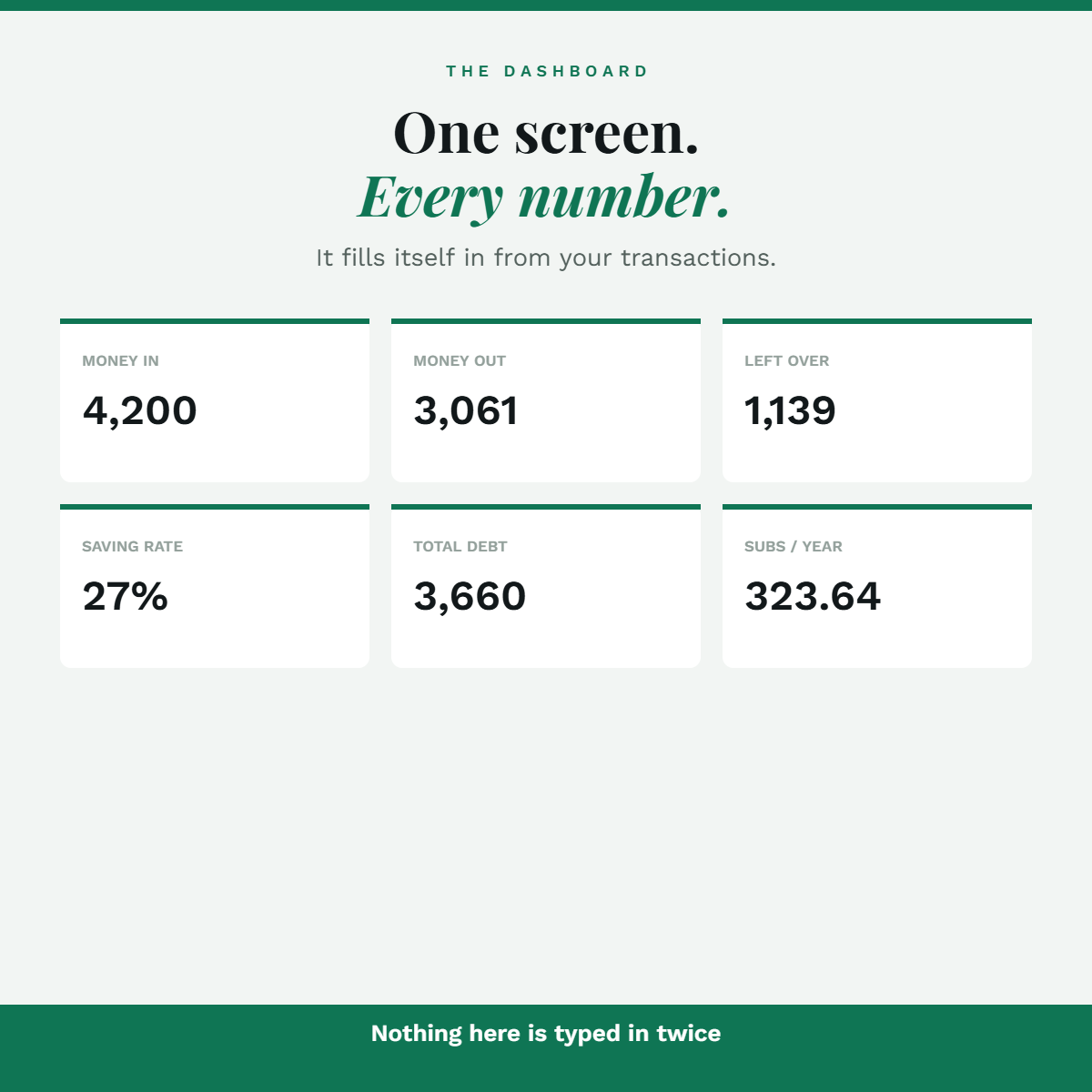
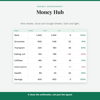
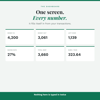
• 📊 Dashboard — in, out, left over, saving rate, at a glance
• 🧾 Expense tracker — 500 rows, category dropdowns
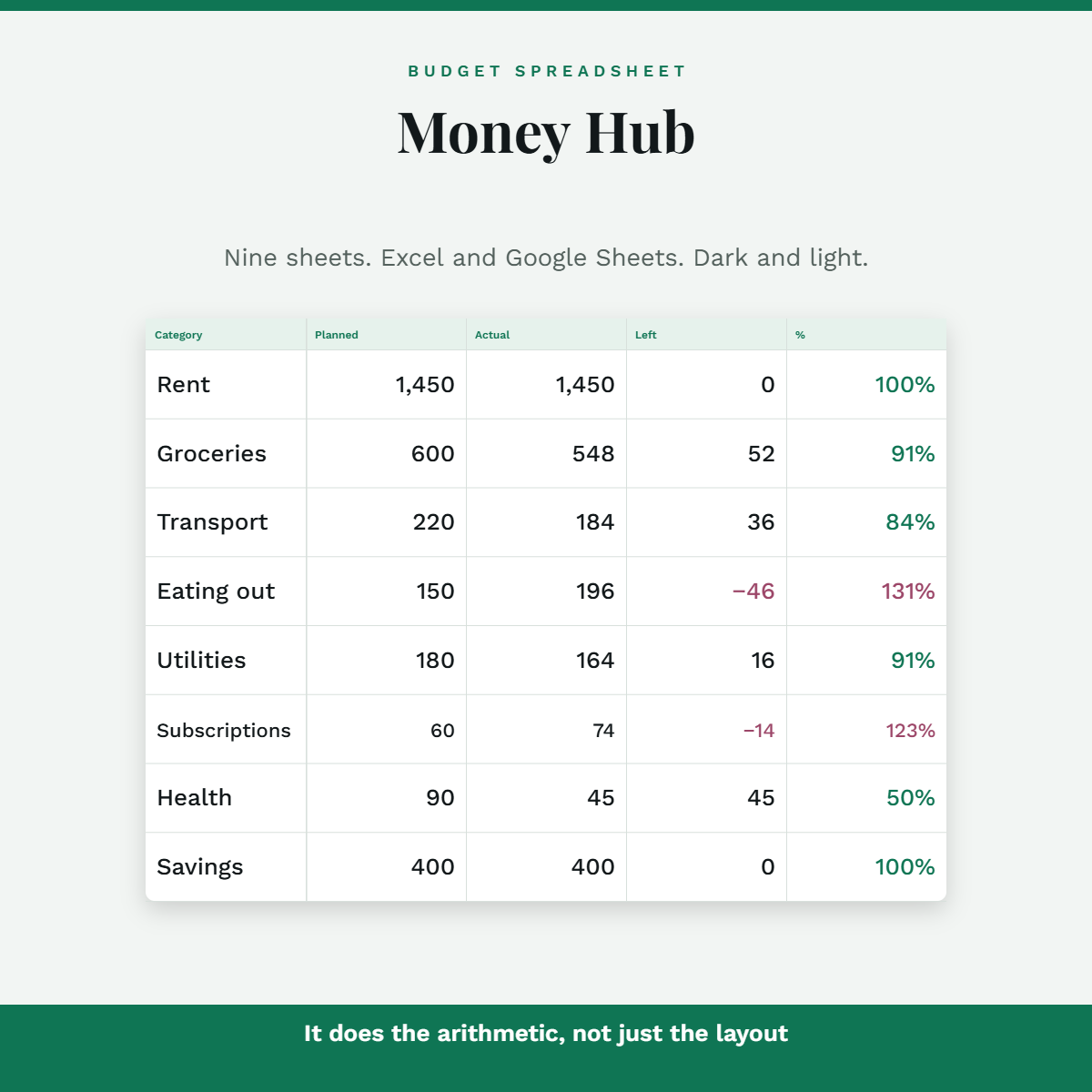
• 📅 Budget — planned vs actual, 16 categories, over-budget in red
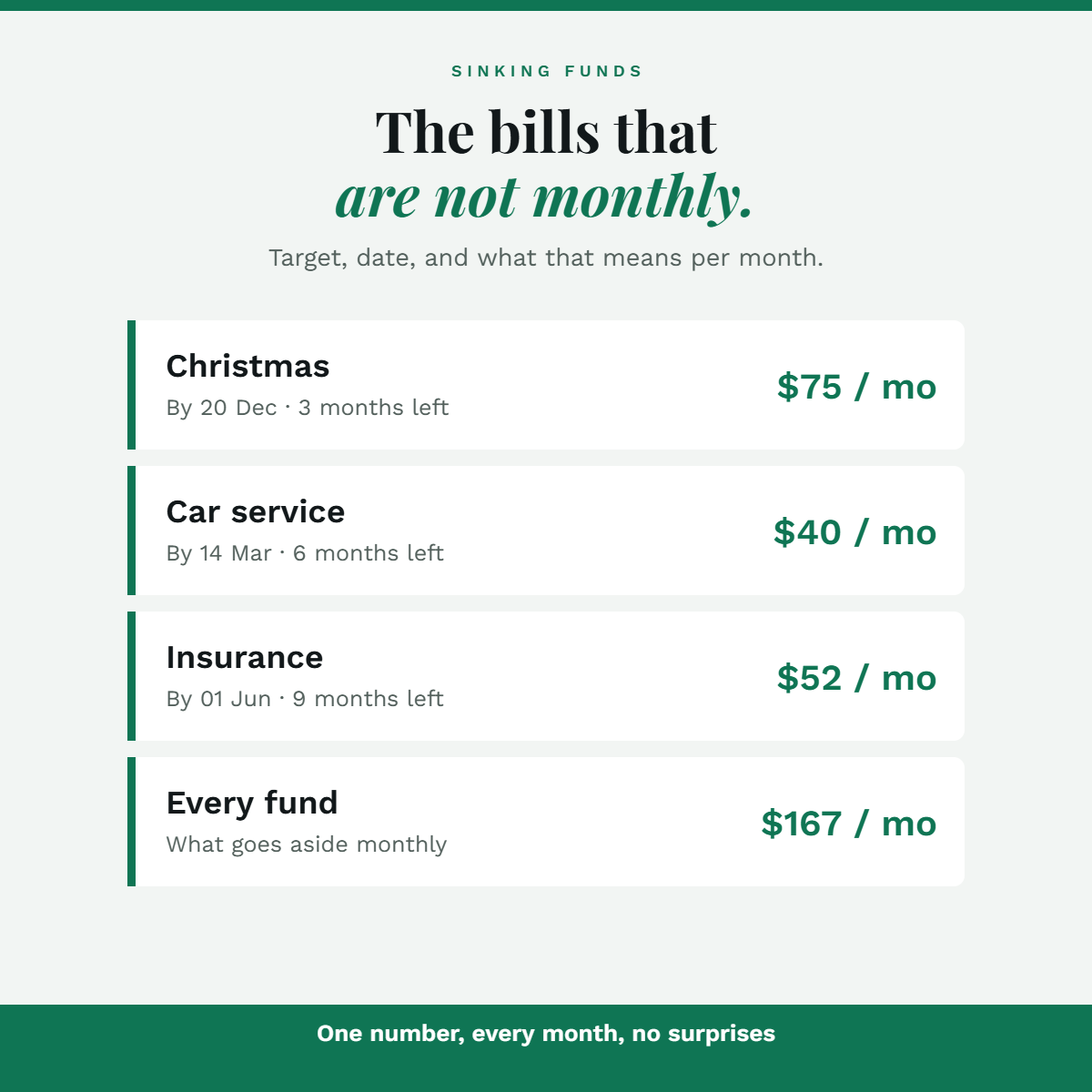
• 🏦 Sinking funds — for the bills that are not monthly
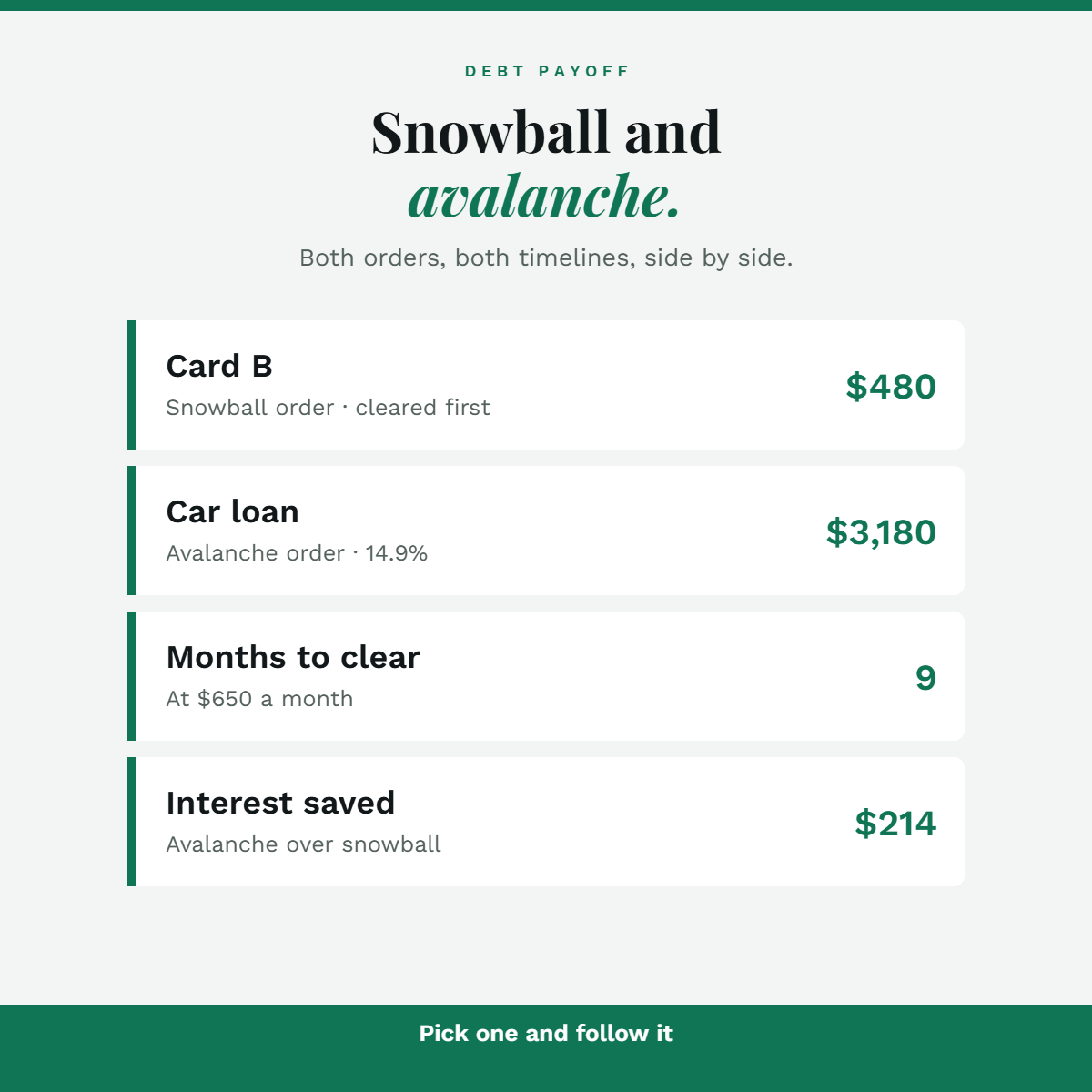
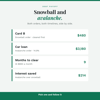
• 💳 Debt payoff — snowball AND avalanche, side by side
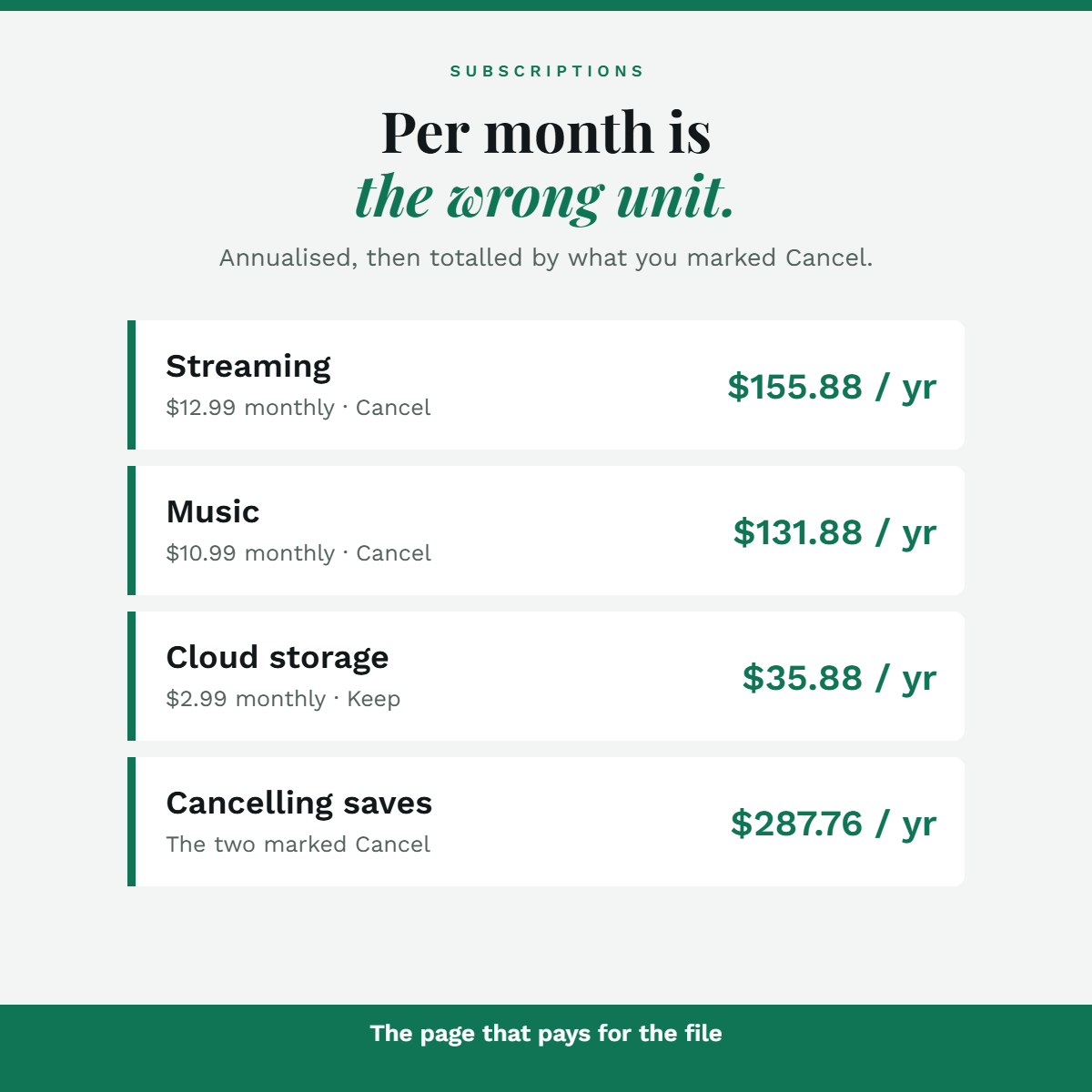
• 🔁 Subscription audit — annualised, with a cancel total
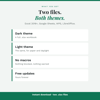
• 🌙 Dark and Light themes, both included
• 📗 Google Sheets copy link, inside the download
💳 THE DEBT PAGE
• Enter balance, rate and payment
• See snowball order and avalanche order together
• Months to clear, and what the interest costs you
👉 Snowball clears one debt sooner. Avalanche costs less.
Both are shown — pick one and follow it.
🏦 SINKING FUNDS — THE PAGE THAT STOPS SURPRISES
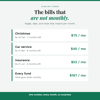
• Christmas, car service, insurance, holiday
• Put in the target and the date you need it by
• It tells you what to set aside each month
monthly for things that are not monthly.
🔁 THE EXPENSIVE PAGE
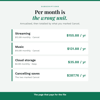
• Every subscription, annualised
• Mark Keep, Cancel or Not sure
• It totals what cancelling would save
👉 "$12.99 a month" doesn't change behaviour.
"$155.88 a year" does.
📗 GOOGLE SHEETS VERSION INCLUDED
• A link inside your download — tap it, "Make a copy", done
• No importing, no add-ons, nothing to install
• Formula cells are protected there too
👉 Or just open the Excel file. Both are in the download;
use whichever you actually live in.
🗓️ ONE SHEET, EVERY MONTH
• Type a new month on Settings
• Every total switches to it
• Your transactions are never filtered or deleted
👉 One file for the whole year, not twelve copies.
🙅 WHAT THIS ISN'T
❌ Not connected to your bank — you type the transactions in
❌ Not financial advice. It's arithmetic, not a recommendation
❌ It can't remind you of anything. It's a spreadsheet.
❌ Debt projections assume you keep paying the same amount
and add no new spending. They're estimates, not quotes.
⚡ DELIVERY
• Instant download · 3 files, no zip to wrestle with
• Start Here PDF (with the Google Sheets link)
• Dark .xlsx + Light .xlsx
• Excel 2016+ · Google Sheets · WPS · LibreOffice
• Yours forever · ♾️ free lifetime updates
LICENCE — personal use. Not for resale.
— Kavya, Planora Co