




Scholarship Tracker for Google Sheets & Excel: College Scholarship Planner & Deadline Tracker
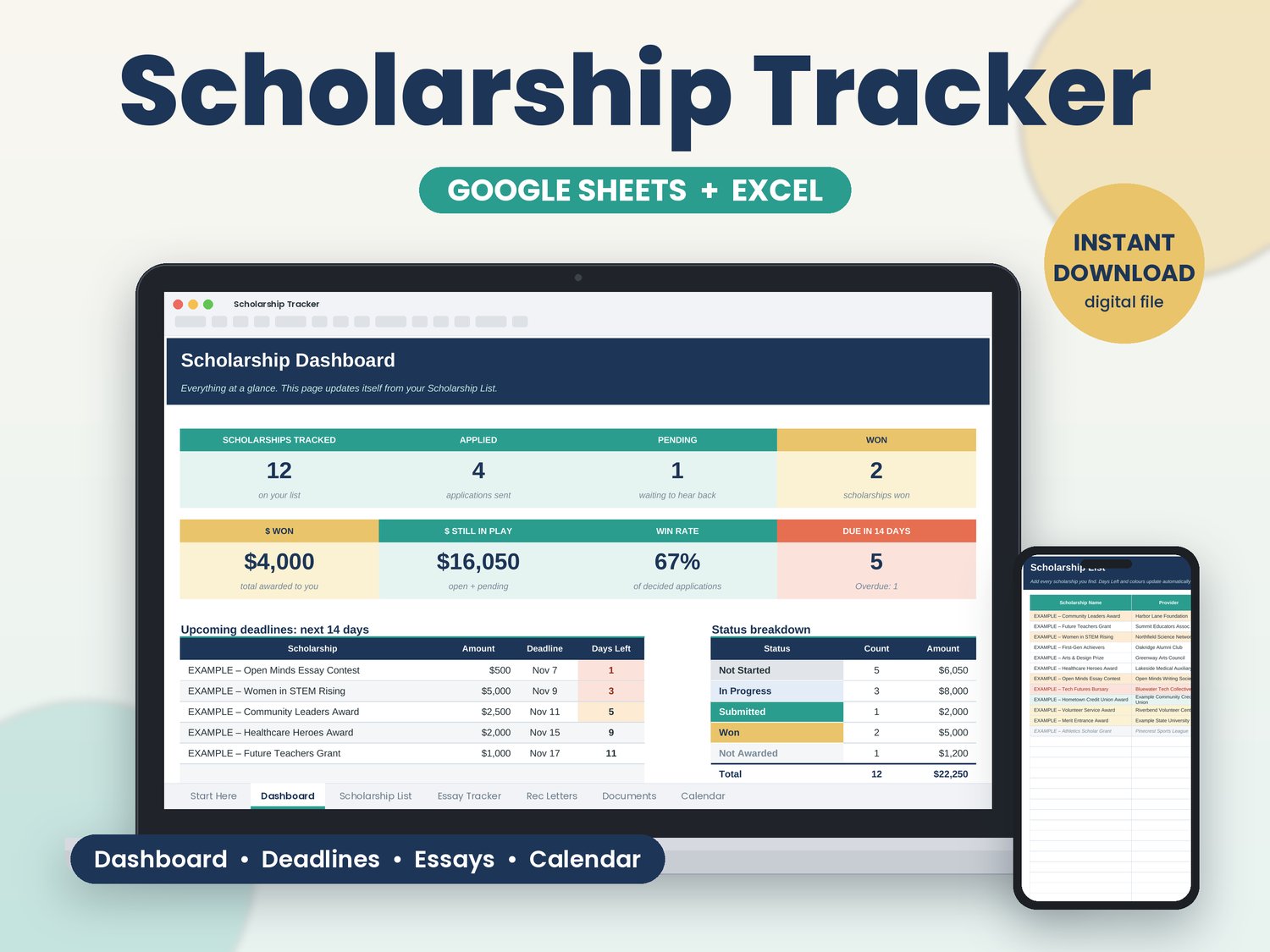
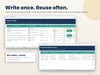
Stay on top of every scholarship application in one organised spreadsheet. This Scholarship Tracker works in Google Sheets and Microsoft Excel. It counts down your deadlines, colour-codes what's urgent, and adds up how much you've won, so you can spend less time on paperwork and more time on applications that pay.
Made for high school seniors, college and university students, and parents helping with applications.
WHY YOU'LL LOVE IT
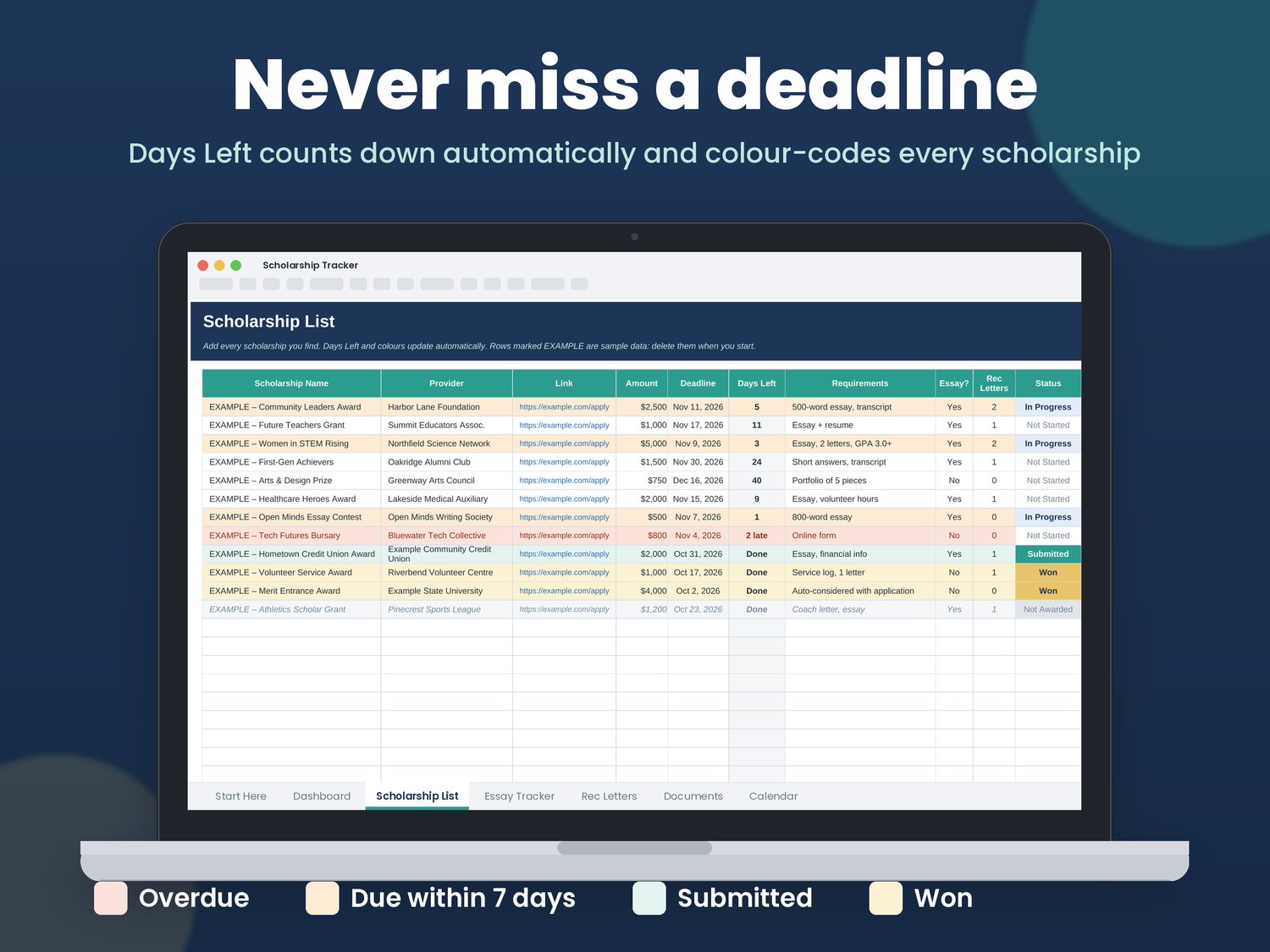
✔ Never miss a deadline: Days Left updates on its own, and overdue or due-soon rows change colour
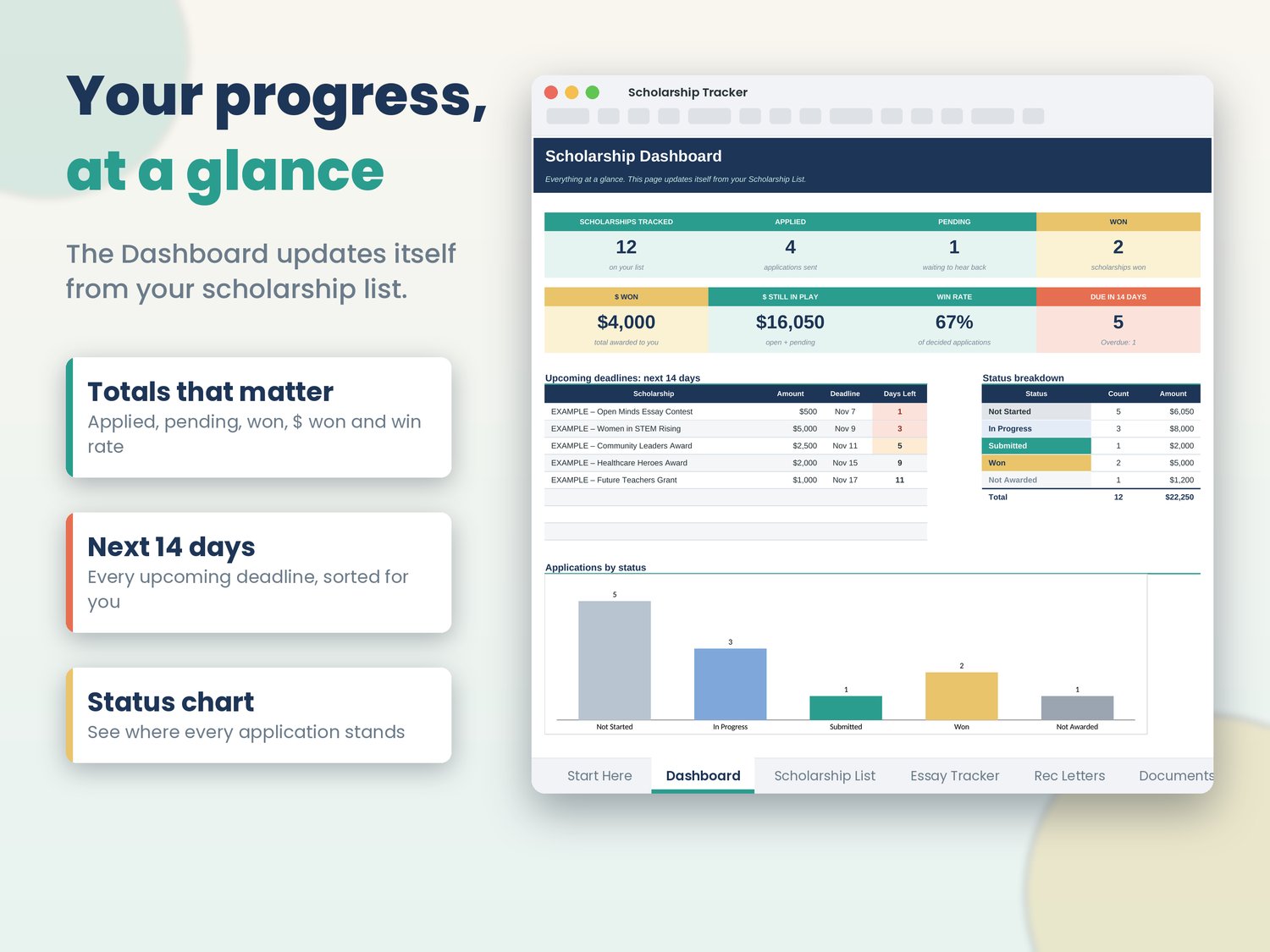
✔ See your progress at a glance: totals for applied, pending and won, plus $ won and your win rate
✔ Know what's next: the Dashboard lists every deadline in the next 14 days, soonest first
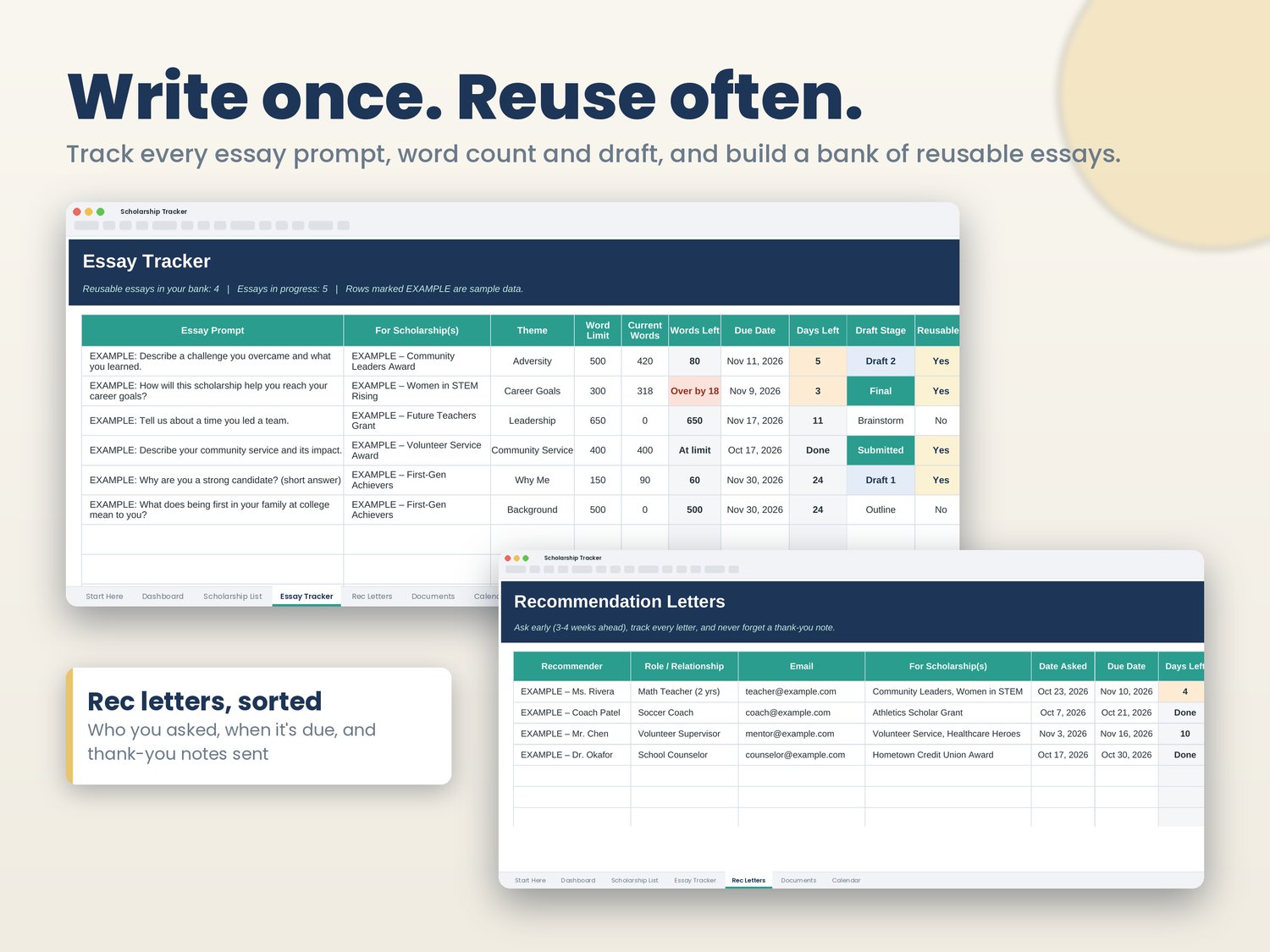
✔ Reuse your best essays: track prompts, word limits and drafts, and keep a bank of reusable essays
✔ Keep recommenders happy: track who you asked, when it's due, and whether you've sent a thank-you
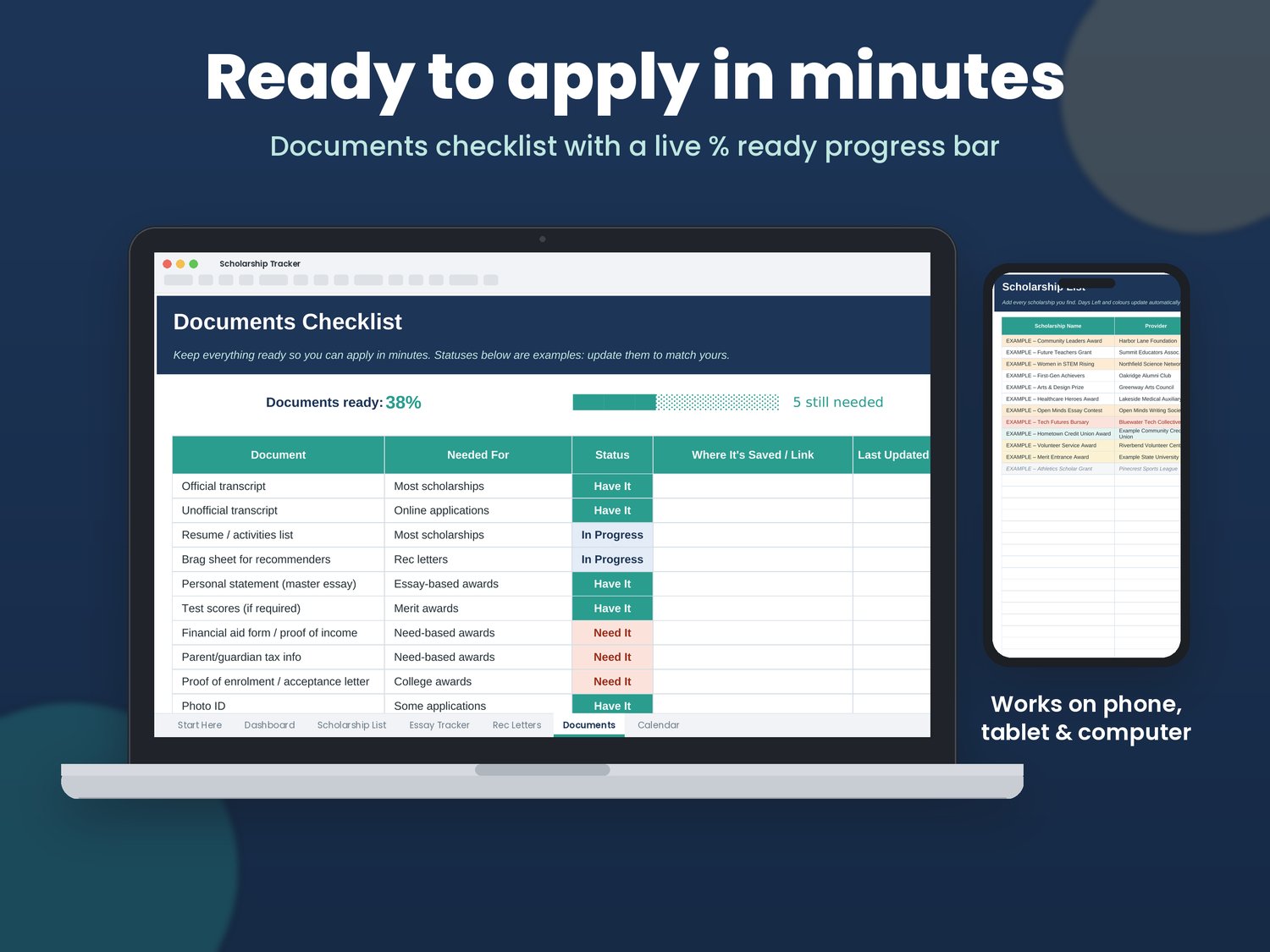
✔ Be ready to apply in minutes: a documents checklist with a live "% ready" progress bar
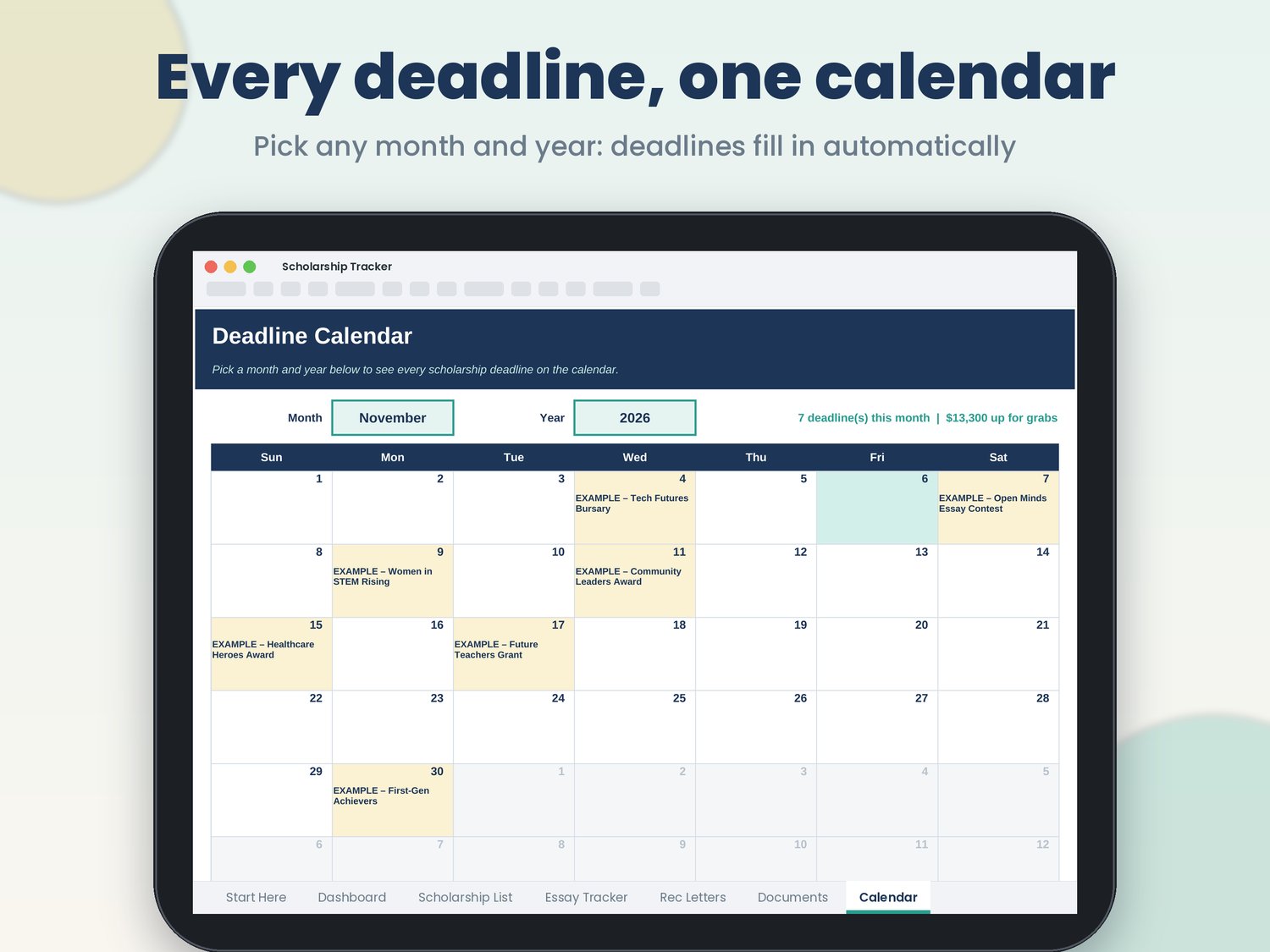
✔ See your month: a calendar view lays out every deadline for any month and year you pick
WHAT'S INCLUDED
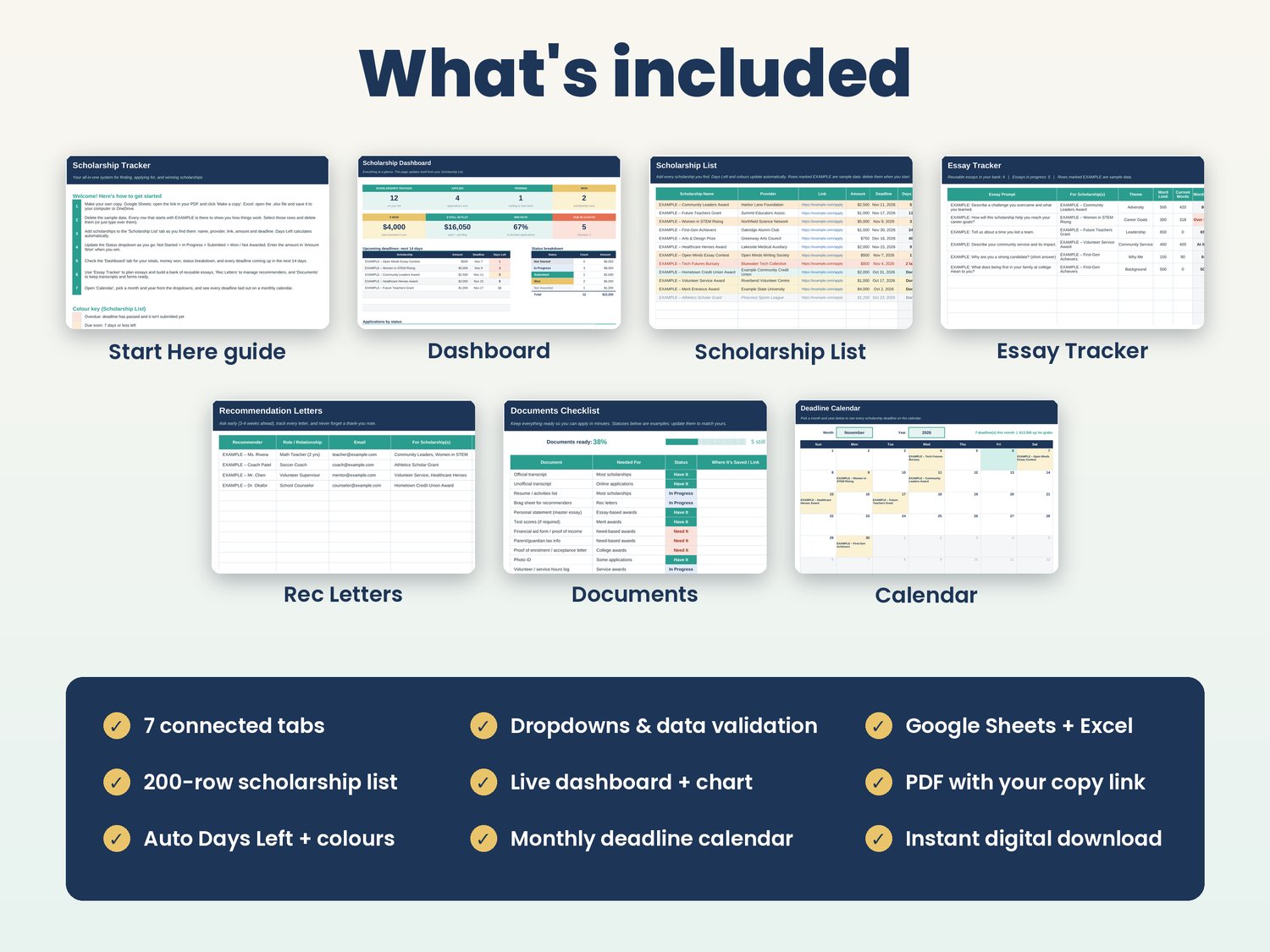
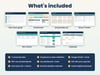
• 1 spreadsheet with 7 connected tabs:
- Start Here: quick setup steps and colour key
- Dashboard: totals, $ won, win rate, next-14-days list, status breakdown and chart
- Scholarship List: 200 rows for name, provider, link, amount, deadline, auto Days Left, requirements, essay needed, rec letters, status dropdown, submitted date, amount won and notes
- Essay Tracker: prompts, themes, word limit, words left, due date, draft stage, reusable essays, draft links
- Rec Letters: recommender, role, email, date asked, due date, status, thank-you sent
- Documents: checklist of transcripts, ID, financial forms and more, with % ready
- Calendar: monthly deadline calendar with month and year dropdowns
• 1 PDF with your Google Sheets "Make a copy" link and Excel instructions
• 1 .xlsx file for Microsoft Excel
HOW IT WORKS
- Buy and download the PDF (you get it instantly, plus a copy by email).
- Click the link in the PDF and choose "Make a copy". The tracker saves to your own Google Drive. (Using Excel? Download the .xlsx file instead.)
- Delete the sample rows marked EXAMPLE and add your own scholarships. Everything else updates automatically.
FAQ
Do I need to pay for Google Sheets or Excel?
No. Google Sheets is free with a Google account. The .xlsx file also works in Microsoft Excel, including the free Excel for the web.
Does it work on my phone or tablet?
Yes. It works in the Google Sheets and Excel apps. A computer is easier for the first setup, and you need a web browser (not the app) to make your Google copy.
Can I add more rows?
Yes. The list has 200 rows ready to use. To add more, copy the last row and paste it below so the formulas and dropdowns come with it.
Can I change the colours, columns or status names?
Yes. It's your copy, so you can edit anything. If you rename a status, update it in the dropdown settings too so the Dashboard keeps counting it.
Is this only for one country?
No. It works for scholarships, grants and bursaries anywhere. Amounts show in $ by default, and you can change the currency format.
Will anything be shipped to me?
No. This is a digital download. Nothing physical will be mailed.
IMPORTANT TO KNOW
• This is an INSTANT DIGITAL DOWNLOAD. No physical item will be shipped.
• Sample data is fictional, for demonstration only. Names and organisations are examples, not real scholarships.
• Colours may look slightly different on different screens.
• Because this is a digital file you can access right away, I can't accept returns, exchanges or cancellations. If you have any trouble with your file or link, message me and I'll make it right.
• For personal use only. Please don't share, resell or redistribute the file or the link.
Questions? Message me any time. I usually reply within 24 hours.
About this design: I designed and tested this spreadsheet myself, using AI tools to help build some of the formulas and layout.