

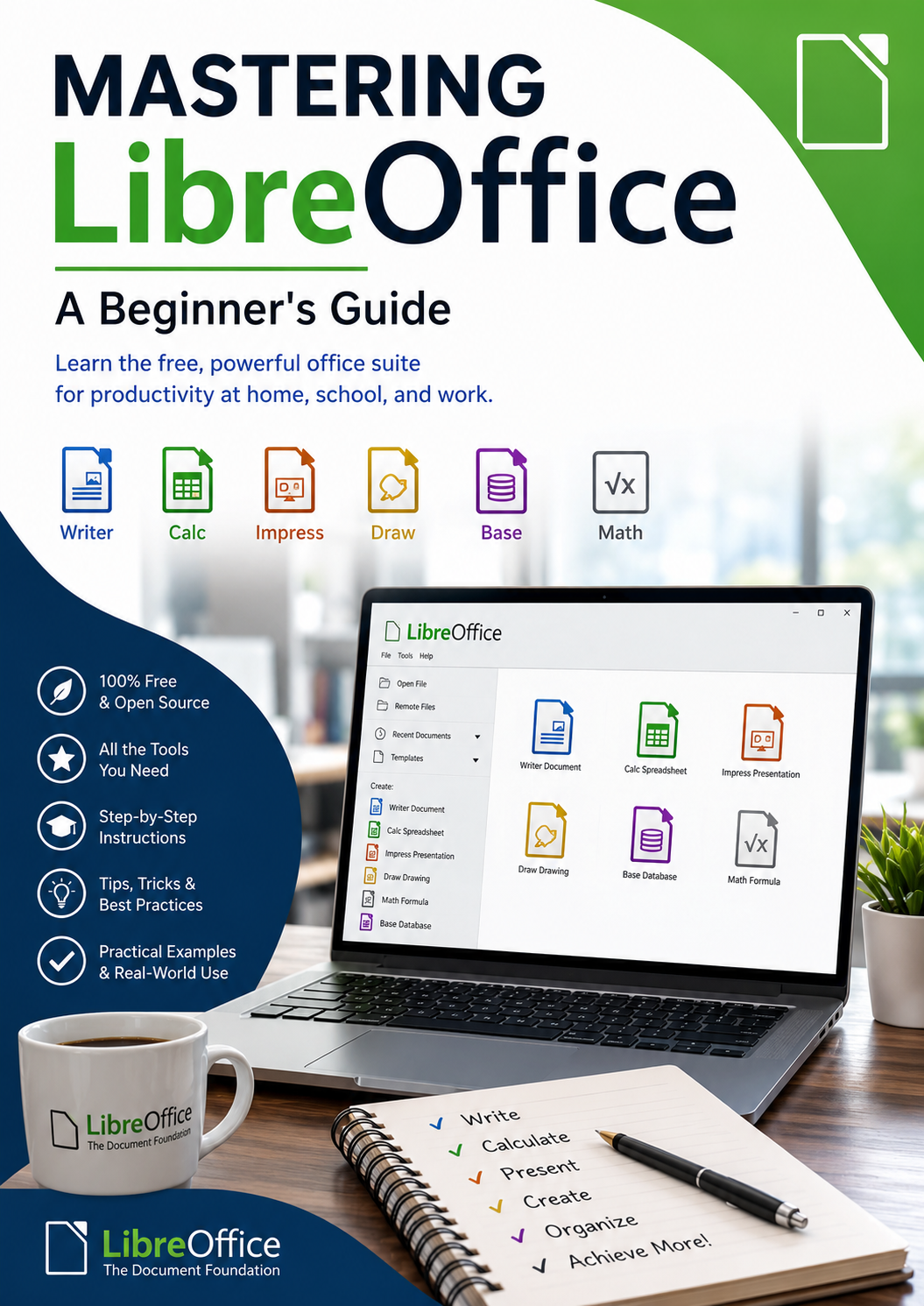
Mastering LibreOffice
Mastering LibreOffice – A Beginner’s Guide
Discover the power of LibreOffice with this practical, easy-to-follow guide designed specifically for beginners. Whether you’re new to office software or looking for a free alternative to Microsoft Office, this book will help you build confidence and master the essential tools you need for everyday work, school, and personal projects.
Mastering LibreOffice – A Beginner’s Guide takes you step by step through the LibreOffice suite, including Writer, Calc, Impress, and other useful applications. You’ll learn how to create professional documents, work with spreadsheets, build presentations, organize information, and use essential formatting and productivity features.
Inside this guide, you’ll learn how to:
- Navigate the LibreOffice interface with confidence
- Create, edit, format, and save documents in Writer
- Work with tables, images, page layouts, and styles
- Build spreadsheets and perform calculations in Calc
- Use formulas, functions, charts, sorting, and basic data analysis
- Create attractive presentations with Impress
- Insert images, shapes, charts, and other presentation elements
- Open and save Microsoft Office-compatible files
- Export documents as PDF files
- Customize LibreOffice to suit your workflow
- Use shortcuts and productivity tips to work more efficiently
- Avoid common beginner mistakes
Written in clear, straightforward language, this guide focuses on practical skills rather than complicated technical explanations. Each topic is introduced progressively, making it easy to follow along—even if you have never used LibreOffice before.
Whether you’re a student, home user, small-business owner, senior, job seeker, or simply someone who wants to become more comfortable with office software, this book provides a solid foundation for getting the most out of LibreOffice.
Start learning today and turn LibreOffice into a powerful tool for your everyday tasks!