
RoGZ Toolkit
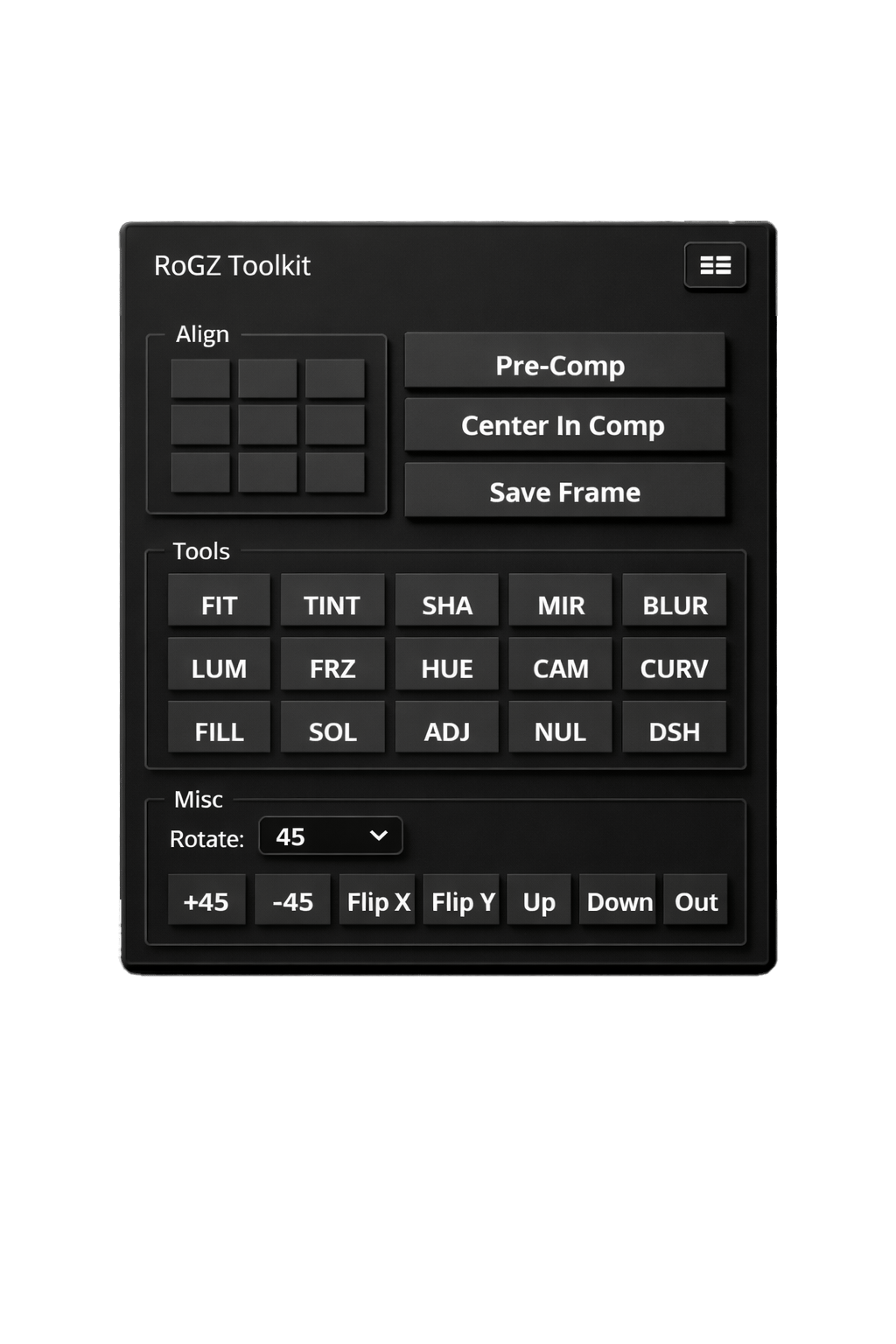
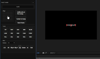
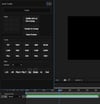
RoGZ Toolkit is a powerful all-in-one utility script designed to accelerate your motion design workflow inside After Effects. Built for editors and motion designers who value speed, precision, and clean results, this toolkit eliminates repetitive tasks and lets you focus on creativity.
With an intuitive interface and carefully selected tools, RoGZ Toolkit becomes your daily workflow companion — from alignment and transformations to creative adjustments and audio-driven motion.
🔧 Core Features
- Advanced Alignment Tools
- Instantly align layers with pixel-perfect accuracy.
- Pre-Comp & Layer Utilities
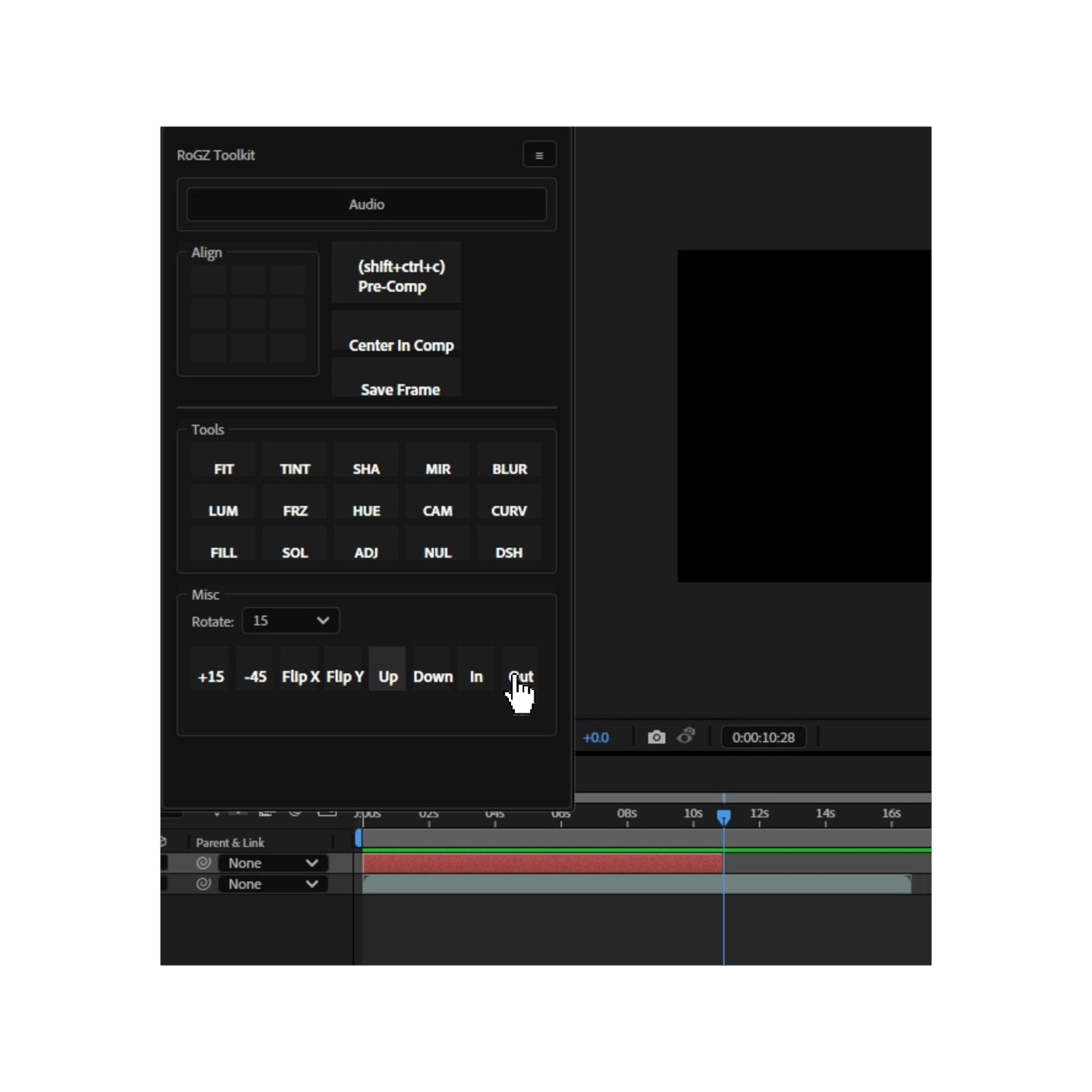
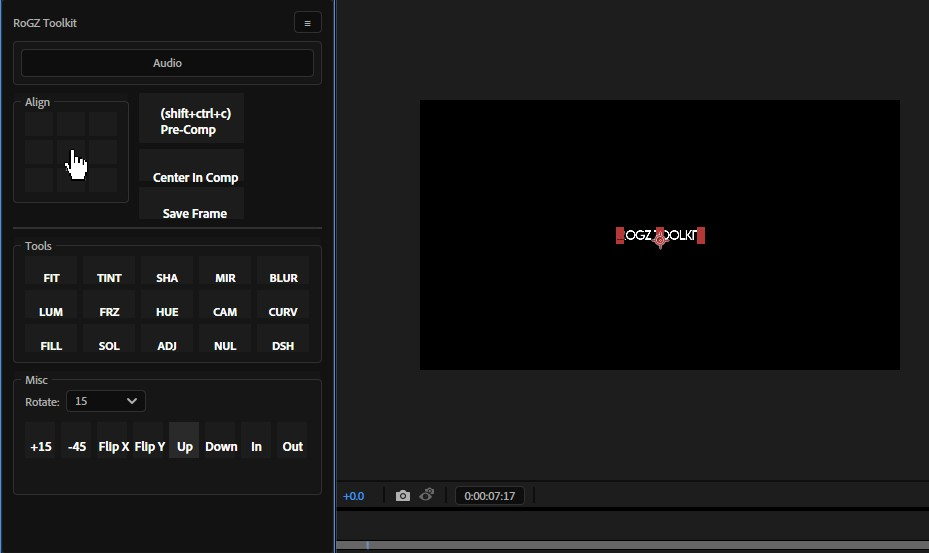
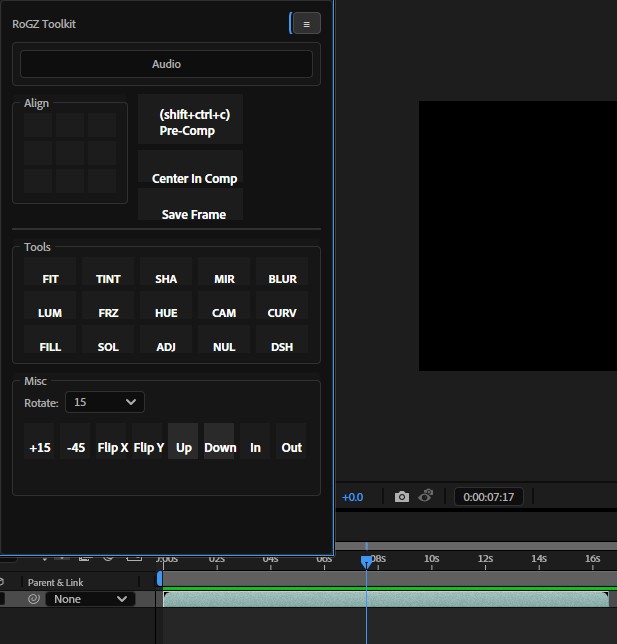
- Quickly pre-compose, center layers in comp, or save frames with a single click.
- Creative Adjustment Tools
- Apply commonly used effects such as blur, hue, tint, curves, luminance, mirror, and more — faster than navigating menus.
- Rotation & Flip Controls
- Precise rotation presets, axis flipping, and directional transformations for rapid layout changes.
- Clean & Minimal UI
- Designed to stay out of your way while giving you full control.
🎵 Exclusive Feature – Generate Audio Beats
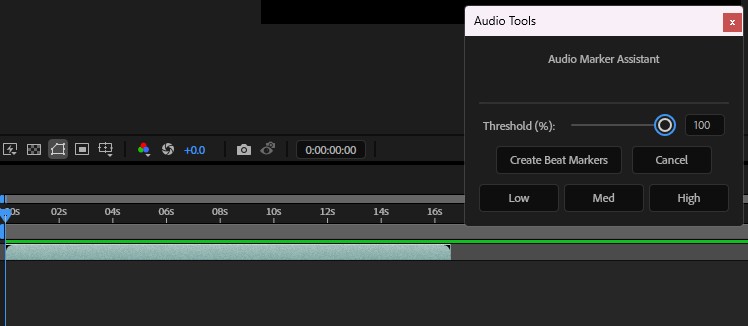
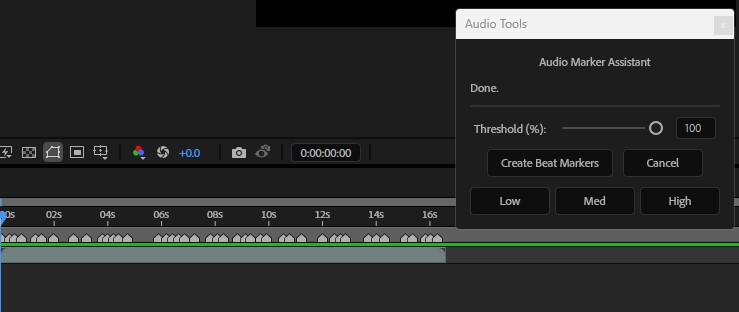
One of RoGZ Toolkit’s standout features is Generate Audio Beats — a creative tool that:
- Automatically analyzes audio
- Generates rhythm-based beat markers
- Helps you create perfectly synced animations in seconds
This feature is ideal for:
- Music videos
- Logo animations
- Social media edits
- Beat-driven motion graphics
No manual keyframing. No guesswork. Just clean, rhythm-accurate motion.
🚀 Why RoGZ Toolkit?
- Saves time on repetitive tasks
- Improves workflow consistency
- Perfect for both beginners and professionals
- Built by a motion designer, for motion designers
!!!!NOTE!!!!!:
After receiving files:Installation Instructions (Correct Way)
- your Desktop should contain exactly:
- 2 folders: tools, ui
- 2 files: main.jsx, audio2.jsx
- Select all four items (tools, ui, main.jsx, audio2.jsx) and copy them into the following folder:
👉 (Local disk-->Program Files-->Adobe-->Adobe(your version)-->Support Files-->Scripts-->Script UIpanels-->)
So if you want to open script, open adobe then click on windows,scroll down and there will be that main.jsx, click on it and thats all.
if you have any questions you can contact me in Discrod- rubikskubiks12 or Telegram-Rzxs77 , i will always answer!
!!!FIXED FOR 2024 AE AND LESS!!