


P.Y.C (Pick Your Comfort)
Welcome to P.Y.C! (Pick Your Comfort) (Now with Quest compatibility)
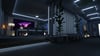
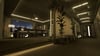
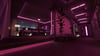
A stylized Vrchat apartment in a fantasy city, built to be relaxing in it's ambience and full of entertainment. All while keeping good frames for those who are tired of the lag. (Mind you, poor avis and lots of people will still cause lag :p)
The world includes 6 Main areas including:
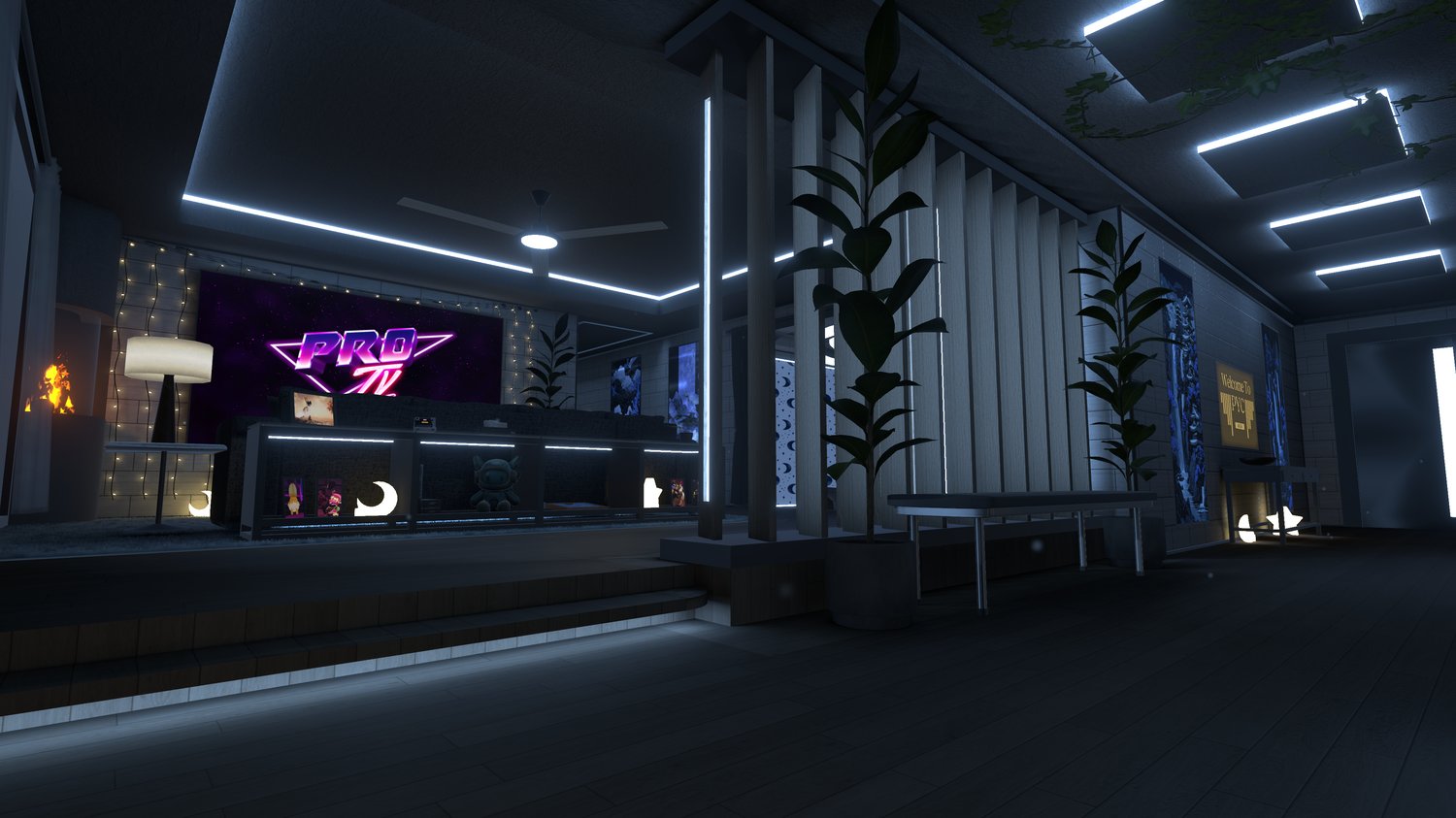
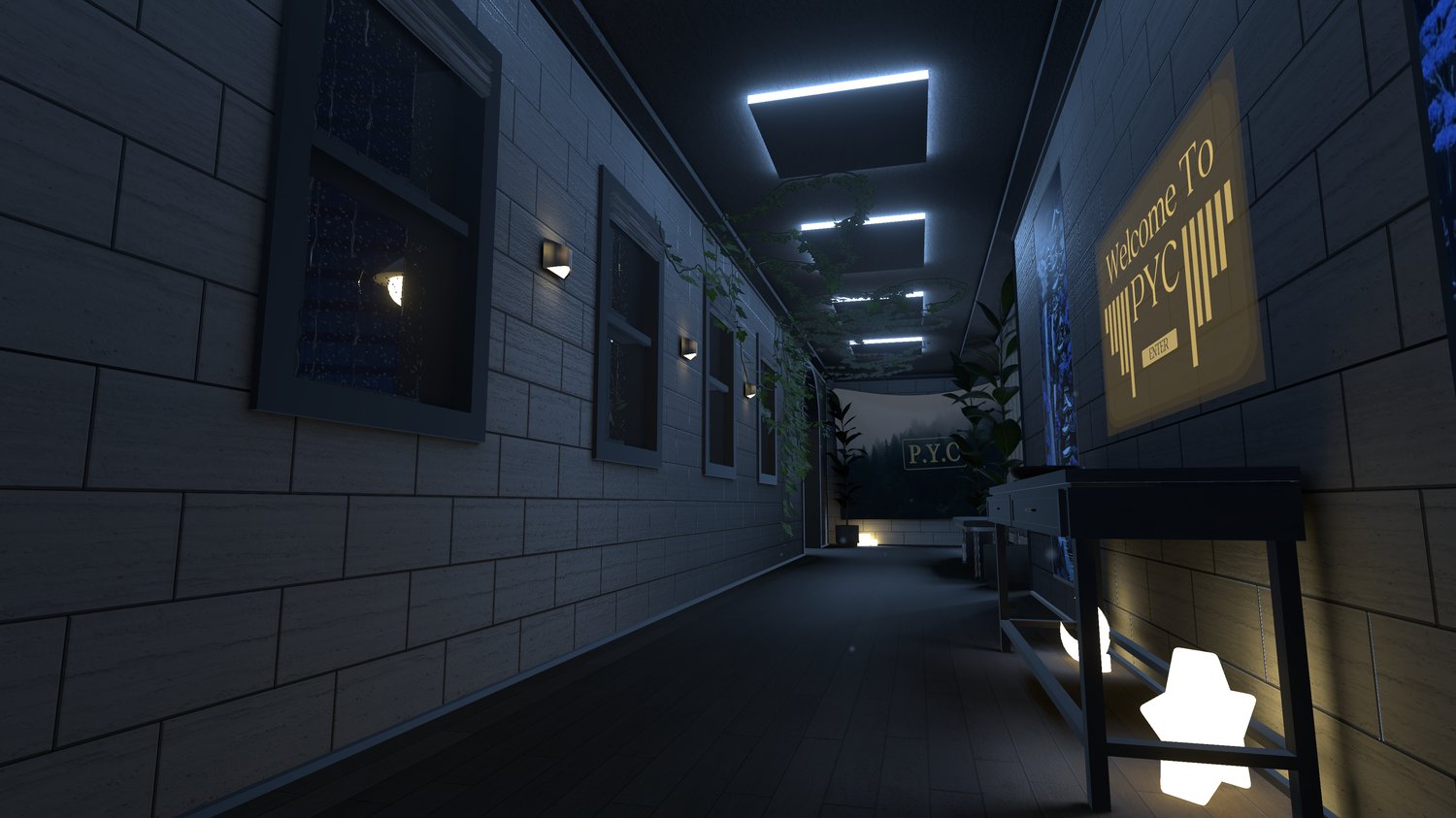
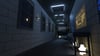
The Entryway - Having the spawn zone and Custom Ui board for world modifications.
The Balcony - Connect 4, and a hammock over looking the outside city and rainy environment
The Living Room - PROtv, Polaroid camera, sliding puzzle, and a fireplace to give the area some subtle warmth
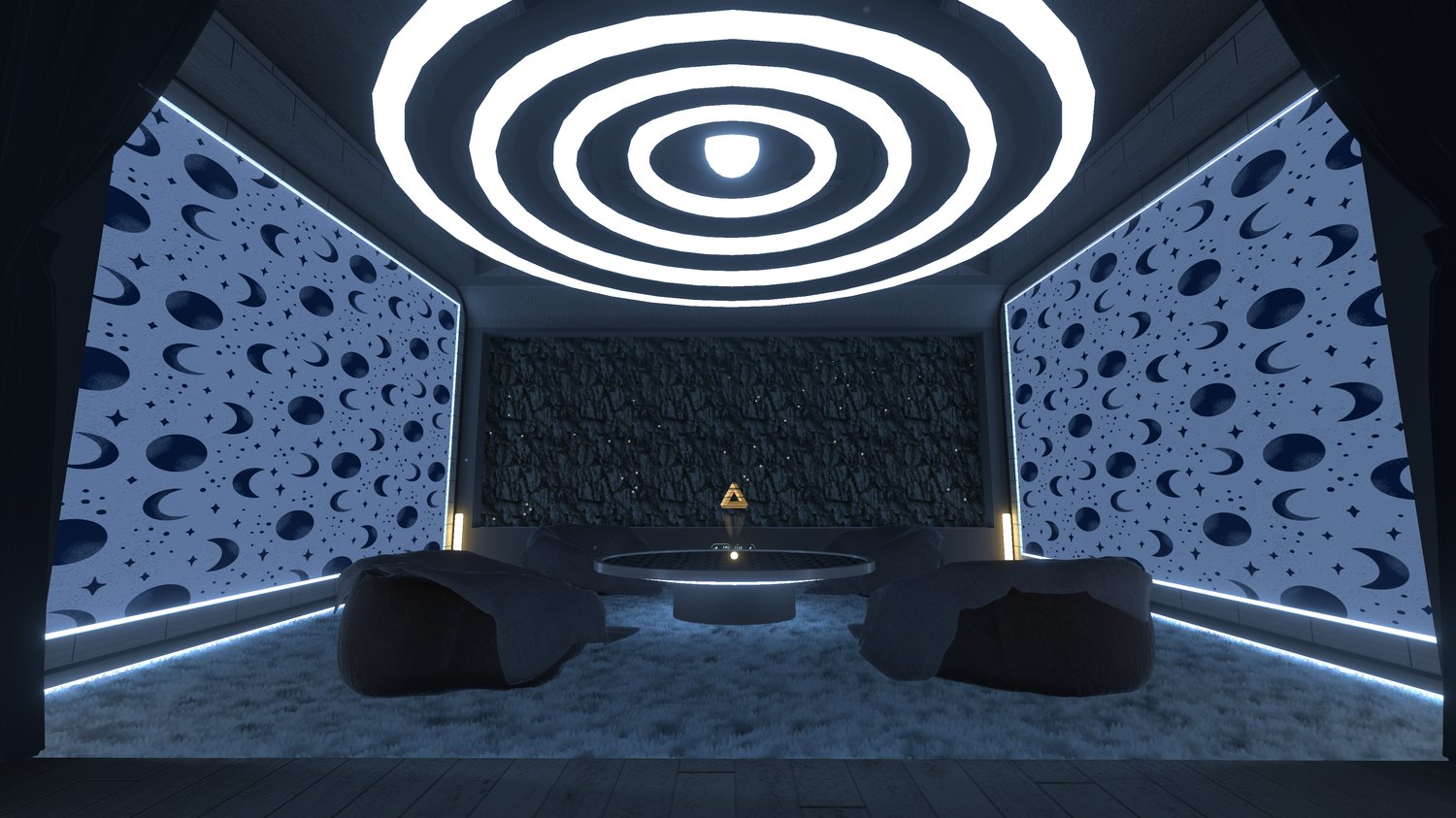
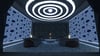
The Chill Room - Hosting the largest amount of visual stimulation, the walls have a custom built moving GIF, with the ceiling having a mind bending simple animation to lose your thoughts in. The Room also contains Beerpong, Pool, Tarot cards, a HQ and LQ mirror, as well as being able to close the curtains for a more intimate feel.
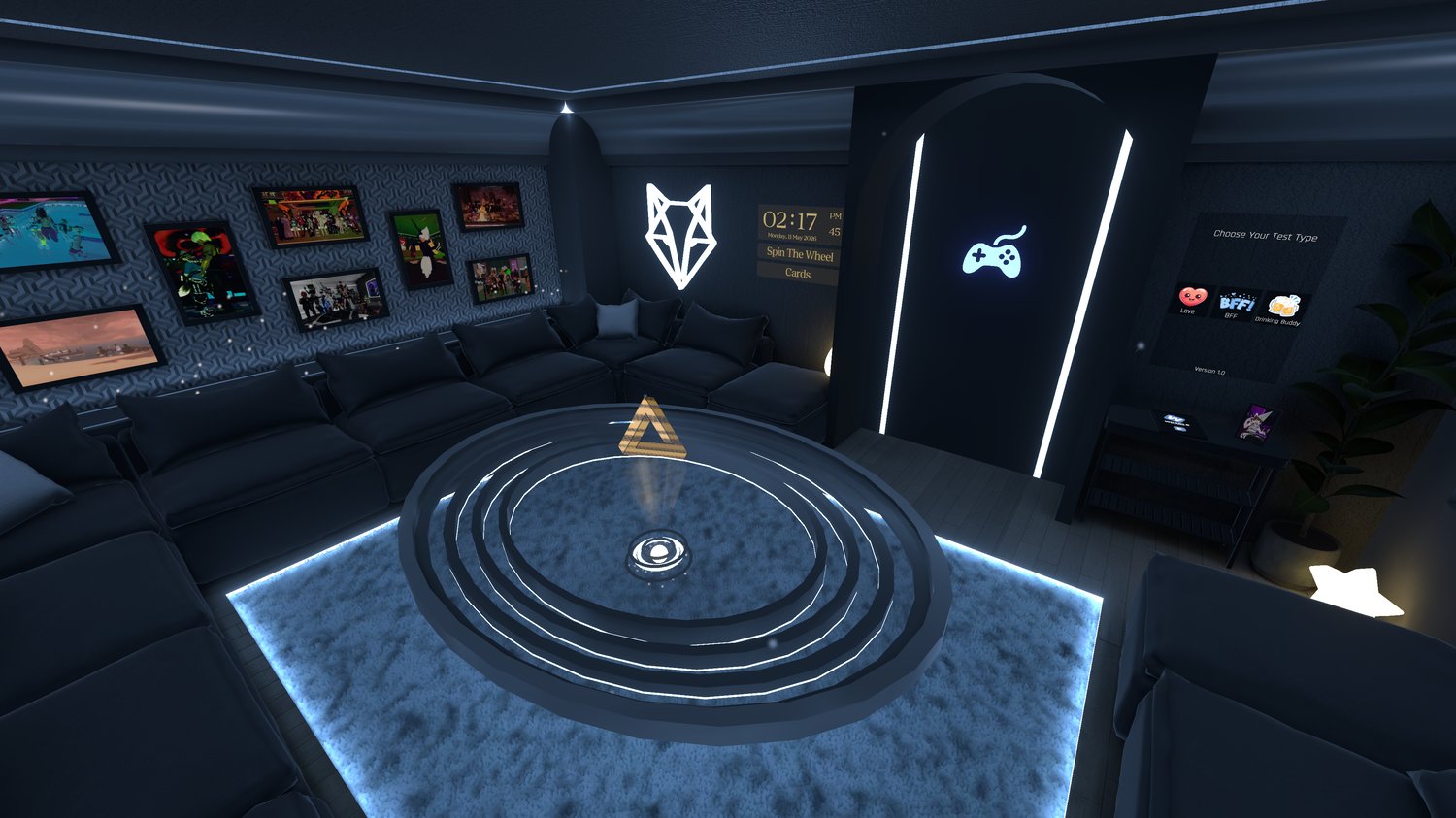
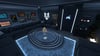
The Game Room - Another space for entertainment, aimed at group or intimate enjoyment, holding both Spin The Wheel and Cards, as well as a Compatibility Board, and Wordle for those who like words :)
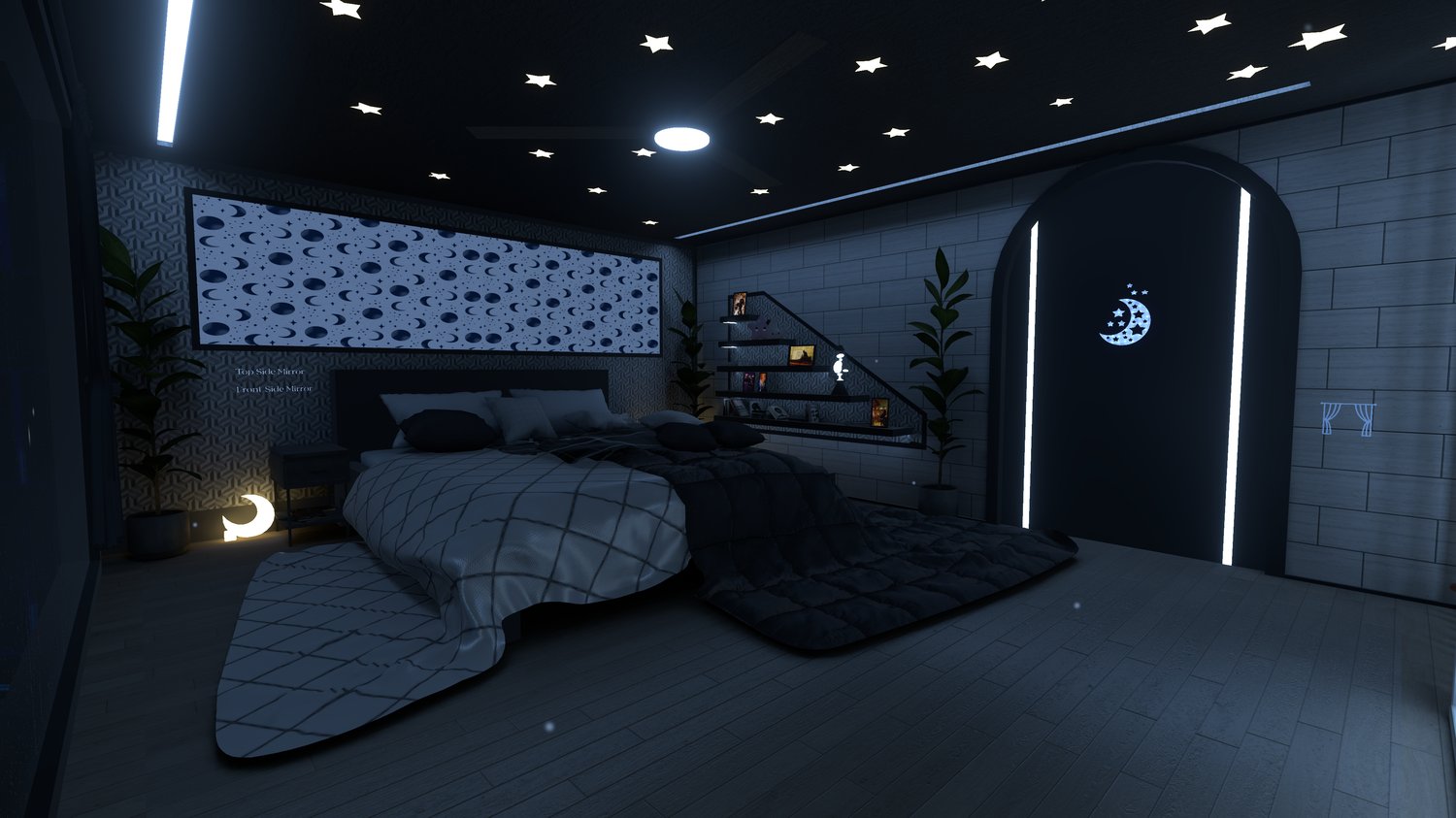
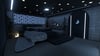
The Bed Room - Finally the rest room, a duplicate screen for tv viewing is placed on the far wall, closing curtains, and a top-side and front-side mirror for more immersion.
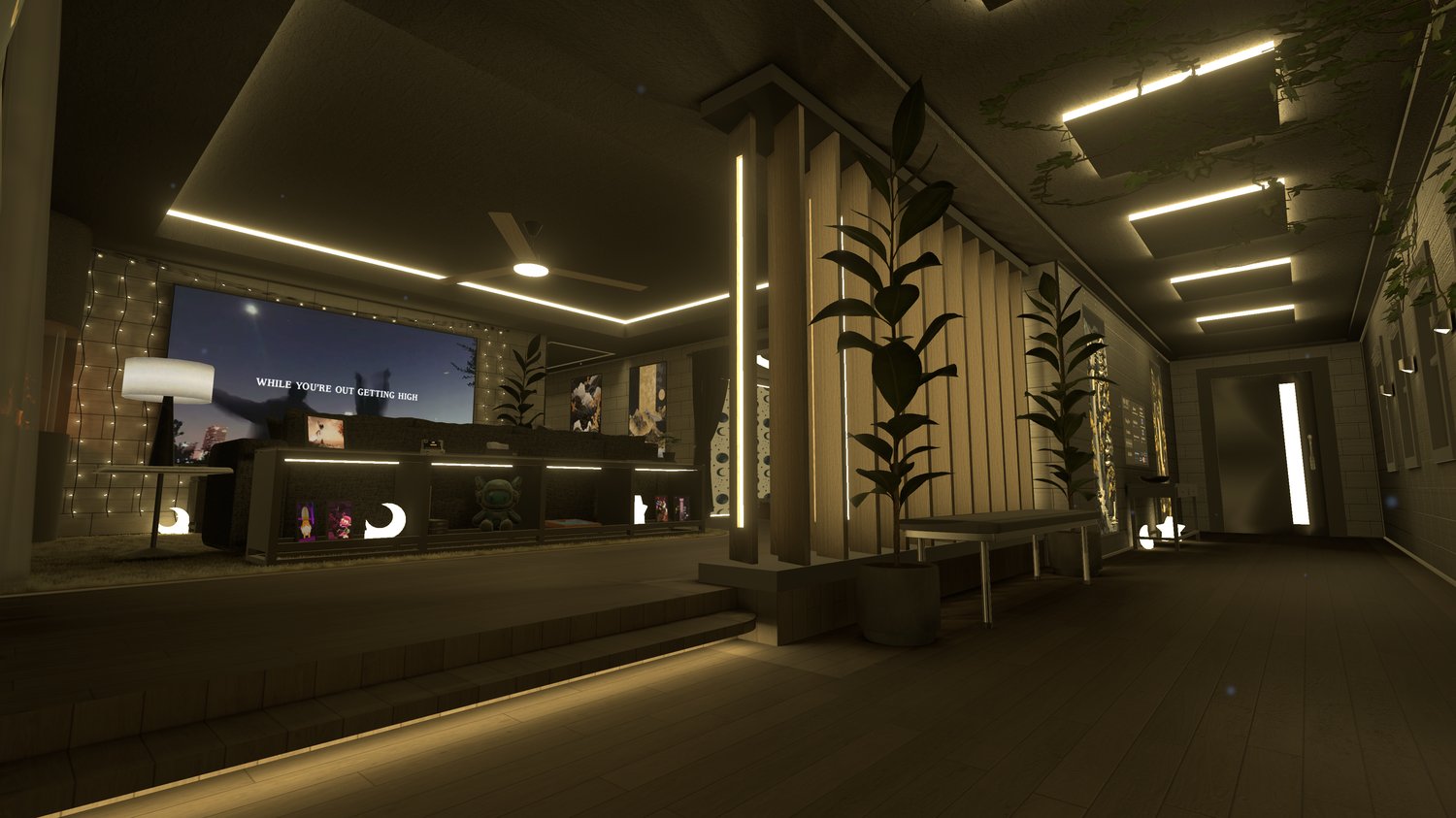
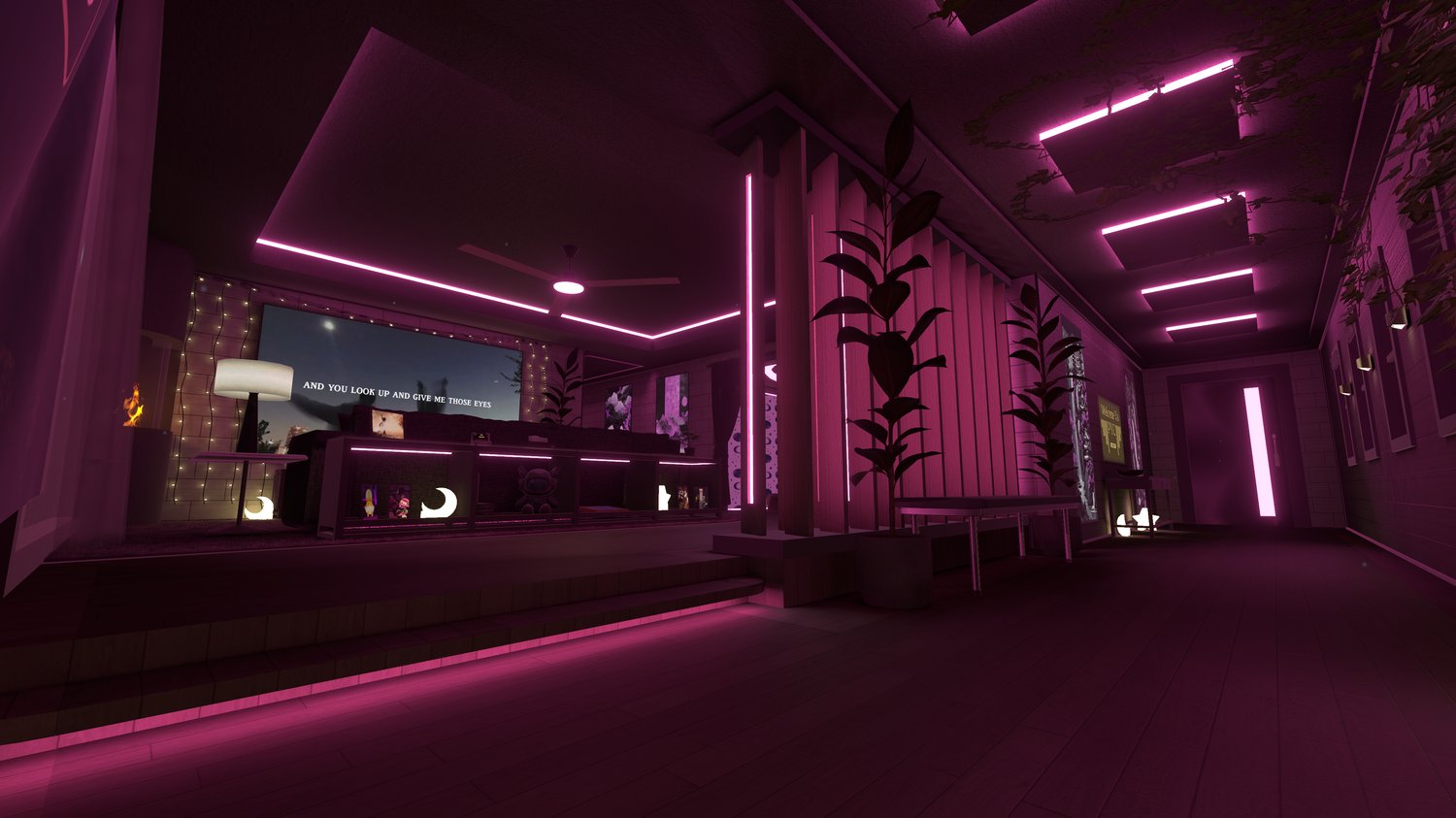
BY PURCHASING THIS PACKAGE YOU GET ALL 3 VARIANTS OF THE WORLD, BEING BLUE, GOLD, AND PINK. YOU ONLY NEED ONE FOR UPLOAD. ONLY SELECT THE PERSONAL UPLOAD OPTION IF YOU PLAN TO REACH OUT FOR UPLOAD ASSISTANCE. THANK YOU
-=- The Ui board Consists of these Menus -=-
-----------------------------------------------------
= Toggles Menu
- Rain Drops
- Rain Noise
- Colliders
- Fan Noise
- Post Processing
- Fireplace Noise
- Fur Carpet
- Outside Noise
- TV Screens
- Dust Particles
- Fire Particle
- World Noise
= Sounds Menu (Sliders for personal adjustment)
- Rain Noise
- Fan Noise
- Fire Noise
- World Noise
- City Noise
- Wind Noise
= Post Processing Menu
- Bloom
- Ambient Occlusion
- Darkmode
- Chromatic Aberration
- Motion Blur
- Post Processing Presets & Strength Slider
= Credits
-=- The Games and Interactable objects are as follows -=-
- Connect 4
- Polaroid Camera
- Slider Puzzle
- Beer pong
- Pool
- Tarot Cards
- Glow sticks
- Spin The Wheel
- Cards
- Wordle
- Compatibility Board
-=- World Stats & Info -=-
- Unity 2022.3.22f1
- World Size - 110 MB
- File size - 3.3GB to 3.6 compressed, 7GB uncompressed
- 18 Photo frames, (set up for easy adjustment)
- Audio Link
- 1 Mirror (HQ&LQ) in Chill room, 2 Mirrors in Bed room
==================== TOS ====================
1.) Do not share, resell, or redistribute this package, or it's contents to anyone or on any platform.
2.) You may post this world as a public upload
3.) No refunds allowed, all purchases are final
By purchasing and downloading you are agreeing to these terms.
=============================================
If you would like an upload from me with small touches done, (Photo frames, adding in a few assets, changing a few materials, etc.) please reach out to me via Email or Discord so we can set up a time to get that done.
==================== Instructions for Upload ====================
(If you haven't already, insure you have installed and set up Unity 2022.3.22f1 as well as VRC's creator companion)
1.) Download and extract the file where you don't need to move it
2.) Go into your creator companion, click the drop down arrow next to "create new project," and select" add existing project." Select the folder that contains the world files.
3.) Open project, and wait for it to establish itself
4.) Afterwards, sign into your VRchat account in the top right corner using "VRchat SDK", and navigate to the "builder" tab.
5.) Input your desired name, player count, description, world tags, and World icon.
6.) After completion the world will be ready for upload! (Using the "Build & Publish your world online" button.
Notes for upload -
- After uploading, if you'd like the world to be public and not private, you'll have to go to VRchat's website and set it to be on community labs.
- When you open the world, looking on the left at the hierarchy, if you see below "=== PHOTOS ===" any additional "THRY" named objects, delete them. They're already in the world, and like to duplicate for some reason.
- Going back to the "=== PHOTOS ===" section, by going into that path you will find the adjustable picture frames set for each room. I recommend adding your personal photos to the same folder to keep things organized, using Crunch Compression on the images to reduce file size, and adding the photos in the "emission" section on the materials to make them stand out in the world. (Feel free to use the preset examples for reference.)
- Unless you are familiar with world creation and Udon, I recommend not messing with anything outside of the "=== STRUCTURE ===" and "=== OBJECTS ===" sections, as it may break scripts within the world.
- For those using the Quest version, post processing still remains in the world for baking purposes, but doesn't function within VRchat
If you have any questions or need any assistance with the world, please reach out to me via email at josiahvr065@gmail.com, or in my discord using a ticket " https://discord.gg/M895CC5aDK "
~Thank you
-=- Credits for assets used -=-
- ImBeemo - Assets and Inspiration
- Moderatewinguy - Spin The Wheel, Post Processing settings
- VRBC Team - Pool
- ArchiTechVR - ProTv
- Thryrallo - Beer Pong
- QVPens - Pens
- Peep - Bed Asset
- Vowgan - Cards and Scripting help
- TheSnooze - Compatibility Test
- Paci Stardust - Wordle
- RiskeyKen - Join Notification and Connect 4
- Meenphie Shop - Polaroid Camera
- SpookyGhostBoo
- MoBubbler
- Imaginary Caravan
- Vapor Creations
- Akumadem0n
- TsunaMoo
- Znakaz
- La Fille
- Kaia_Kasumi
- Lunas Tarot Cards
(If I missed anyone, please reach out to me so I can give you credit)
Want to view the world in VR? Here's the link:
https://vrchat.com/home/launch?worldId=wrld_a5bc0243-59fc-463c-8190-8004297652ef
Keep in mind, this is a demo showcase. So many of the features have been disabled.