
Techno Template - Producer Land Music
Producer Land Music
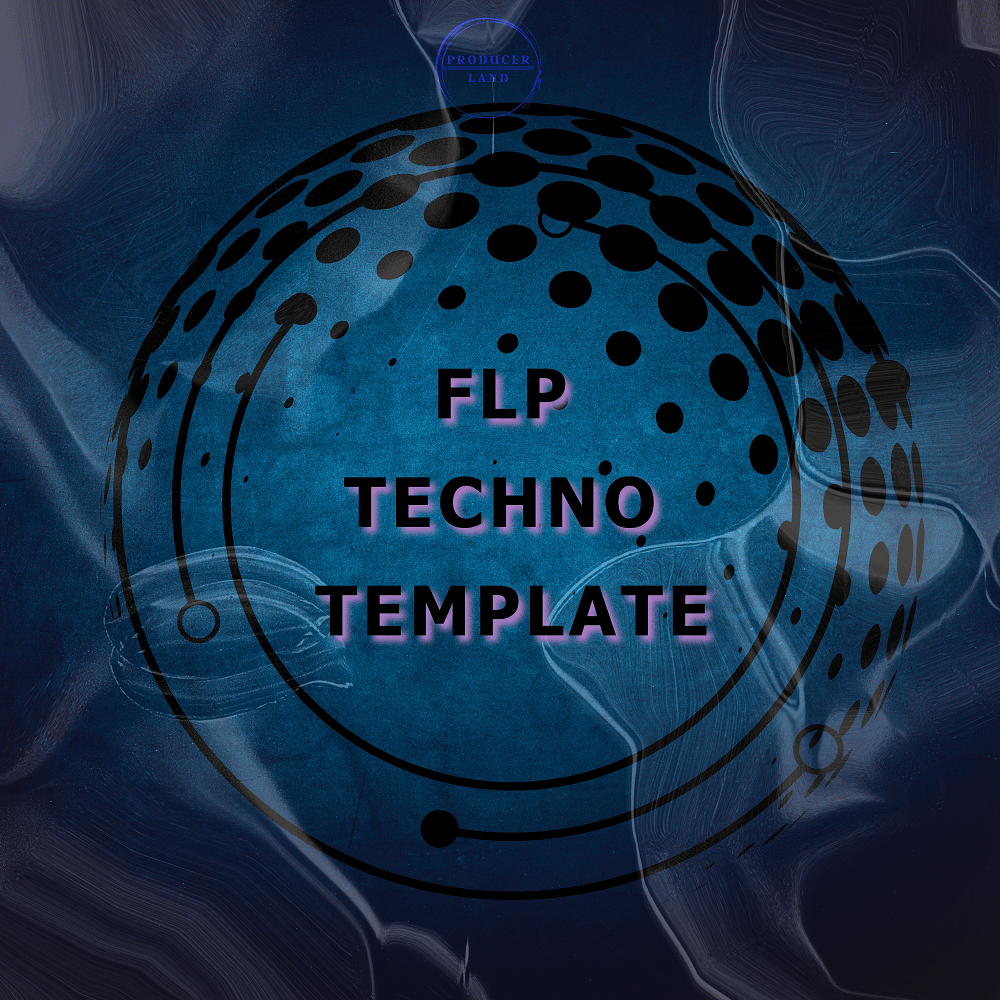
FL Studio Techno Template
HOW TO USE?
1. Extract templates to your desktop or any folder.
are located. (Extract whole folders, not just FLPs).
2. Navigate to this exact folder:
(This PC / Documents / Image-Line / FL Studio / Projects / Templates)
3. Return back to the folder where you extracted templates.
4. Drag and Drop both folders to the folder where you navigated in the step 2.
5. That’s it.
HOW TO LOAD TEMPLATES? (From FL Studio)
1. Click on FILE
2. Then click on “New from template”
3. Select the template you want to use.
4. That’s it
THANKS!
Producer Land Music - FL Studio Template #01
More On Instagram
@producerland.music
https://www.instagram.com/producerland.music/
Producer Land - Store
Free Samples, Beats, Music Loops.
All type of content you need to improve your skills as a producer.
Made By:
Ralf Starman
https://www.instagram.com/ralfstarman/
@rare.ryper for TECHNO ♫
https://www.instagram.com/rare.ryper/
...
$50 discount on a purchase of a yearly subscription to LANDR Studio
@Producerland.music - Instagram