
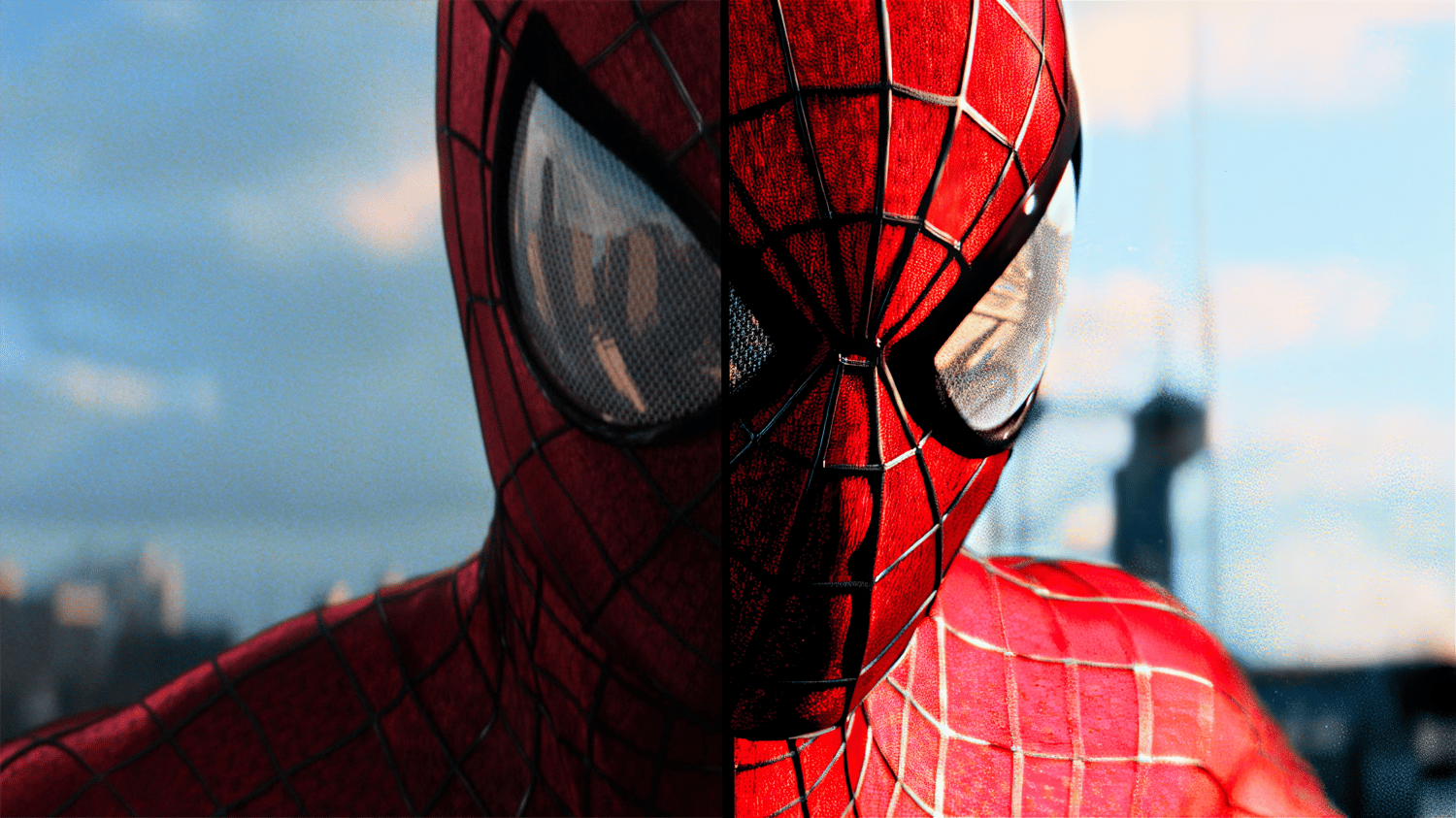


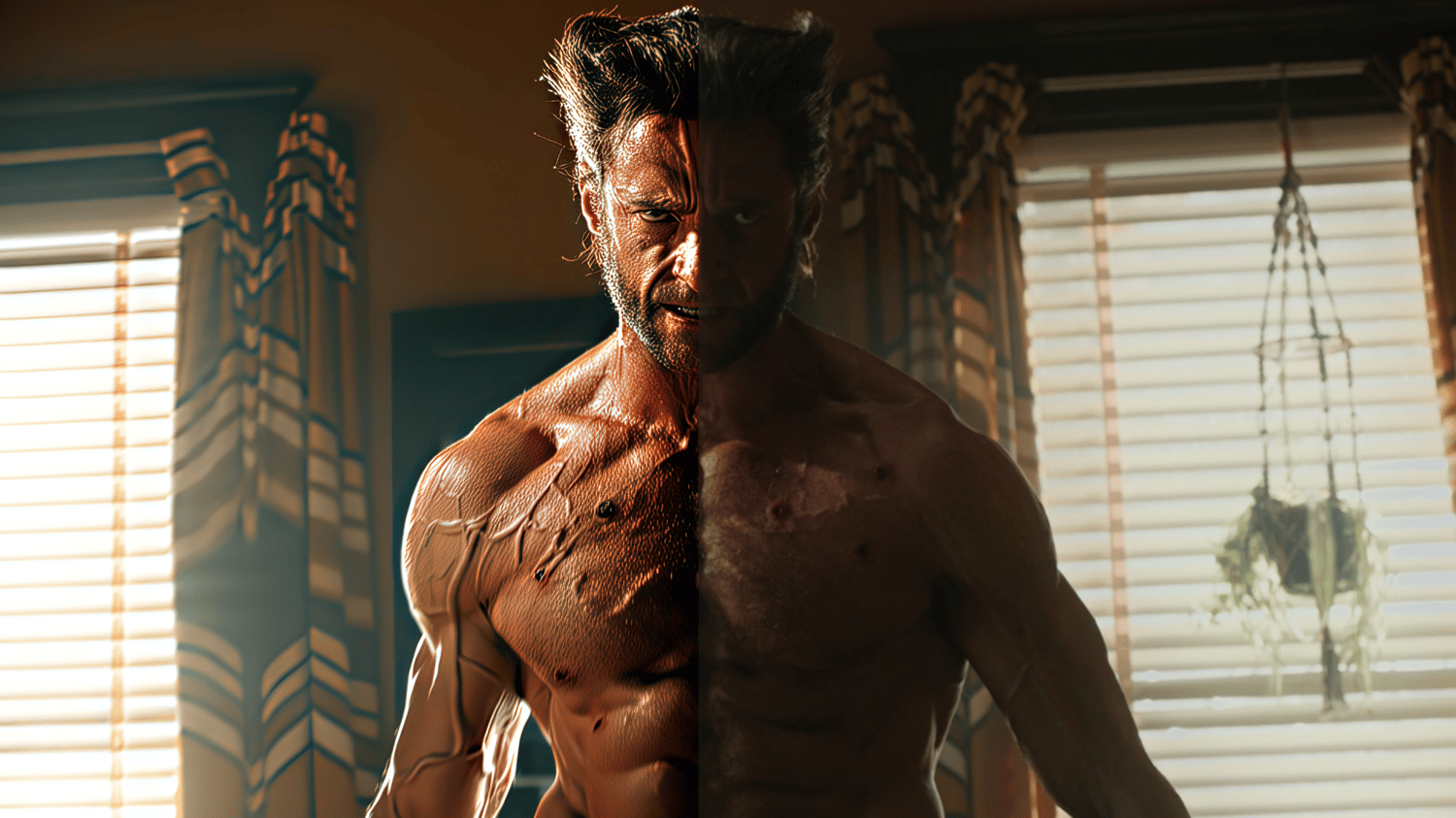
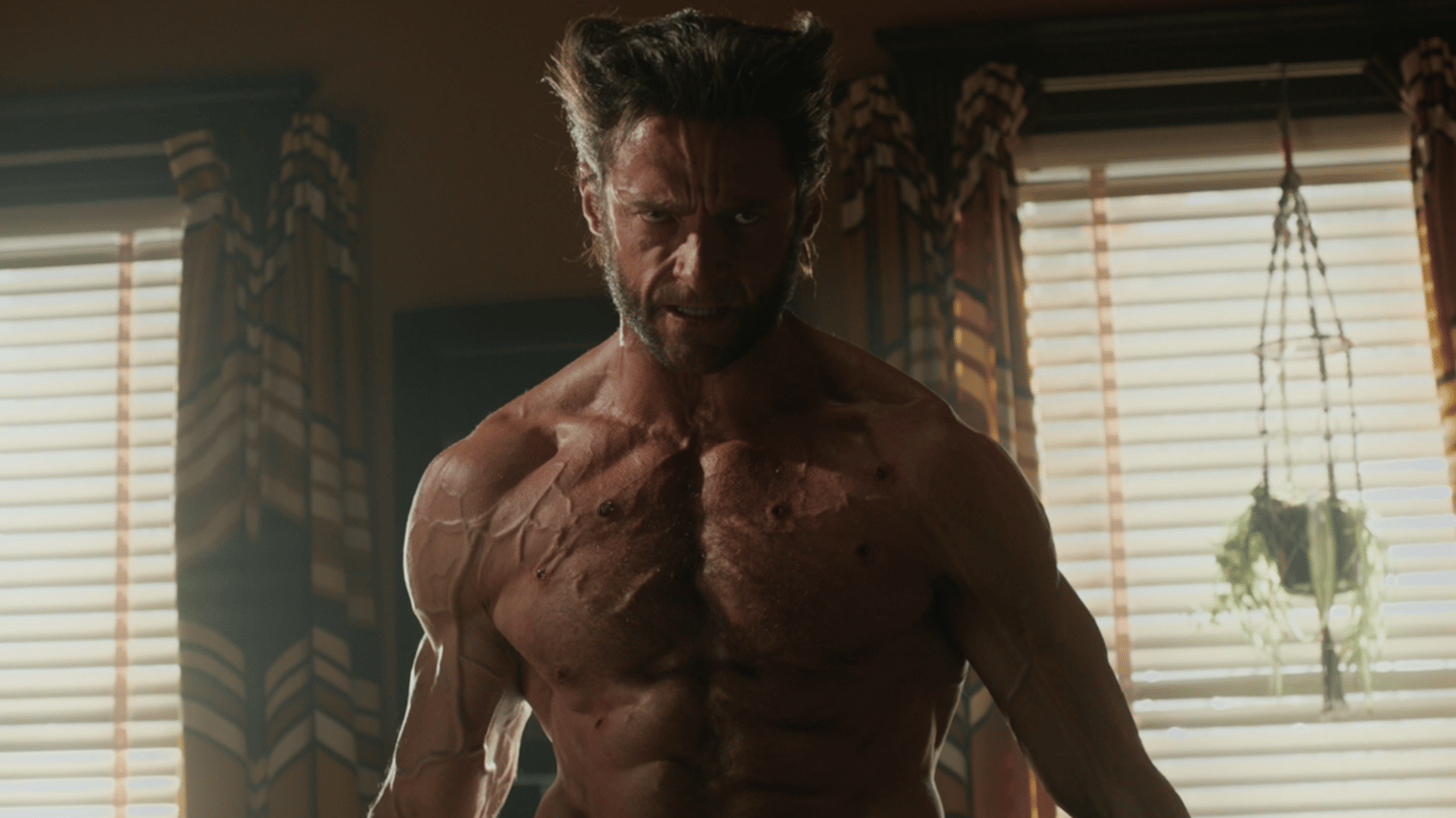

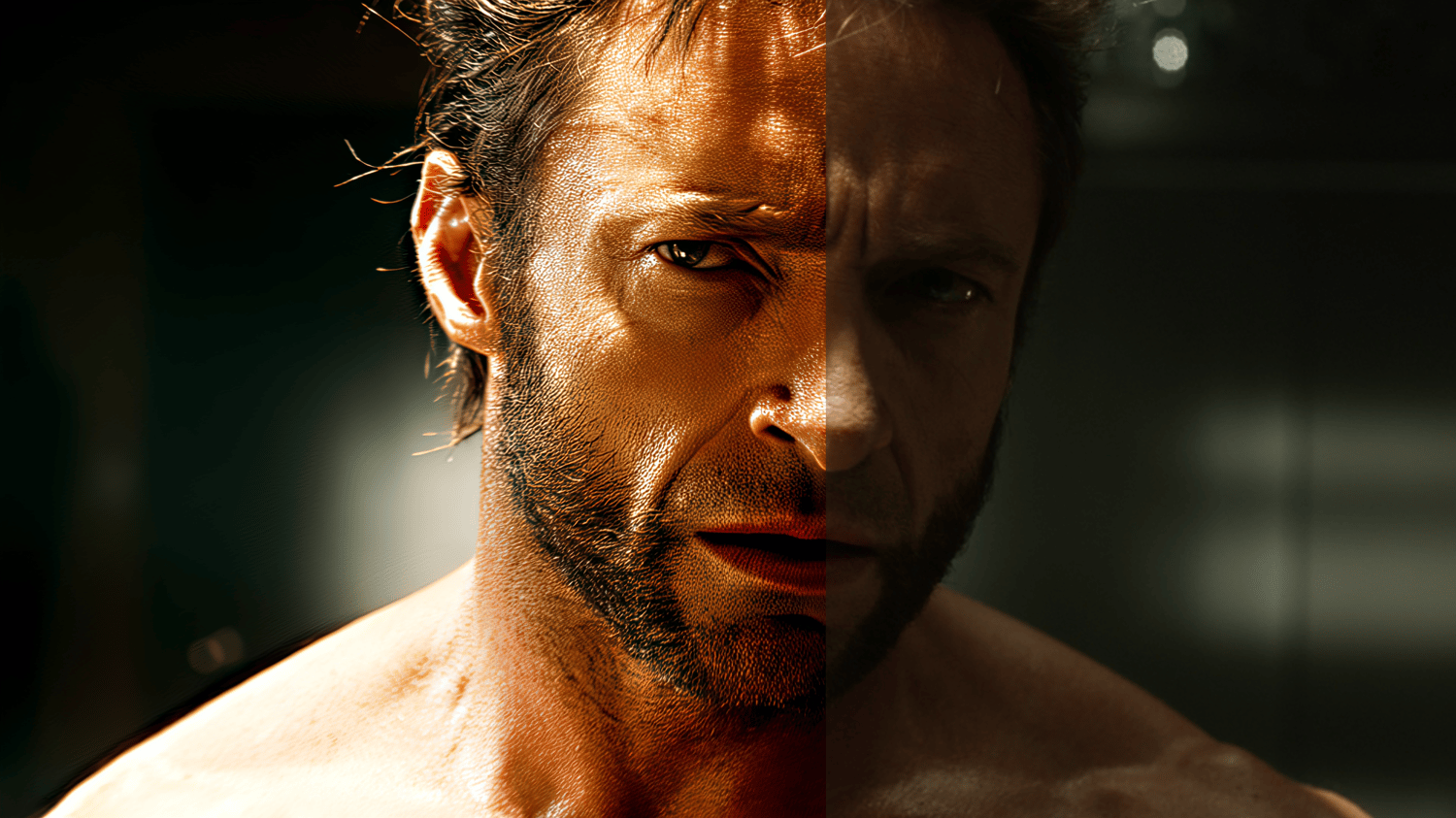
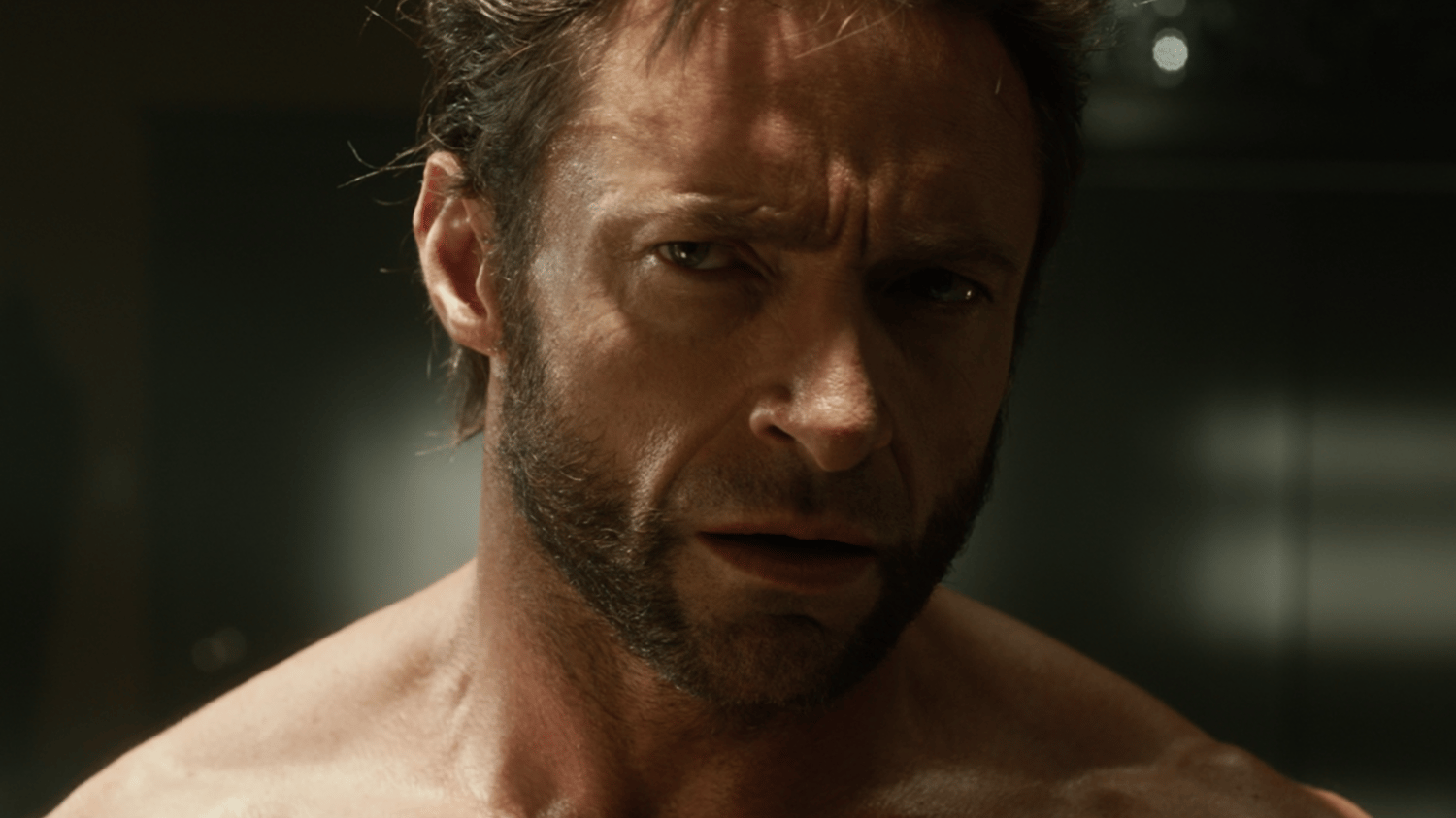










GHXZ Quality 2026 (read the description)
[UPDATED 05.10.2026]
[Purchased members try downloading it again to get the latest version]
- Added New Dark CC Settings for a darker, richer look with improved contrast, deeper blacks, and better tonal balance.
[Previous Update 01.08.2026]
- Added New Color Correction (CC) Settings with further refinements for improved color accuracy, cleaner blacks, smoother gradients, and a more consistent overall look.
- Added New Topaz Settings with updated enhancements for better detail preservation, cleaner upscaling, improved compression handling, and higher overall output quality.
[Previous Update 17.06.2026]
- Added New Final Encode Settings for improved output quality, better compression efficiency, and more consistent results across uploads.
[Previous Update 11.05.2026]
- Added After Effects Render Settings and Output Module Settings for cleaner exports and better quality control during rendering. These settings help reduce quality loss, preserve details, and improve compatibility for further encoding and uploads.
- Added New Topaz Settings for improved output quality, since the older settings did not fully satisfy some buyers.
- Added Darker Video Look Project Settings for final touch-up to help reduce color differences between my source videos and your own footage. Different sources can react differently to color correction because of compression, bitrate, and format changes.
[Results may vary]
- Results may not look exactly the same as my videos because every input video is different in color, quality, compression, and format. This is what I currently use on many edits.
- The updated presets may produce a different final look compared to previous versions. If you want to keep the older results, please back up your current settings before using the updated version.
- The thumbnail preview may not be updated immediately. As long as you downloaded the latest pack, you have the newest files and settings.
- If you have any questions or need assistance, feel free to contact me via email "mail2mohamedghazali@gmail.com".
Required Softwares
- After Effects 2022 or newer
- HandBrake
- Topaz Video / Topaz Video Enhance AI
Required Plugins for After Effects
- Magic Bullet Looks
- Boris Continuum Complete
- Boris Sapphire
Color Correction
Included files:
- CC .ffx file (After Effects 2022+)
- Project file
Open Comp 1 in the project file and copy the adjustment layer into your own project.
Color settings are included for both:
- Low-End Devices: Faster render performance
- High-End Devices: Better quality, less banding, cleaner blacks, but slower render time
Choose the one that fits your device.
- Darker Look: Project settings for final touch-up.
- AE Render & Output Settings: For Lossless output Quality.
Topaz Settings
Included settings for:
- Old versions Topaz Software
- New versions Topaz Software
Encode Settings
Included 4K & 1080P encode settings work well for:
- TikTok
- YouTube
Recommended Source Quality
For the best possible output, avoid using:
- Scene packs
- YouTube downloads
- WEBM or heavily compressed videos
These sources usually have lower bitrates, heavy compression, lost details, color banding, crushed blacks, and visible artifacts, which can reduce the final quality of the edit and affect how the CC looks.
Recommended source formats:
- 1080p Remux
- 4K UHD Remux
Remux files keep the original video quality with minimal compression, giving cleaner details, better colors, smoother gradients, and more accurate results with CC, Topaz, and encoding settings.
If Remux versions are not available, use:
- 4K UHD SDR sources
- If your source is HDR / Dolby Vision, convert it to SDR with the highest bitrate possible before editing. This helps avoid color issues, washed-out footage, extra compression, and unwanted artifacts during editing and export.
If Remux versions are not available, use the highest-quality source that exists. Keep in mind that not every video, especially celebrity interviews, music videos, red carpet appearances, and social media clips, is available in 4K or Remux quality.
Important
- If you are not satisfied with the output quality, support is available for the current quality settings. To get help, check my profile and contact me by email using:
- The same email address used for purchasing
- A purchase screenshot / proof of purchase
- Quality settings may be updated in the future if my editing quality or workflow changes over time. Updated files may also be uploaded to Payhip when available.
- Please do not waste your Payhip download limits by downloading files multiple times unnecessarily.
Usage Terms
- This product is for personal use only.
- Reselling, sharing, leaking, redistributing, or re-uploading any files is strictly prohibited.
- Do not claim this product or its contents as your own.
- Purchase gives access to use the files, not ownership of the product.
- All rights remain with the original creator.
- Previous purchases do not include free access to current/new product.
- Requesting current/new product for free after purchasing an older version is not accepted.
- Due to the digital nature of this product, all sales are final and non-refundable.