

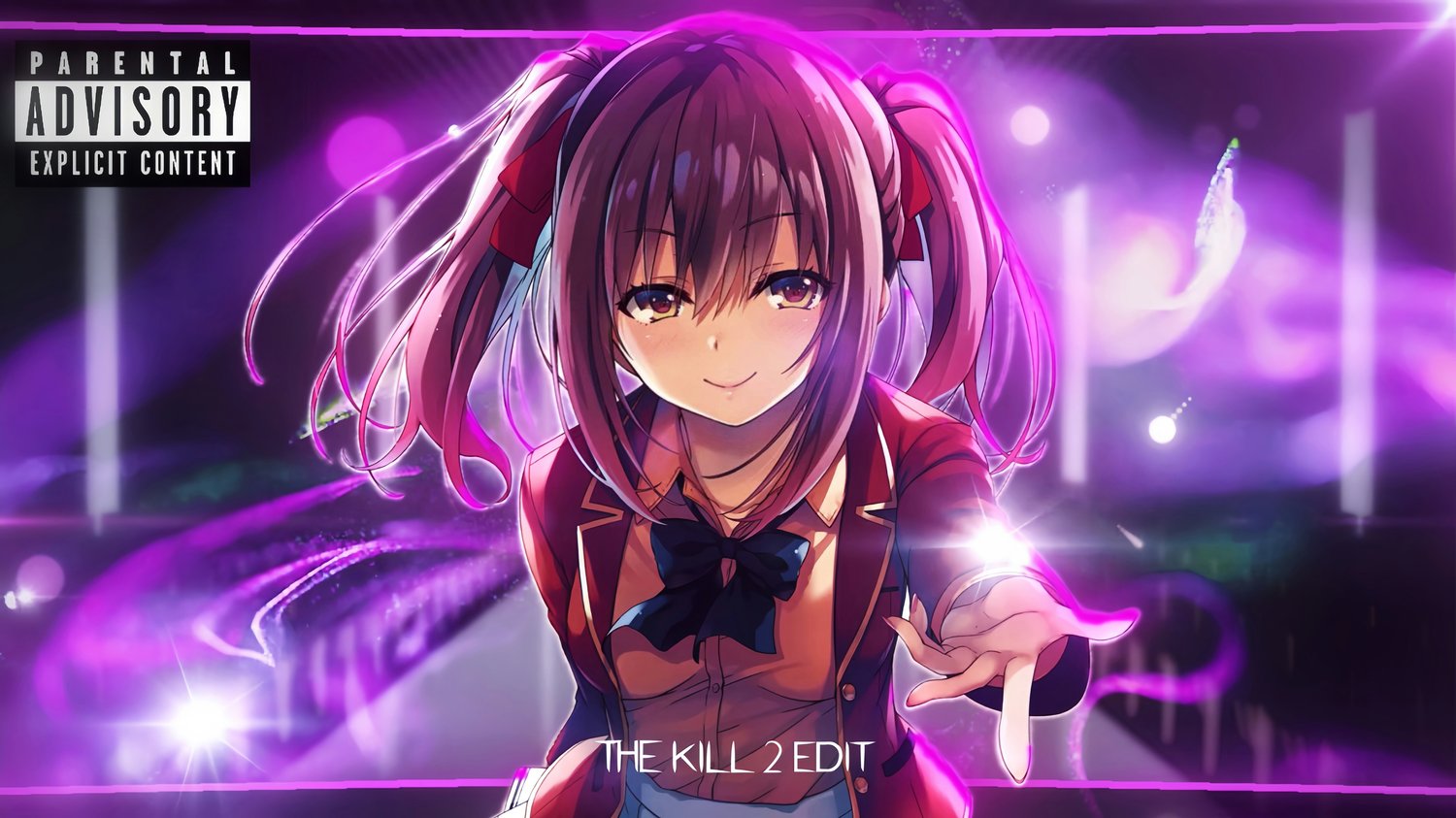

Ichika 👀 - The Kill 2 [Edit/AMV]!
On Sale
$5.99
$5.99
Ichika 👀 - The Kill 2 [Edit/AMV]!
📦 What’s Included:
- Blurrr Project File: The complete project file structure for your mobile timeline.
- Raw Materials: Full-quality video clips, edited audio, color corrections, transition effects, and custom fonts.
- Exclusive Tutorial: A step-by-step video guide included in the package, tailored for iOS setups.
- Sideloading Tools: Essential resources if you choose the advanced import method on iOS (requires an on-device installer like Feather or ESign).
⚠️ Note for After Effects Users: The SFX (Sound Effects) and CC (Color Correction) configurations are bundled as an After Effects project file (.aep). If you wish to tweak those specific elements, you will need After Effects with the Magic Bullet Looks (For CC) plugin installed.
⚠️ Important Disclaimer Before Purchasing (Read Carefully):
- Sideloading and editing JSON scripts on iOS is a highly technical process. * If you want to use Method 2 (The Advanced Local Folder Method), you must own or purchase a paid iOS Developer Certificate (from third-party providers like DxSign, ArcticSign, Apple, etc.) to register your device's UDID. These certificates are sold by third parties and are NOT free.
- Don't want to spend extra money or deal with code editors? Simply stick to Method 1 (The Import QR Code). Method 1 is 100% free, works instantly out of the box, and requires zero technical setup.
- No Refunds: Due to the nature of digital products, all sales are strictly non-refundable. Please make sure you understand the requirements before purchasing.
📥 Two Ways to Import (iOS / Android):
- 🔹 Method 1: The Easy Way (QR Code Scan) — Recommended for Beginners Inside the downloaded folder, I’ve included a dedicated image file. Simply open your Blurrr App, tap Import, and scan the QR code (or manually type the project code string). The template will load up instantly on your device.
- 🔹 Method 2: The Advanced Way (Direct JSON Injection) — iOS Only For power users who want the full, unlinked tracking timeline with all original data folders perfectly intact. Inside the zip folder, navigate to "For iOS Users (Advanced Only)" to find a detailed README.txt and video tutorial.
🛑 Warning For Method 2: This method WILL NOT WORK on the standard App Store version of Blurrr. Official App Store apps have iTunes File Sharing disabled by default due to Apple's strict sandboxing rules. To see the required "Blurrr" data folder in your iOS Files app, you must be using a modded version of the Blurrr App sideloaded via an on-device manager (like Feather, ESign, KSign, etc.) with File Sharing explicitly enabled.
⚙️ Requirements & System Notes:
- Blurrr App Version: Ensure your app is updated to the latest version.
- App Membership: A Blurrr VIP or SVIP membership is required to access premium tracking features.
- Alternative: Android users can find modded versions online. iOS users can find modded .ipa files on the KamoHacks Telegram server and sideload it using a paid certificate provider (like WSF, DxSign, etc.).
💬 Need Support?
If you hit a roadblock or have questions about the files, feel free to reach out directly:
- Discord DM: @rxnationgaming
Thank you for supporting my work! 💙