

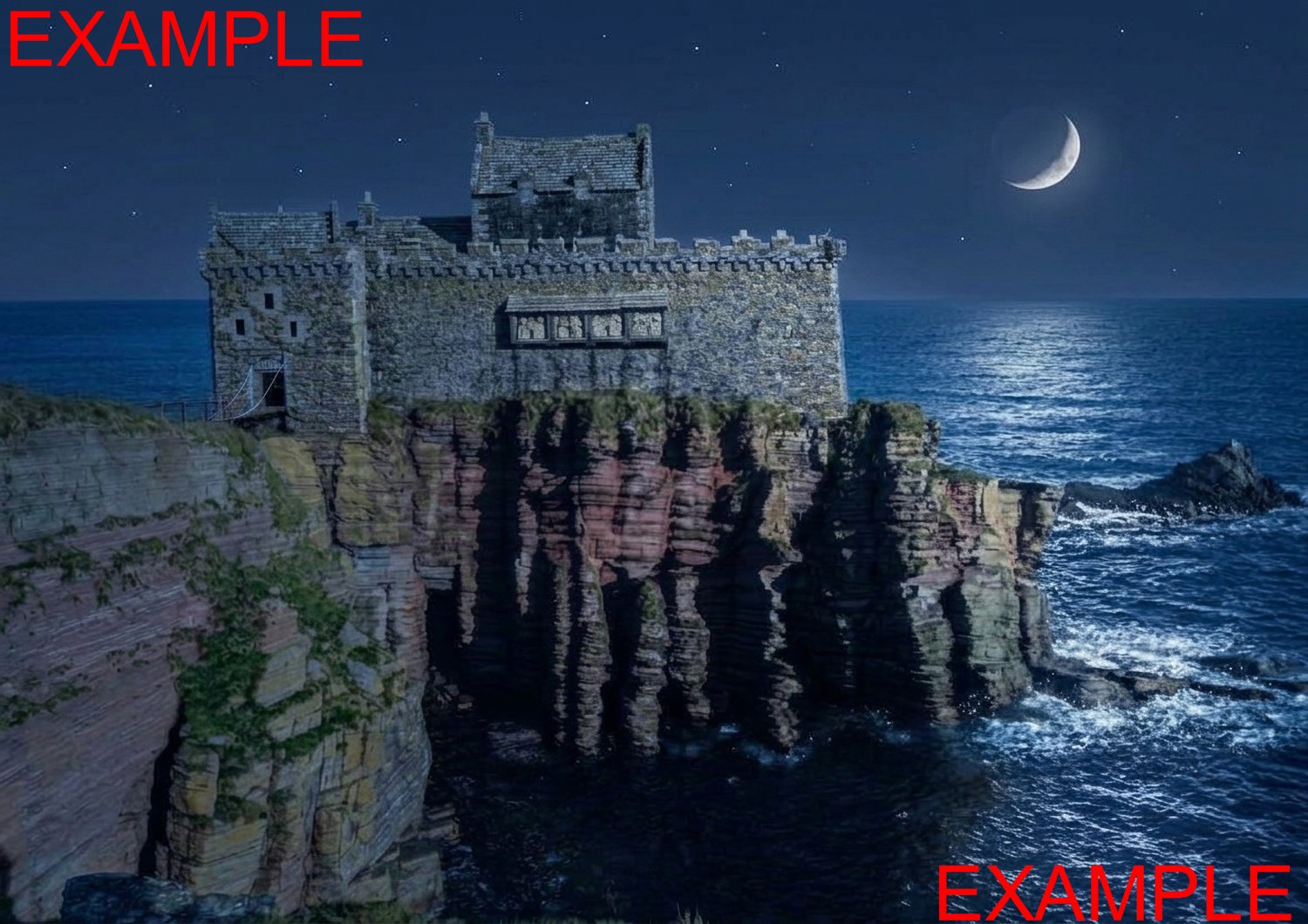

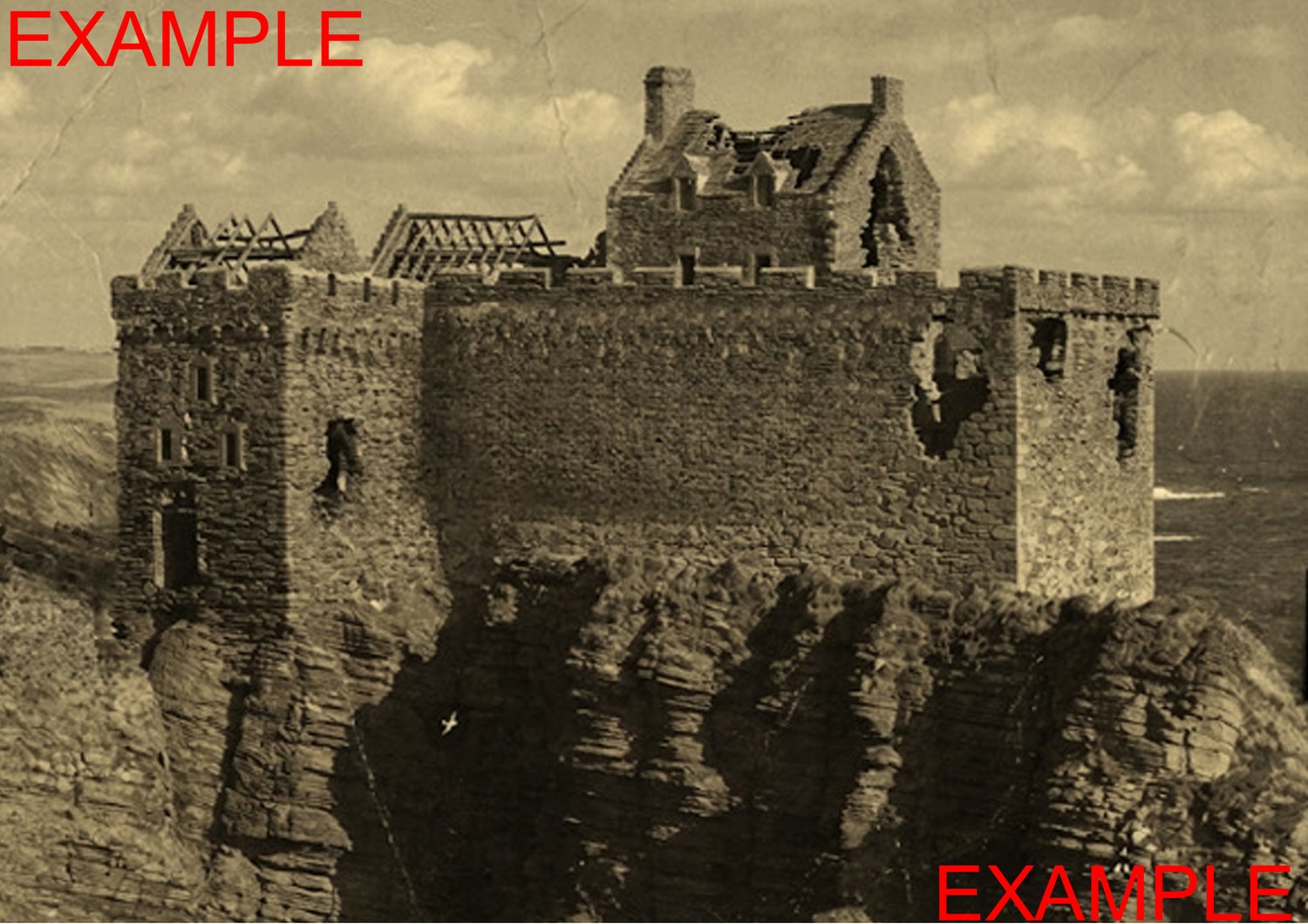
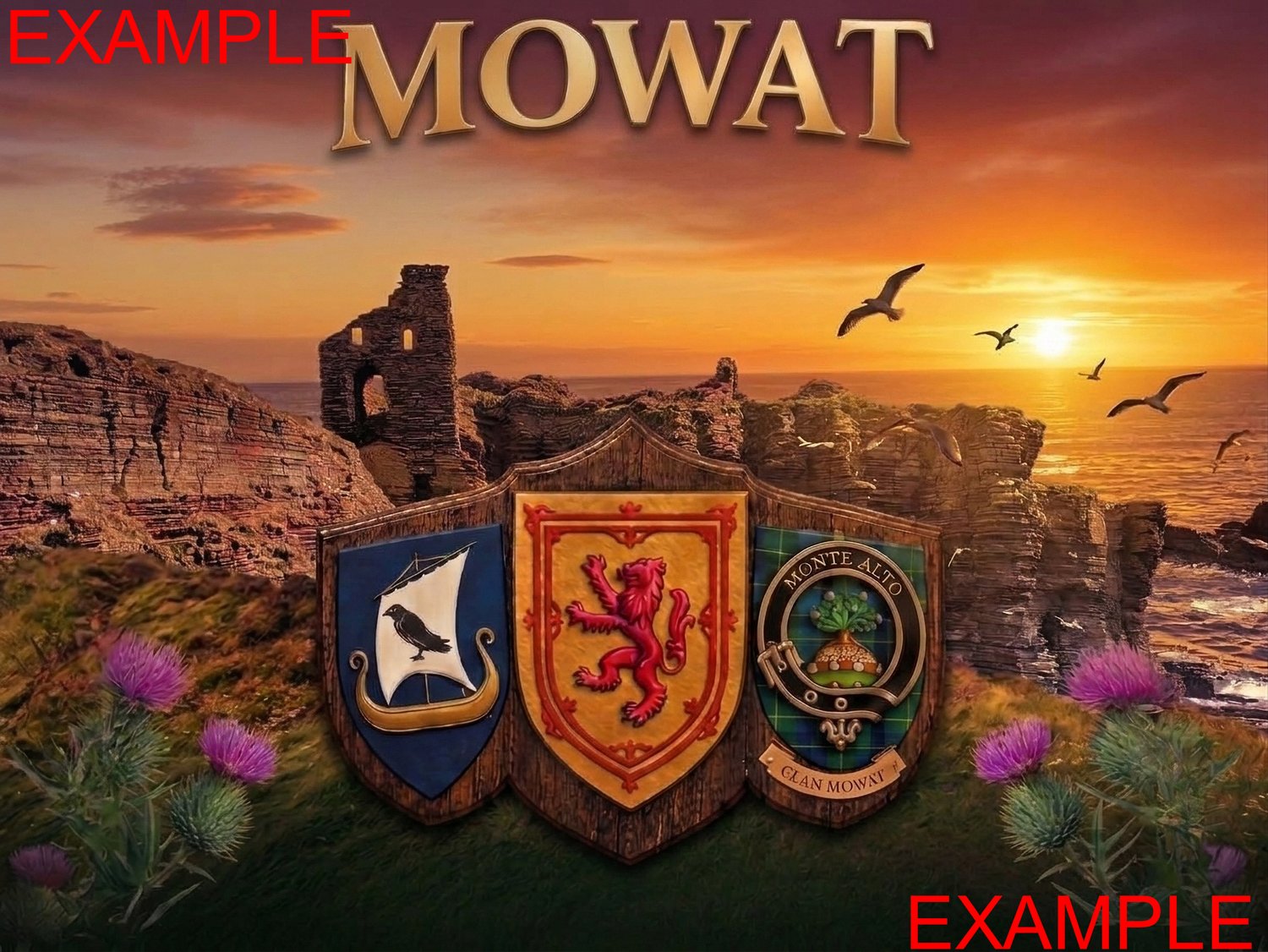
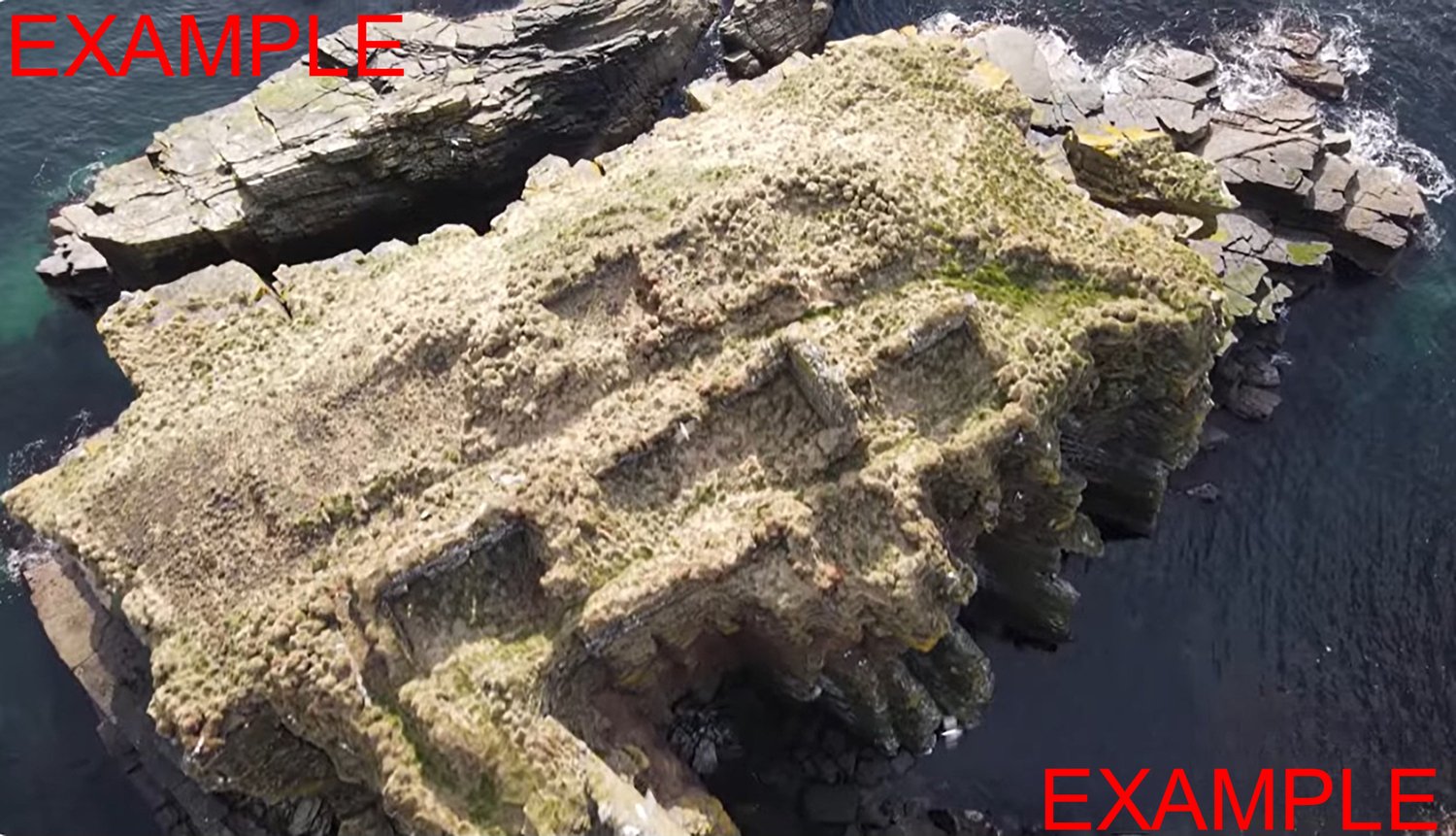
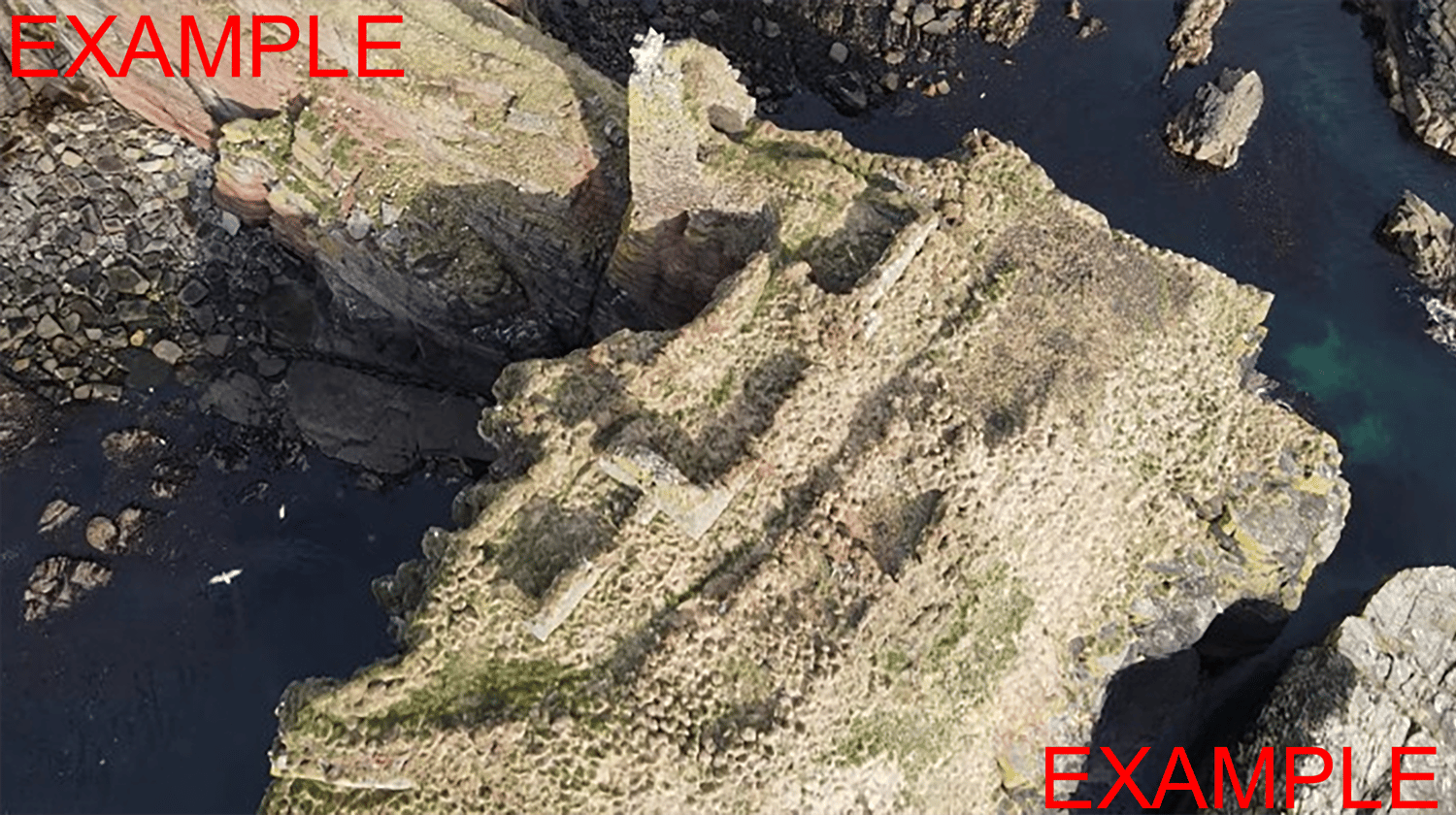
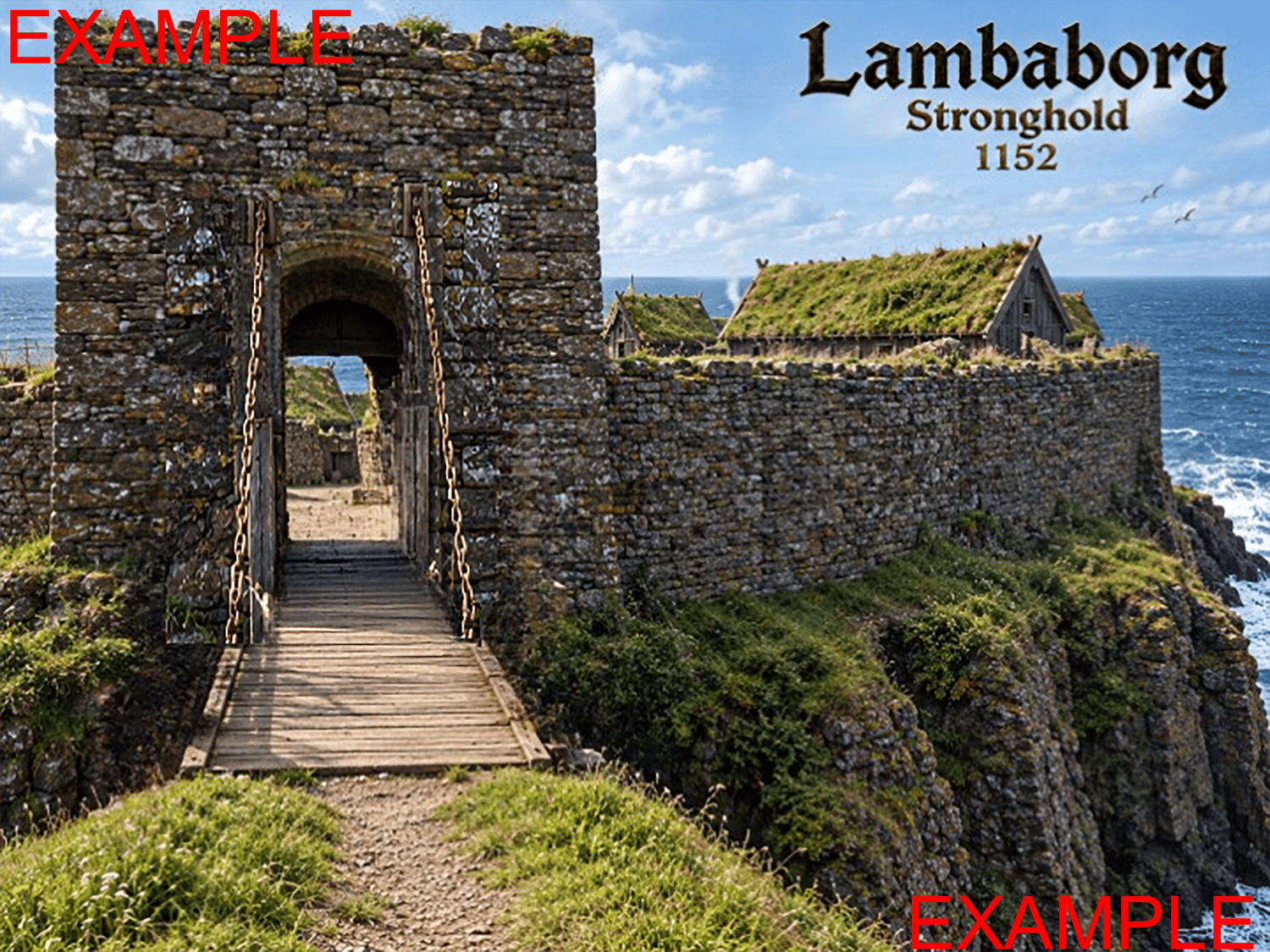
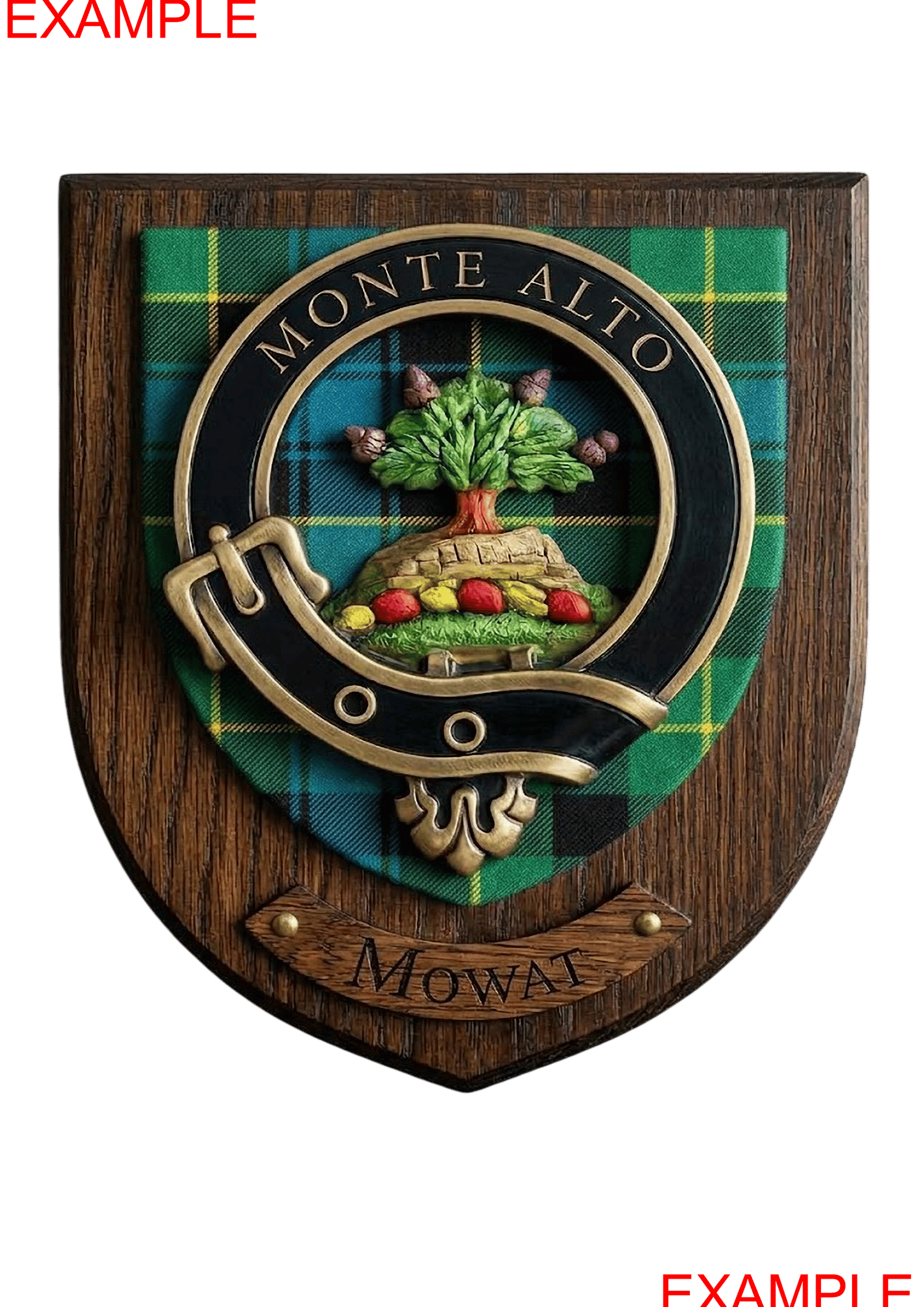

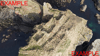



Mowat + Bucholie Castle Images. 33 Images.
You can download a sample PDF of the images to your device by clicking the PREVIEW BUTTON. For the best viewing experience, please use a computer or tablet.
The main download is in WinRAR format which hold the 33 images. Please make sure you have WinRAR loaded onto your device. Open the WinRAR file with WinRAR and extract the contents to a location on your device, preferably a computer or tablet.
WinRAR website to download WinRAR: Free - https://www.win-rar.com/download.html?&L=0
Besides WinRAR: Completely Free & Open Source
- 7-Zip: The most popular open-source alternative. It has high compression ratios and its own powerful .7z format.
- PeaZip: A clean, modern tool that supports over 200 archive formats and focuses heavily on security.
Modern & Built into Windows
- Windows File Explorer: Windows 11 now natively supports extracting .rar, .7z, and .tar files without installing any extra software.
- NanaZip: A modern spinoff of 7-Zip designed specifically to look and feel native on Windows 10 and 11, including modern right-click context menus.
Mac-Specific Alternatives
- The Unarchiver: The go-to free app for Mac users to open RAR and other archive formats that macOS can't handle natively.
- Keka: A powerful, easy-to-use file archiver for Mac that lets you compress files by simply dragging and dropping them onto the icon.
These image are suitable for A4 landscape printing = 11.7 inches (width) x 8.3 inches (height). There are 33 images in total. These images are acceptable for larger prints or prints viewed from farther away and not close up. To get a better idea of the print results for your print project, use this following website as a guide: https://vograce.com/pages/image-print-size-calculator.
For your convenience, I have included a Windows-compatible wallpaper slideshow utility. Please note that I do not own, sell, or claim rights to this software. It is provided entirely free of charge, and I am only selling the images themselves. Full rights and ownership belong to gPhotoShow (https://www.gphotoshow.com). The included file is the basic version; if you would like access to advanced features, please purchase the premium version directly from their website.
The software is great for managing images because it loads them directly onto your computer desktop as wallpaper, allowing you to change the image every minute or hour of your choosing. The images are also perfect for electronic and smart picture frames.
For automatically rotating or changing Mac desktop wallpapers using JPG and PNG images for free, several apps and built-in options are available:
Top Free Mac Wallpaper Changer Apps
- Irvue: A free menu-bar app for macOS that automatically rotates wallpapers at custom intervals (from 30 minutes to a month). It supports custom photo channels, multi-display setups, and works seamlessly with JPG/PNG or Unsplash libraries.
- Wallspace: A free live and static wallpaper manager for Mac that lets you organize, cycle, and display custom backgrounds and images cleanly.
- macOS Built-in Wallpaper Rotator: Your Mac already has a native changer built in without needing third-party software:
- Open System Settings > Wallpaper.
- Click Add Photo or Add Folder to select a directory containing your own JPG and PNG files.
- Choose your rotation interval (e.g., at login, every hour, etc.) directly from the options.
*Images: 3 + 29 have transparent backgrounds.