
DJ Request System - DIY Kit
Launch offer: use code REQUEST10 FOR $10 off - Only 50 Available
Stop Taking Song Requests at the DJ Booth.
Give your guests a QR code instead.
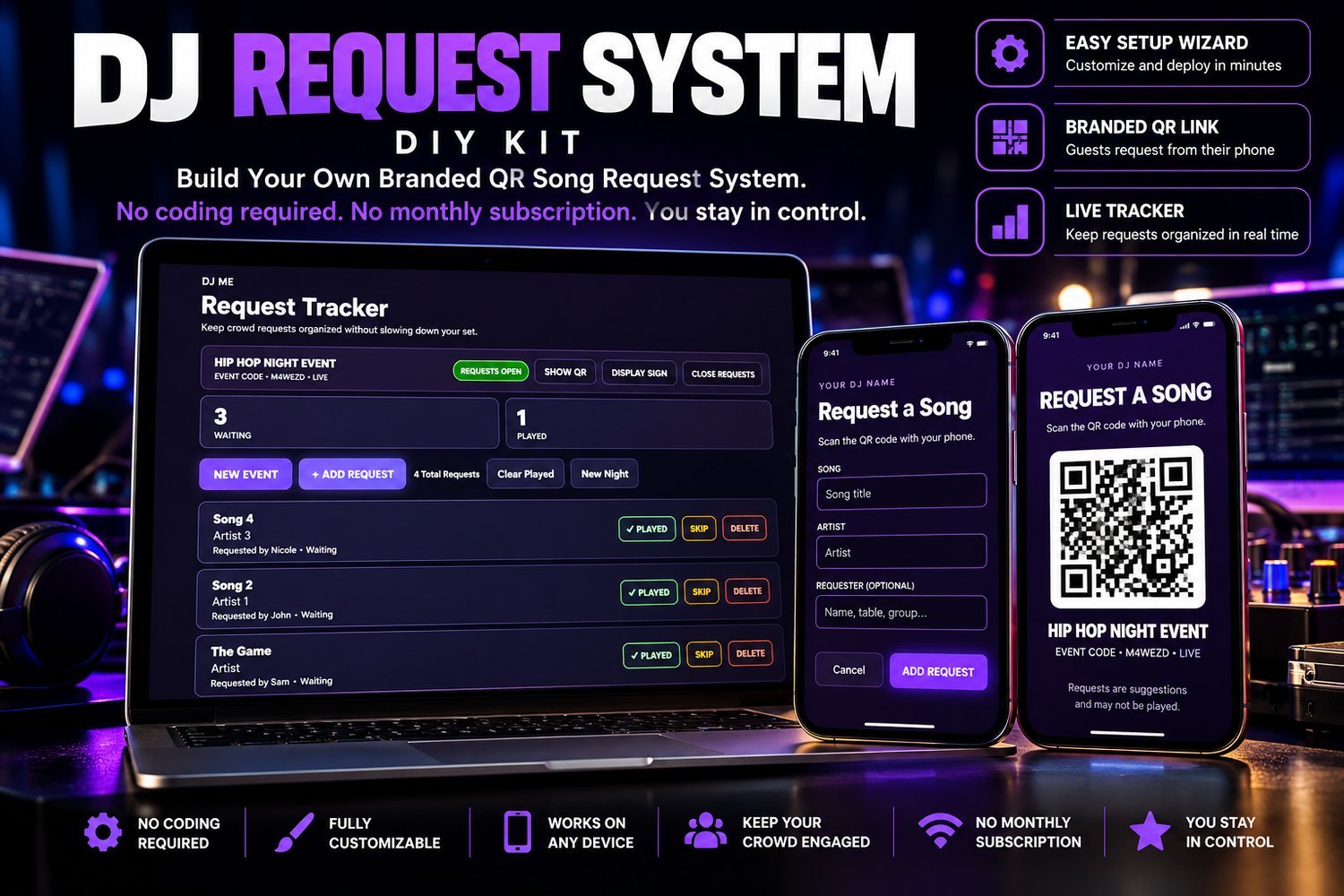
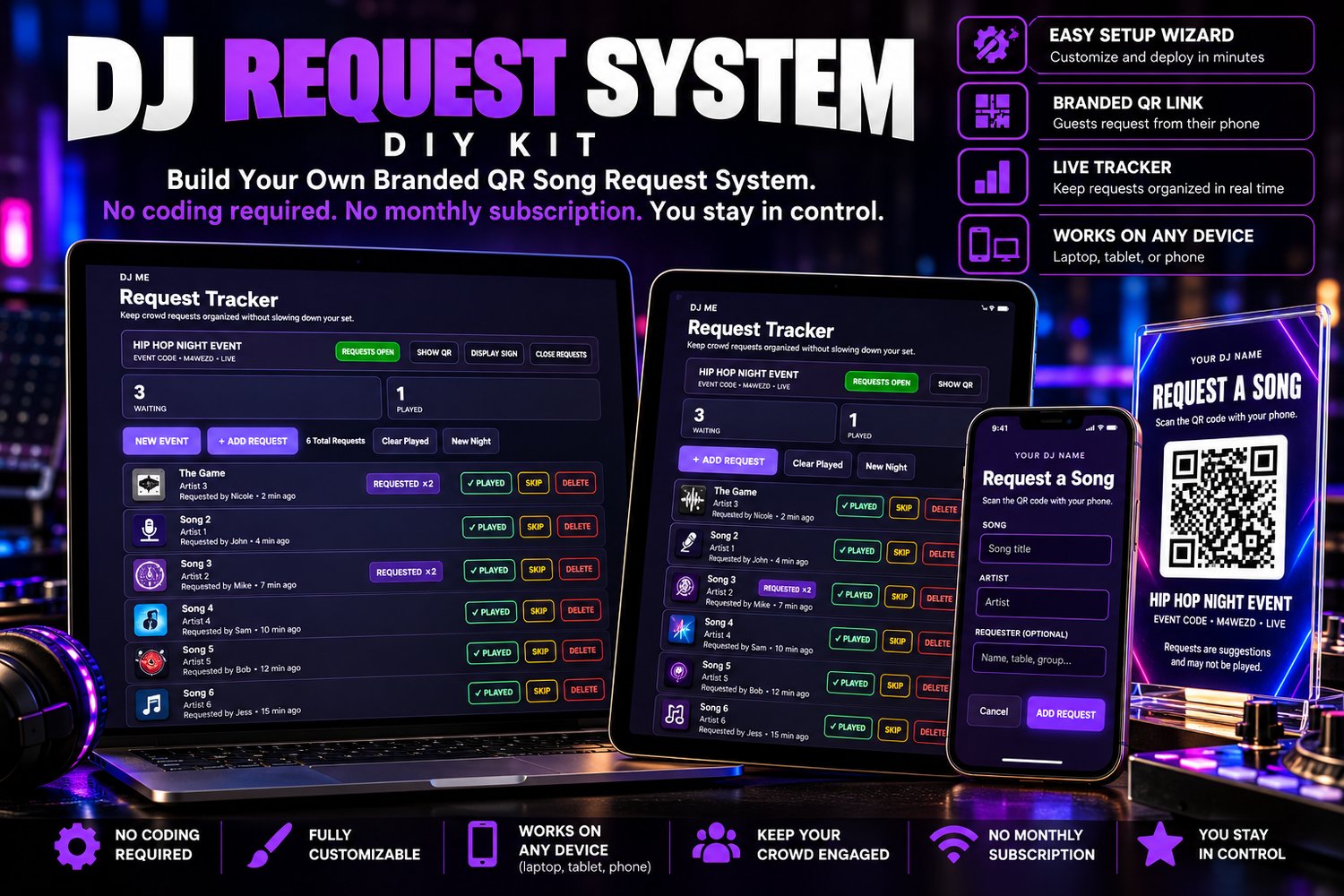
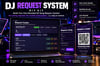
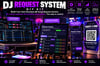
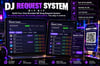
DJ Request System — DIY Kit gives you your own branded QR song-request system. Guests scan your QR code, submit their song request from their phone, and the request appears directly in your DJ Request Tracker.
No coding required. No monthly subscription. You stay in control.
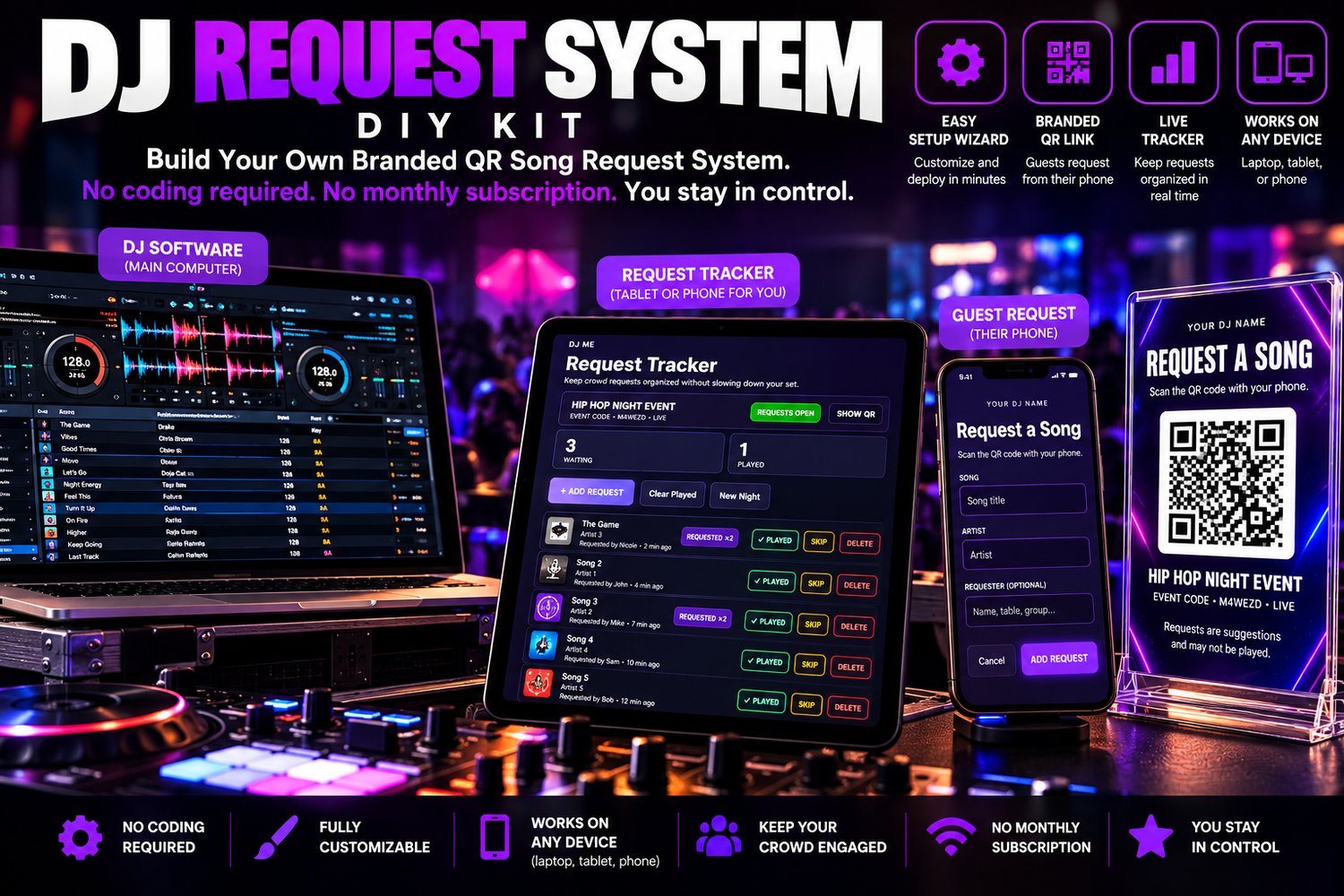
Keep your DJ software on your main computer and manage requests from a laptop, tablet, or phone—whatever fits your setup.
How It Works
1.Display Your QR Code
Put it on a table sign, display, tablet, or printed material at your event.
2.Guests Request Songs
Guests scan the QR code with their phone and submit a song request. No app or guest account required.
3.You Control the Queue
Requests appear in your DJ Request Tracker where you can manage the queue, see repeat requests, mark songs played, skip requests, return them to the queue, or delete them.
4.Open or Close Requests Anytime
You're always in control of whether your event is accepting new requests.
What You Get
DJ Request Tracker
Manage song requests in real time from your laptop, tablet, or phone.
Branded Guest Request Page
Customize the system with your DJ or business name, colors, and guest message.
QR Code Request System
Generate a unique QR code for each event so guests can submit requests directly from their phones.
Duplicate Request Tracking
See when multiple guests request the same song without cluttering your queue with duplicate entries.
Full Request Controls
Mark requests as Played, Skip them, Return them to the queue, or Delete them.
Open / Close Requests
Turn guest requests on or off whenever you choose during an event.
QR Display & Print Option
Display your QR sign digitally or print it for use at your DJ booth, tables, or other areas of the venue.
Setup Wizard
Personalize and build your own system without editing code.
Complete Setup Instructions
Step-by-step guidance for building and deploying your system.
Use It Across Your Own Events
Once your system is set up, create new events whenever you need them under the included license.
One purchase. Your system. Your branding. Your events.
What You Need
Getting started is simple. You'll need:
- A computer to complete the initial setup
- A free Netlify account to deploy your system
- An internet connection during setup and while using live song requests
- A laptop, tablet, or phone to manage your Request Tracker
- Your DJ/business name, colors, and optional logo/branding
Netlify's Free plan is a great place to start. Hosting plans, pricing, limits, and availability are controlled by Netlify and may change over time.
No coding experience is required. The included Setup Wizard walks you through personalizing and building your system.
Built for the Way DJs Actually Work
Keep your DJ software on your main computer and run the DJ Request Tracker on a separate tablet, phone, or laptop if you prefer.
Guests use their own phones to scan your QR code and submit requests—keeping people away from your DJ booth and your primary DJ computer.
You Stay in Control
This isn't a jukebox. A song request is still a request.
Your guests can suggest what they want to hear, but you decide what gets played.
Use the Request Tracker to keep everything organized while maintaining complete control of your set:
- See incoming requests in one place
- Identify songs requested by multiple guests
- Mark requests as Played
- Skip a request without losing control of your queue
- Return requests when needed
- Delete requests you don't want
- Open or Close guest requests at any time
Your crowd gets an easier way to make requests. You keep control of the music.
*No Monthly Subscription*
Pay once: $39.
There is no recurring subscription fee from Laruss Digital to use the DJ Request System.
Your purchase includes the complete DIY Kit so you can build and operate your own branded system for your own DJ business and events.
Third-party hosting or services may have their own plans, limits, or fees. Netlify's Free plan is recommended as a starting option.
Who This Is For
The DJ Request System — DIY Kit is built for DJs who want a cleaner, more professional way to manage song requests at events.
It's a great fit for:
- Mobile DJs
- Wedding DJs
- Club and bar DJs
- Party and event DJs
- School and college event DJs
- Karaoke and entertainment professionals
- DJs who want to reduce interruptions at the booth
Whether you're working a wedding, birthday party, corporate event, club night, or private event, the same system can be used again and again for your own events.
Your System. Your Brand.
This isn't a generic request page displaying someone else's brand.
Use the included Setup Wizard to personalize your system with your own:
- DJ or business name
- Brand colors
- Logo
- Guest message
Once built, your guests interact with your branded request experience.
Build it once. Start a new event whenever you need it.
This Is a DIY Kit
This purchase gives you the complete DJ Request System — DIY Kit so you can build and deploy your own branded request system.
The included Setup Wizard guides you through customizing your DJ/business name, colors, guest message, and system setup.
No coding is required, but you will complete the setup and deployment yourself using the included instructions.
Want us to set it up for you? A Done-for-You Setup option is available separately.
Your Purchase Includes a Business-Use License
Your purchase includes a license to customize, deploy, and use the DJ Request System for your own DJ business or organization and your own events.
You may use your system across multiple events—you do not need to purchase a new license for every event.
The software may not be resold, redistributed, shared, sublicensed, repackaged as another product, or provided to another business for their use.
Software is licensed, not sold. Full license terms are included with your download.
Frequently Asked Questions
Do I need to know how to code?
No. The Setup Wizard handles the personalization and build process. Step-by-step setup instructions are included.
Is there a monthly subscription?
There is no monthly subscription charged by Laruss Company for the DJ Request System. The system uses third-party hosting services such as Netlify, whose plans, pricing, limits, and availability are controlled by those providers.
Do my guests need to download an app?
No. Guests simply scan your event QR code and use their phone's web browser to submit a request.
Can I use a tablet to manage requests while my laptop runs my DJ software?
Yes. The Request Tracker can be accessed from a laptop, tablet, or phone, making it easy to keep your main DJ computer focused on your DJ software.
Can I use it at more than one event?
Yes. Your license allows you to use your system across your own DJ business or organization's events. You don't need to purchase it again for every event.
Can I customize it with my DJ brand?
Yes. The Setup Wizard lets you personalize your DJ/business name, colors, and guest message.
Does the system automatically play requested songs?
No. Guests are submitting requests only. You remain in control of what gets played.
Does it work with Serato, VirtualDJ, Rekordbox, or other DJ software?
The Request System runs separately in a web browser, so it does not require integration with your DJ software. You can keep your DJ software running normally while managing requests separately.
Do I need internet access at my events?
Yes. An internet connection is required for guests to submit requests and for the Request Tracker to receive and manage live requests.
What happens after I purchase?
You'll receive the DJ Request System — DIY Kit V1.0 download containing the Setup Wizard, system files, setup instructions, troubleshooting information, license terms, and supporting documentation.
A Better Way to Take Requests
Your QR code. Your branding. Your request queue. Your control.
DJ Request System — DIY Kit — $39 one-time.