
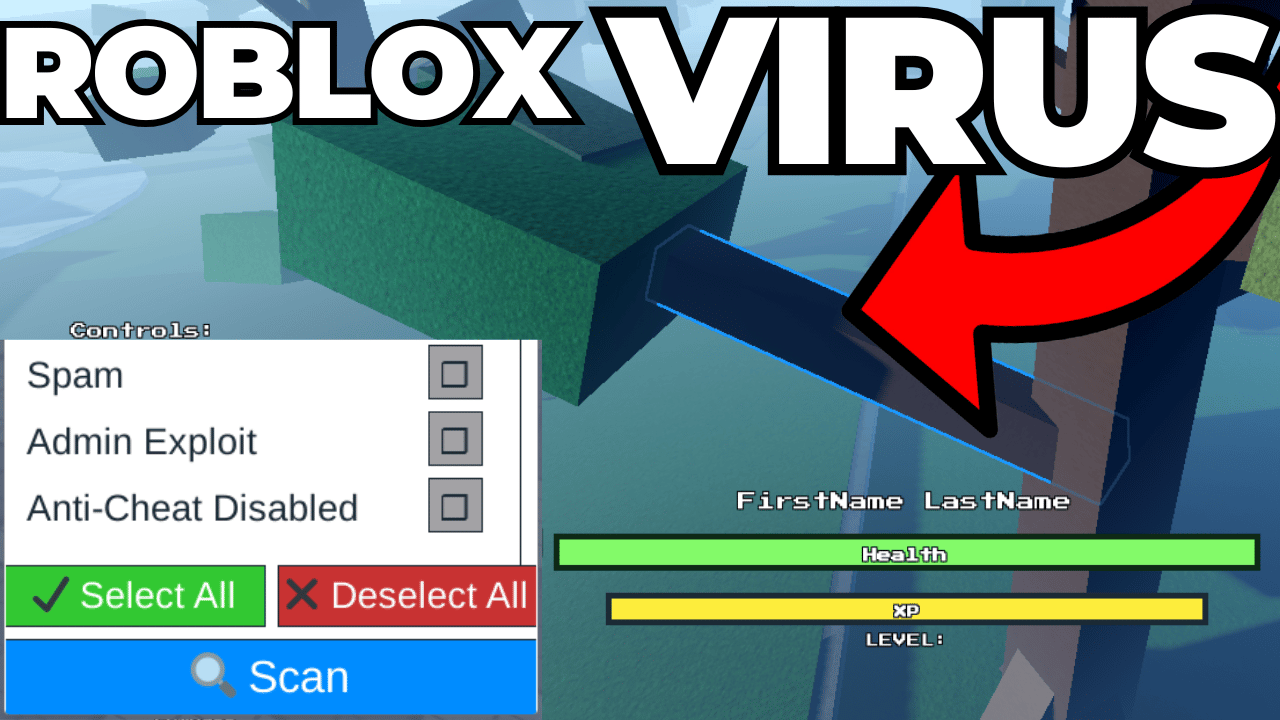

Virus Detector Plugin
On Sale
$0.00
Install this plugin in your Roblox Studio by following the following instructions:
- Open Roblox Studio
- Click File (top left corner)
- Click Studio Settings
- Scroll down to Explorer section, and checkbox Show Plugin GUI Service in Explorer
- Click Close
- In the Explorer window, right click ServerStorage and Import from File
- Select the file that is included in this product purchase
- Right click that file once it is added to ServerStorage and choose Save As Local Plugin
- You should now see the plugin installed in your Roblox Studio
- Select the vulnerability scan options that you want to look for.
Note: Require is 100% almost always the biggest red flag, and Require obfuscate is another one. Load string and HTTP are the second most popular red flags to watch for.