
Student Budget Spreadsheet Google Sheets & Excel, Financial Aid Comparison, FAFSA OSAP StudentAid BC Loan Tracker
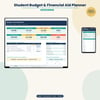
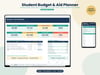
Plan your student budget and compare financial aid offers in one organised spreadsheet. This Student Budget & Financial Aid Planner works in Google Sheets and Microsoft Excel. It tracks planned vs. actual spending, compares award letters across schools, logs loans, and keeps FAFSA, CSS Profile, OSAP and StudentAid BC deadlines in one checklist.
Made for high school seniors choosing a school, and for college and university students managing aid and monthly money — in Canada, the US and elsewhere.
WHY YOU'LL LOVE IT
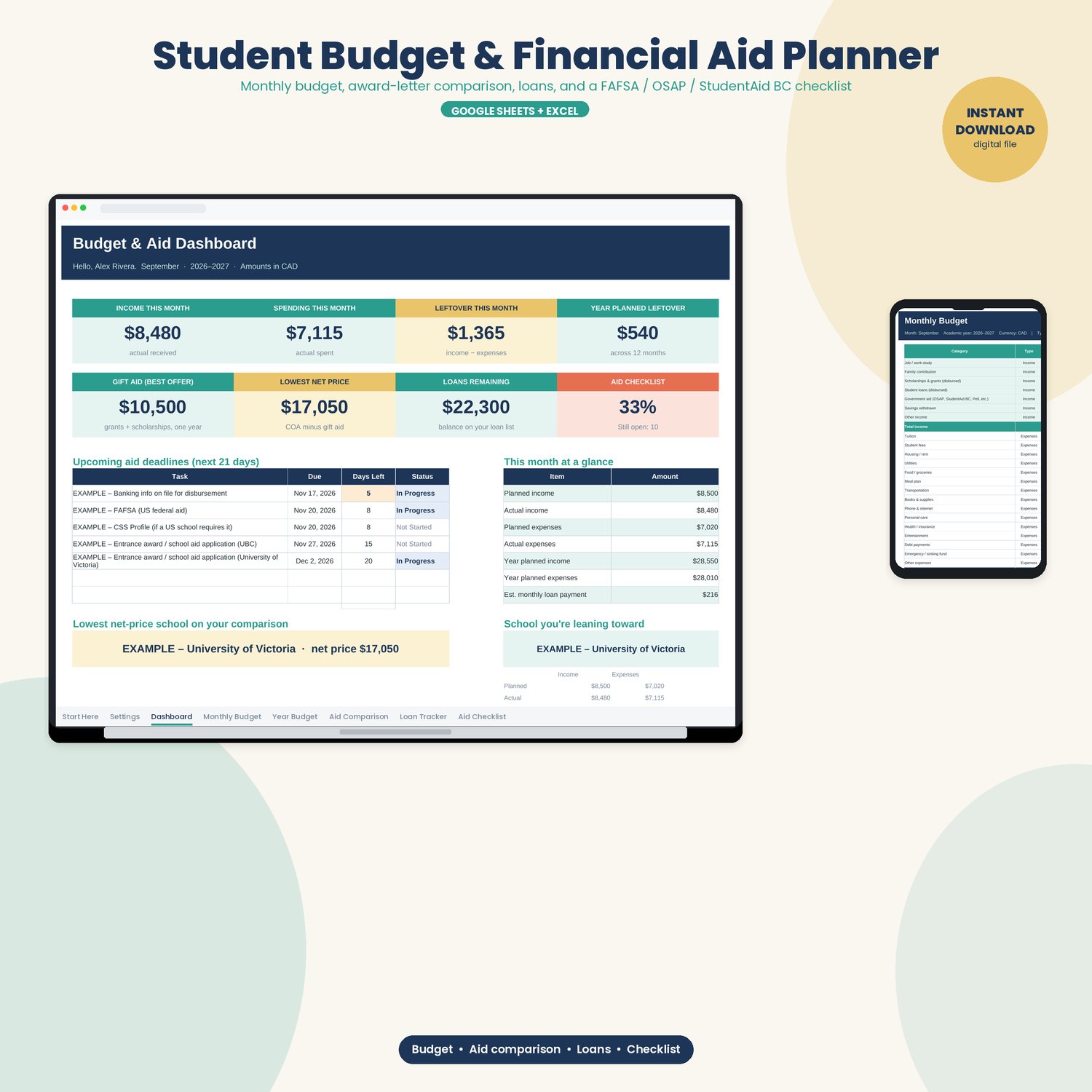
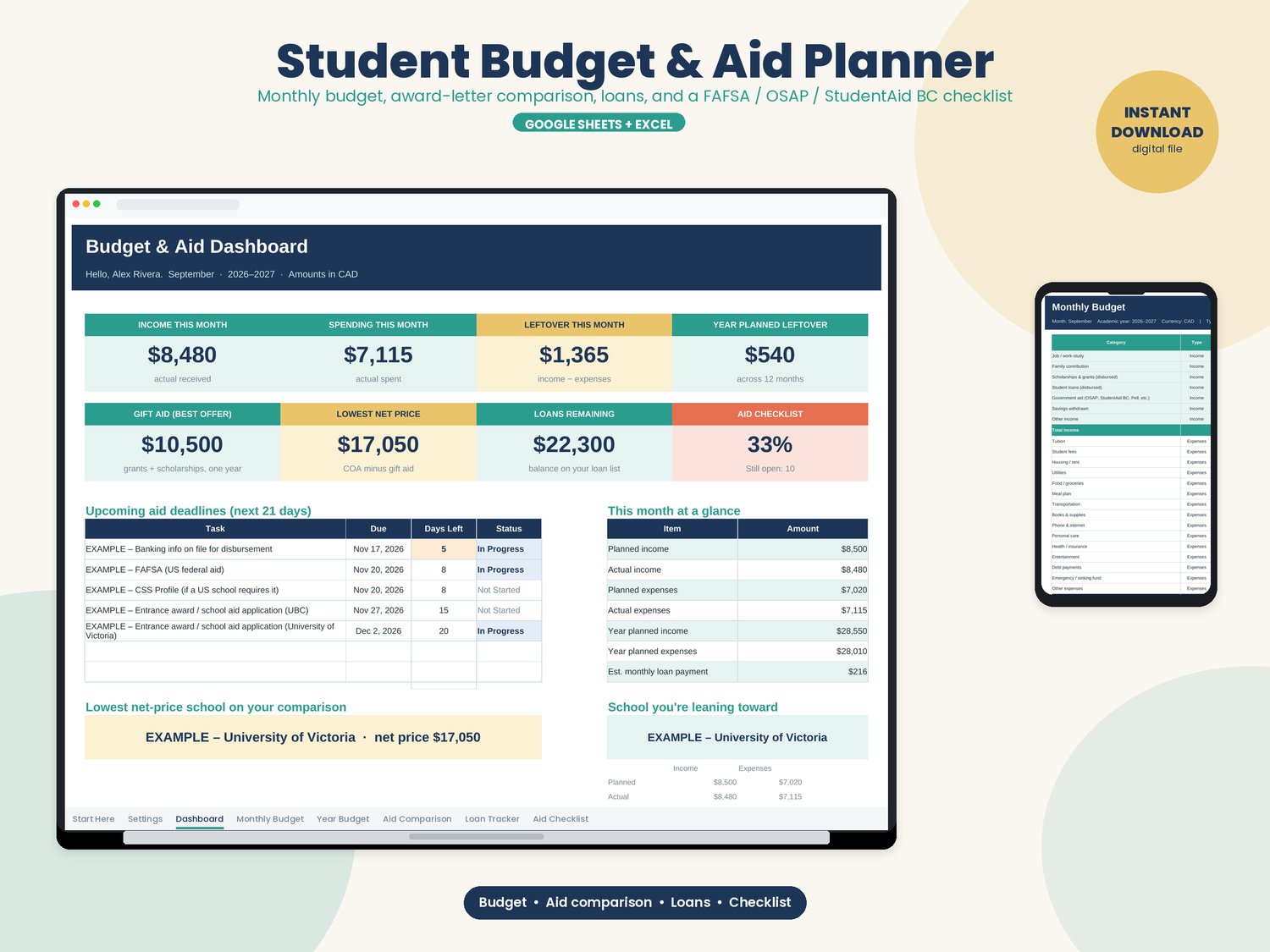
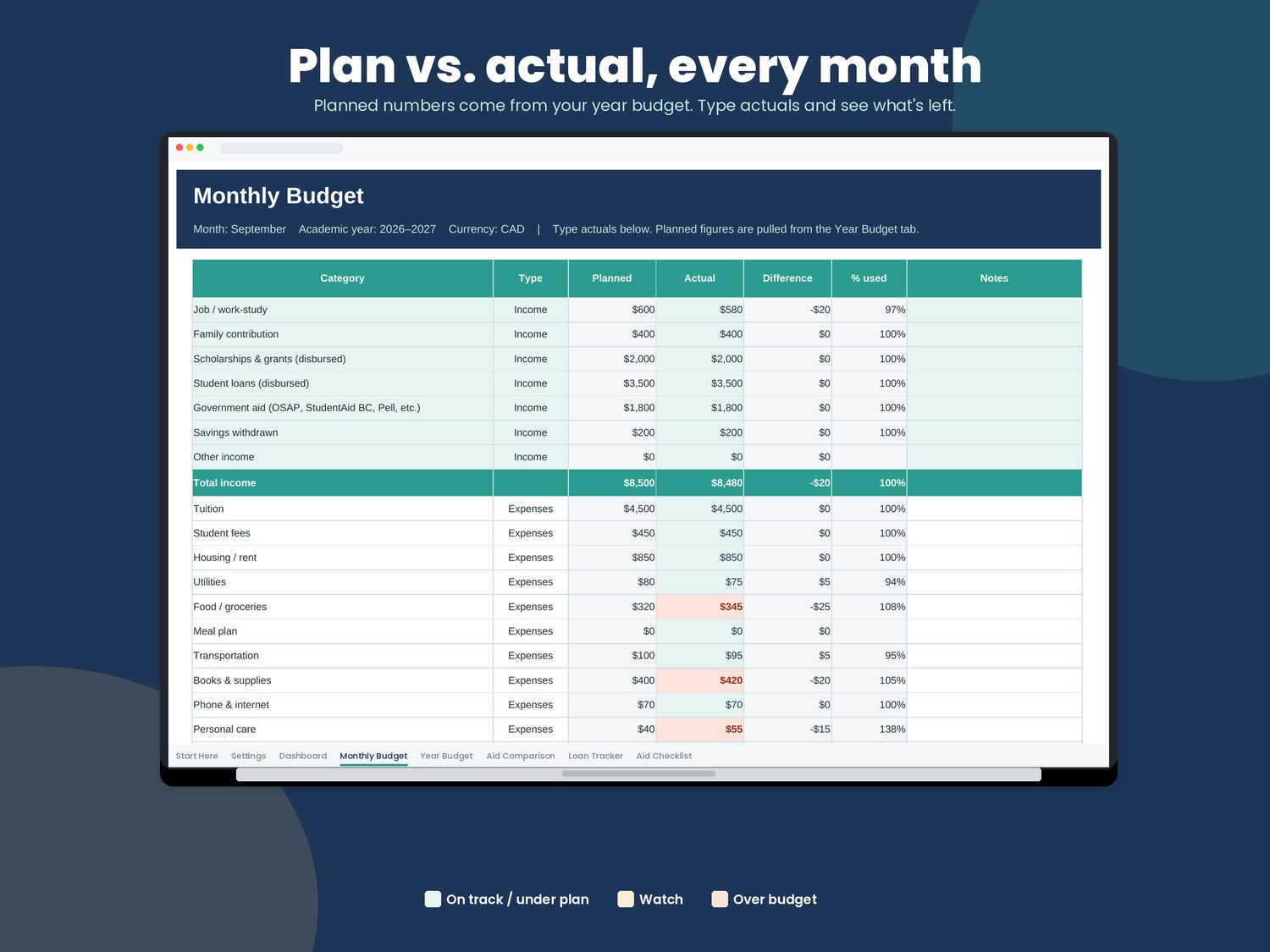
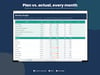
✔ See this month at a glance: income, spending and leftover, with planned vs. actual by category
✔ Plan the whole academic year: a Sep–Aug year budget that the monthly view reads from automatically
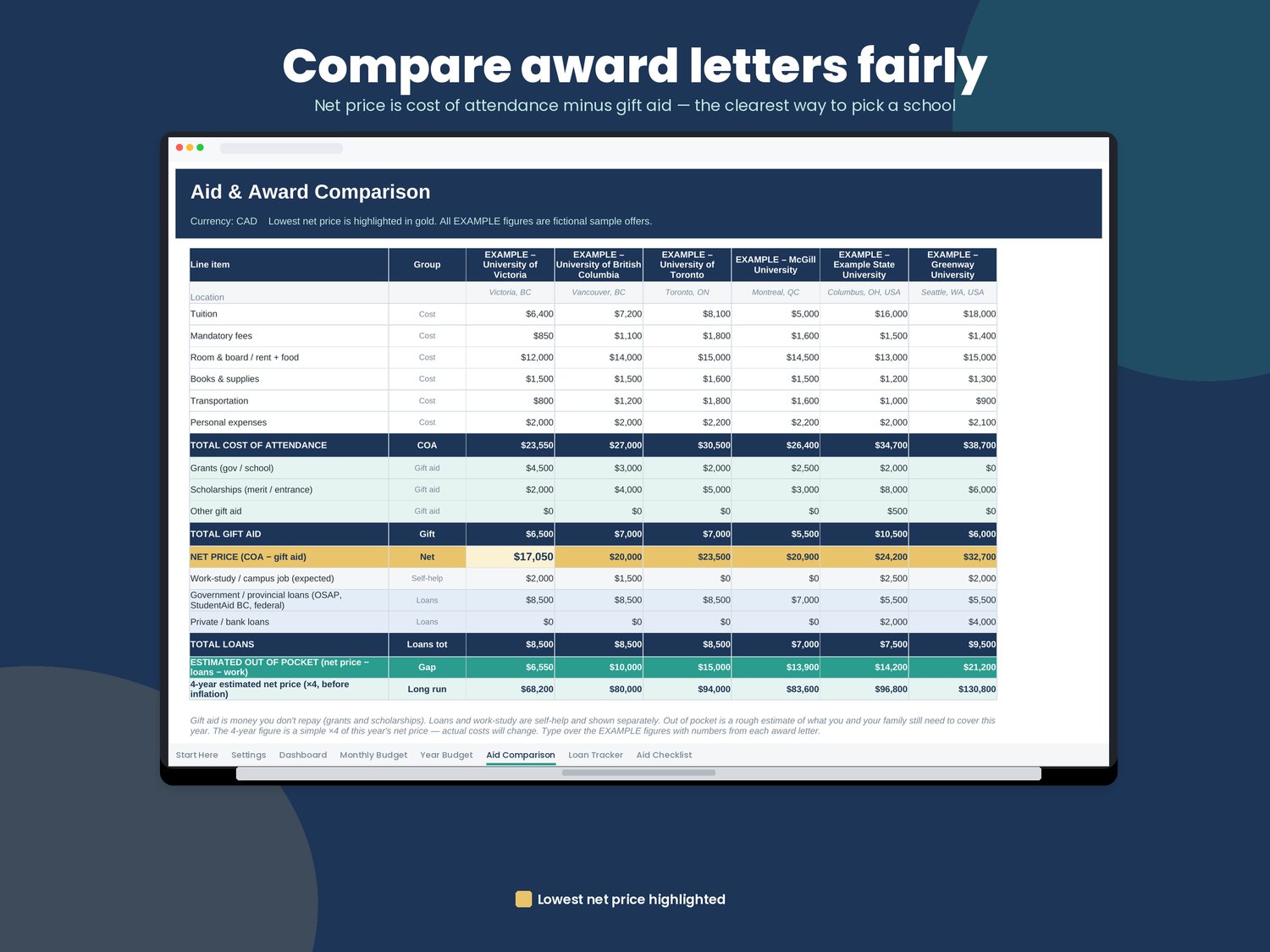
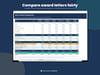
✔ Compare award letters fairly: cost of attendance, grants, scholarships, loans and net price for up to 6 schools, with the lowest net price highlighted
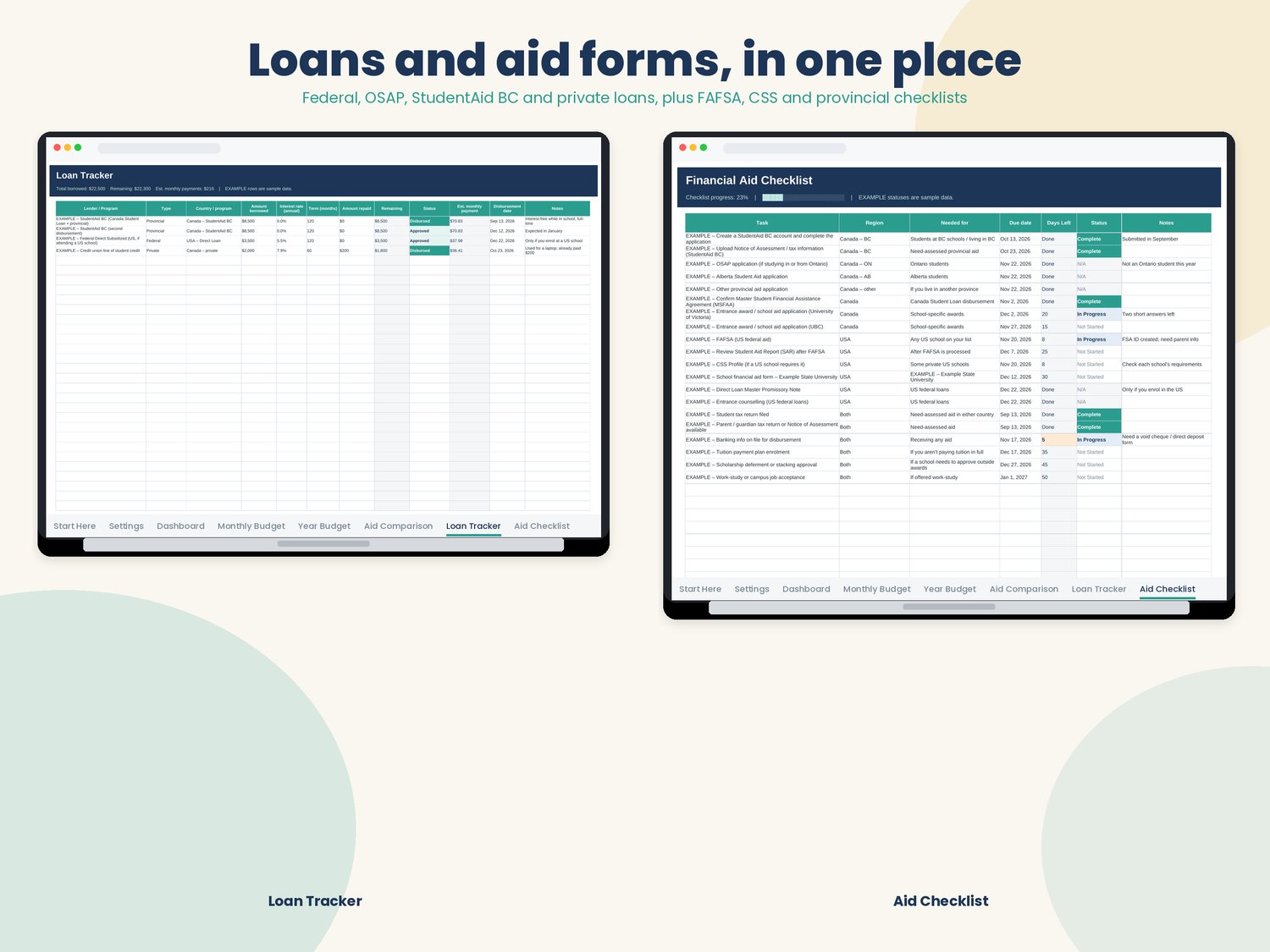
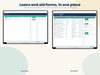
✔ Track every loan: federal, provincial (OSAP, StudentAid BC, Alberta Student Aid) and private loans, with remaining balance and an estimated monthly payment
✔ Never miss an aid deadline: a checklist for FAFSA, CSS Profile, OSAP, StudentAid BC, tax documents and school forms, with a live % complete
✔ Works in CAD or USD (pick your currency on the Settings tab)
WHAT'S INCLUDED
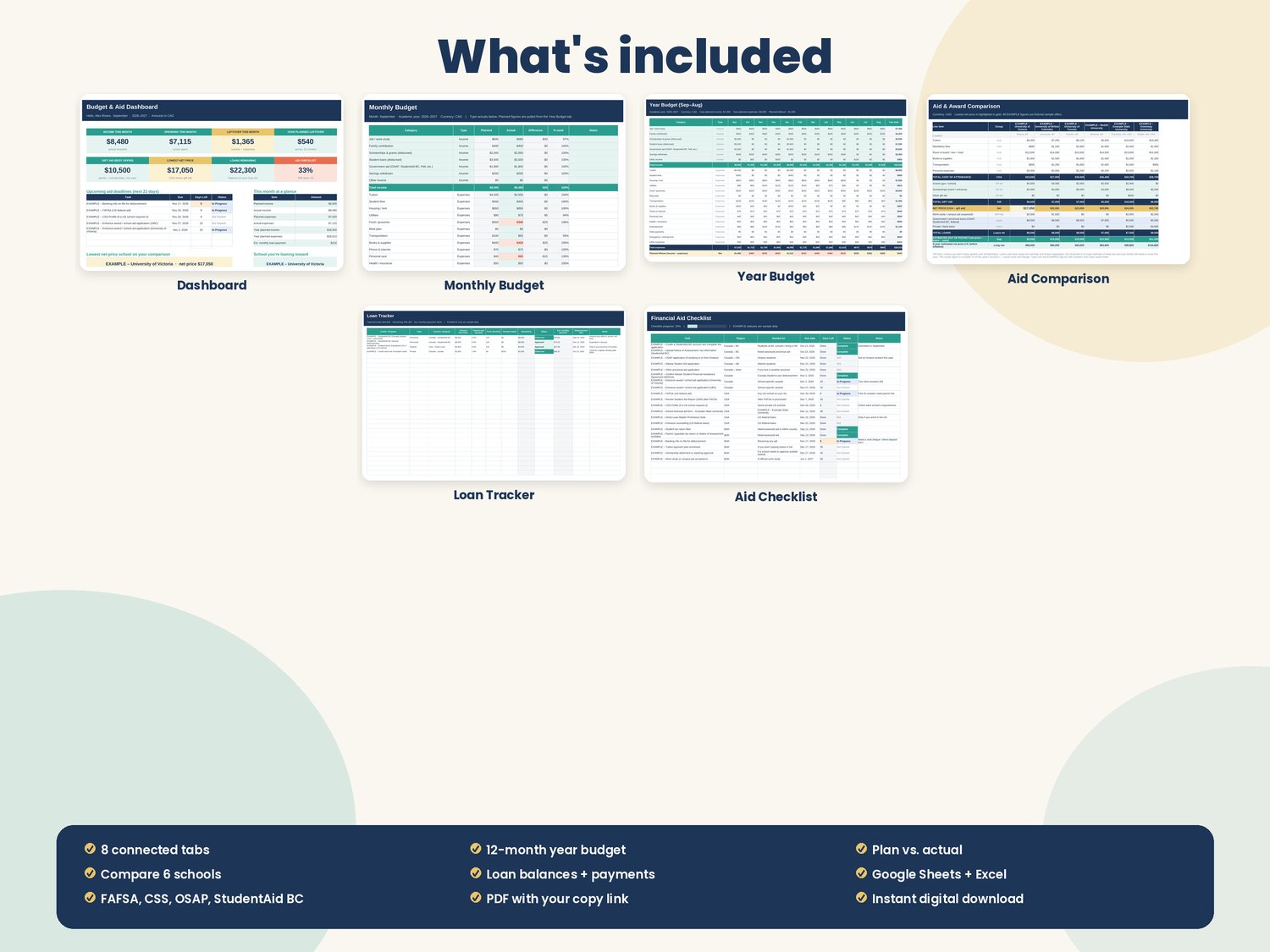
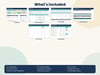
• 1 spreadsheet with 8 connected tabs:
1. Start Here: quick setup steps and colour key
2. Settings: your name, academic year, currency and the month you're budgeting for
3. Dashboard: this month's income, spending and leftover, gift aid, lowest net price, loan balance, checklist progress and upcoming aid deadlines
4. Monthly Budget: planned vs. actual by category, with the difference and % used
5. Year Budget: a 12-month academic-year plan (Sep–Aug) for income and expenses
6. Aid Comparison: side-by-side cost of attendance, gift aid, loans, net price, out of pocket and a 4-year estimate for up to 6 schools
7. Loan Tracker: lender/program, type, amount, rate, term, repaid, remaining, status and estimated payment
8. Aid Checklist: FAFSA, CSS Profile, OSAP, StudentAid BC and other forms, with due dates, Days Left and status
• 1 PDF with your Google Sheets "Make a copy" link and Excel instructions
• 1 .xlsx file for Microsoft Excel
HOW IT WORKS
1. Buy and download the PDF (you get it instantly, plus a copy by email).
2. Click the link in the PDF and choose "Make a copy". The planner saves to your own Google Drive. (Using Excel? Download the .xlsx file instead.)
3. Open Settings, pick your currency and month, then replace the EXAMPLE figures with your own plan, actuals and award letters. Everything else updates automatically.
FAQ
Do I need to pay for Google Sheets or Excel?
No. Google Sheets is free with a Google account. The .xlsx file also works in Microsoft Excel, including the free Excel for the web.
Does it work for Canadian and US students?
Yes. The checklist and loan tracker include FAFSA and the CSS Profile as well as OSAP, StudentAid BC, Alberta Student Aid and Canada Student Loans. Pick CAD or USD on the Settings tab. Amounts are not auto-converted, so enter everything in one currency.
Is this a substitute for a school's official net-price calculator?
No. It's a planner for organising the numbers from your award letters and your own budget. Always confirm figures with each school's financial aid office.
Can I add more loans or checklist items?
Yes. Copy the last row of the table and paste it below so the formulas and dropdowns come with it.
Will anything be shipped to me?
No. This is a digital download. Nothing physical will be mailed.
IMPORTANT TO KNOW
• This is an INSTANT DIGITAL DOWNLOAD. No physical item will be shipped.
• Sample data is fictional, for demonstration only. Dollar figures, school names and aid amounts are examples, not real offers.
• This planner organises your numbers. It is not financial, tax or legal advice, and it does not file FAFSA, OSAP or StudentAid BC for you.
• Colours may look slightly different on different screens.
• Because this is a digital file you can access right away, I can't accept returns, exchanges or cancellations. If you have any trouble with your file or link, message me and I'll make it right.
• For personal use only. Please don't share, resell or redistribute the file or the link.
Questions? Message me any time. I usually reply within 24 hours.
About this design: I designed and tested this spreadsheet myself, using AI tools to help build some of the formulas and layout.