

Shortcut - Key Command Guide
A faster workflow starts with fewer interruptions. When you're working on a track, constantly navigating menus and searching for commands can break your concentration and slow down the creative process.
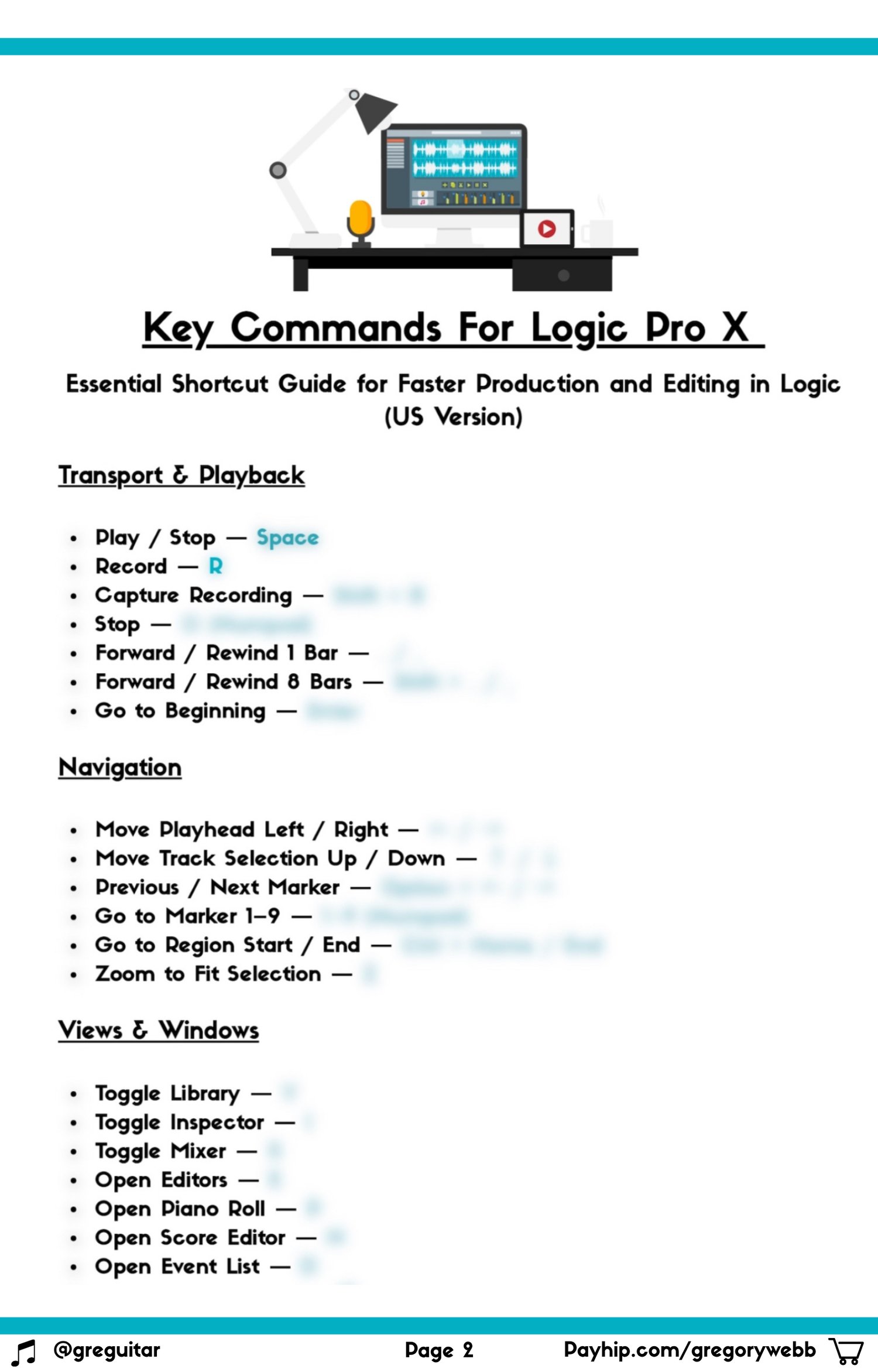
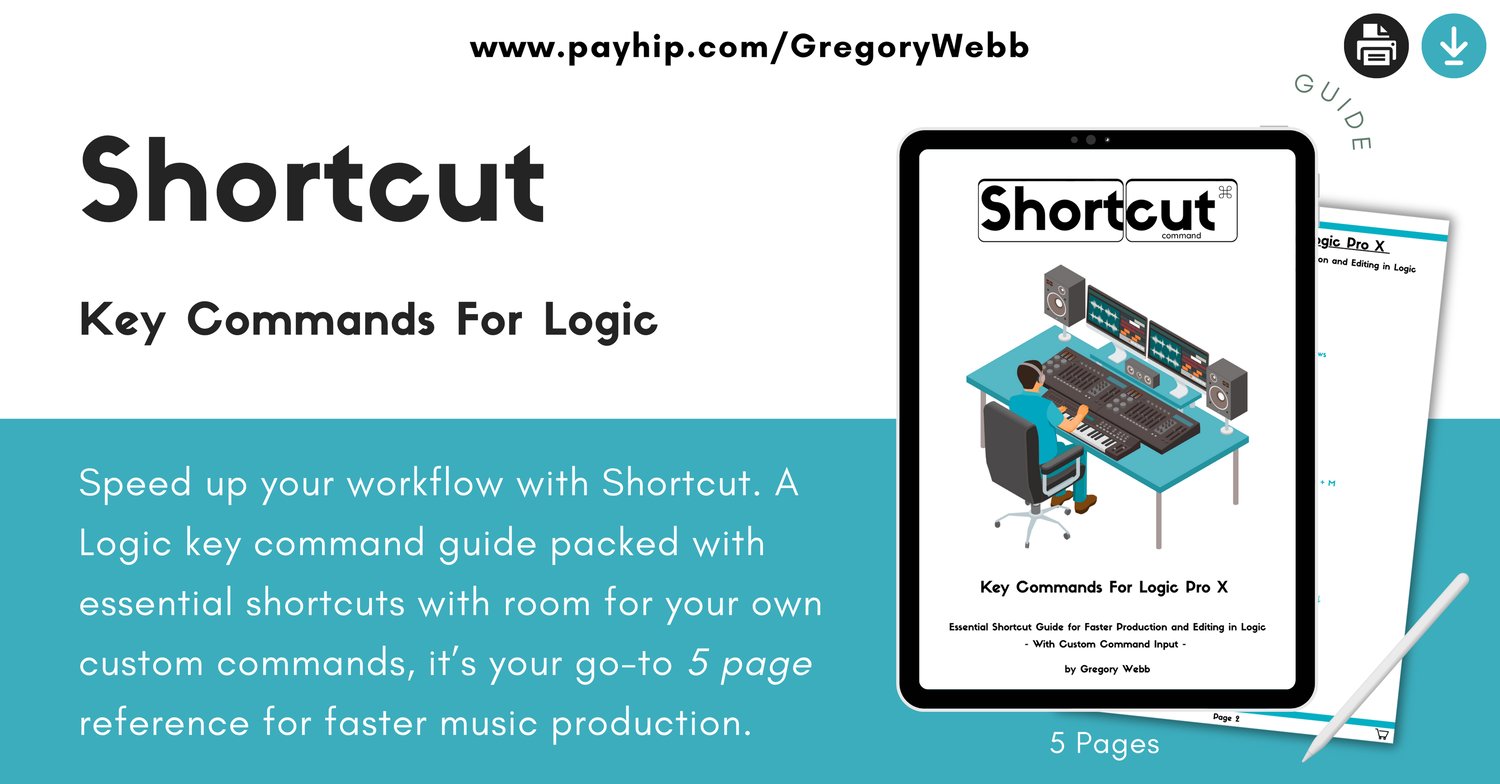
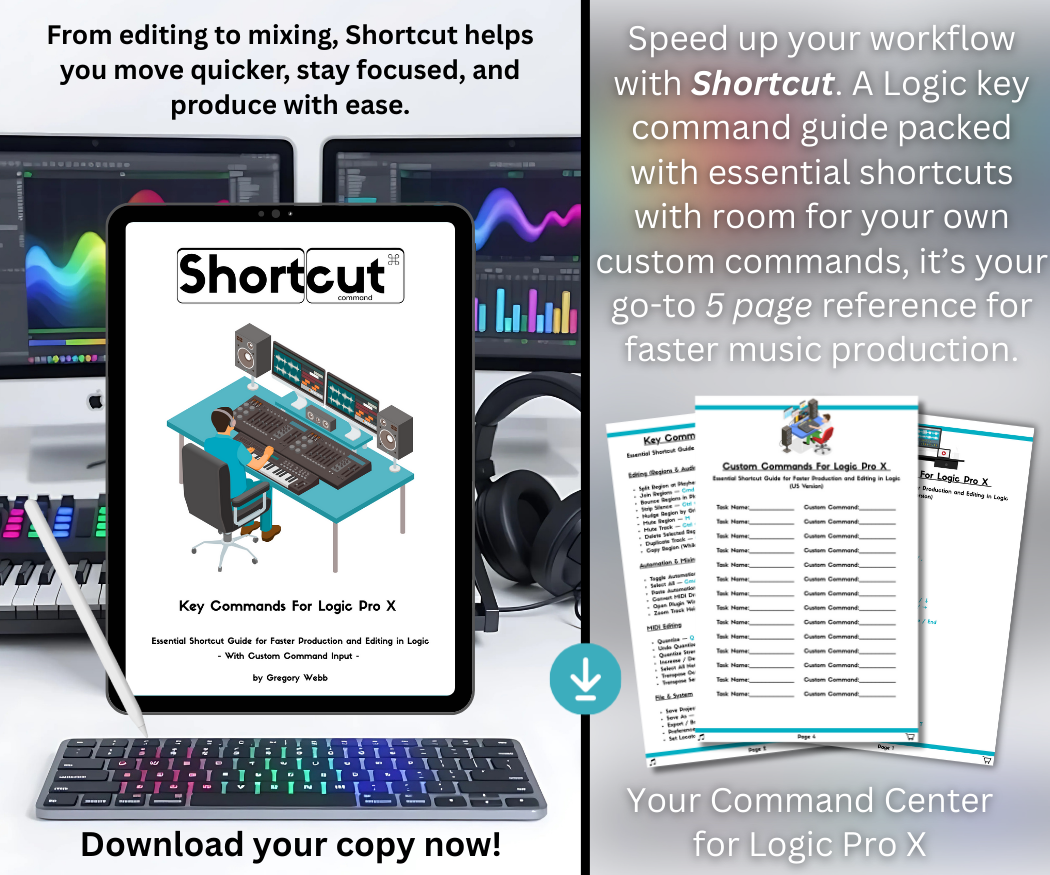
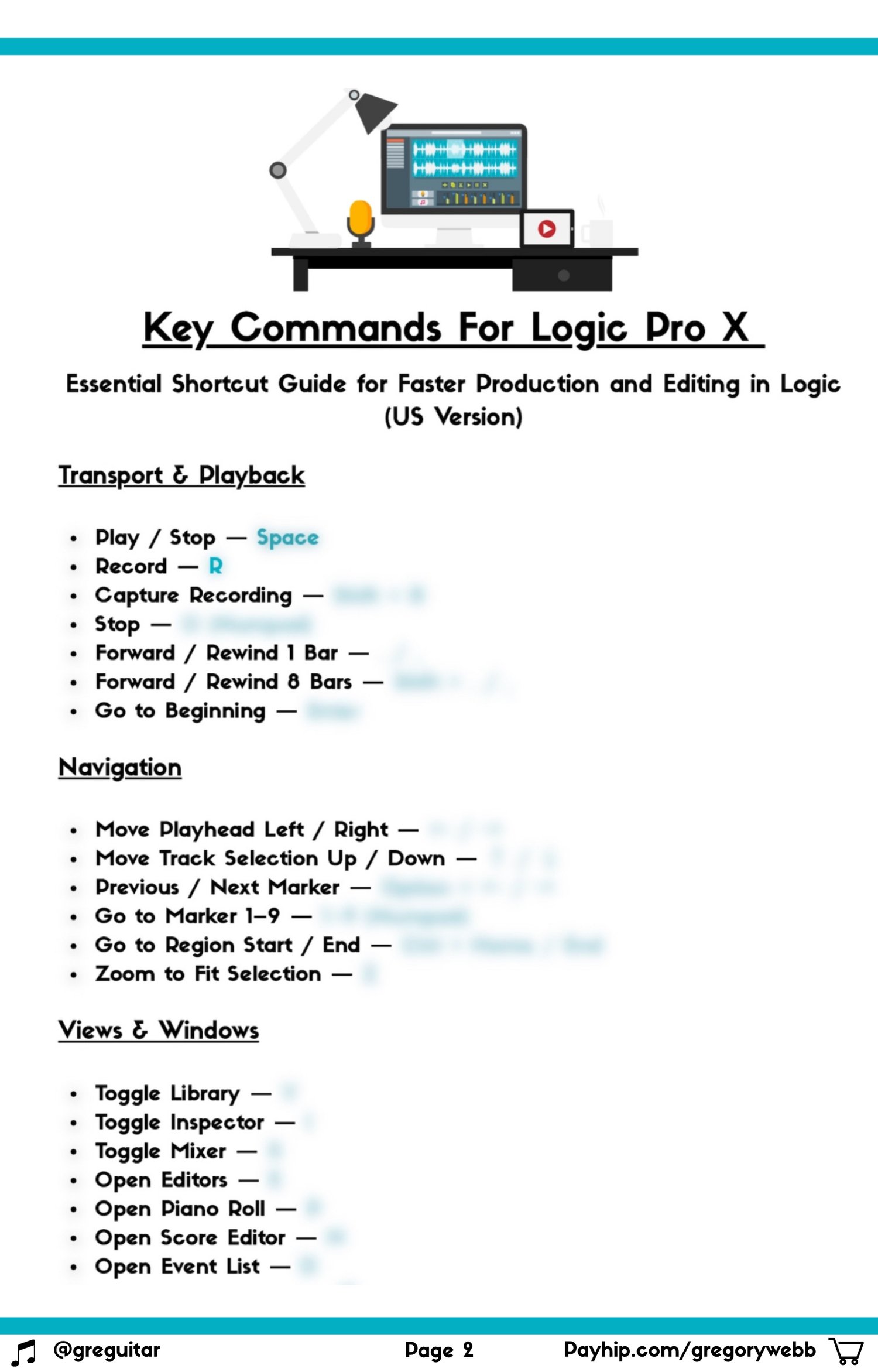
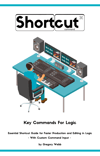
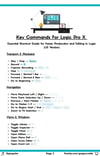
Shortcut is a compact, five-page Logic Pro reference guide designed to keep essential keyboard commands close at hand. Covering key operations across editing, arranging, recording and mixing, it helps you spend less time navigating your DAW and more time focused on making music.
Whether you're fine-tuning an arrangement, editing audio, managing tracks or working through a mix, having frequently used commands at your fingertips can make a noticeable difference to your workflow.
Inside the Guide
- Essential Logic Pro keyboard shortcuts.
- Commands for editing and arranging.
- Useful shortcuts for recording and navigation.
- Mixing and session workflow commands.
- Dedicated space to document your own custom key commands.
Built for Your Studio Workflow
Ideal for Logic Pro users of all experience levels, from beginners learning their way around the software to experienced producers looking to improve their efficiency.
Keep it open on a second screen, save it to your device or print a copy for easy access in your studio. Use the dedicated custom-command space to build a reference that reflects the way you work.
Format: Five-page digital PDF reference guide. Suitable for printing or viewing on your preferred digital device.
Less menu diving. More music making.
Disclaimer: This is an independent, unofficial guide and is not affiliated with, sponsored by or endorsed by Apple Inc. Logic Pro is a trademark of Apple Inc. This guide is provided for educational purposes only.