
The Ultimate KDP Mockup Vault
200+ Canva Mockups for KDP Authors & Digital Product Creators
Your cover might be beautiful.
But how does it look when someone sees it in your Etsy shop, KDP listing, Pinterest feed, or product page?
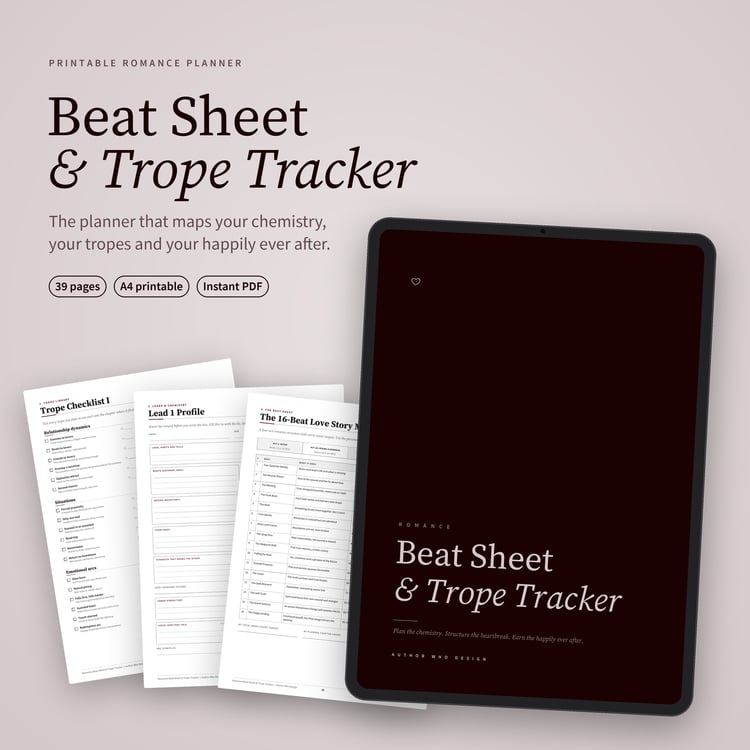
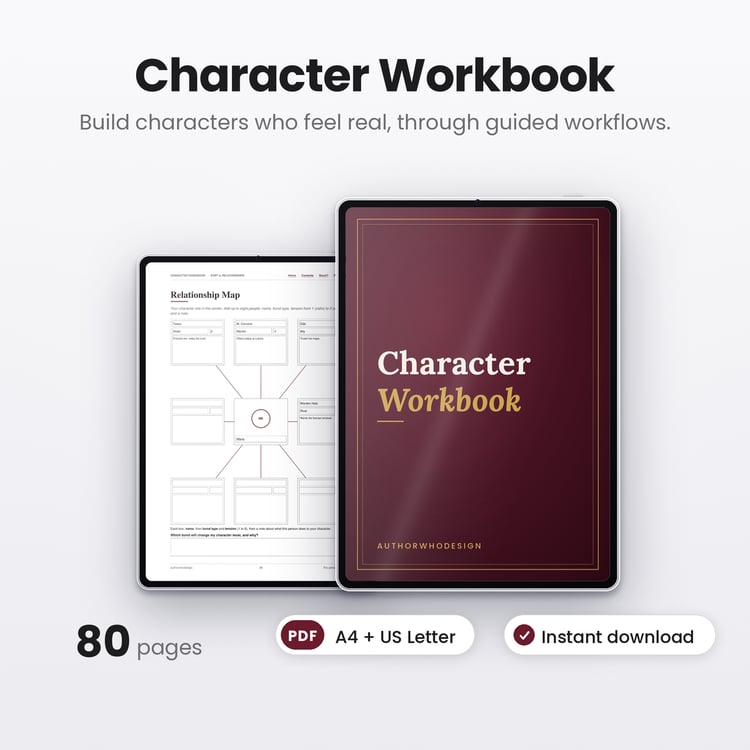
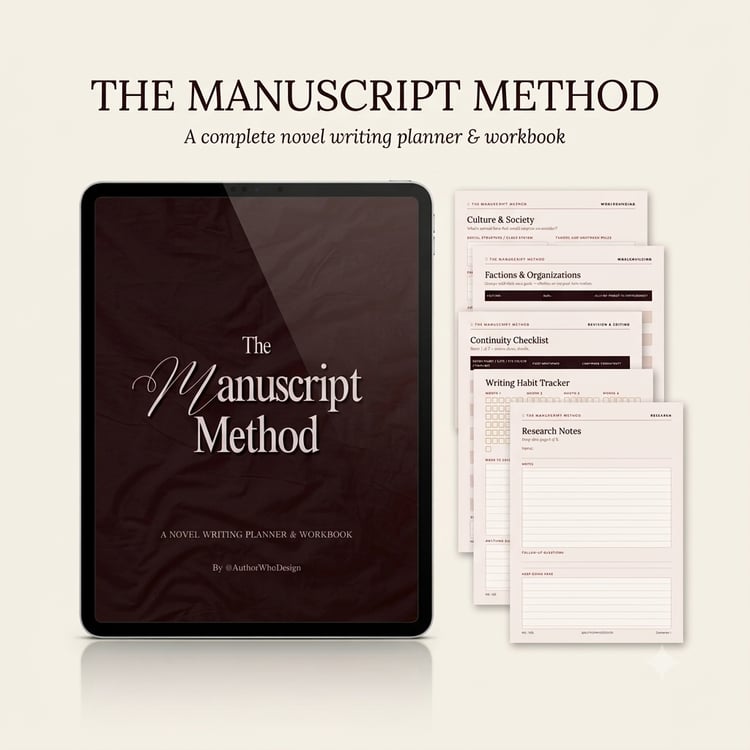
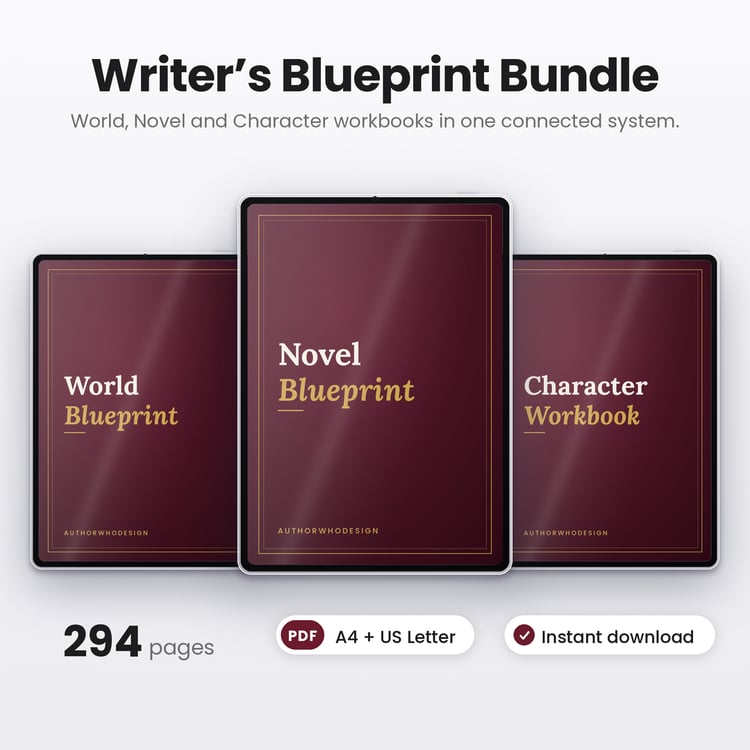
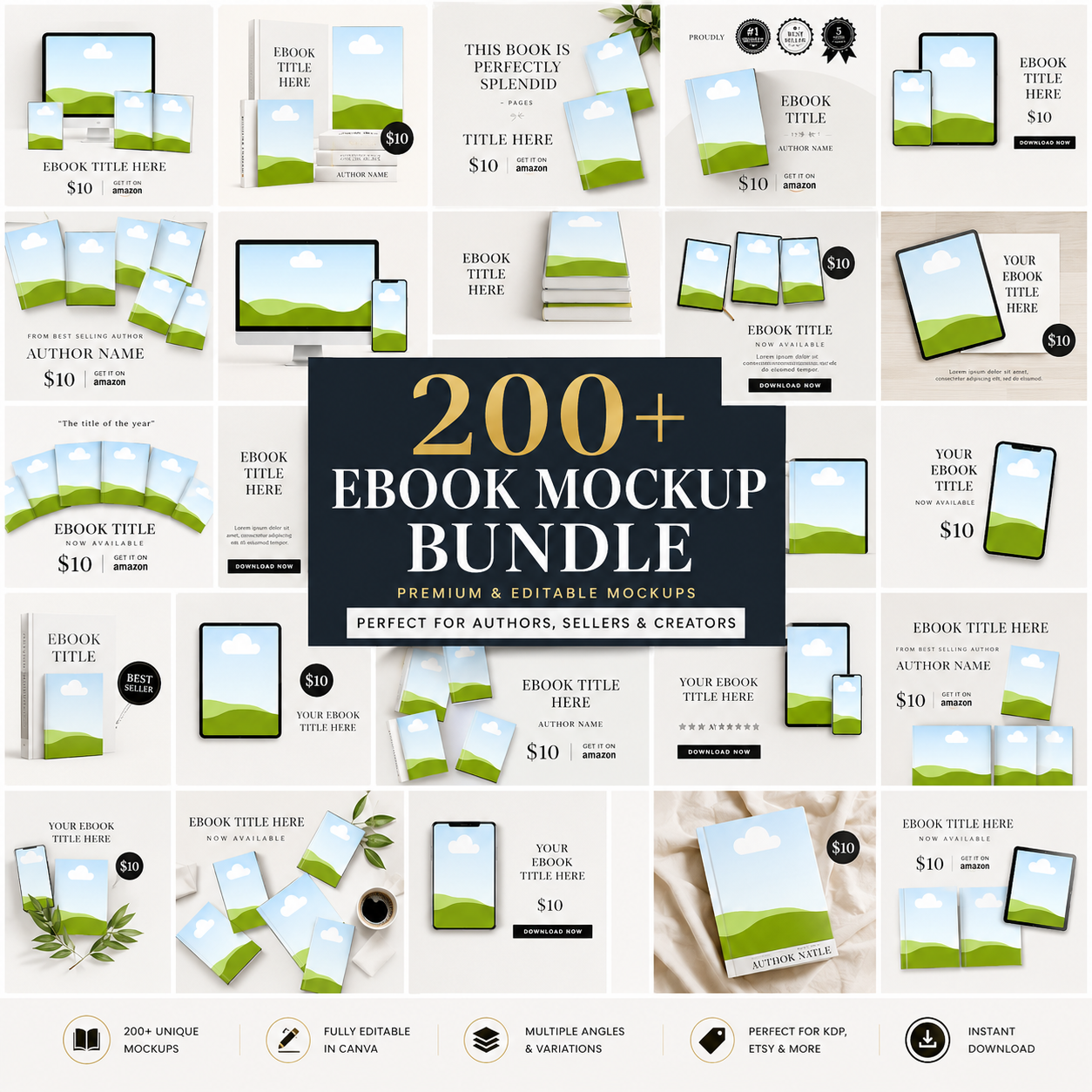
The Ultimate KDP Mockup Vault gives you 200+ ready-to-use Canva mockups designed to turn your book covers and digital products into polished, professional-looking product images — without Photoshop or complicated design software.
Simply drop in your cover, customize if you want, and export.
✦ CREATE PRODUCT IMAGES THAT ACTUALLY LOOK PROFESSIONAL
Whether you're launching a journal, planner, workbook, coloring book, notebook, or printable, these mockups help you present your products in a way that feels intentional, premium, and ready to sell.
Instead of spending hours creating product scenes from scratch, you have a complete library of mockups ready whenever you need them.
WHAT'S INSIDE
📚 200+ HIGH-QUALITY CANVA MOCKUPS
A versatile collection covering the products and scenes you actually need:
✓ Hardcover & paperback books
✓ Journal & planner mockups
✓ Spiral notebook mockups
✓ Open book mockups
✓ Flat-lay scenes
✓ Stacked book scenes
✓ Lifestyle product scenes
✓ Minimal & aesthetic mockups
✓ Desk & workspace scenes
✓ Digital product presentation scenes
One vault. Hundreds of ways to showcase your work.
✦ MADE FOR MORE THAN JUST KDP
Perfect for:
✓ KDP authors & publishers
✓ Etsy shop owners
✓ Gumroad creators
✓ Printable businesses
✓ Canva template sellers
✓ Digital product creators
✓ Low-content book creators
Use them for:
Journals • Planners • Workbooks • Coloring Books • Notebooks • Budget Planners • Wellness Journals • Kids Activity Books • Self-Care Products • Printables
NO PHOTOSHOP. NO COMPLICATED SOFTWARE.
JUST DROP. CUSTOMIZE. EXPORT.
Using your mockups is simple:
01 — Choose your scene
Pick the mockup that fits your product.
02 — Add your cover
Open the Canva template and drag & drop your design.
03 — Customize
Adjust colors, backgrounds, text, or layouts if you'd like.
04 — Export
Download your finished product image and use it wherever you need.
Your next professional-looking product image can take minutes, not hours.
✦ WHY YOU'LL LOVE IT
SAVE HOURS
Stop building product scenes from scratch every time you launch something new.
LOOK MORE PROFESSIONAL
Present your books and products in polished, realistic settings.
EASY TO USE
Designed for Canva, so you don't need advanced design skills.
CREATE MORE CONTENT
Turn one book cover into multiple listing images, social posts, Pinterest graphics, and promotional visuals.
USE AGAIN & AGAIN
Build a reusable mockup library for your entire product catalog.
BEGINNER-FRIENDLY
If you can upload a design to Canva, you can use these mockups.
CREATE ONCE. SHOWCASE EVERYWHERE.
Use your mockups to create:
Etsy Listing Images
Show shoppers what your product could look like in the real world.
KDP Marketing Graphics
Give your books a professional visual presence beyond the basic cover.
Pinterest Pins
Create beautiful, clickable visuals for your books and products.
Instagram Content
Turn your latest launch into polished promotional posts.
Gumroad & Digital Product Listings
Make your digital products feel tangible and premium.
Website & Launch Graphics
Keep your product photography consistent across your brand.
WHAT YOU GET
200+ Canva Mockups
Fully Editable Templates
Drag & Drop Design
Multiple Book Formats
Lifestyle & Flat-Lay Scenes
Minimal & Aesthetic Styles
Commercial Use
Instant Digital Access
YOUR BOOK DESERVES MORE THAN A FLAT COVER IMAGE.
Whether you're publishing your first journal or building a full digital-product shop, The Ultimate KDP Mockup Vault gives you the visual tools to make your work look as professional as the work you put into creating it.
200+ scenes. One Canva vault. Endless ways to showcase your work.