

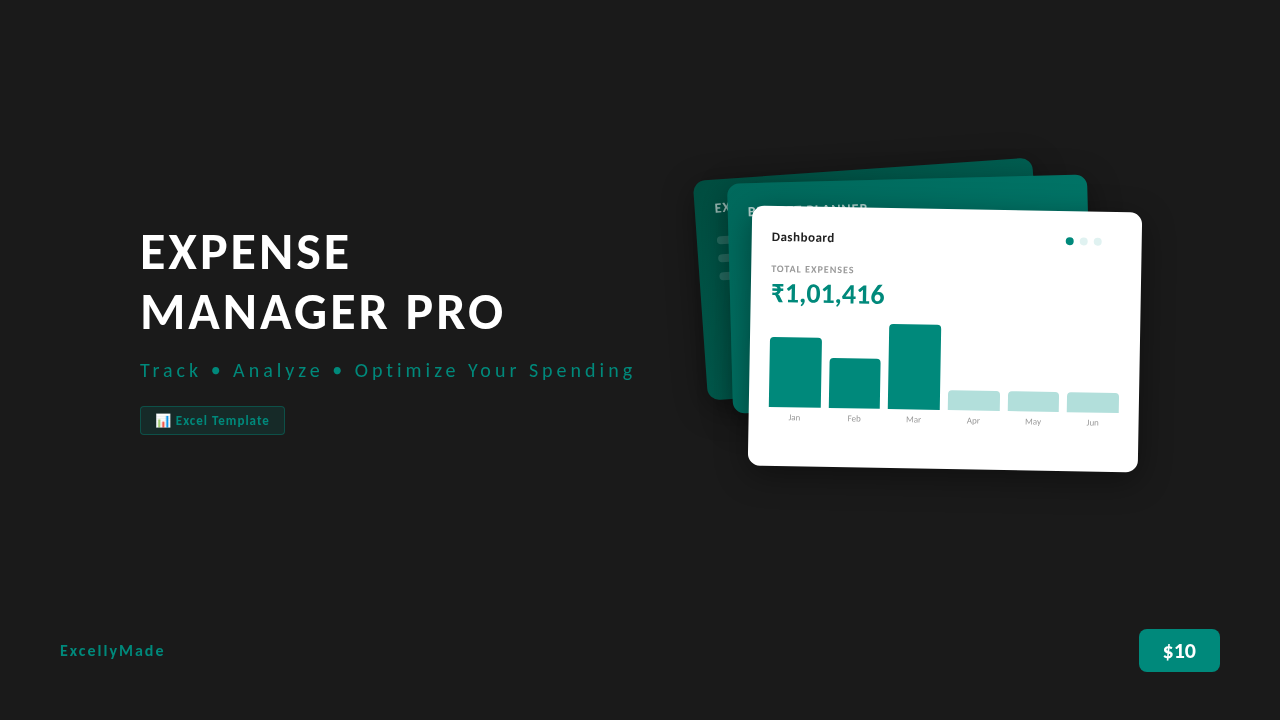

Expense Manager Pro — Excel Template
Expense Manager Pro is a ready-to-use Excel template that helps freelancers, small business owners, and professionals track every expense, compare spending against budgets, and understand their financial patterns — without building anything from scratch.
━━━━━━━━━━━━━━━━━━━━━━━━━━━━━━━━━━━━━━━
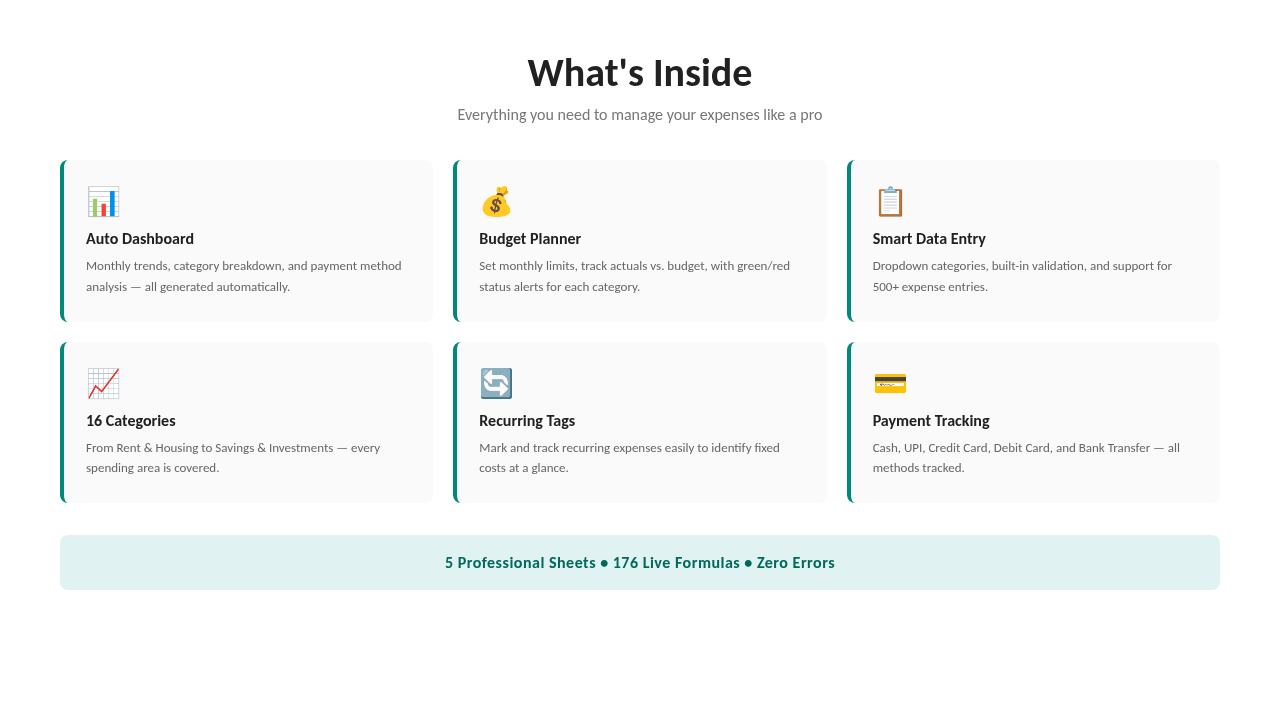
WHAT'S INSIDE (5 Professional Sheets):
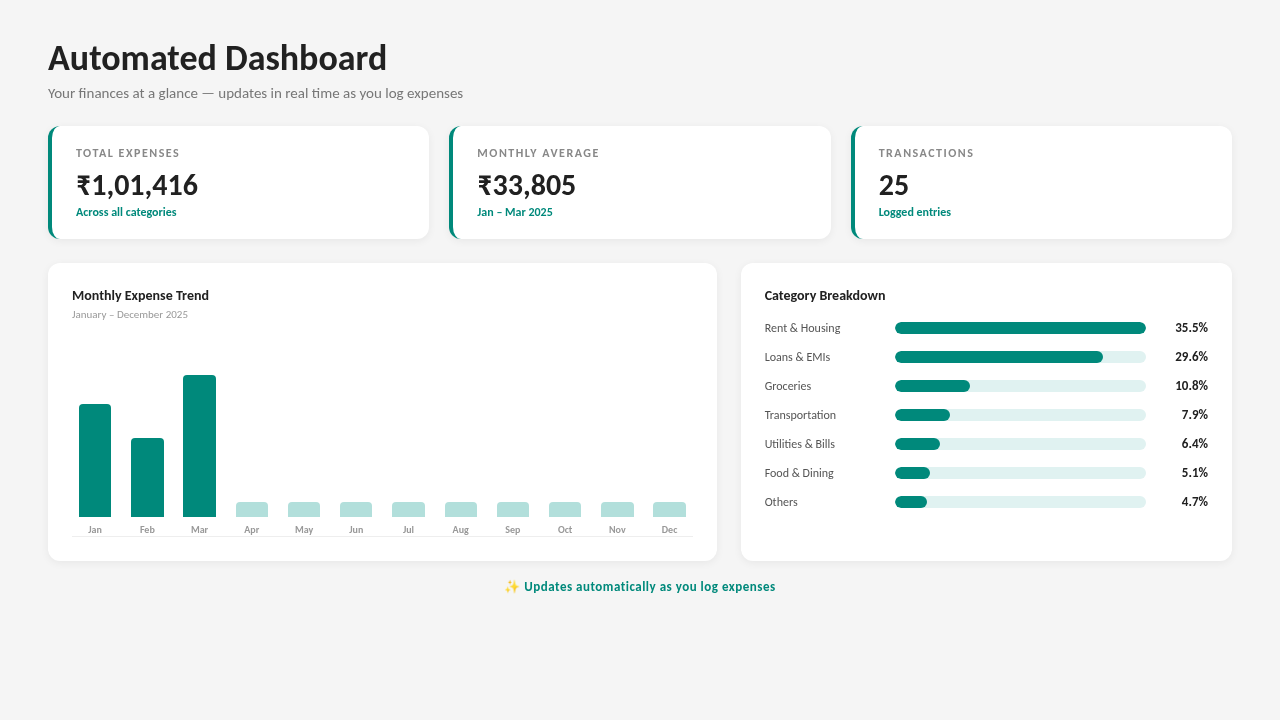
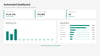
▸ Dashboard — Auto-updating overview with KPI cards (total expenses, monthly average, transaction count), monthly bar chart, category breakdown with data bars, payment method analysis, and top 5 largest expenses. Just change the year to view different periods.
▸ Expenses — Your data entry hub. Dropdown menus for 16 categories and 6 payment methods. Built-in validation ensures clean data. Supports 500+ entries. Expenses over ₹10,000 are automatically highlighted.
▸ Budget Planner — Set monthly budget limits per category. Actuals are pulled automatically from the Expenses sheet. Color-coded status: green = within budget, red = over budget. Variance calculated instantly.
▸ Categories — Reference sheet with all 16 expense categories and real-world examples for each.
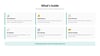
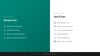
▸ How to Use — Clear step-by-step instructions to get started in minutes.
━━━━━━━━━━━━━━━━━━━━━━━━━━━━━━━━━━━━━━━
KEY FEATURES:
✓ 176 live formulas — everything recalculates automatically
✓ 16 expense categories (Rent, Utilities, Groceries, Transportation, Insurance, Healthcare, Entertainment, Shopping, Education, Subscriptions, Savings & Investments, Loans & EMIs, Travel, Personal Care, Gifts & Donations, Miscellaneous)
✓ 6 payment methods tracked (Cash, UPI, Credit Card, Debit Card, Bank Transfer, Other)
✓ Conditional formatting — budget status alerts, high-expense highlighting, data bars
✓ Dropdown menus — no manual typing for categories and payment methods
✓ Data validation — prevents entry errors
✓ Year selector on Dashboard — view any year's data
✓ Month/year selector on Budget Planner
✓ Sample data included — see how it works before entering your own
✓ Professional teal-themed design
━━━━━━━━━━━━━━━━━━━━━━━━━━━━━━━━━━━━━━━
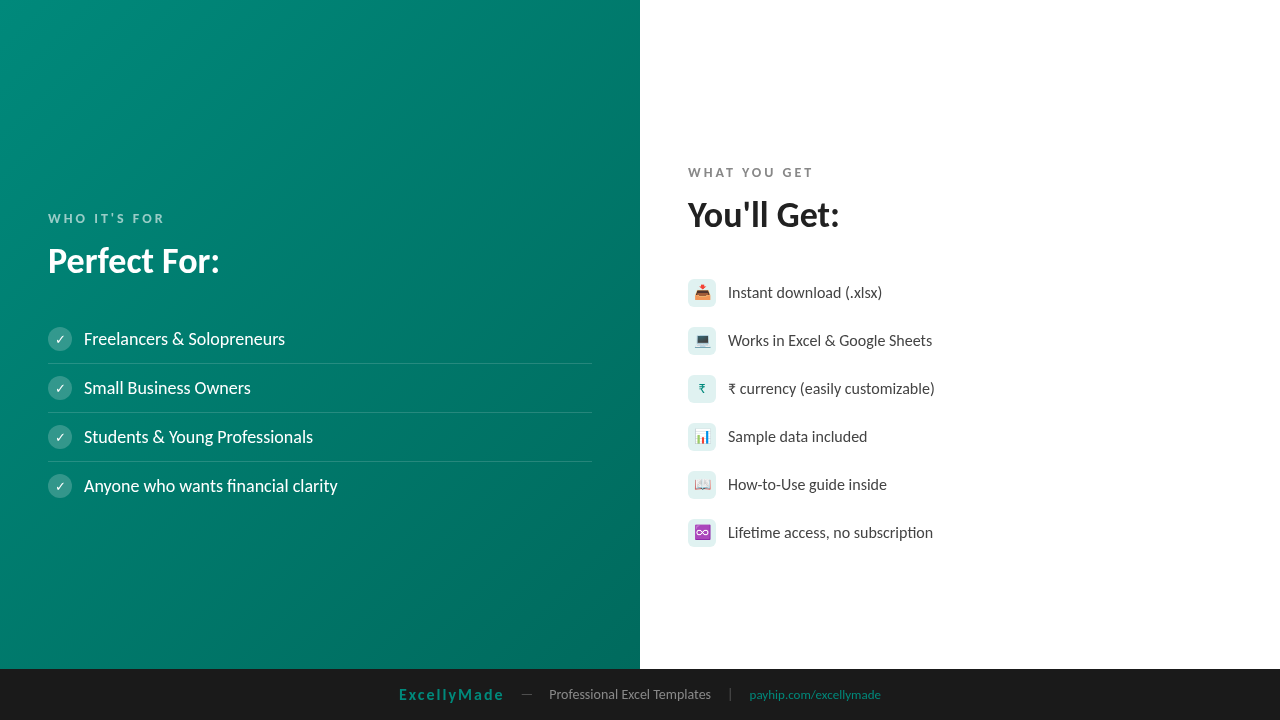
PERFECT FOR:
• Freelancers & solopreneurs tracking business expenses
• Small business owners who need simple financial oversight
• Students and young professionals building good money habits
• Anyone who wants clarity on where their money goes
━━━━━━━━━━━━━━━━━━━━━━━━━━━━━━━━━━━━━━━
WHAT YOU GET:
• Instant download — .xlsx file (works immediately)
• Compatible with Microsoft Excel and Google Sheets
• ₹ (Rupee) currency format — easily customizable to any currency using Find & Replace
• Lifetime access — download once, use forever
• No subscriptions, no recurring fees
━━━━━━━━━━━━━━━━━━━━━━━━━━━━━━━━━━━━━━━
HOW TO GET STARTED:
1. Download the .xlsx file
2. Open in Excel or Google Sheets
3. Go to the "Expenses" sheet and start logging
4. Watch the Dashboard update automatically
5. Set your budgets in the "Budget Planner" sheet
That's it — your personal finance command center is ready.