

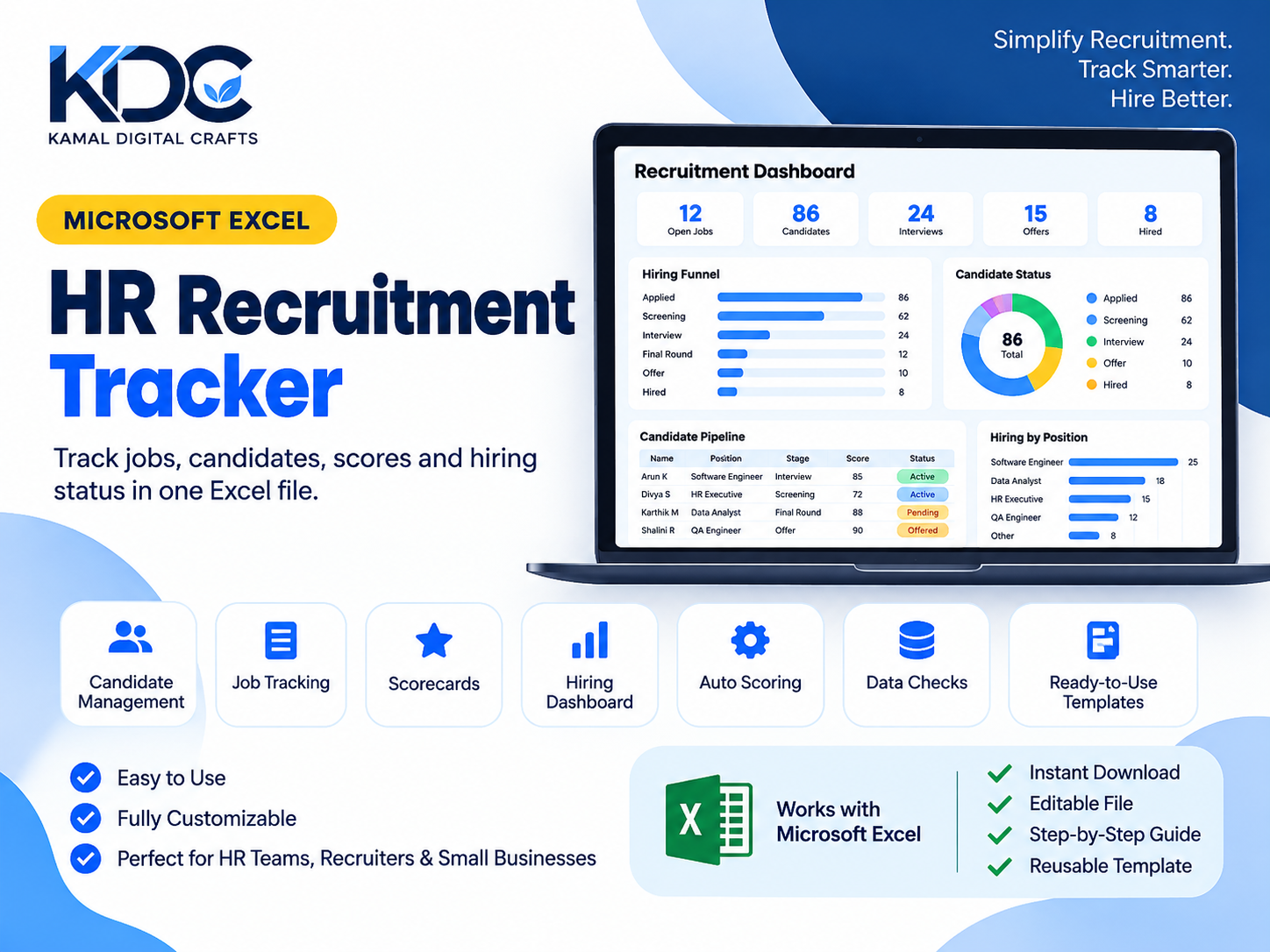
HR Recruitment Tracker for Excel | Hiring Dashboard & Candidate Scorecard
HR Recruitment Tracker for Excel | Candidate Pipeline & Hiring Dashboard
Managing job openings and candidate details across multiple spreadsheets can get confusing. I created this HR Recruitment Tracker to keep the main parts of the recruitment process together in one Excel workbook.
You can record job openings, follow candidates through different hiring stages, evaluate applicants using a weighted scorecard, and check recruitment progress from the dashboard.
Whether you're an independent recruiter, an HR professional, or a small business owner, this template gives you a structured way to keep track of your hiring activity.
What's included?
Your purchase includes three files:
- HR_Recruitment_Tracker_Blank_Excel_Ready.xlsx — The blank template for your own recruitment records.
- HR_Recruitment_Tracker_Sample_Data_Excel_Ready.xlsx — A version with fictional sample records so you can explore how the tracker works.
- HR_Recruitment_Tracker_User_Manual_Final.pdf — A user guide to help you get started.
What can you do with the tracker?
Track job openings
Record requisition IDs, job titles, opening dates, target fill dates, and job statuses. The tracker also includes indicators to help you identify jobs that are on track, aging, or past their target dates.
Manage candidates
Keep candidate details, recruitment sources, hiring stages, outcomes, and evaluation scores in one place. Each workbook supports up to 300 candidate records and 50 job openings.
Evaluate applicants
Use the built-in scorecard to rate candidates against four criteria on a scale of 1–5. You can adjust the criteria and scoring weights to suit your hiring process. The workbook calculates weighted scores and assigns High, Medium, or Low score bands.
Review hiring progress
The dashboard brings together key recruitment figures, including the hiring funnel, candidate and hire counts, average days to hire, offer acceptance, recruitment source performance, and candidate exit reasons. It also includes three charts to help you review the results.
Check your data
The Data Check column flags common missing or inconsistent entries and indicates when a record needs attention.
How the workbook is organized
The file contains five worksheets:
- Start Here — Instructions for getting started.
- Dashboard — Recruitment metrics and charts.
- Candidates — Candidate details, progress, and scorecards.
- Jobs — Job opening information and hiring timelines.
- Settings — Configurable stages, sources, scorecard criteria, weights, and targets.
Getting started
- Open the workbook and review the Settings sheet.
- Add your job openings to the Jobs sheet.
- Enter candidate details in the Candidates sheet.
- Update candidate stages and evaluation scores as the recruitment process progresses.
- Use the Dashboard to review your hiring activity.
If you want to understand the workbook before entering your own records, start with the sample-data file and the included PDF guide.
Product details
- Files: Excel (.xlsx) and PDF
- Recommended software: Microsoft Excel desktop
- Delivery: Digital download
- Capacity: Up to 300 candidates and 50 job openings per workbook
- Customization: Rename available stages, sources, and scorecard criteria, and adjust scoring weights
- Data storage: Your records stay in your own workbook; the template does not require a separate online recruitment platform.
Please note that other spreadsheet applications may display some formatting, dropdowns, charts, or formulas differently. The template has a fixed layout, so rename existing options rather than inserting or deleting rows.
Candidate scores are intended to support human evaluation, not replace hiring judgment. This template is a productivity tool and does not constitute legal or professional HR advice.
Frequently asked questions
Do I need advanced Excel knowledge?
No. Basic spreadsheet skills should be enough to get started. The included PDF guide explains how to use the workbook.
Can I change the scoring criteria?
Yes. You can rename the available criteria and adjust their weights in the Settings sheet. The weights should total 100%.
Can I try the tracker before adding my own data?
Yes. Open the sample-data workbook first to explore the worksheets and dashboard.
Will I receive a physical product?
No. This is a digital download. Nothing will be shipped.
Can I resell or share the files?
No. The files are for your own personal or business use. Reselling or redistributing them is not permitted.
HR Recruitment Tracker for Excel
Created by Kamal Digital Crafts