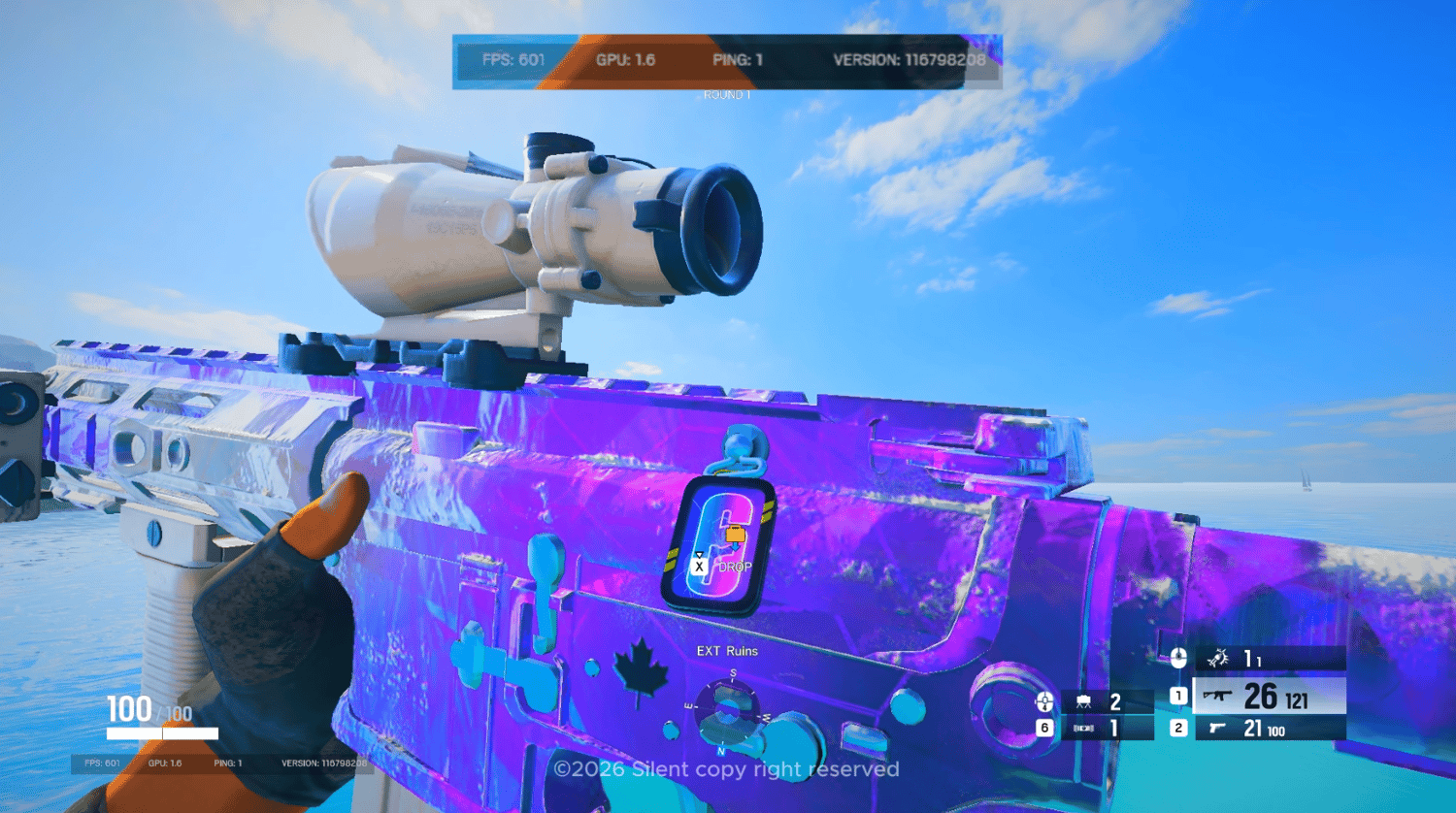


In-game quality
On Sale
$8.32
(40% off)
$4.99
Edit your in-game colors to your liking
No installer needed. Just extract the folder, open Scarlet, pick a look and hit Apply.
What’s Included:
- Desktop App: A lightweight Windows app, under 150 KB, that tunes your whole screen's colors in real time, on your desktop and in borderless games. It never touches your game files or processes.
- Digital Vibrance for Any GPU: Boost color intensity on NVIDIA, AMD and Intel graphics, laptops included. No driver control panel needed.
- Preset Sharing: Save up to 100 of your own looks and share them with a short code or a .scarlet file. Import your friends' presets in one click.
- Instant Compare Hotkey: Press Ctrl + Alt + F12 to flip between your look and your original colors.
- Auto-Restore Protection: Your original colors come back automatically when you close the app, even after a crash.
- Clean & Lightweight: Under 150 KB, uses no CPU when idle, needs no account, internet connection or admin rights. It never touches your game files or processes.
I acknowledge that I am purchasing a digital, non-physical product. I understand that once I complete this purchase and access the digital content, the sale is final and I waive my right to a refund or chargeback. I confirm that I am the authorized user of the payment method used.
By purchasing, you agree to these terms. Thank you!