

Client Capacity Dashboard (Google Sheets Template for Freelancers & Service Businesses)
On Sale
$9.00
$9.00
Feeling overbooked… or unsure how much work you can actually take on?
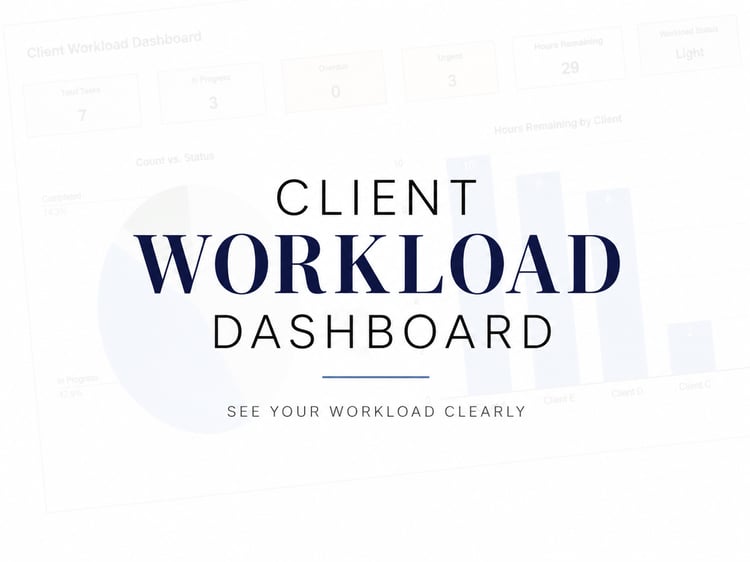
The Client Capacity Dashboard helps you clearly see your workload, track your hours, and know exactly when you’ve reached your limit — so you can take on clients with confidence (without burning out).
💥 What This Solves
Most freelancers and service providers:
- Take on too many clients
- Don’t track their actual workload
- Guess how much time they have left
- End up overwhelmed or stretched too thin
👉 This dashboard fixes that.
📊 What You’ll Get
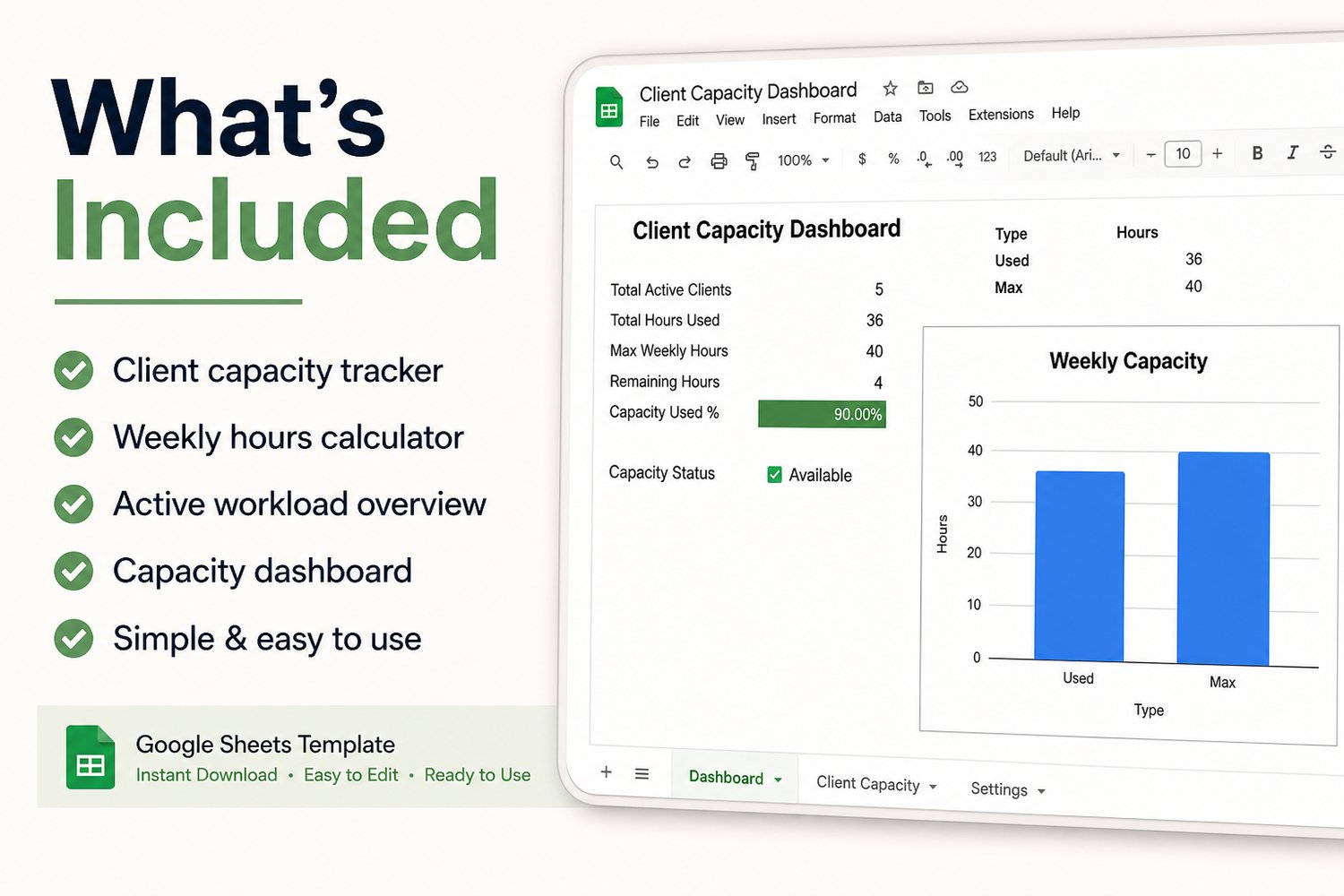
✔ Client Capacity Dashboard
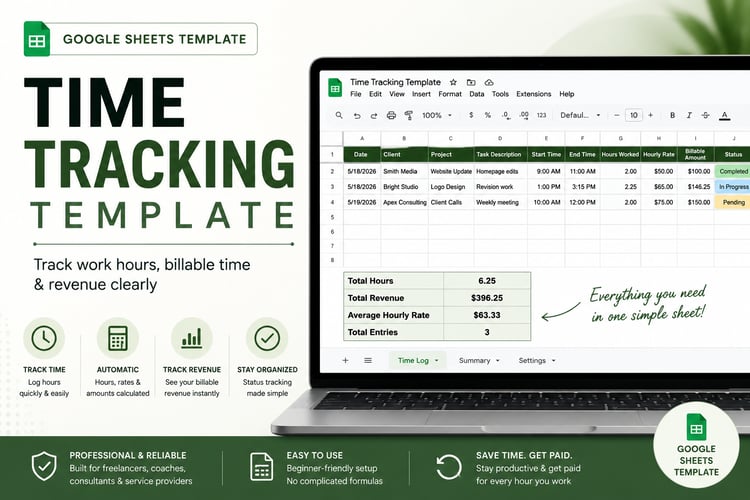
✔ Weekly Hours Tracker
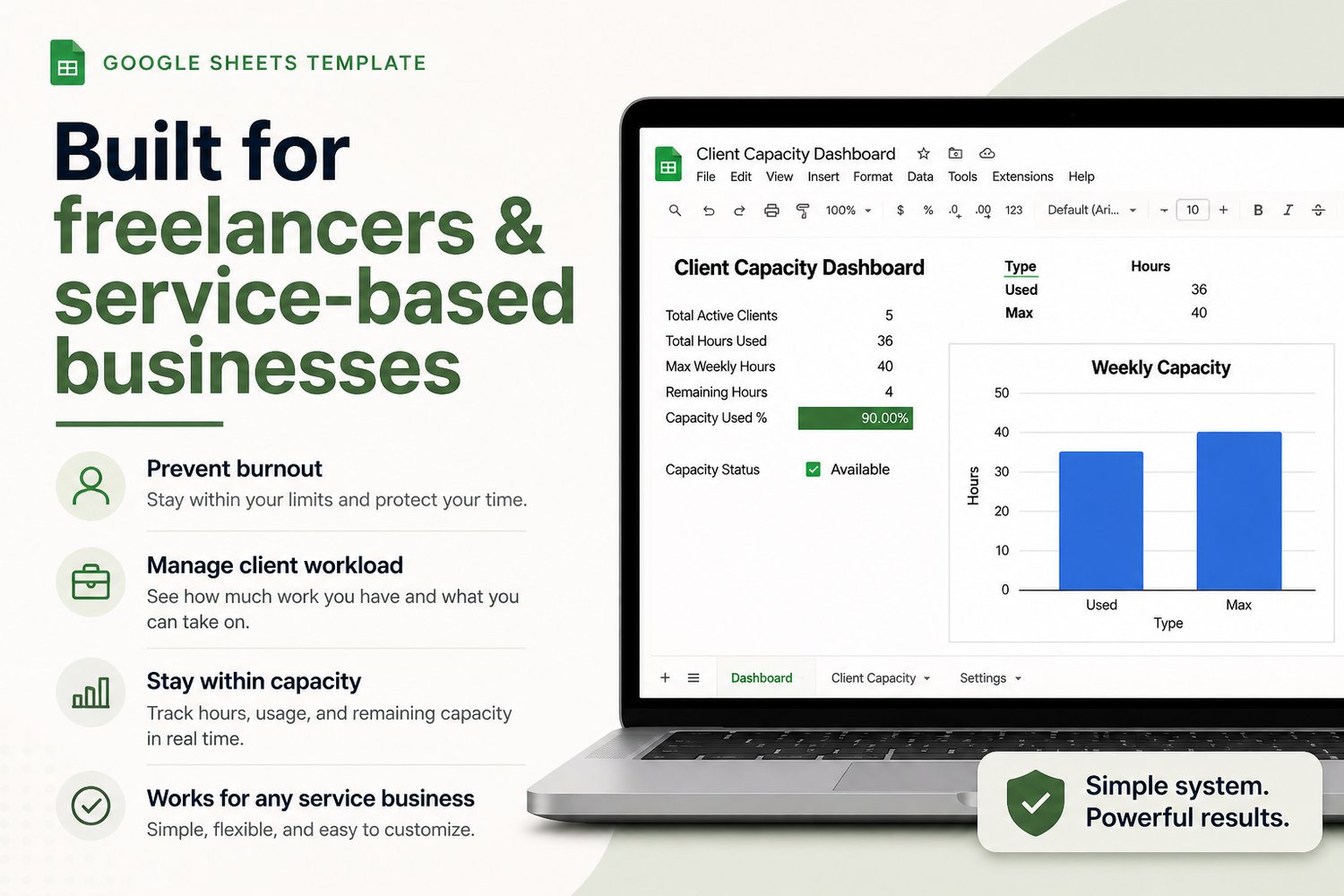
✔ Automatic Capacity Calculations
✔ Active Workload Overview
✔ Remaining Hours Tracking
✔ Clean, Simple Layout
🎯 What You Can Do With It
- See exactly how many hours you're working each week
- Know how many clients you can realistically handle
- Avoid overbooking yourself
- Stay within your capacity
- Make smarter business decisions
👤 Perfect For
- Freelancers
- Virtual assistants
- Designers
- Coaches
- Consultants
- Service-based businesses
⚙️ How It Works
- Enter your clients and hours
- Mark clients as active or paused
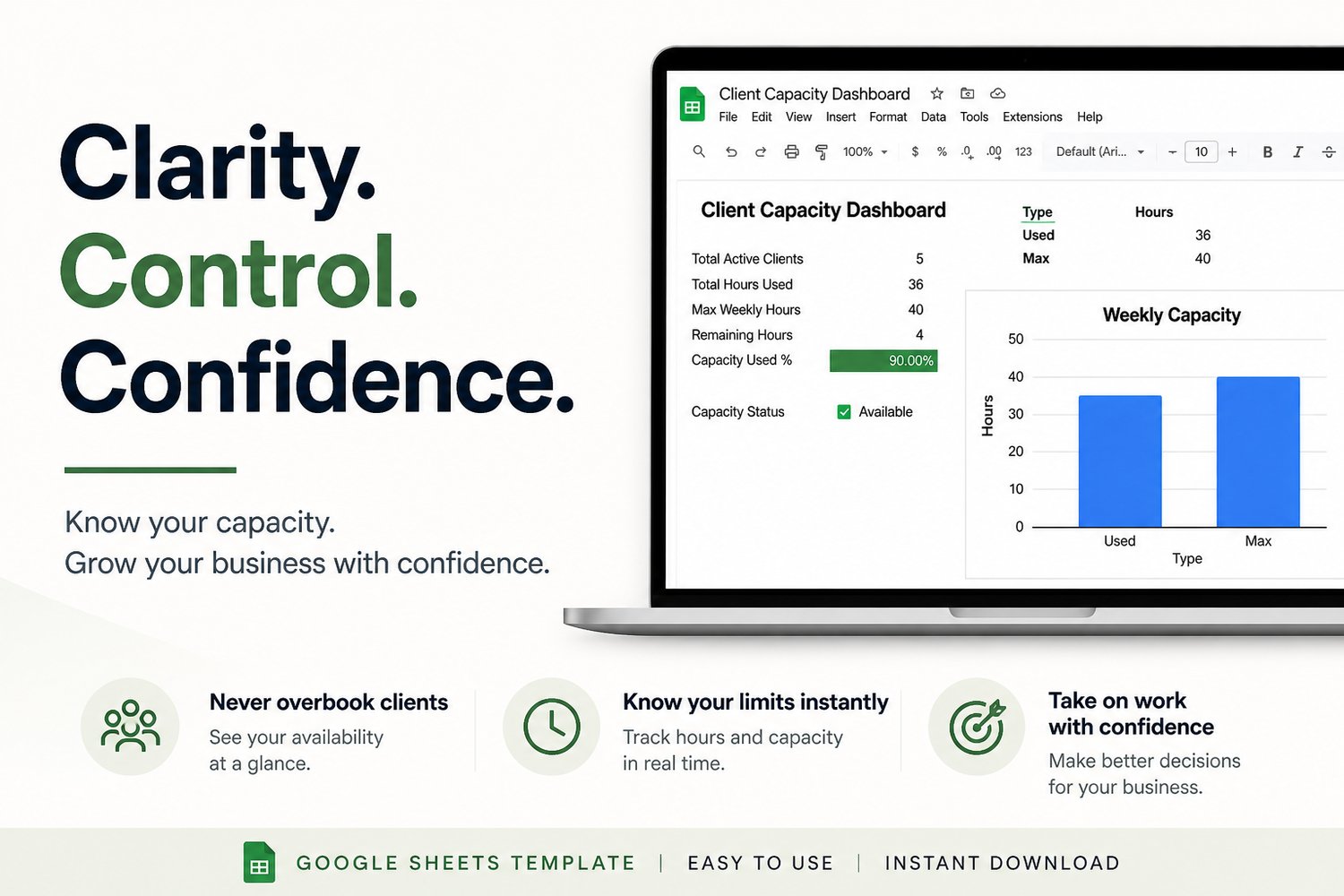
- The dashboard automatically calculates:
- Total hours used
- Remaining capacity
- Capacity percentage
- Your current status
👉 No complicated setup required
📥 Instant Access
- Google Sheets Template
- Instant download after purchase
- Works on desktop (recommended)
⚠️ Important
- This is a digital product (no physical item will be shipped)
- You must make a copy to use the file
- Basic Google Sheets knowledge is helpful
🔒 Refund Policy
Due to the nature of digital products, all sales are final
💡 Why This Works
This isn’t just a tracker — it’s a decision tool.
It helps you:
👉 Stop guessing your workload
👉 Stay in control of your time
👉 Grow your business without burnout