

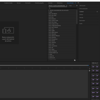
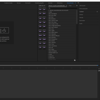
EZBAR
On Sale
€0.00
Pay what you want:
€
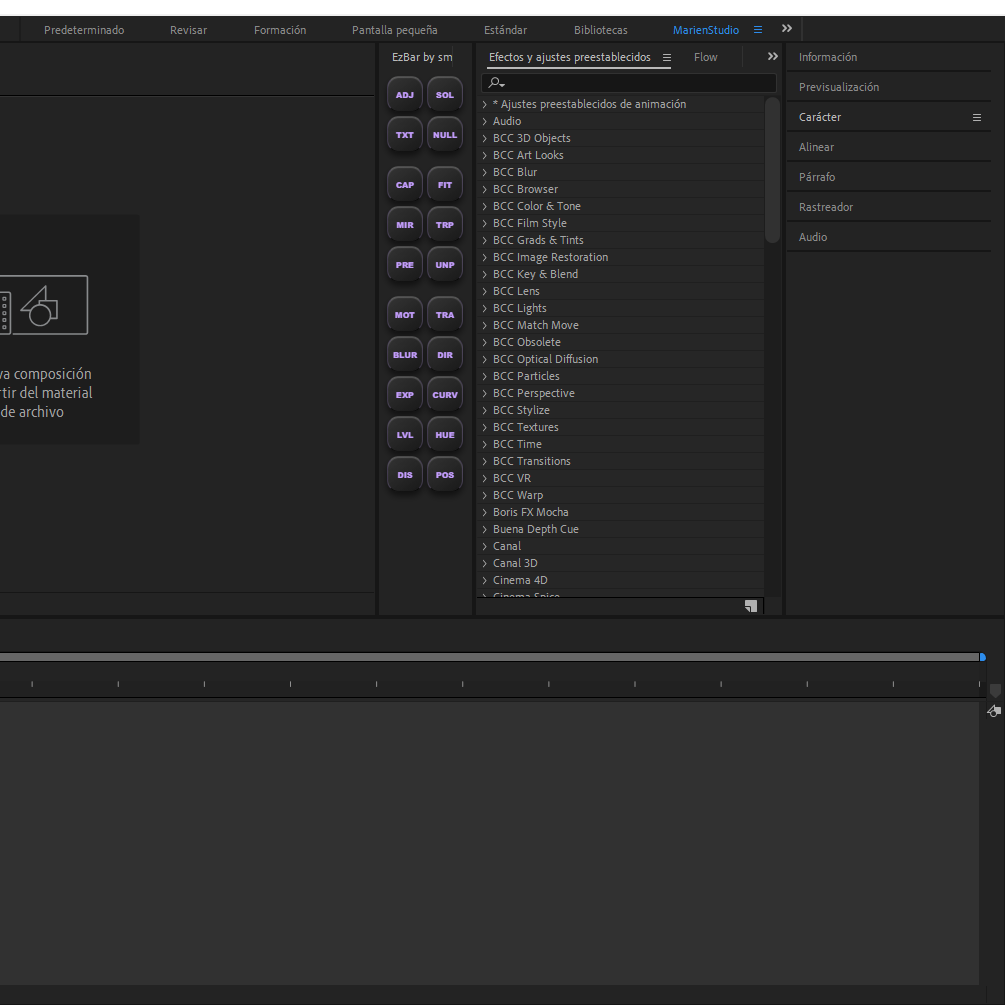
Stop wasting time digging through menus for repetitive tasks. EzBar is a powerful, compact extension designed for motion designers and editors who want to work faster and stay in the creative flow.
This all-in-one panel brings together the most essential After Effects functions into a single, intuitive interface. From creating layers to applying complex effects, everything you need is now just one click away.
Key Features:
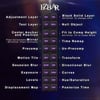
- Instant Layer Creation:
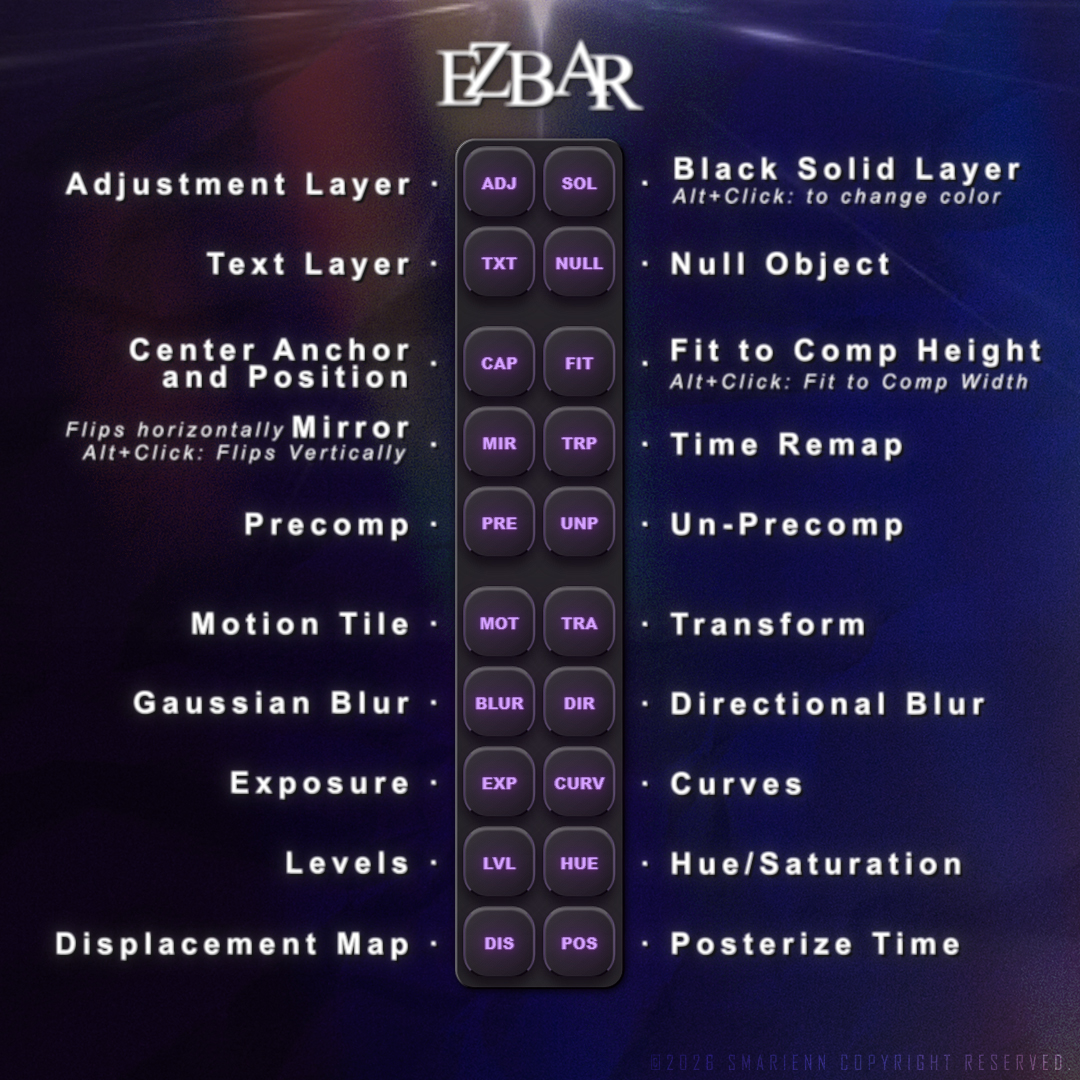
- Adjustment & Text Layers / Null Objects: Generate them instantly without memorizing complex shortcuts.
- Black Solid Layer: Create a black solid with one click, or use Alt+Click to quickly change its color.
- Composition Management & Utilities:
- Center Anchor & Position: Instantly snap your anchor point and layer to the center of the composition.
- Fit to Comp: Scale your layer perfectly to the comp height, or use Alt+Click to Fit to Comp Width.
- Mirror: Flip your layers horizontally with a single click, or use Alt+Click to flip them vertically.
- Time Remap: Activate and deactivate time remapping instantly.
- Precomp & Un-Precomp: Pack layers into a pre-composition or unpack them right away to save time.
- Essential Effects & Color Grading:
- Motion Tile & Transform: Apply seamless edge tiling and core transformation controls without searching the effects panel.
- Blurs & Distortions: Quick access to Gaussian Blur, Directional Blur, and Displacement Map for instant depth and stylization.
- Color & Light Utilities: Instantly add Exposure, Curves, Levels, and Hue/Saturation to fine-tune your visuals.
- Posterize Time: Lock or adjust your frame rate style with one click.
Why EzBar?
- Boost Productivity: Eliminate hundreds of clicks from your daily editing routine.
- Sleek Interface: A vertical, minimalist design that fits perfectly into any workspace layout.
- Native Feel: Developed to feel like a natural part of the After Effects ecosystem.
What’s Included:
- EzBar: Extension File (Compatible with After Effects 2020 and higher).
- Installation Guide (TXT): A simple step-by-step walkthrough to get you started in seconds.
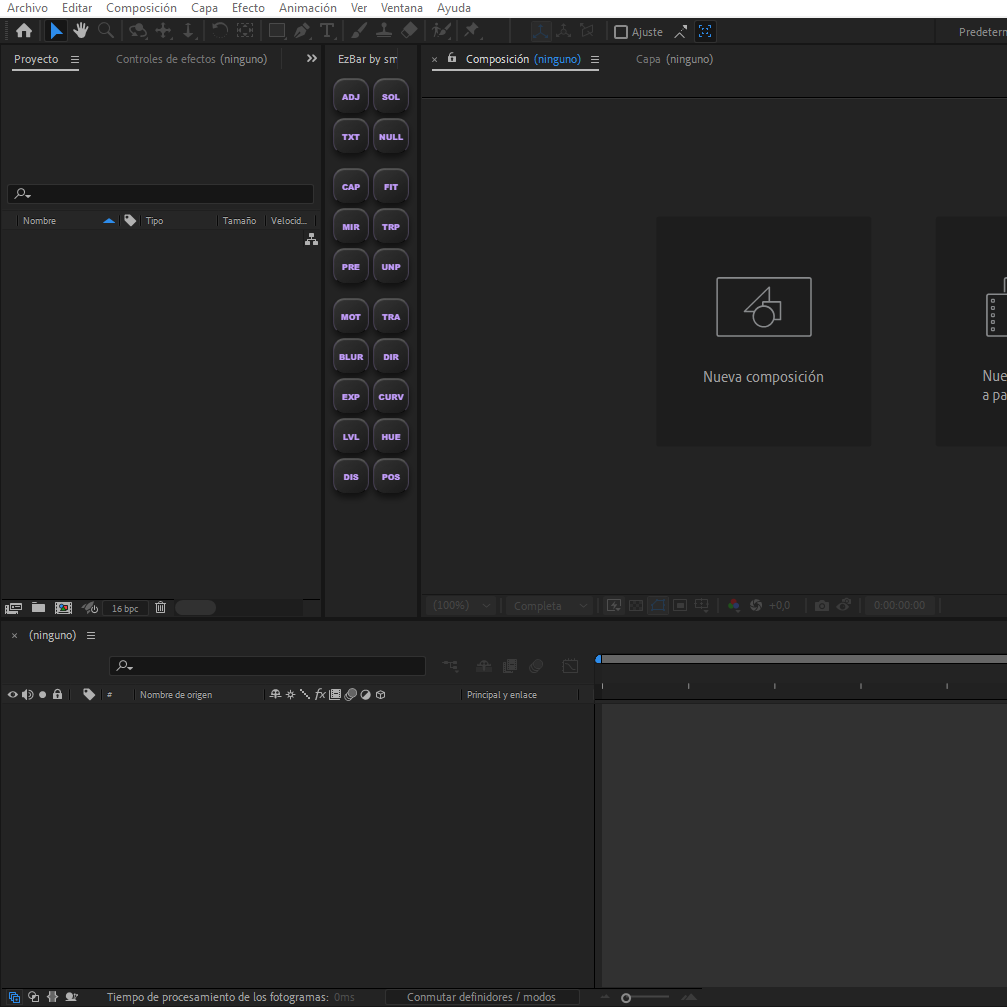
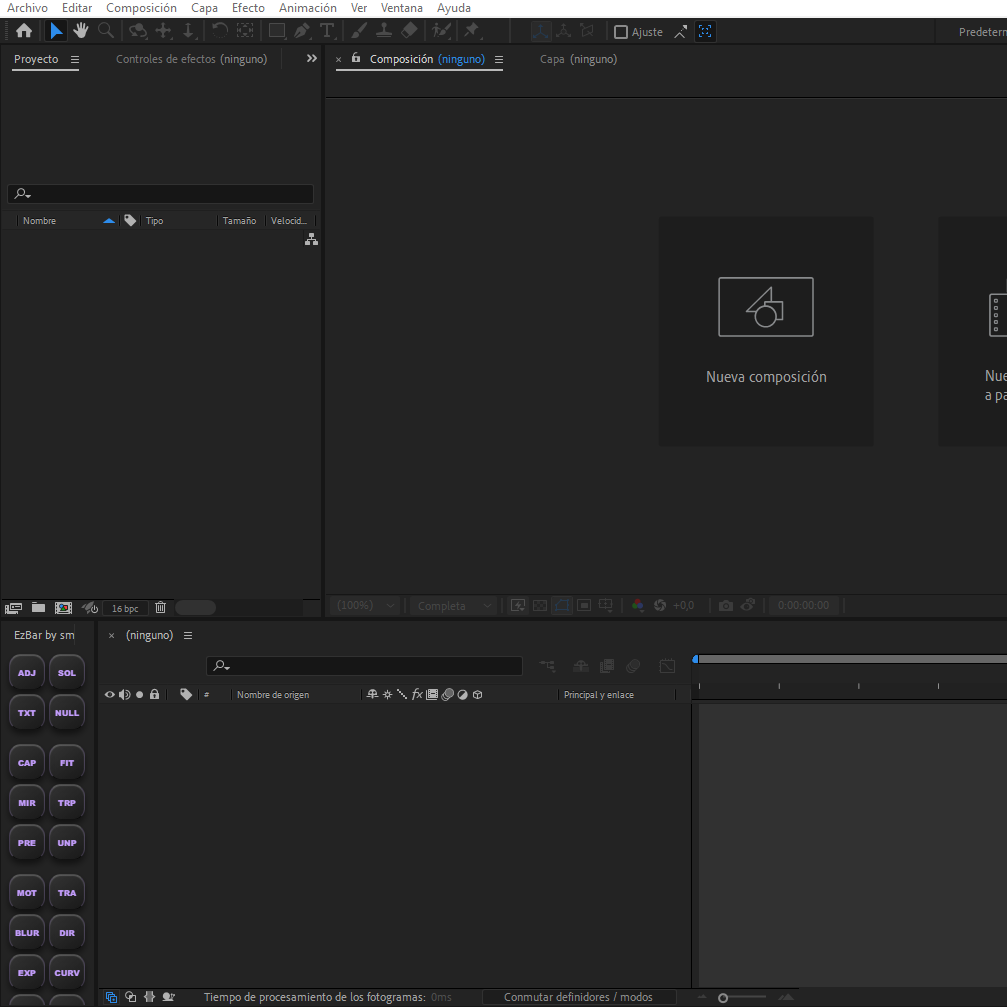
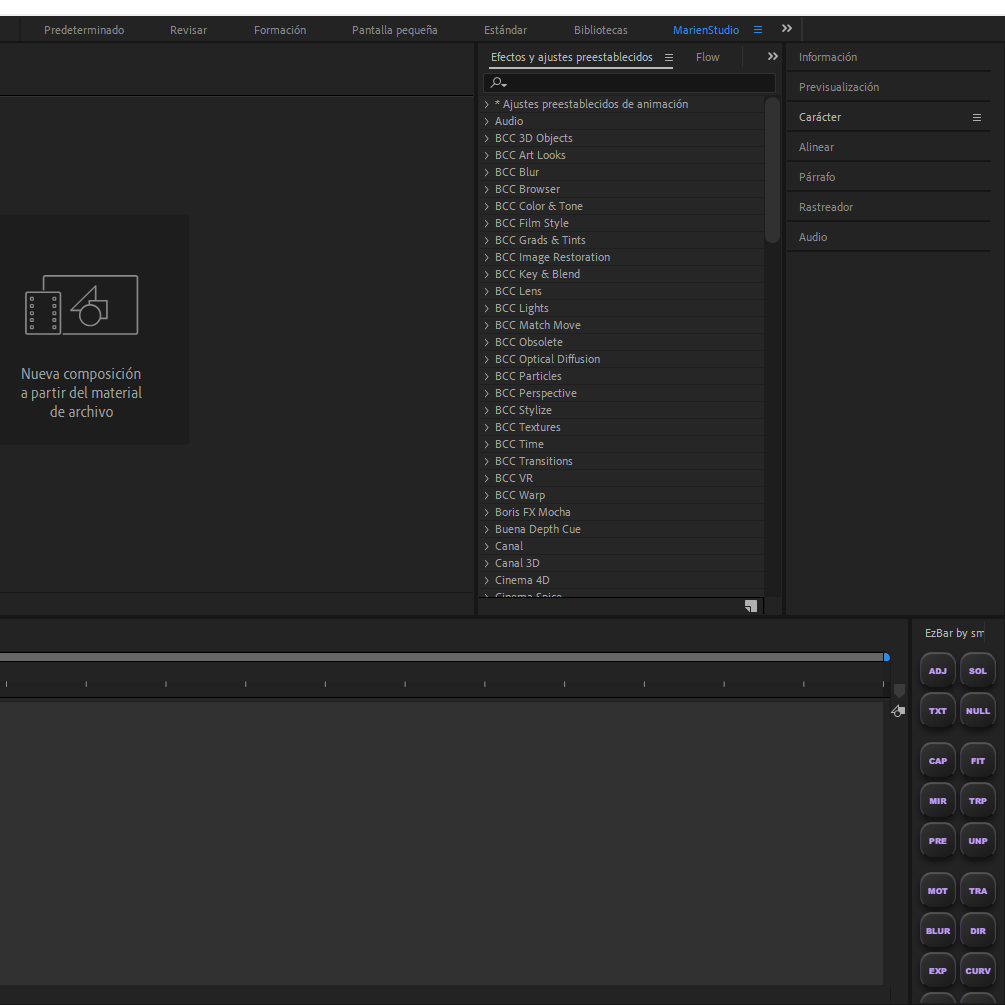
- My workspace: A screenshot of my setup inside After Effects.
Compatible extension for Windows and MacOS
Reviews are appreciated!
If you have any problems contact me by discord (smariennfx)
NO REFUNDS