

Google Drive Lessons & Activities Bundle | Digital Learning Resources for the Classroom
On Sale
$6.99
$6.99
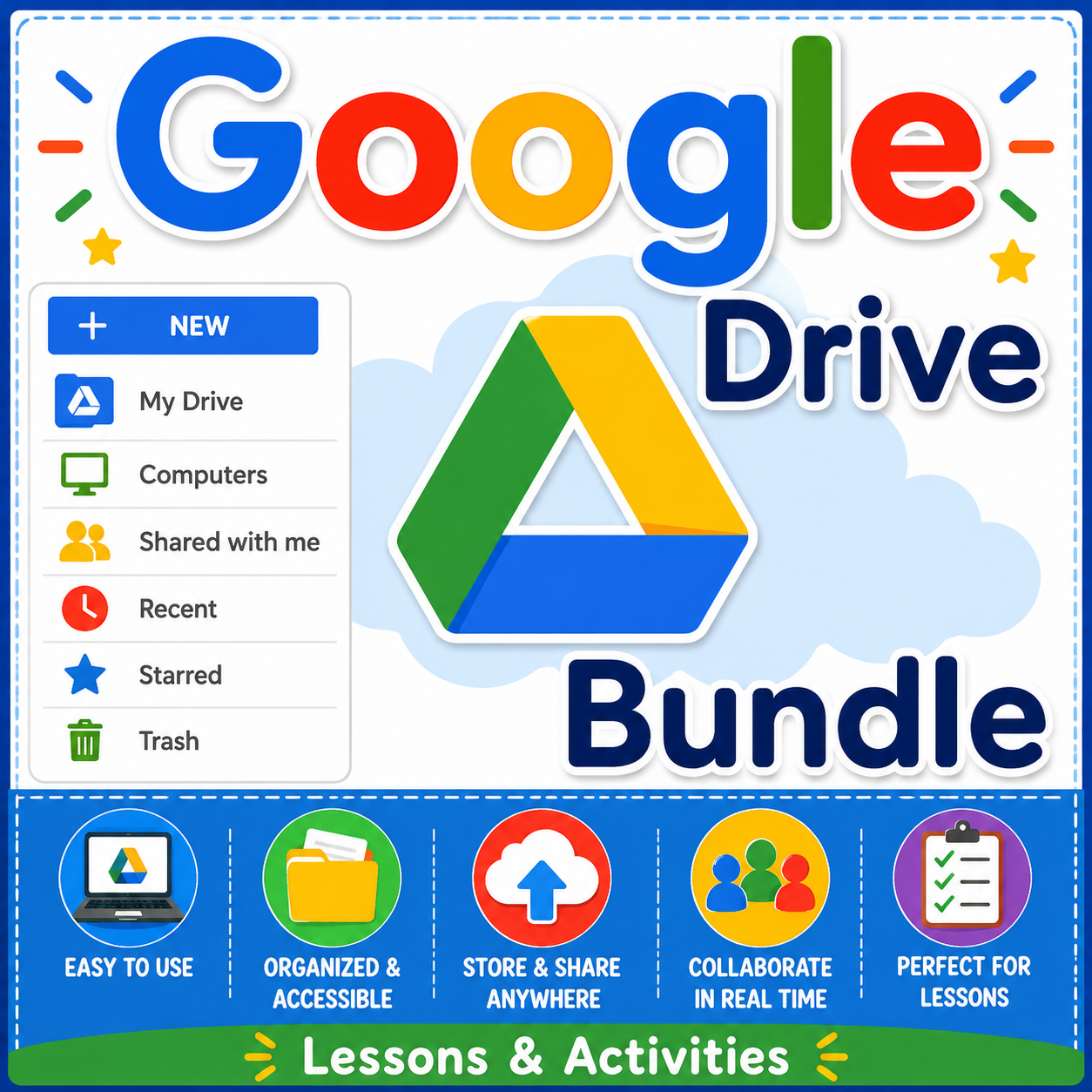
Master Google Drive: Complete Lesson & Activity Bundle
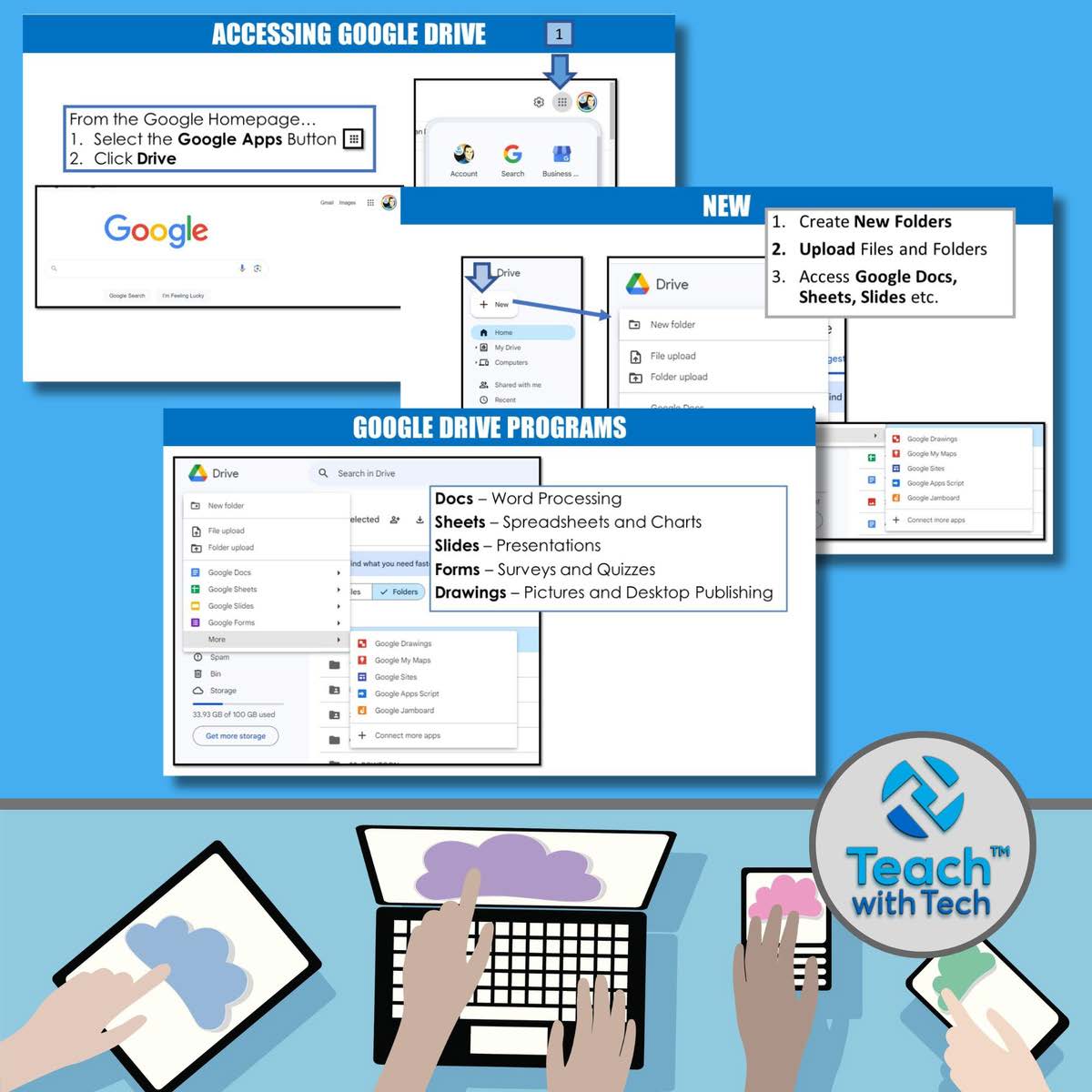
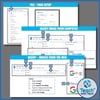
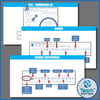
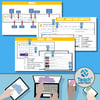
Empower your students to confidently use Google Drive and its suite of tools with this comprehensive, step-by-step bundle. Perfect for computer classes, digital literacy lessons, or remote learning, this bundle provides lessons, screenshots, activities, marking schemes, and tips for Docs, Slides, Sheets, Drawings, and Forms.
Included in both editable and PDF formats, this bundle ensures flexibility for classroom or distance learning. Save over 40% by purchasing the full set!
🌟 What’s Inside
Suggested Lesson Order
- Files, Folders & Sharing in Google Drive
- Google Docs
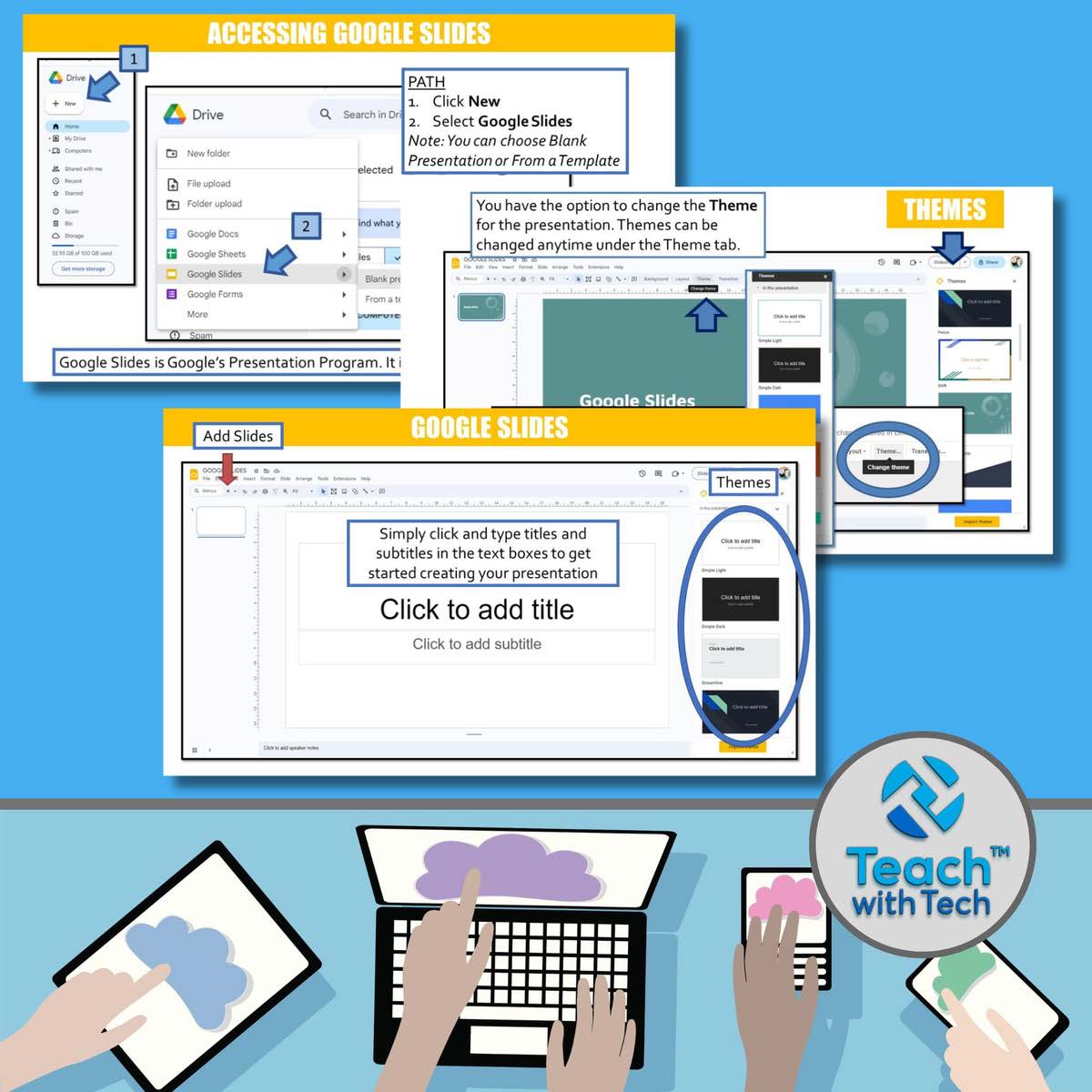
- Google Slides
- Google Sheets
- Google Drawings
- Google Forms
- Google Drive Updates & Add-ons
Each lesson includes step-by-step slides, activities for students, and teacher instructions. Use the activities individually, in groups, or for class assignments.
🖥 Google Drive Core Lessons
1️⃣ Files, Folders & Sharing
- Creating, moving, and organizing files & folders
- Viewing options, folder colors, and settings
- Sharing and collaborating with classmates or teachers
- Tips for teaching differences between Google Drive and Microsoft Office
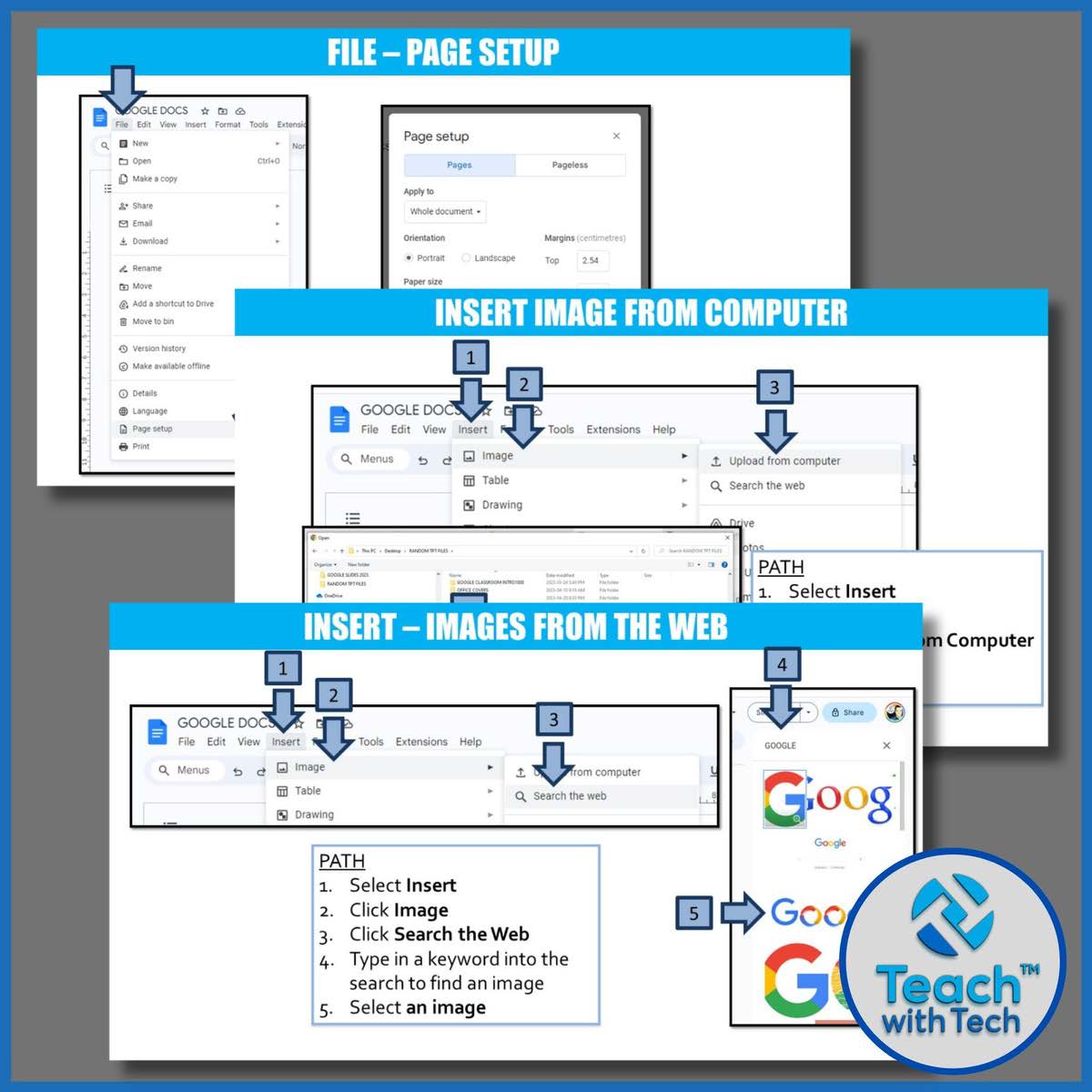
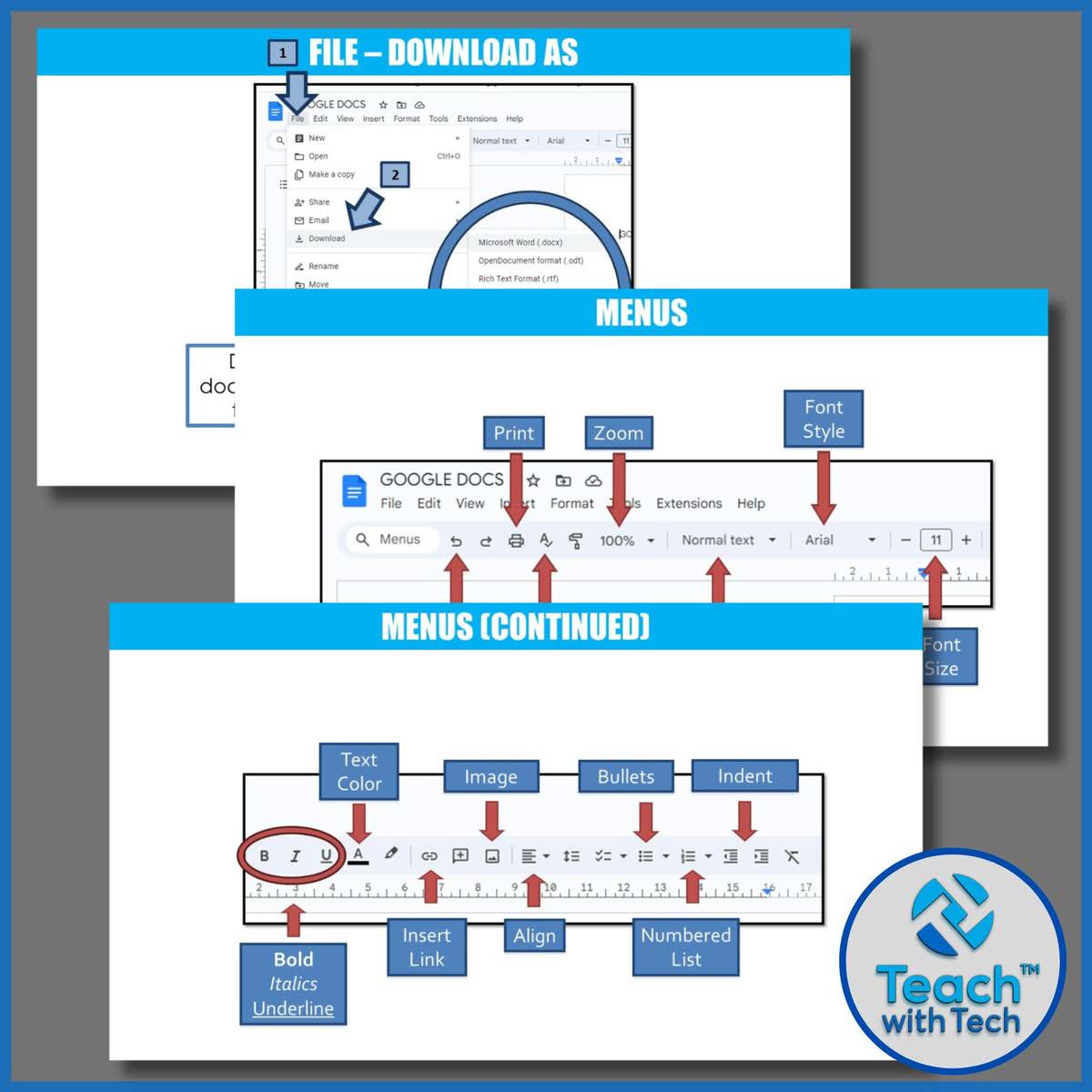
2️⃣ Google Docs
- Create, edit, and share documents
- Page setup, formatting tables, headers/footers, and WordArt
- “About Me” poster activity included
3️⃣ Google Slides
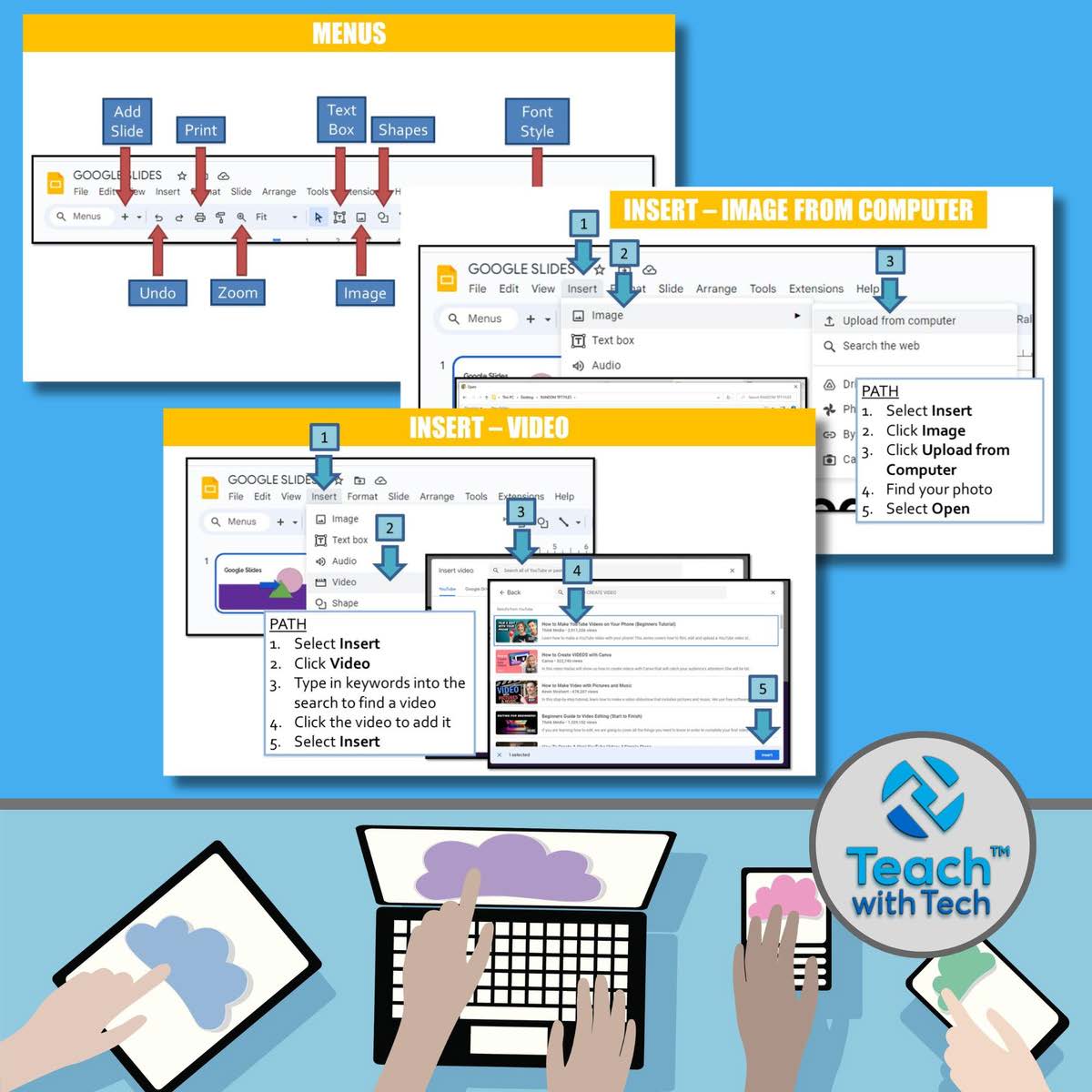
- Creating presentations with text, images, and transitions
- Includes 7 activities + marking schemes
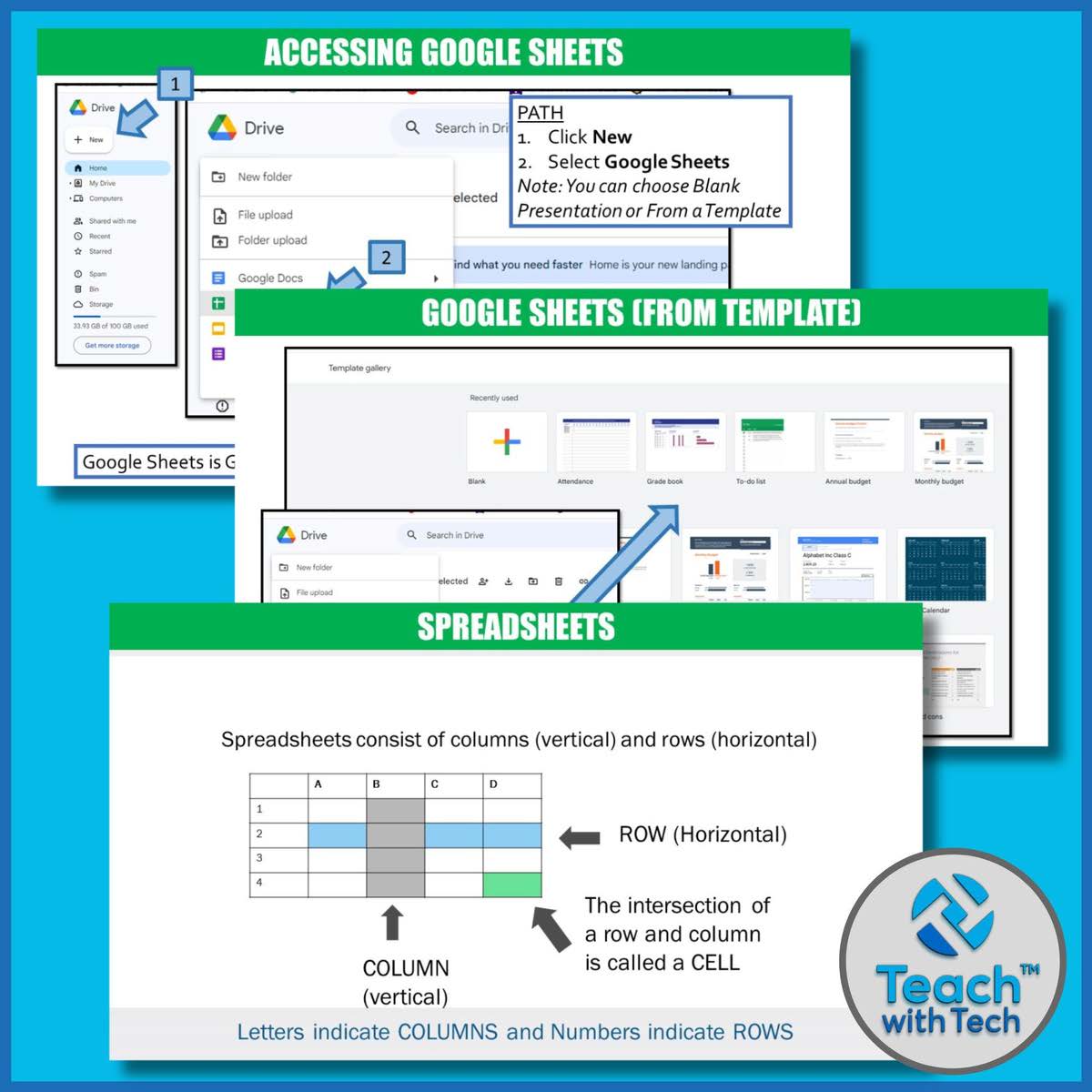
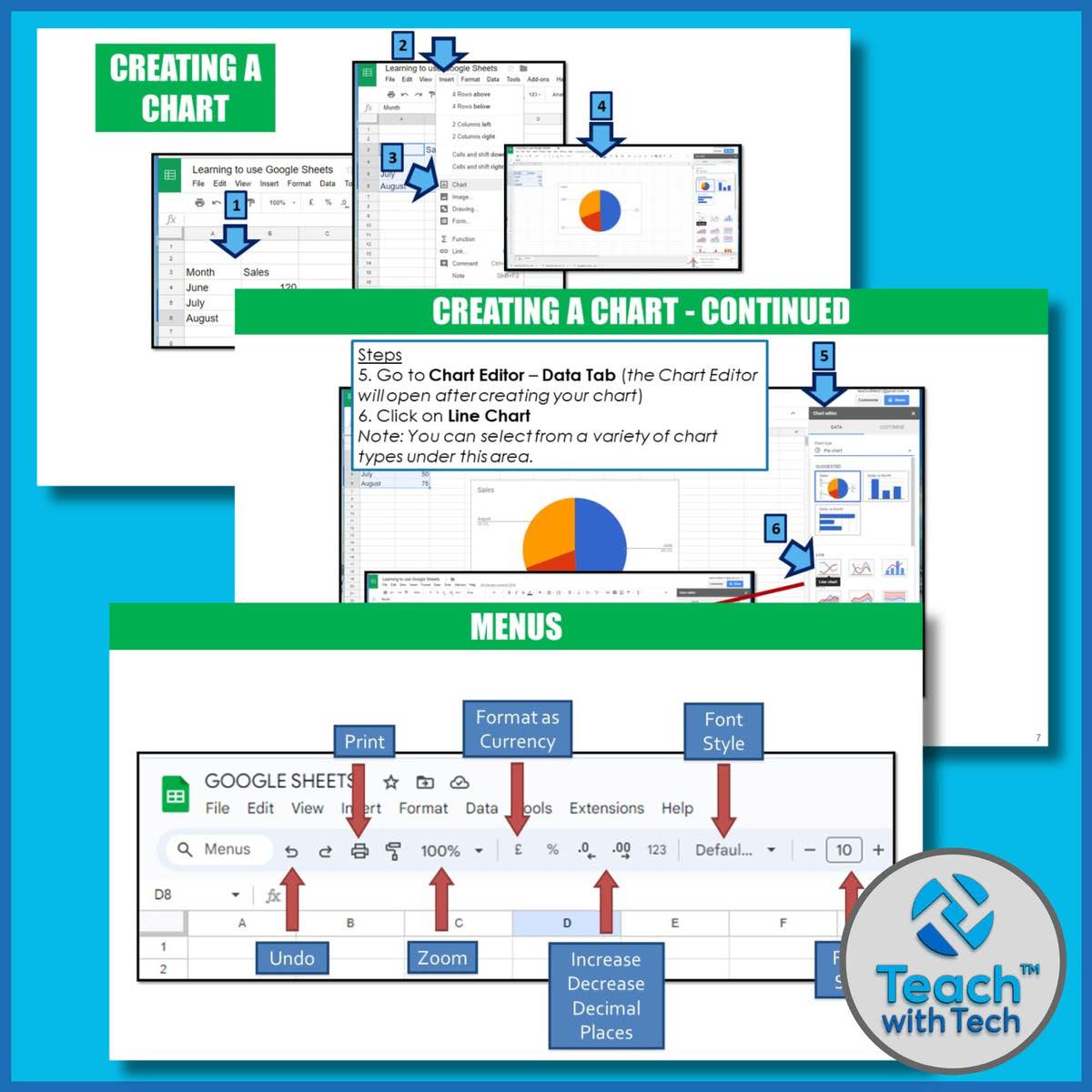
4️⃣ Google Sheets
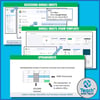
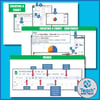
- Spreadsheet basics, formulas, formatting, and charts
- Hands-on activities for data entry and analysis
- NEW football-themed activity added!
5️⃣ Google Drawings
- Create and edit drawings online
- Insert shapes, WordArt, images, and text boxes
- “Movie Characters” and “About Me Poster” activities
6️⃣ Google Forms
- Create surveys, quizzes, and rubrics
- Step-by-step instructions with screenshots
- Activities: Event Survey & Product/Service Survey
- NEW quiz layout instructions and covers included
⚡ Google Drive Updates & Add-Ons
- Google EDU Templates (Docs, Sheets, Slides, Forms)
- Rubrics in Google Forms
- Google Forms Quiz Feature (auto-graded)
- QR Code creation via Sheets add-on
- Uploading & editing Office files in Drive
Regular updates included! After purchase, free updates are available via your “My Purchases” tab.
🏫 How to Use This Bundle
- Introduce each topic with slides and screenshots (10–15 mins)
- Share lessons and activities via Google Drive or Google Classroom
- Students work individually or in groups on activities
- Use marking schemes and templates to assess learning
📚 Bonus Features
- Student exemplars included for key activities
- Teacher recording sheets to track progress
- Video links for tutorials and add-ons
- Editable covers for each lesson
✅ Why Teachers Love This Bundle
- Step-by-step instructions with screenshots make teaching simple
- Covers all major Google Drive programs in one place
- Editable files allow customization for any classroom
- Activities are suitable for in-class, remote, or hybrid learning
- Regular updates keep content current with Google’s interface
Make your digital literacy lessons effortless and engaging!
With this bundle, your students will master Google Drive, Docs, Slides, Sheets, Drawings, and Forms—while you save planning time and teach with confidence.