

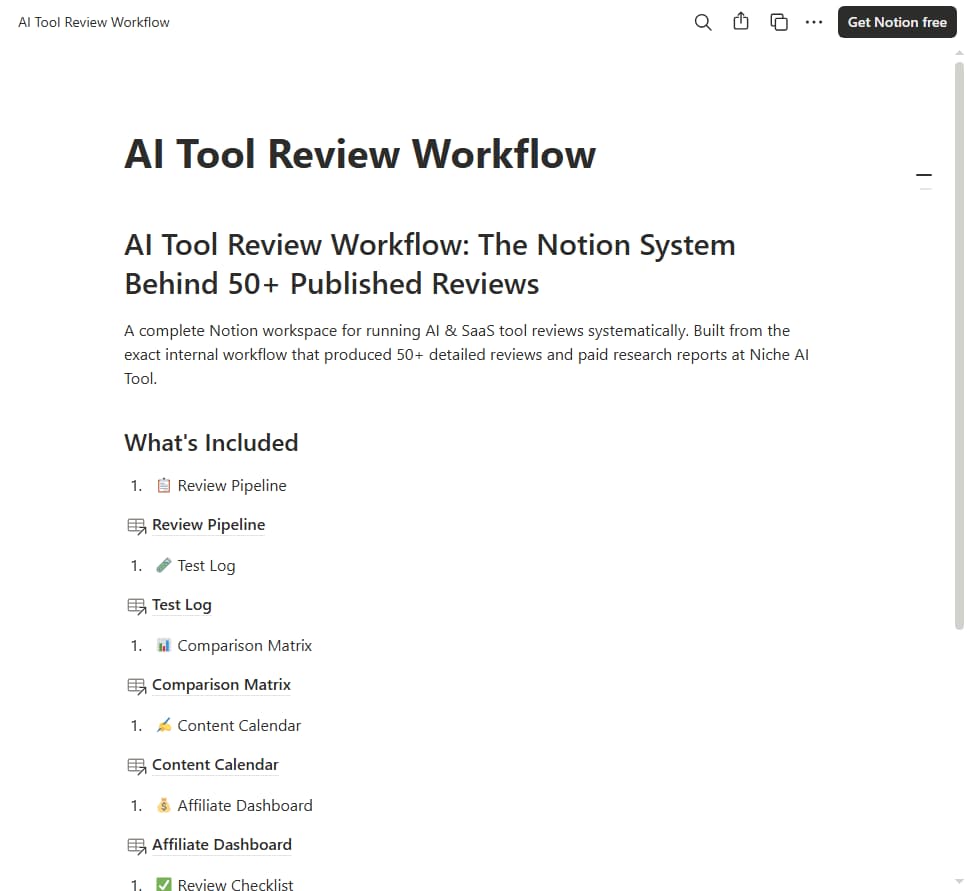

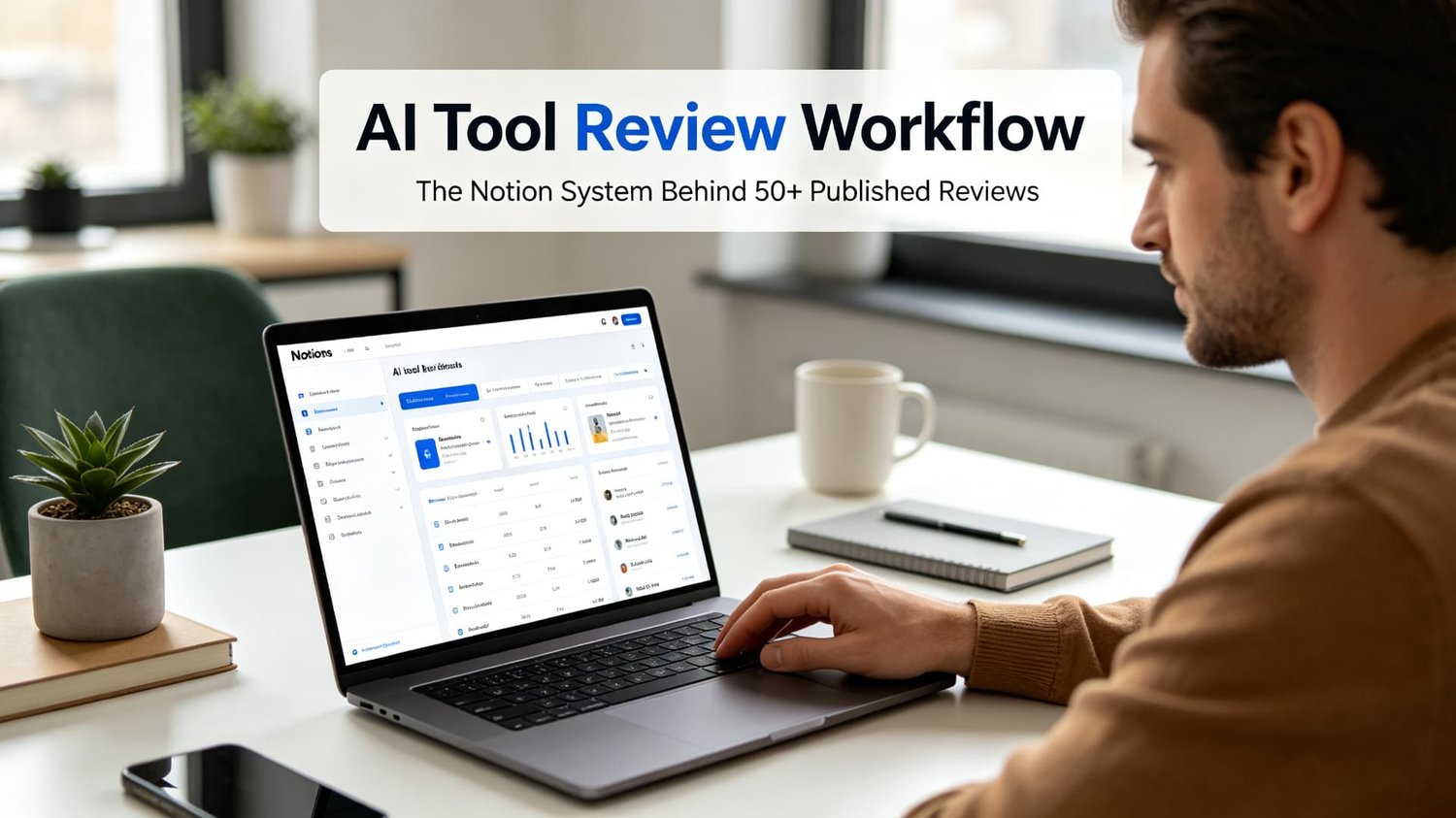
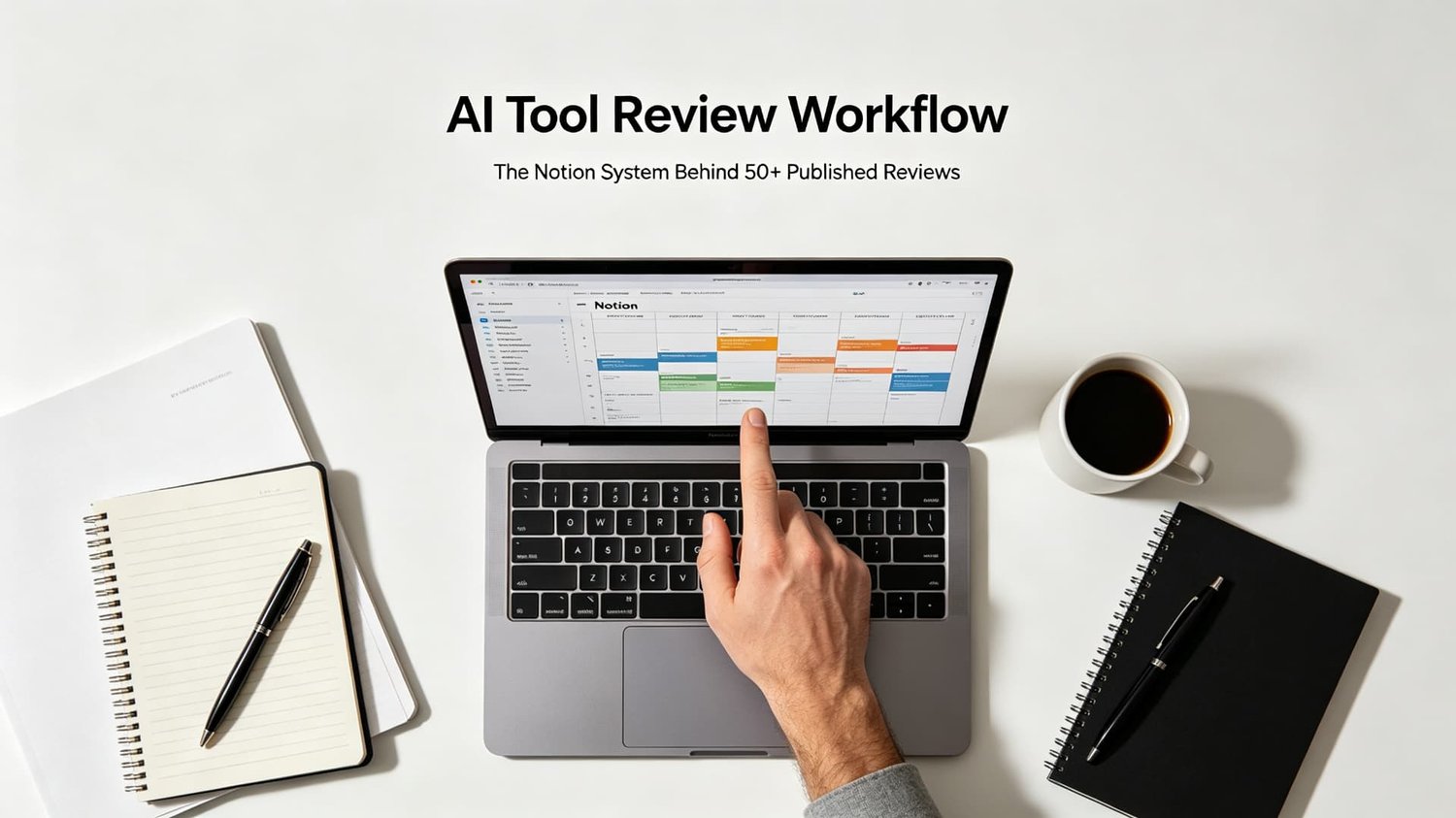




AI Tool Review Workflow: The Notion System Behind 50+ Published Reviews
One-time payment, no subscription | Platform: Notion | Compatible: Notion Free + Paid
Why This Template Pays for Itself
Building a review workflow from scratch takes 10-15 hours. This template gives you a proven system in 5 minutes.
• If it saves you 10 hours of setup → worth $19 instantly
• If it helps you publish 2 more reviews this month → worth $19
• If it tracks one affiliate program you'd otherwise forget → worth $19
• If it helps you launch your own paid Gumroad research report → worth $19 many times over
What Is This Template?
A complete Notion workspace for running AI & SaaS tool reviews systematically. Stop winging your evaluations — use the exact internal workflow that produced 50+ detailed reviews and paid research reports at Niche AI Tool.
Built from our real review process, not a hypothetical demo.
What You Receive
You will receive a PDF instruction file containing your private Notion duplicate link.
1. Download the PDF after purchase
2. Open the PDF and click the duplicate link
3. Select your Notion workspace to duplicate the template
Works on Notion's free plan. No subscription required.
Before vs. After
Before: Reviews scattered across Google Docs, spreadsheets, and notes apps. No tracking. No comparison. No consistency. Half-finished evaluations you never publish.
After: One Notion workspace. Every tool in a pipeline. Every test logged with screenshots and observations. Every comparison built in. Every affiliate program tracked. Every review published consistently.
What's Included
📊 1. Domain Health Tracker
Track the health of every domain you use for cold email.
Benefit: Catch deteriorating domain reputation early, prevent domain burn-out and blacklisting before it happens.
Database Properties:
• Domain name
• Domain age
• Warm-up status (Not started / Warming up / Ready / Warning / Unhealthy)
• Daily sending limit
• Current daily volume
• Bounce rate
• Complaint rate
• Last blacklist check
• Notes
Automated Views:
• 🟢 Healthy Domains (ready to send)
• 🟡 Warning Domains (needs attention)
• 🔴 Unhealthy Domains (stop sending)
• All Domains
📧 2. Campaign Tracker
Track every cold email campaign from start to finish.
Benefit: Measure true ROI for each outreach sequence; compare reply-rates across audiences and sending setups.
Database Properties:
• Campaign name
• Tool (Instantly / Smartlead / Lemlist / Other)
• Status (Planning / Active / Completed / Paused)
• Start date
• End date
• Target ICP
• Emails sent
• Open rate
• Reply rate
• Meeting booked
• Cost
• ROI
Automated Views:
• Active Campaigns
• Completed Campaigns
• Highest Reply Rate
• Best ROI
👥 3. Lead Tracker
Track every lead you have contacted.
Benefit: Never lose track of follow-ups; maintain full history for prospects, great for solo founders and small agency client work.
Database Properties:
- Lead name
- Company
- Title
- Status (New / Contacted / Replied / Meeting Booked / Won / Lost)
- Campaign
- Last touch date
- Next follow-up
- Notes
Automated Views:
- Follow-ups This Week
- Replies to Respond
- Won Deals
- Lost Deals (with reason)
📈 4. Weekly Review Template
A structured weekly review to continuously improve your cold-email results.
Benefit: Avoid repeating outreach mistakes; systematically iterate domain setup, copy and targeting every week.
Sections:
- Key metrics summary (emails sent, reply rate, meetings booked)
- What worked this week?
- What didn't work?
- What to test next week?
- Domain health check
- Tool cost tracking
📋 5. Checklist Templates
Benefit: Prevent the most common cold email mistakes. No more sending from unwarmed domains or forgetting compliance basics.
Pre-Campaign Checklist:
• SPF/DKIM/DMARC verified
• Domain warm-up complete
• Email list verified
• Mail-Tester score > 8/10
• Sending volume set correctly
• Unsubscribe link configured
Post-Campaign Checklist:
• Analyze bounce rate
• Analyze reply rate
• Update lead statuses
• Schedule follow-ups
• Document learnings
Quick-Start Tips
1. Duplicate the full workspace into your Notion account (~5 minutes)
2. First populate Domain Health Tracker for all your sending domains
3. Create a new Campaign entry before you launch any new outreach sequence
4. Import / log leads inside Lead Tracker as you run campaigns
5. Complete Weekly Review template every 7 days to capture learnings
💡 Tip: Use this template side-by-side with The Cold Email Tool Pitfall Guide 2026 for full end-to-end cold-email operations.
Who This Is For
• AI tool reviewers starting a review site
• Content creators who write about SaaS tools
• Agencies evaluating tools for clients
• Indie hackers building comparison content
• Anyone creating paid Gumroad research reports
Who This Is NOT For
• Not a course or consulting service
• Does NOT include pre-written reviews — it's a workflow template
• Not a substitute for actually testing tools yourself
• Not for people who don't use Notion
Template Limitations
• This is a workflow system, it does NOT contain pre-written AI tool review articles
• Notion template delivered via duplicate-link only; no downloadable source file
• You still need to perform your own hands-on tool testing
• You cannot export the raw template file to share elsewhere — duplicate link only
FAQ
Q: What do I receive after purchase?
A: You get a private Notion duplicate link. You click the link and duplicate the entire workspace into your own Notion account. No PDF / zip file download.
Q: Can I export this template as a .notion file to share elsewhere?
A: Notion workspace templates work via duplicate link only. You cannot download the raw template file. You duplicate it directly into your own Notion account.
Q: Do I need a paid Notion account?
A: No. Works with Notion's free plan.
Q: How long does it take to set up?
A: 5 minutes. Click the duplicate link, and it's in your workspace.
Q: Can I customize the scoring system?
A: Yes. It's your workspace. Change the properties, add your own dimensions.
Q: Can I use this for non-AI tools?
A: Yes. Change the category property to whatever you review.
Q: Does this include the actual review content?
A: No. This is a workflow template only. You fill in your own reviews.
Q: Is this a one-time purchase?
A: Yes. No subscription. Free updates if we add new modules.
Q: Do you offer refunds?
A: We offer a 7-day genuine-dissatisfaction refund policy. Refunds for Notion duplicate-link templates are only valid when the provided duplicate link is broken and non-functional. Once you duplicate the workspace into your own Notion account we cannot revoke your access.
About Niche AI Tool
We test AI tools so you don't have to. 50+ reviews across cold email, Amazon seller, SEO, AI writing, and AI video tools.
This same workflow powers our paid research reports like The Cold Email Tool Pitfall Guide and The AI Writing Tool Value Report 2026.
More tools & reviews: https://nicheaitool.com
Important Delivery Note
You will receive a PDF instruction file containing your private Notion duplicate link. No downloadable Notion workspace source file is provided.
After purchase:
1. Download the PDF file
2. Click the duplicate link inside the PDF
3. Duplicate the entire workspace into your own Notion account
This template is licensed for single-user use only. File-sharing and redistribution are prohibited.
Refund Policy: 7-day genuine-dissatisfaction refund. Refunds are only processed if the supplied Notion duplicate link is confirmed broken and non-functional. Once you duplicate the template into your own Notion workspace we cannot revoke your access, so no refunds will be issued after successful duplication.