
Macro-Vision™ (Software)
MacroVision™ – CNC Macro Debugger, Converter, Optimizer, and Builder
All-in-One CNC Macro Power Tool for Professionals and Learners
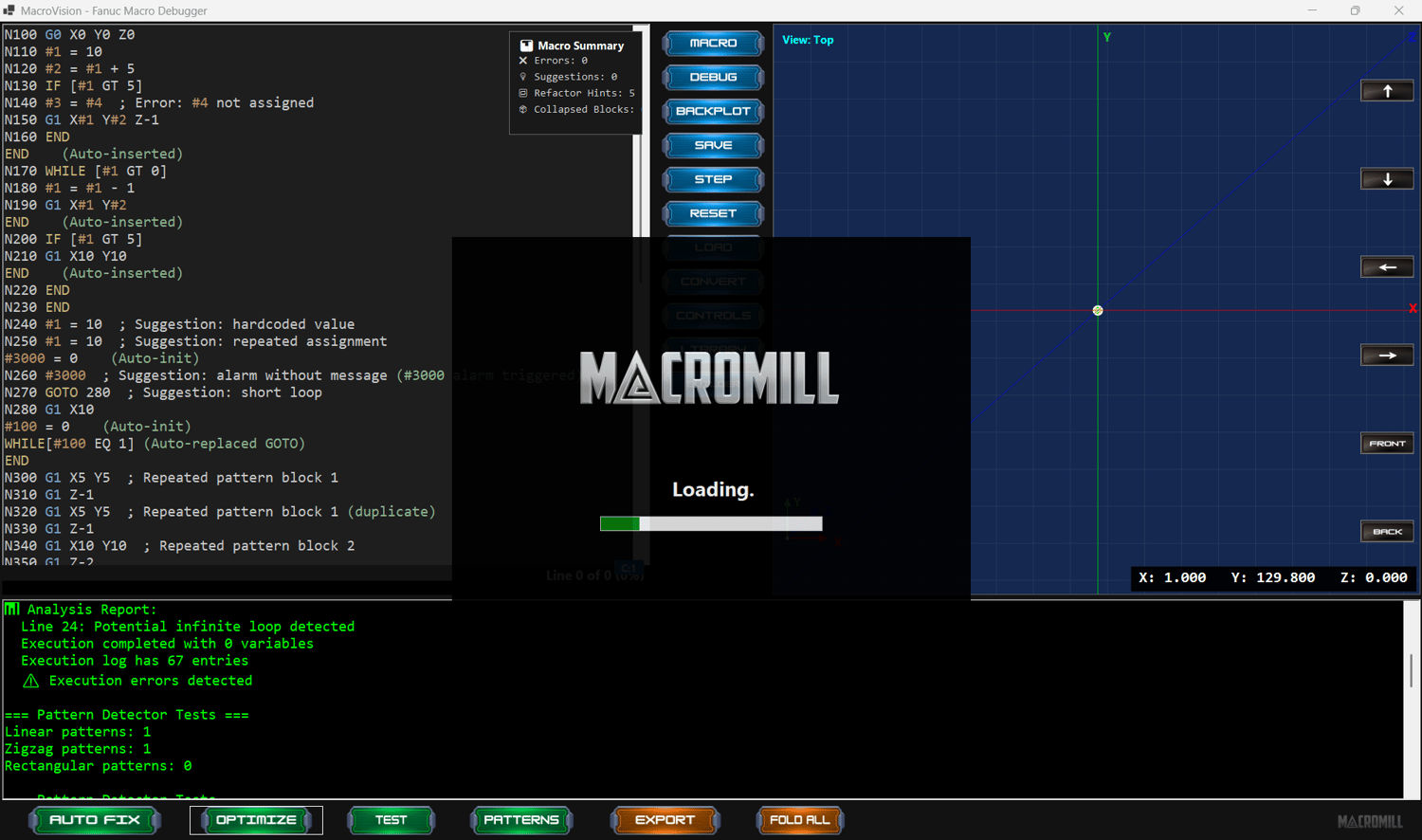
MacroVision™ is a complete Windows-based software tool designed to give you full control over CNC macro programming. Whether you're debugging complex macro logic, converting CAM-generated G-code into reusable macros, optimizing your code for efficiency, or visually building new macros from scratch — MacroVision™ is your ultimate companion.
What is MacroVision™?
MacroVision™ combines four powerful tools into one clean, modern platform:
1. Macro Debugger
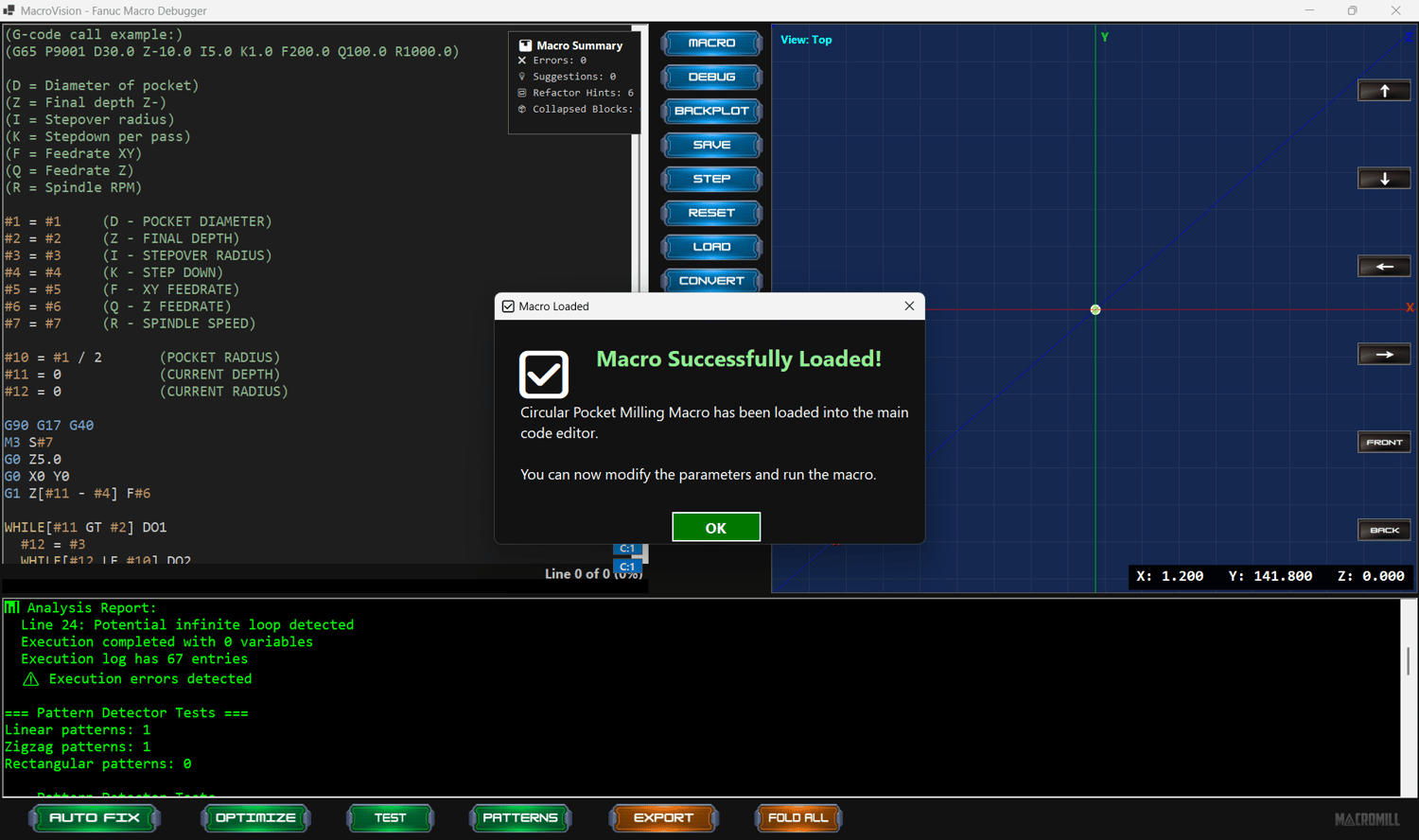
Step through macro programs line-by-line. Visualize logic flow, check variable values, detect errors, and simulate execution before running on a real machine.
2. G-code to Macro Converter
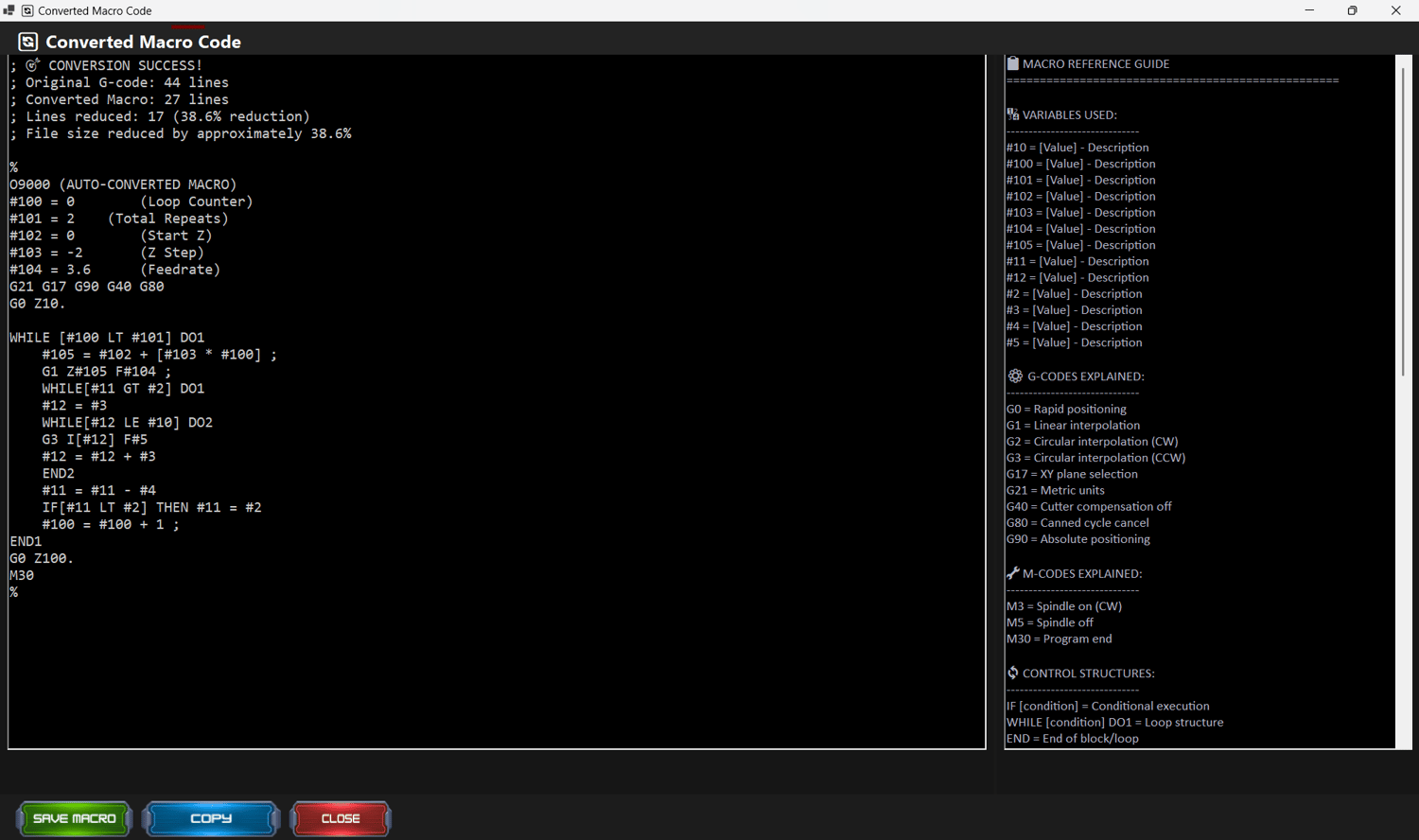
Paste your repetitive G-code toolpaths and watch MacroVision™ automatically compress them into efficient macro loops using WHILE, IF, and math structures.
3. Macro Optimizer
Get real-time feedback on your macro's structure and complexity. Remove redundant logic, improve readability, and increase efficiency with score-based suggestions.
4. Macro Builder (Drag and Drop)
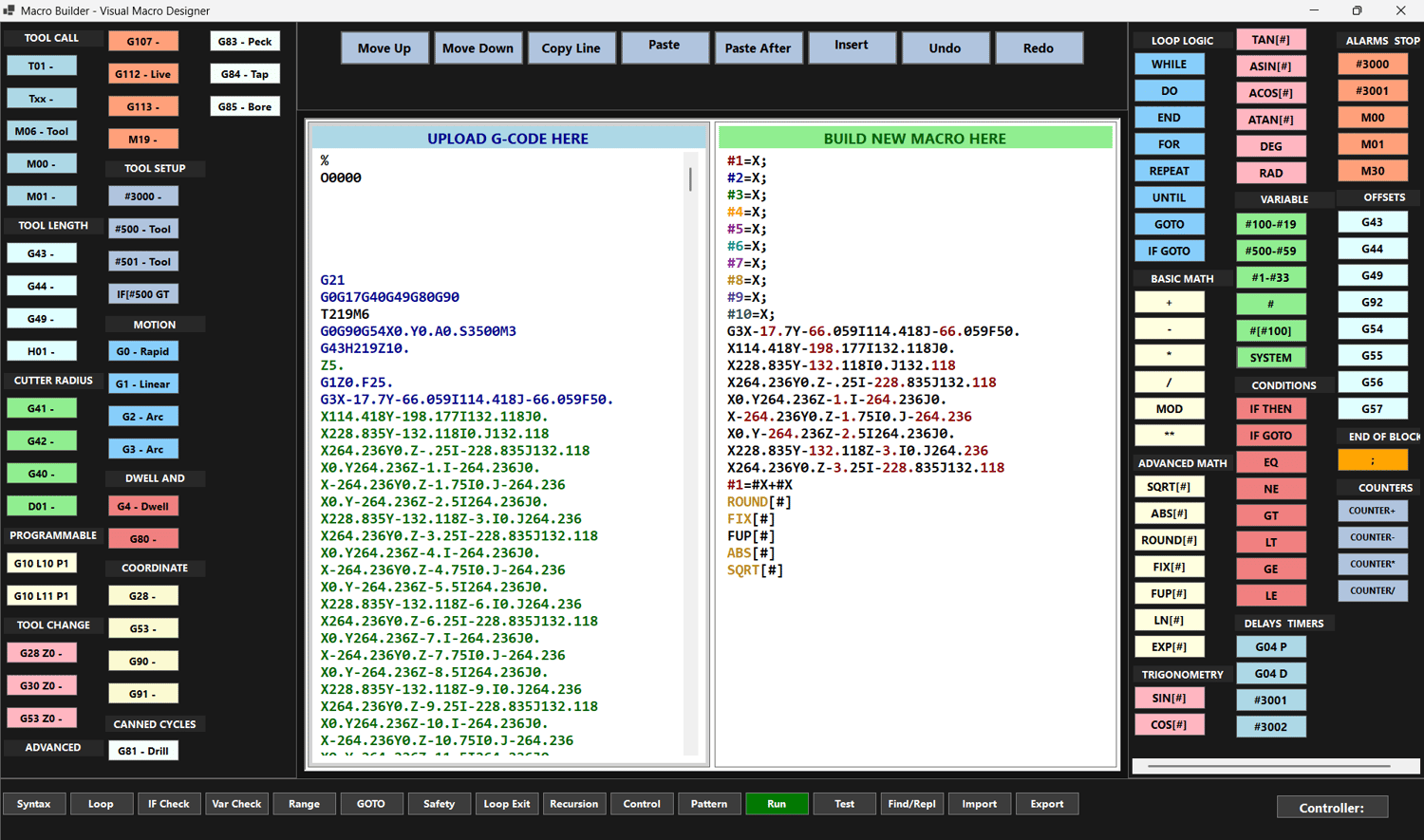
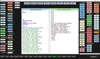
Create full macros visually using categorized buttons: conditions, loops, math, variables, alarms, delays, and more. Ideal for beginners and advanced users alike.
Key Features
- Clean, modern user interface
- Syntax-colored macro editor
- Real-time error detection and logic feedback
- G-code cleanup tools (remove block numbers, comments, extra spaces)
- Complexity scoring for every macro
- PDF report export of your macro structure
- Drag-and-drop macro assembly
- Full support for WHILE, IF, variables, #3000 alarms, math (SIN, COS, SQRT, etc.)
- Offline mode — no internet required
- Fast, responsive performance
- Full-screen workspace support
System Requirements
Minimum Requirements:
- OS: Windows 10 (64-bit)
- CPU: Dual-core 2.0 GHz
- RAM: 4 GB
- Disk Space: 200 MB
- Screen: Any resolution supported
Recommended Setup:
- OS: Windows 11
- CPU: Quad-core i5 or i7
- RAM: 8 GB or more
- Disk Space: 500 MB free
- Screen: HD or 4K for full UI clarity
MacroVision™ supports both high and low-resolution PCs and laptops. It automatically scales and adapts to your display, making it usable on any device.
One-Time Purchase – Lifetime Access
No subscriptions. No hidden fees.
Buy once and own it forever.
- Lifetime license
- All features included
- Free updates for your version
- Runs 100% offline
- Secure .exe installer
Who Is It For?
- CNC Programmers (Beginner to Expert)
- CAM Users (Mastercam, Fusion 360, SolidCAM)
- Post Processor Developers
- Machine Shops seeking automation
- Students and instructors learning macro logic
Built by Macromill™
MacroVision™ is developed by Macromill, creators of the Elite CNC Macro Mastery Program. It's trusted worldwide by machinists, programmers, and automation engineers who want the highest control, clarity, and efficiency in their CNC macro code.
Get MacroVision™ Now
- Instant download after purchase
- No internet required to use
- Works on any PC
- Future-proof your CNC workflow
- Join thousands of machinists using smarter macro logic