
Real Estate Agency Cyber Security Health Check — Self-Assessment Tool
You hold trust account funds, tenant IDs, and vendor financials. Are you protecting them?
Real estate agencies are prime targets for cybercriminals. You manage trust accounts, handle settlement payments, store tenant identity documents, and hold sensitive vendor and landlord financial details. State licensing laws require you to safeguard trust money, and the Privacy Act demands you protect personal information. Settlement fraud through compromised email is costing agencies hundreds of thousands of dollars, and a single data breach can trigger OAIC investigations, financial penalties, mandatory breach notifications, and the kind of reputational damage that drives landlords and vendors to your competitors.
This Health Check gives you a clear picture of where your agency stands — and a practical action plan to close the gaps. No IT background needed.
Built for principals and property managers, not IT professionals:
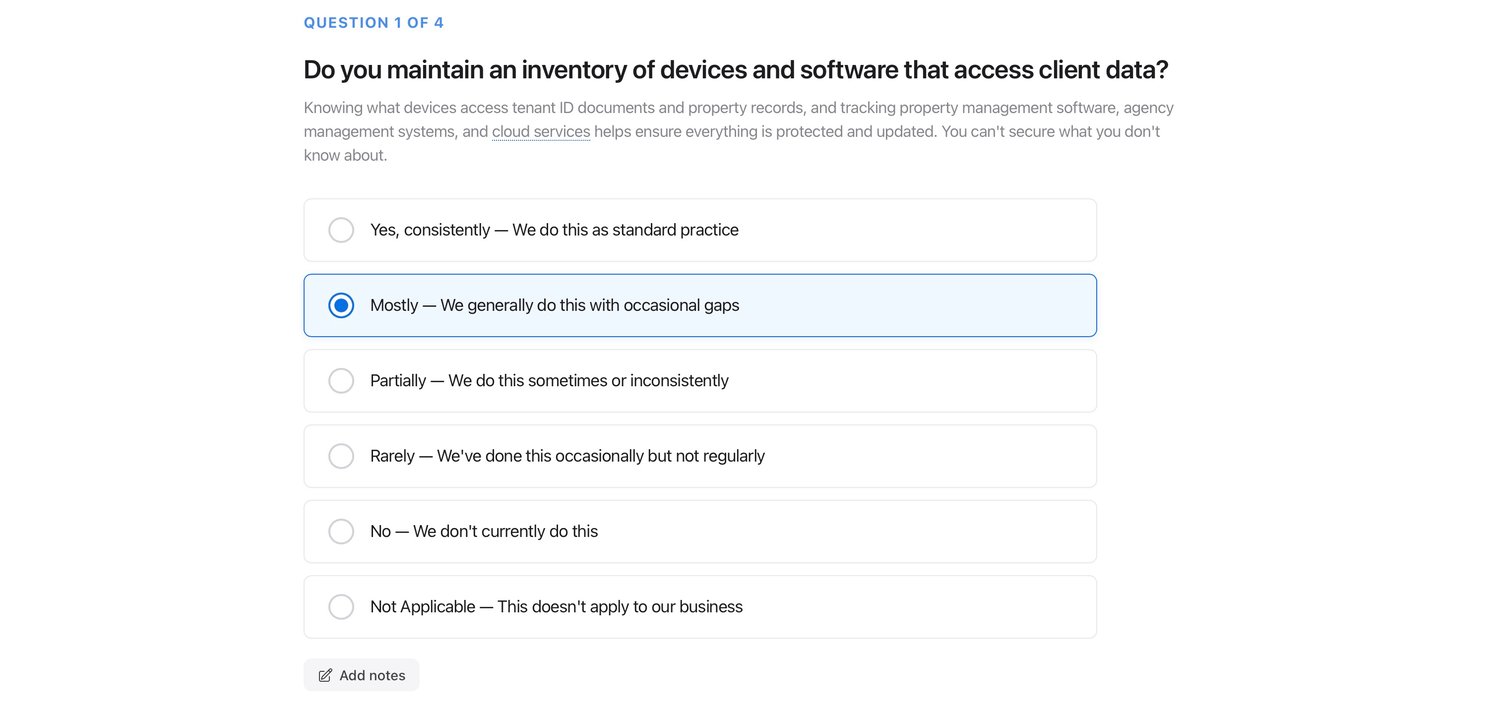
Every question is written in plain, everyday English. Technical terms include built-in hover tooltips that explain them simply, and the companion user guide explains the intent behind every question so you always understand what's being asked and why.
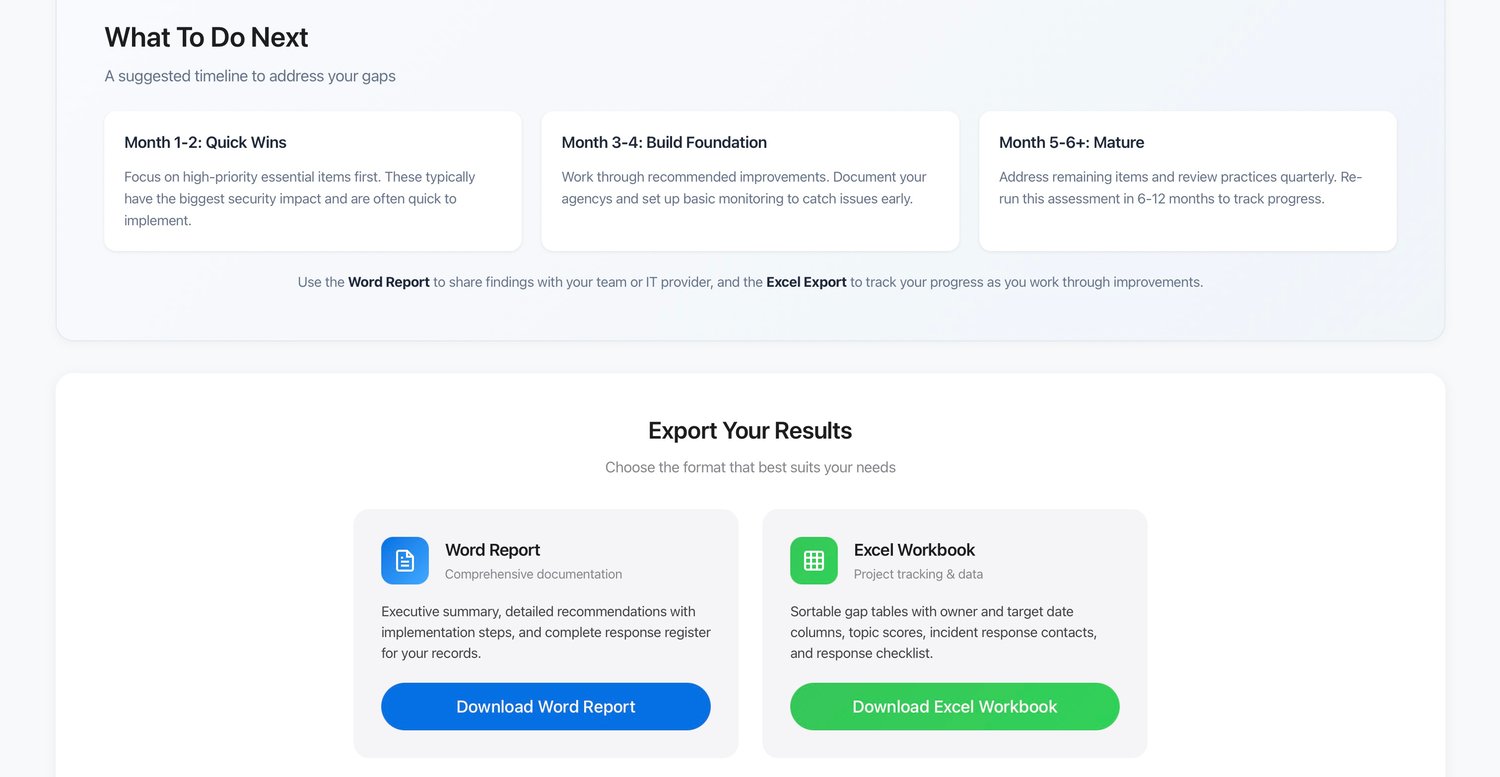
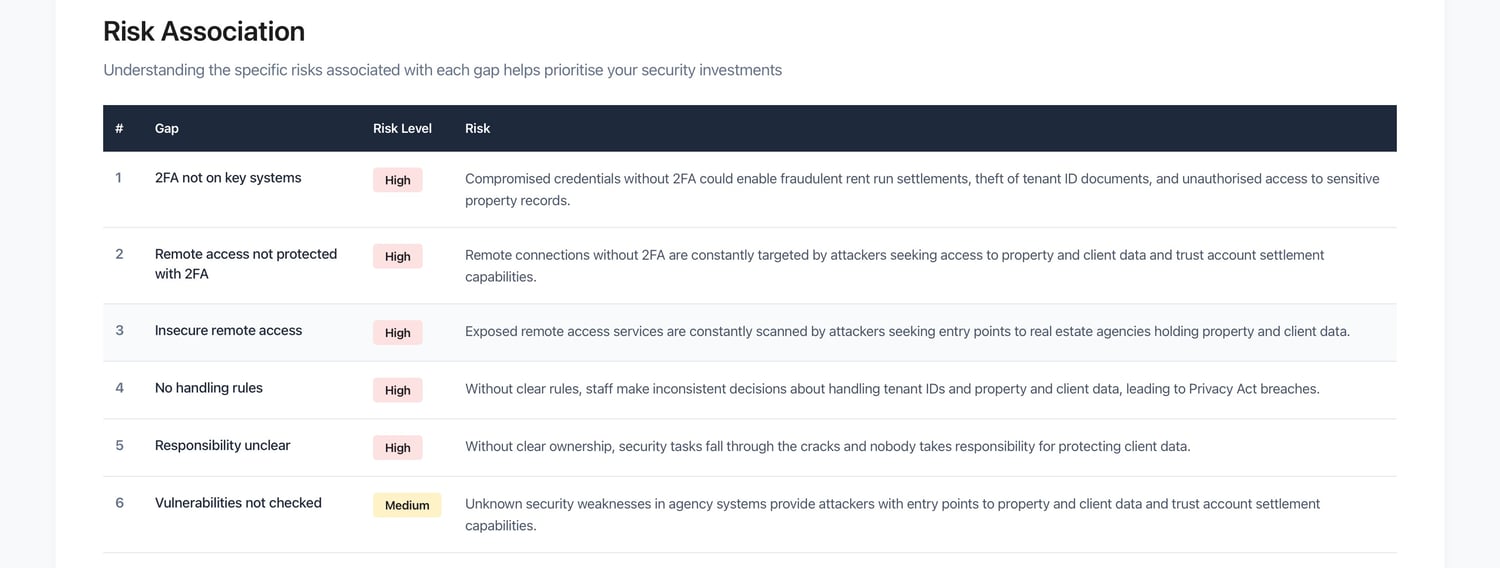
When you're done, the tool generates a clear, easy-to-follow action plan tailored to your agency. Each recommendation tells you what the gap is, what to do about it, how urgent it is, and roughly how much time and money it will take — automatically sorted by priority. No guesswork, no generic advice — just practical steps based on your actual answers.
What's included:
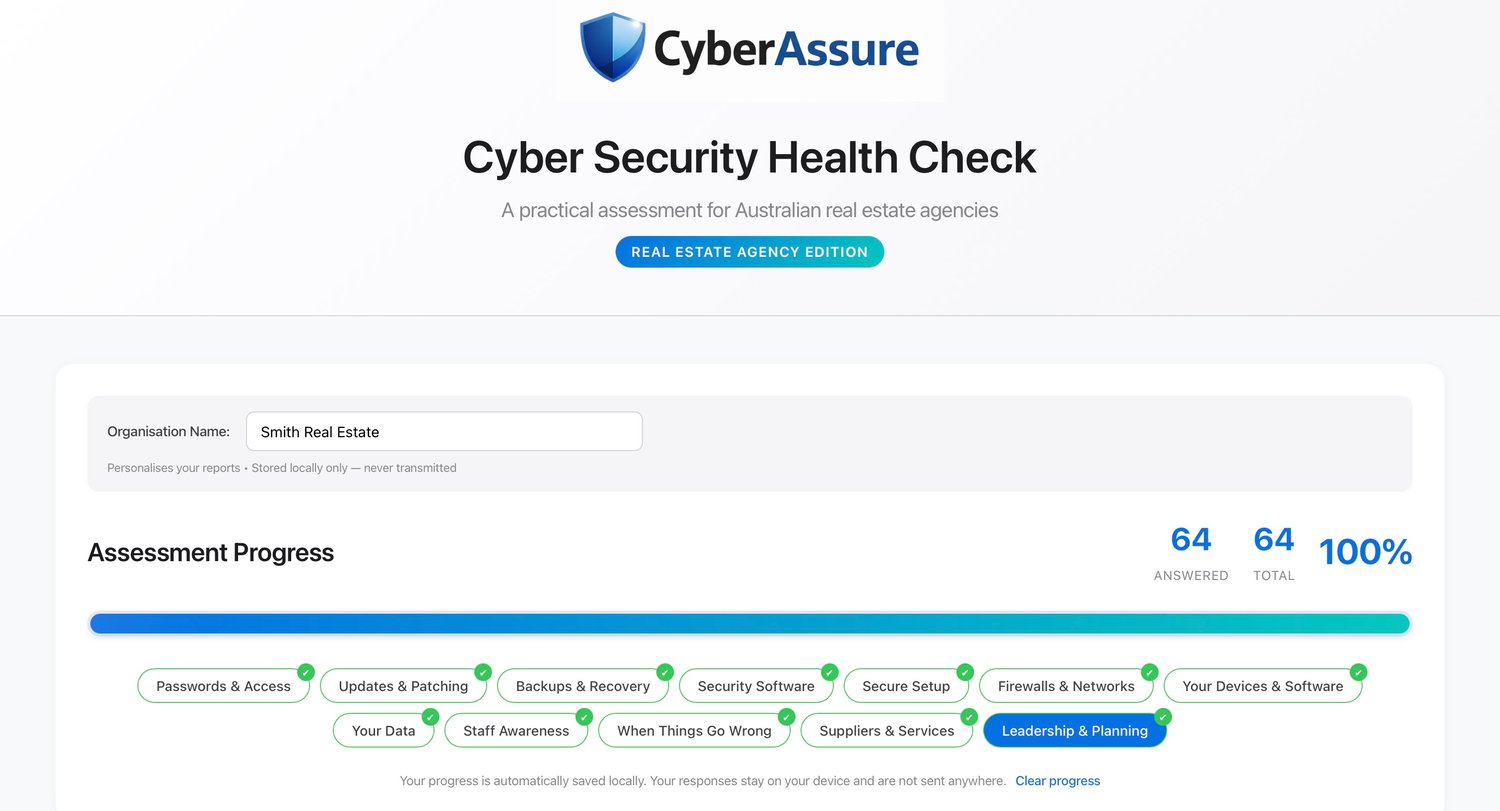
1. Self-Assessment Tool (HTML file) An interactive assessment covering 12 key security areas across 66 questions, purpose-built for how real estate agencies actually work:
→ Passwords & Access — Are trust account systems, property management software, and client files properly secured? → Backups & Recovery — Could you recover client and property data after ransomware or hardware failure? → Staff Awareness — Do your team know the red flags for settlement fraud and BEC scams? → Your Data — Are tenant IDs, vendor financials, and trust account records handled in line with the Privacy Act? → Incident Response — Do you know what to do if client data is compromised? → Suppliers & Services — Are your IT providers, software vendors, and conveyancers covered? → Plus six more domains covering updates, security software, device security, network protection, secure configuration, and leadership planning.
2. User Guide & Question Reference (Word document) A comprehensive companion guide including:
→ Step-by-step instructions for navigating the assessment and using all features → Tips for answering accurately — what "Yes" really means and how to think about evidence → How to interpret your results — understanding your score, readiness level, and priority actions → How to use the Word and Excel exports for compliance, insurance, and IT provider discussions → Full question reference guide — every question explained with "Why This Matters" context and "Evidence to Look For" indicators
What you get when you complete the assessment:
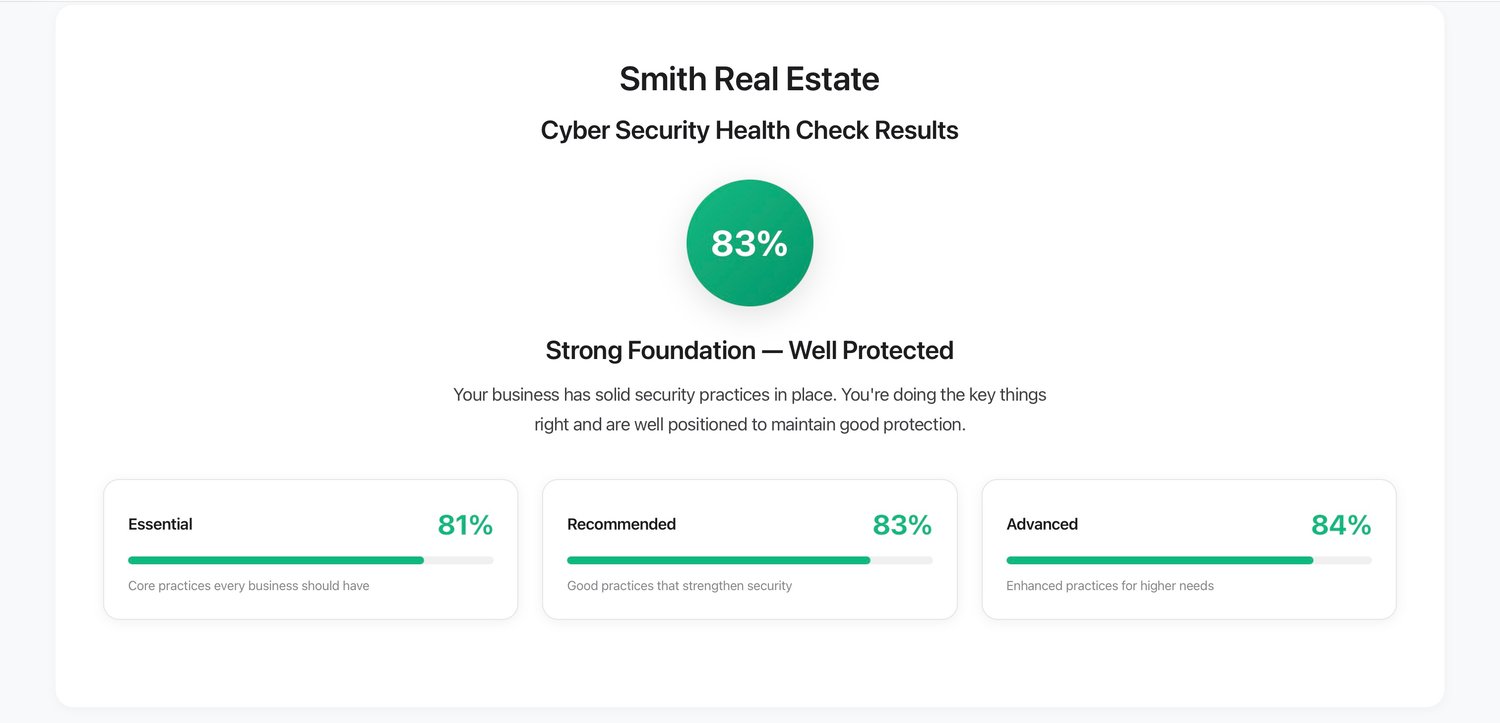
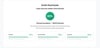
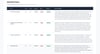
✔ Overall security score with a clear readiness rating
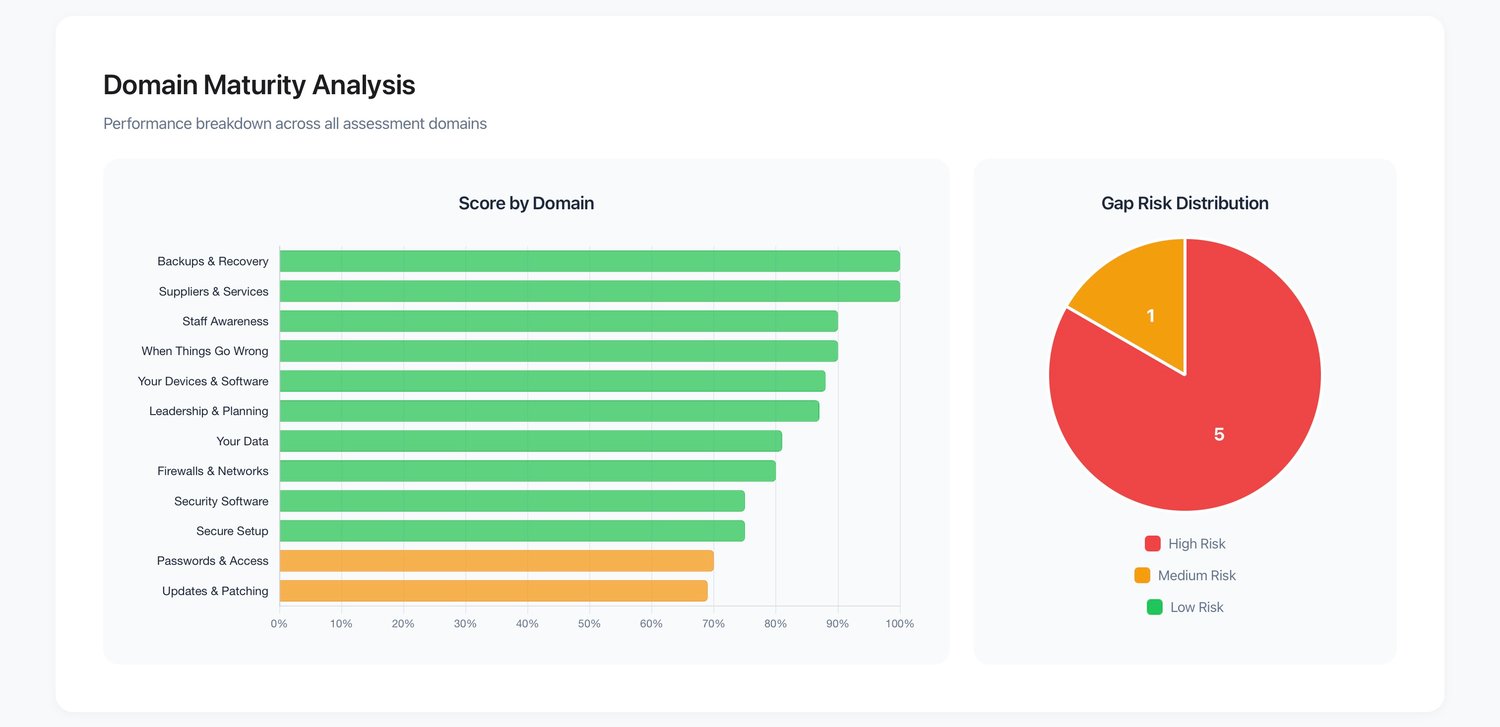
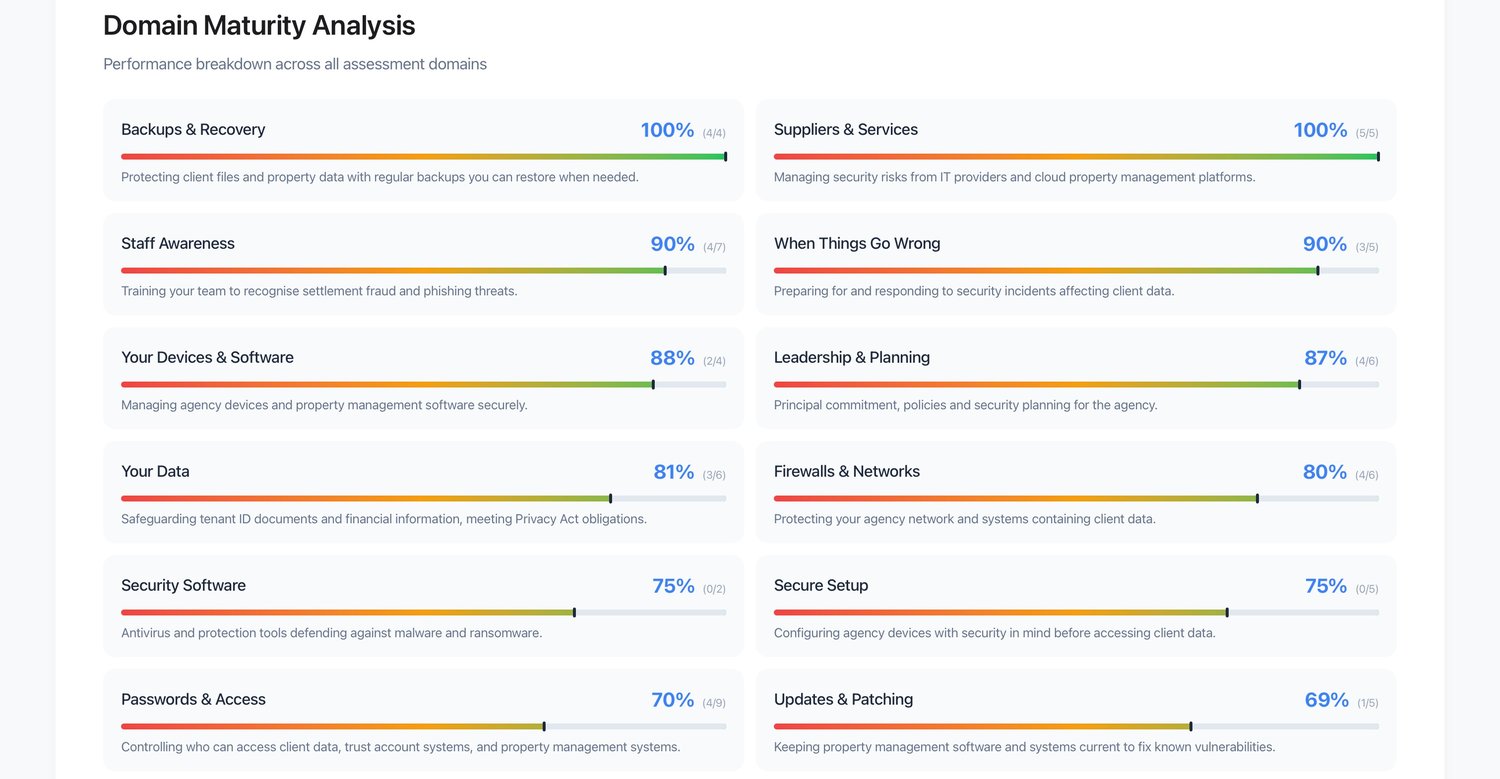
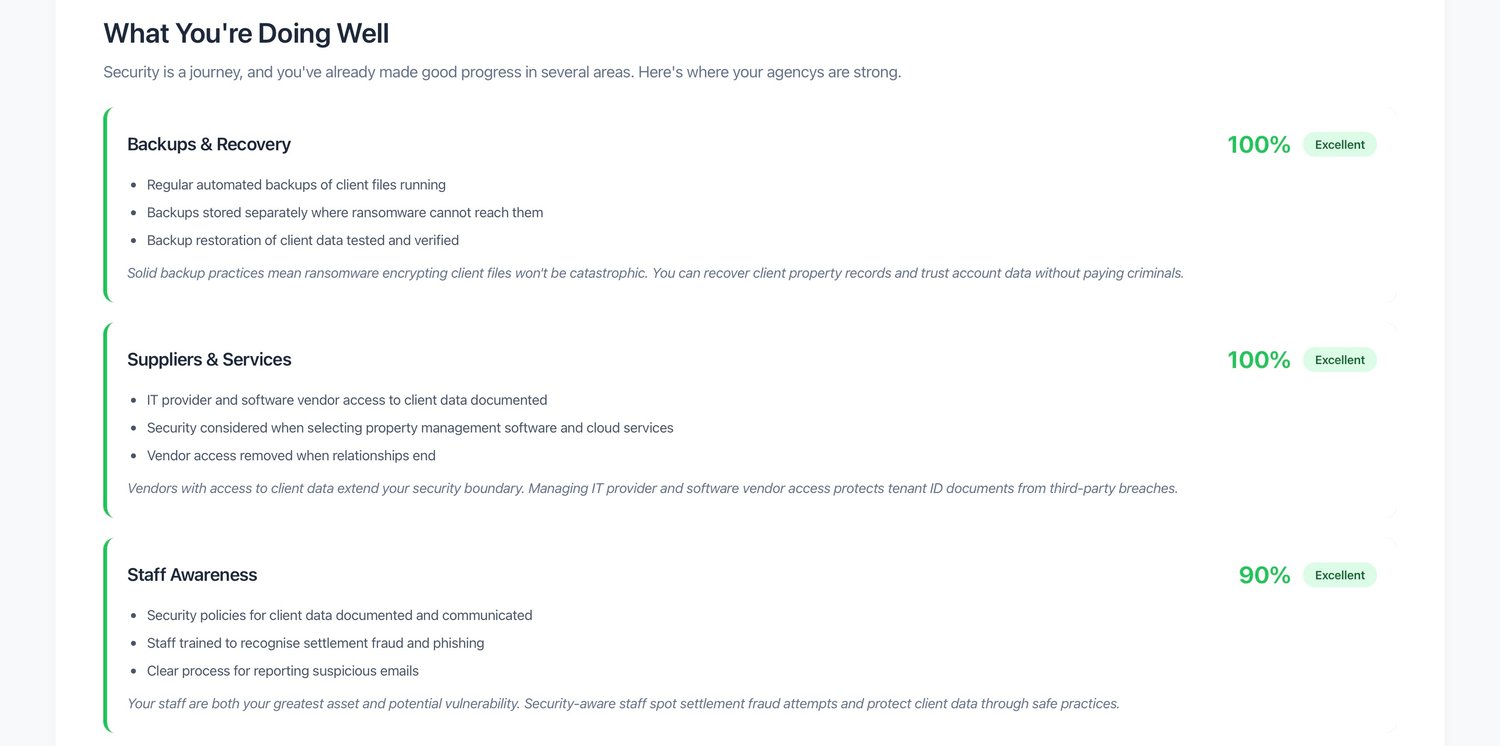
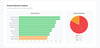
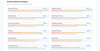
✔ Visual dashboard with category-by-category breakdown
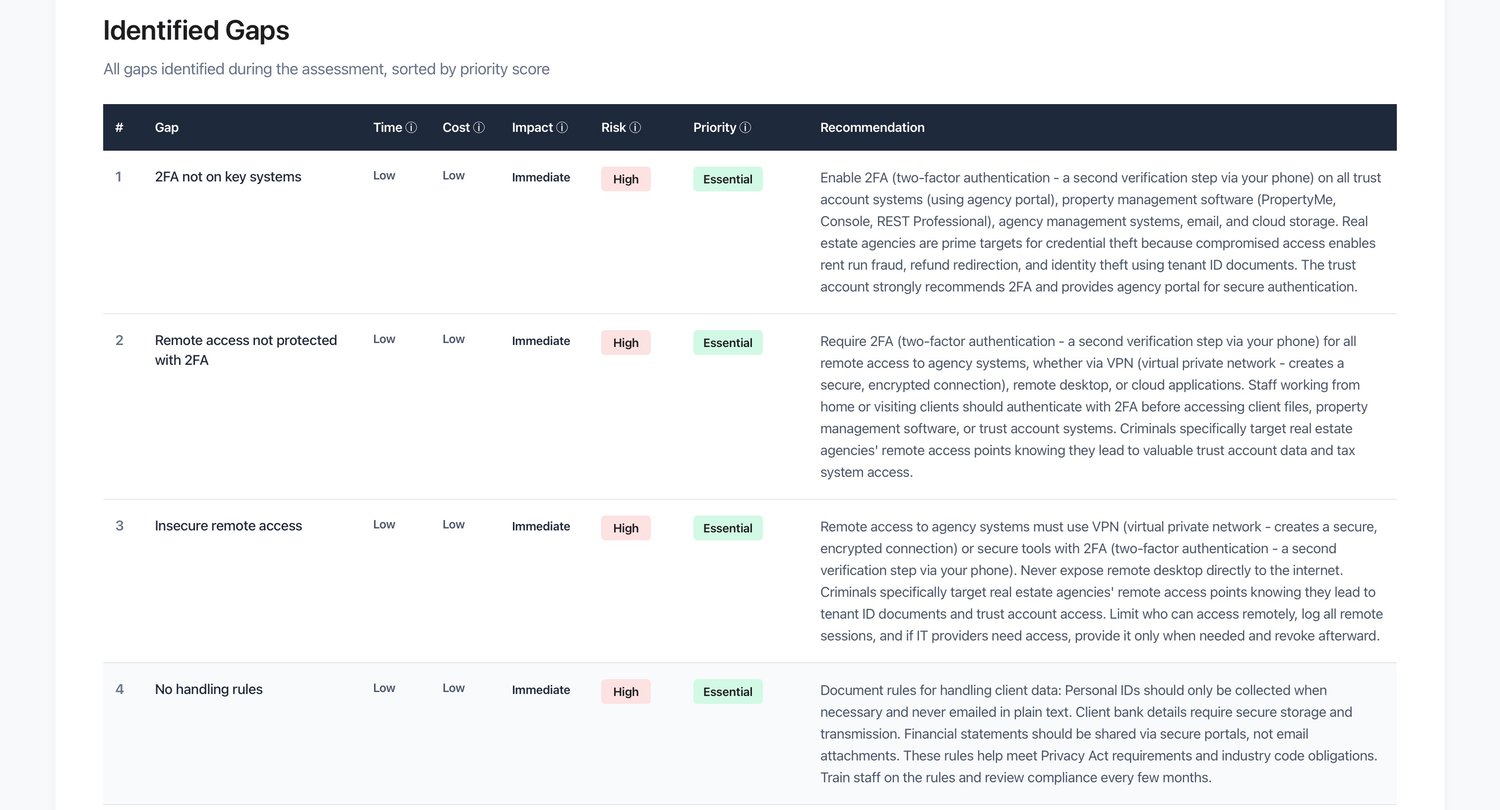
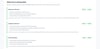
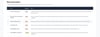
✔ Prioritised action plan — personalised to your answers, sorted by urgency, with estimated time and cost
✔ Specific, actionable recommendations written in plain language
✔ Exportable Word report — ready to share with licensees or insurers
✔ Exportable Excel workbook with incident response contacts and step-by-step checklist ✔ Australian-focused — references REIA, OAIC, ACSC, Privacy Act, and Notifiable Data Breaches scheme
Who is this for?
- Agency principals wanting to protect their clients, their trust account, and their business
- Property managers looking to benchmark their security practices
- Agencies preparing for trust account audits, compliance reviews, or cyber insurance applications
- Licensed agents wanting to demonstrate due diligence in protecting client data
- Anyone handling tenant IDs, vendor financials, and settlement funds — regardless of technical ability
How it works:
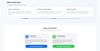
Download both files — open the HTML file in any modern browser and keep the user guide handy. Answer the questions honestly, and the tool does the rest. No installation, no software, no cloud account required. Your data stays on your device.
Built by CyberAssure — practical cyber security tools for Australian businesses.