




12-Month Life & Money Planner, Budget, Debt, Savings, Meals, Habits (Excel Workbook)
Keep a full year of money and everyday planning records together in one practical Excel workbook.
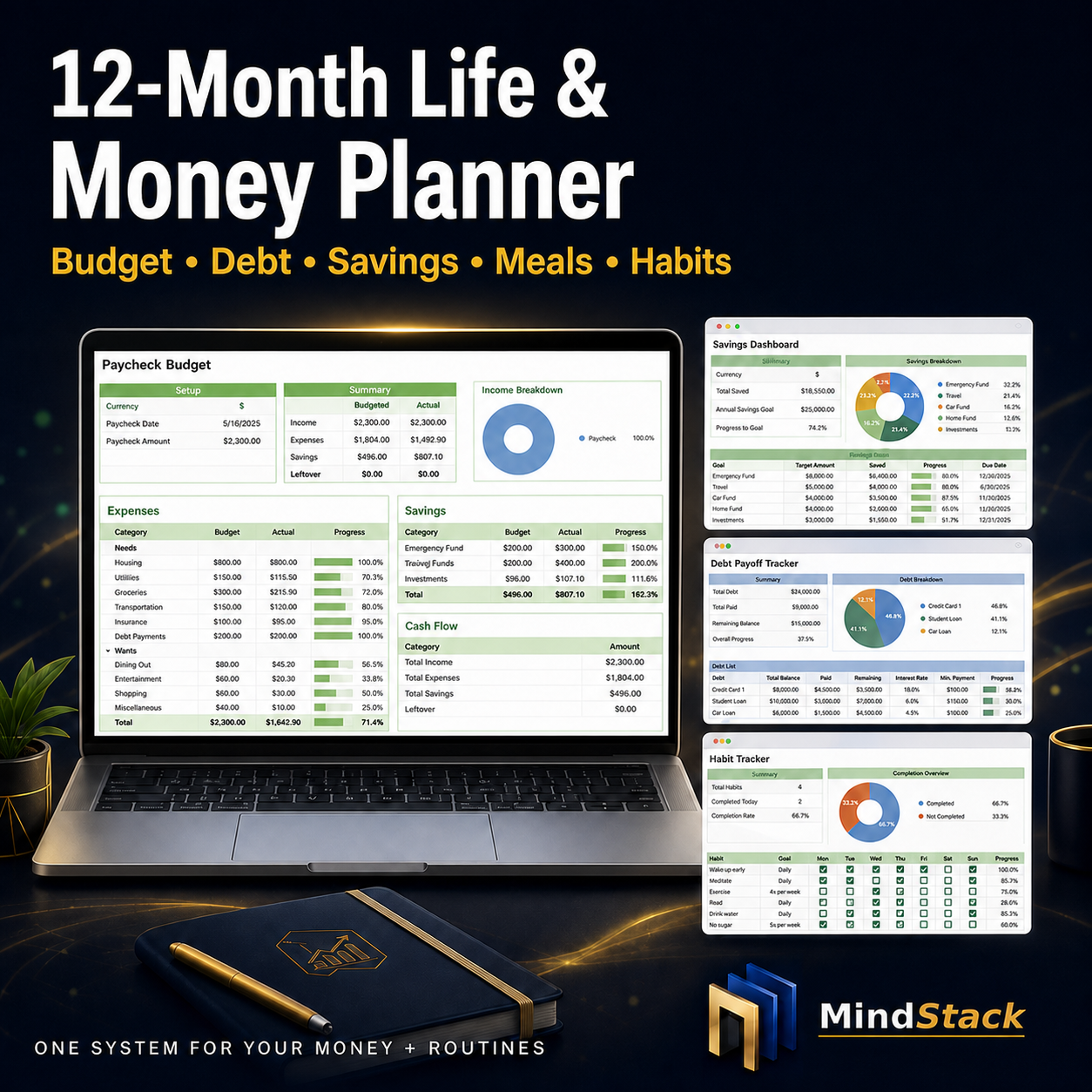
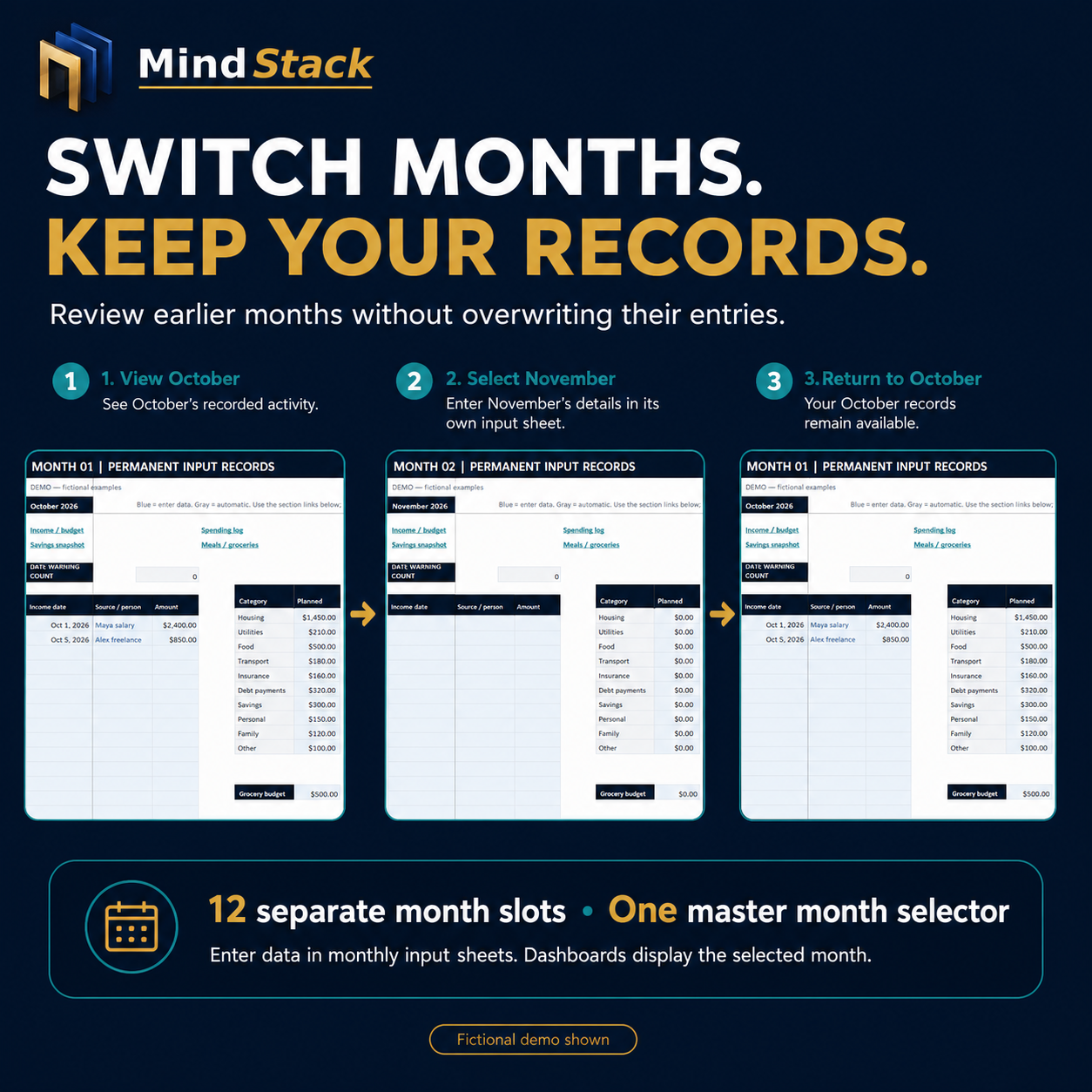
The MindStack 12-Month Life & Money Planner combines budgeting, debt planning, savings goals, meal and grocery planning, and habit tracking. Choose your starting month, enter information in separate monthly input sheets, and select a month to review its dashboards without overwriting earlier records.
━━━━━━━━━━━━━━━━━━━━
WHAT YOU RECEIVE
━━━━━━━━━━━━━━━━━━━━
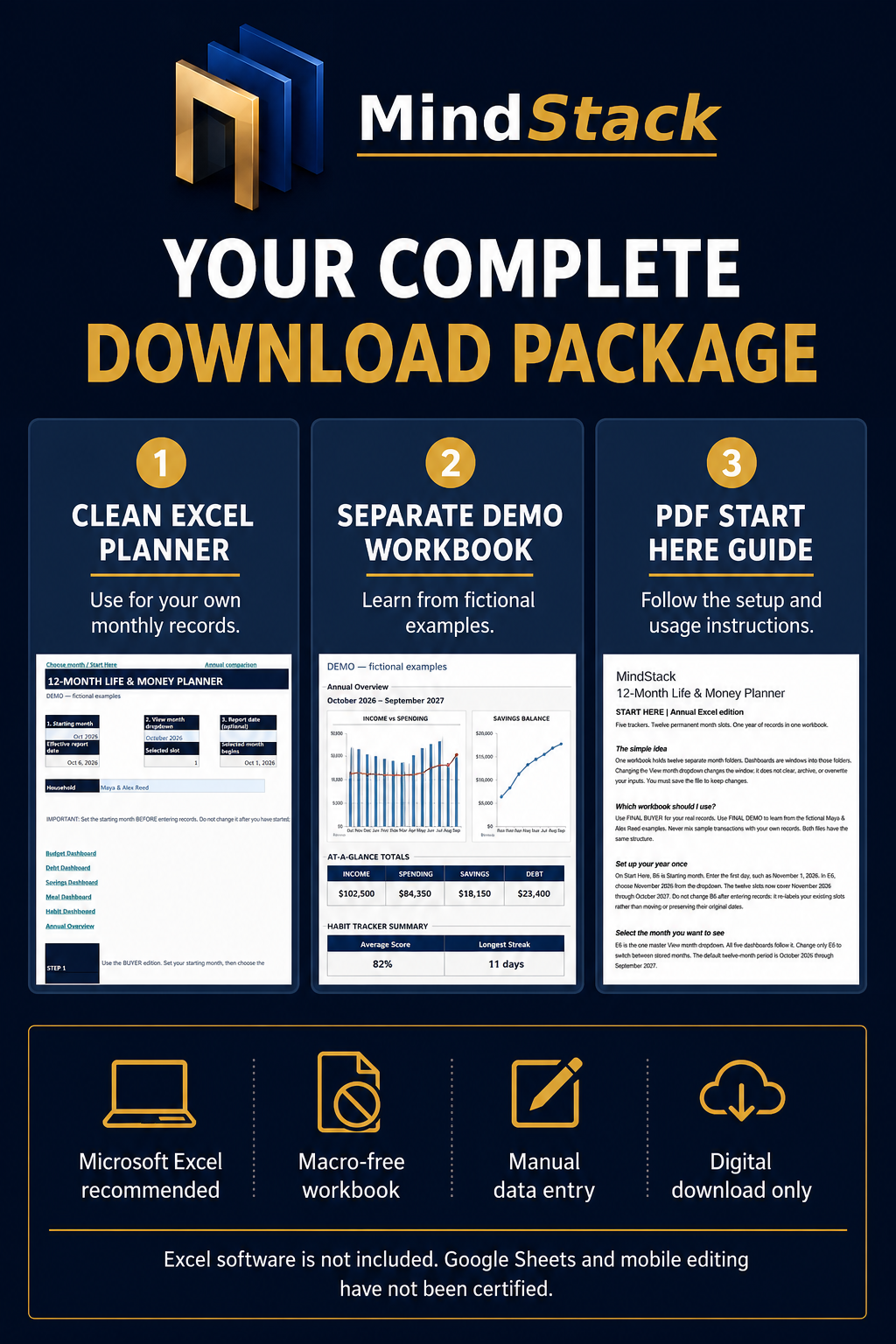
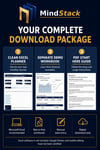
Your ZIP download contains:
• 1 clean Excel planner for your own records
• 1 separate demo Excel workbook with fictional examples
• 1 PDF Start Here guide
Use the clean planner for your information. The demo is included to show you how the entries, calculations, and charts work.
Digital download only. No physical item will be shipped.
━━━━━━━━━━━━━━━━━━━━
FIVE PRACTICAL TRACKERS
━━━━━━━━━━━━━━━━━━━━
PAYCHECK & BUDGET PLANNING
Record dated income and expenses, set monthly category budgets, and compare planned spending with actual spending.
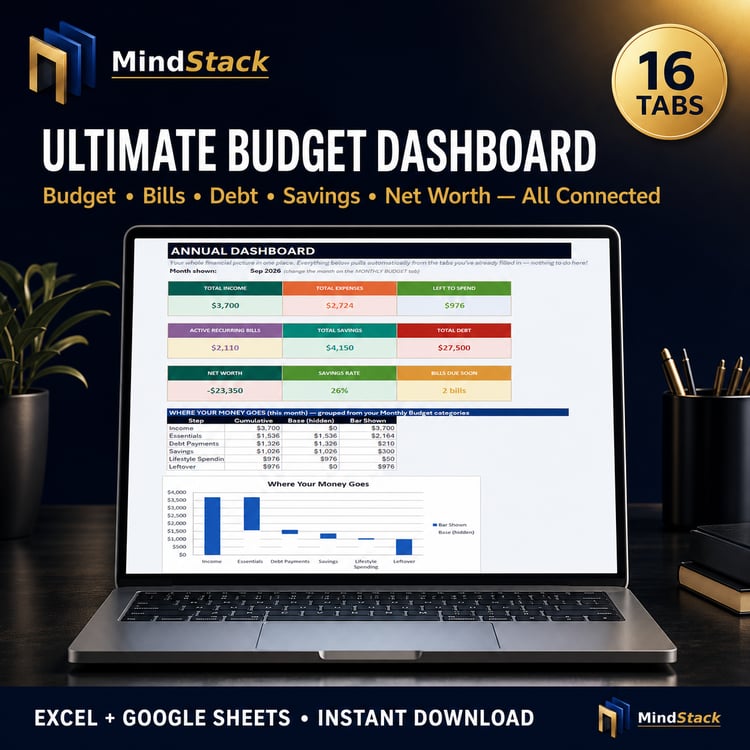
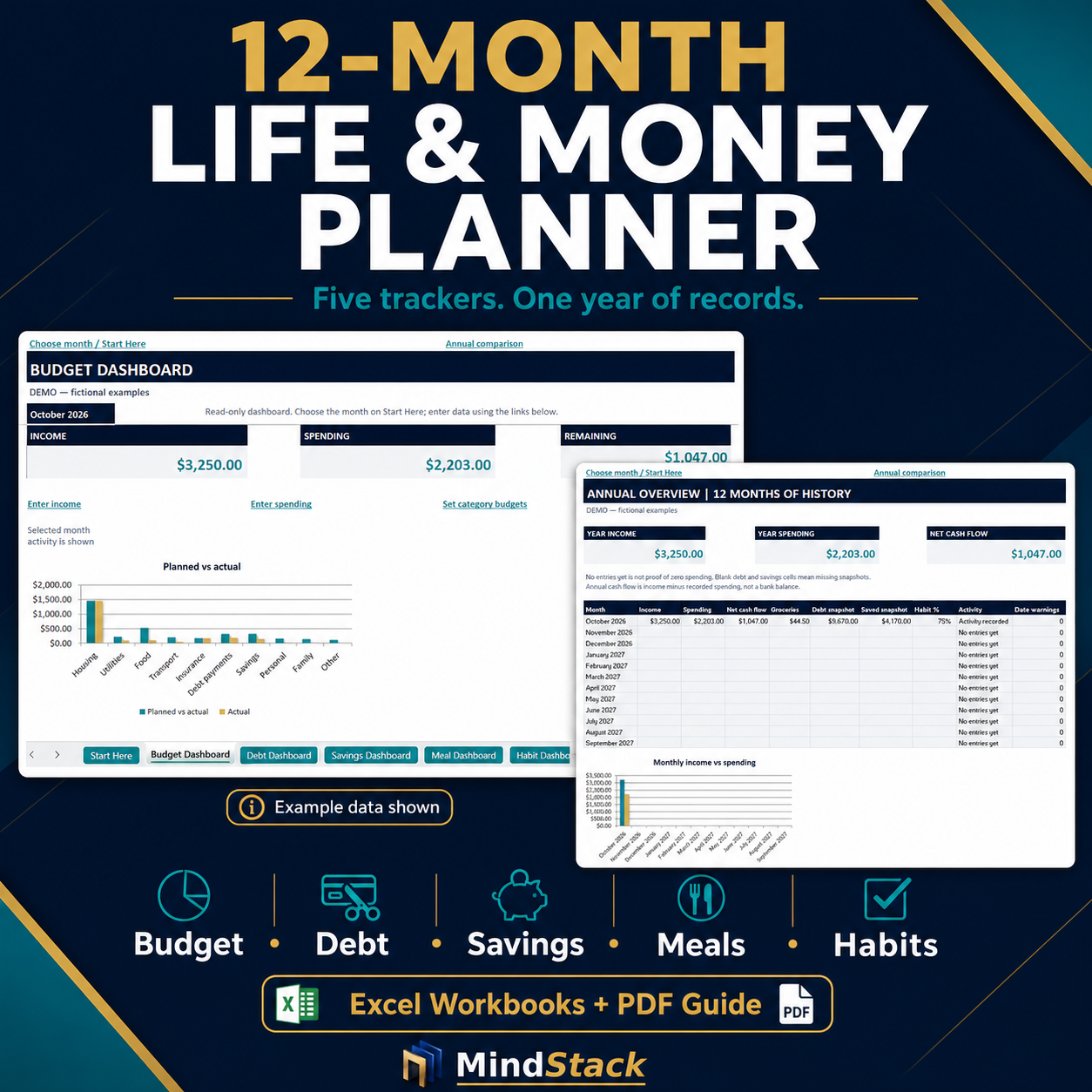
Review income, recorded spending, and remaining cash flow in the selected month.
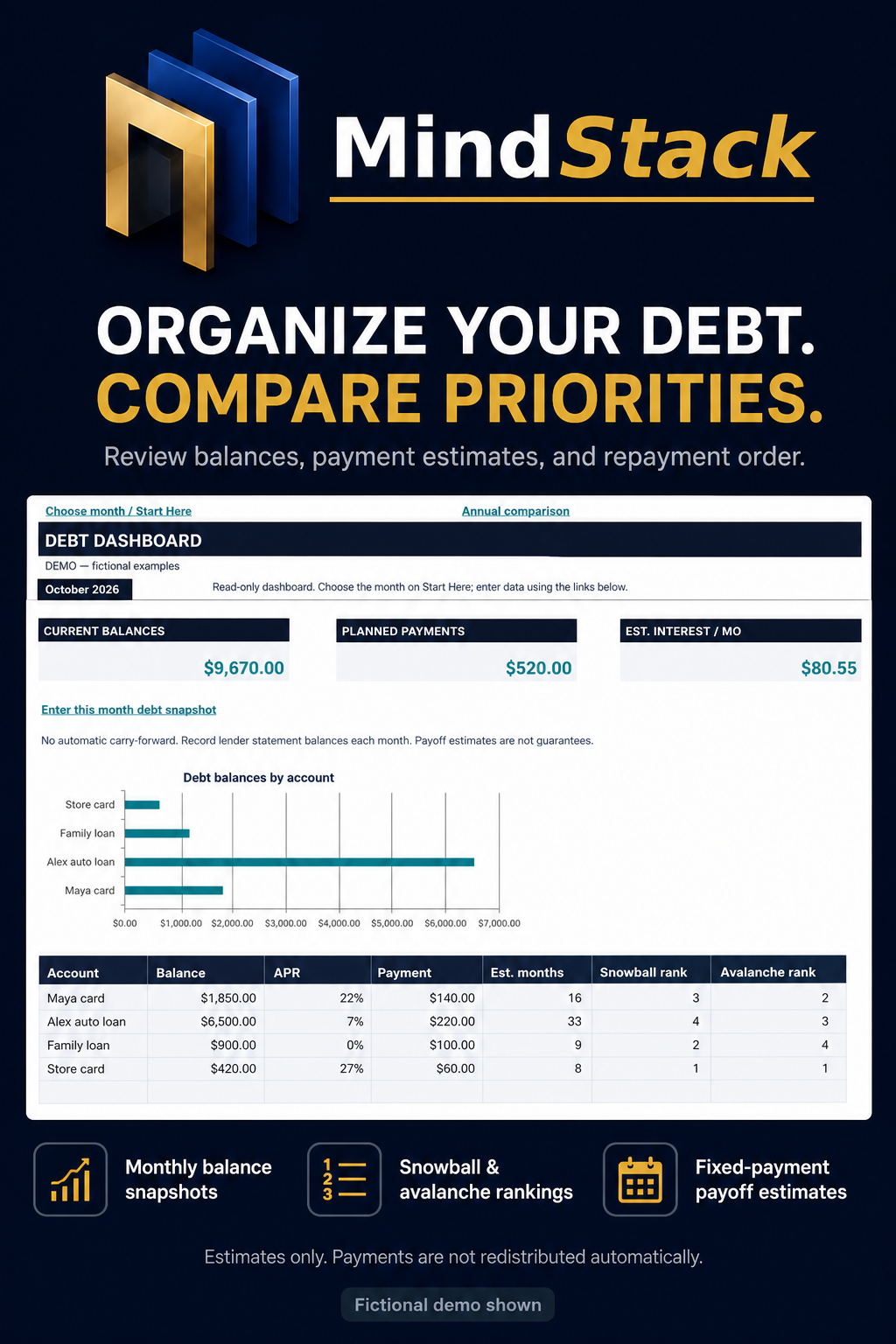
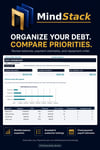
DEBT PAYOFF PLANNING
Record monthly debt balances, APRs, and planned payments.
Review estimated monthly interest, fixed-payment payoff estimates, and snowball or avalanche priority rankings.
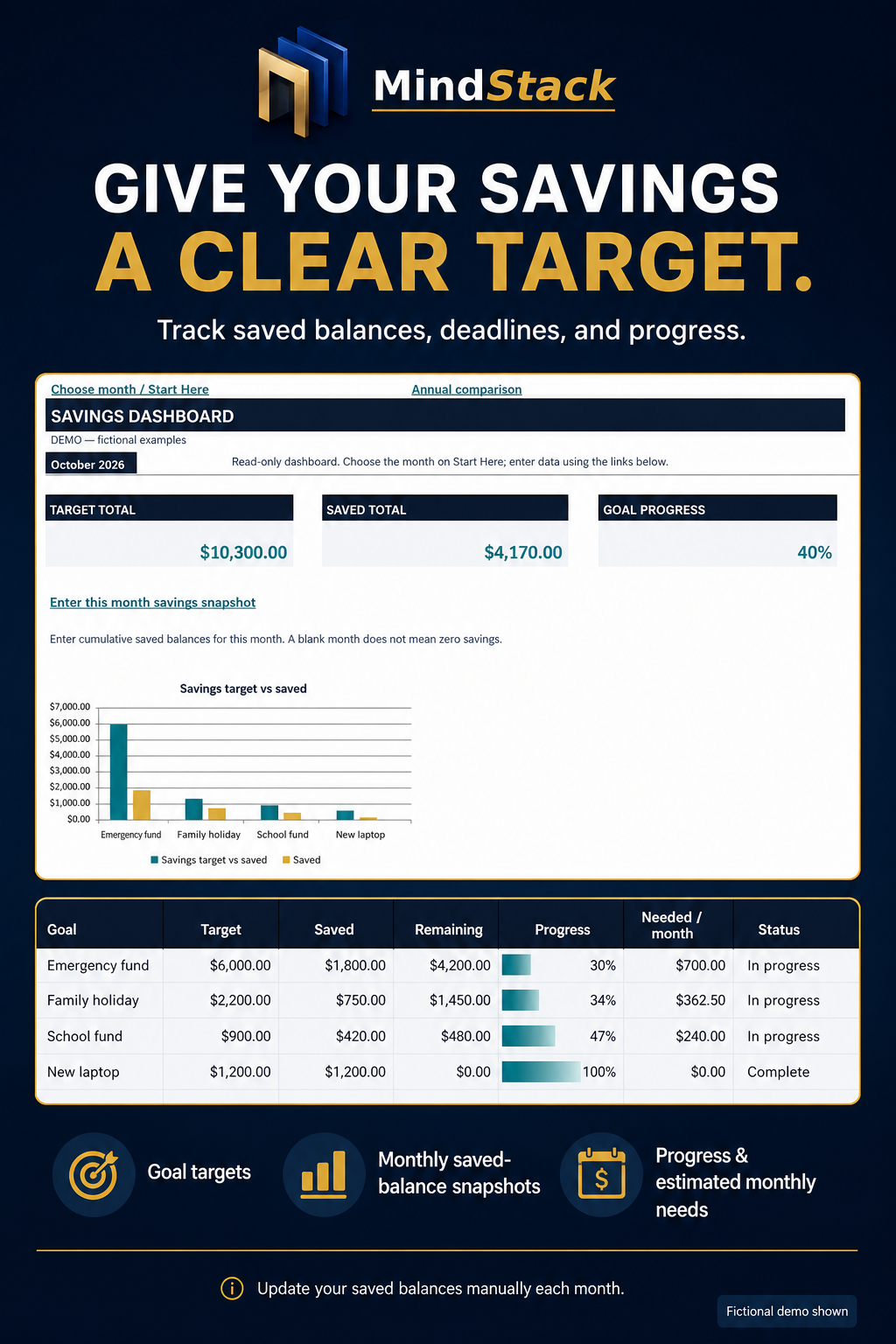
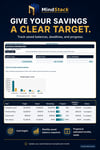
SAVINGS GOALS
Record savings targets, cumulative saved balances, and deadlines.
Review goal progress, remaining amounts, and estimated monthly savings needed.
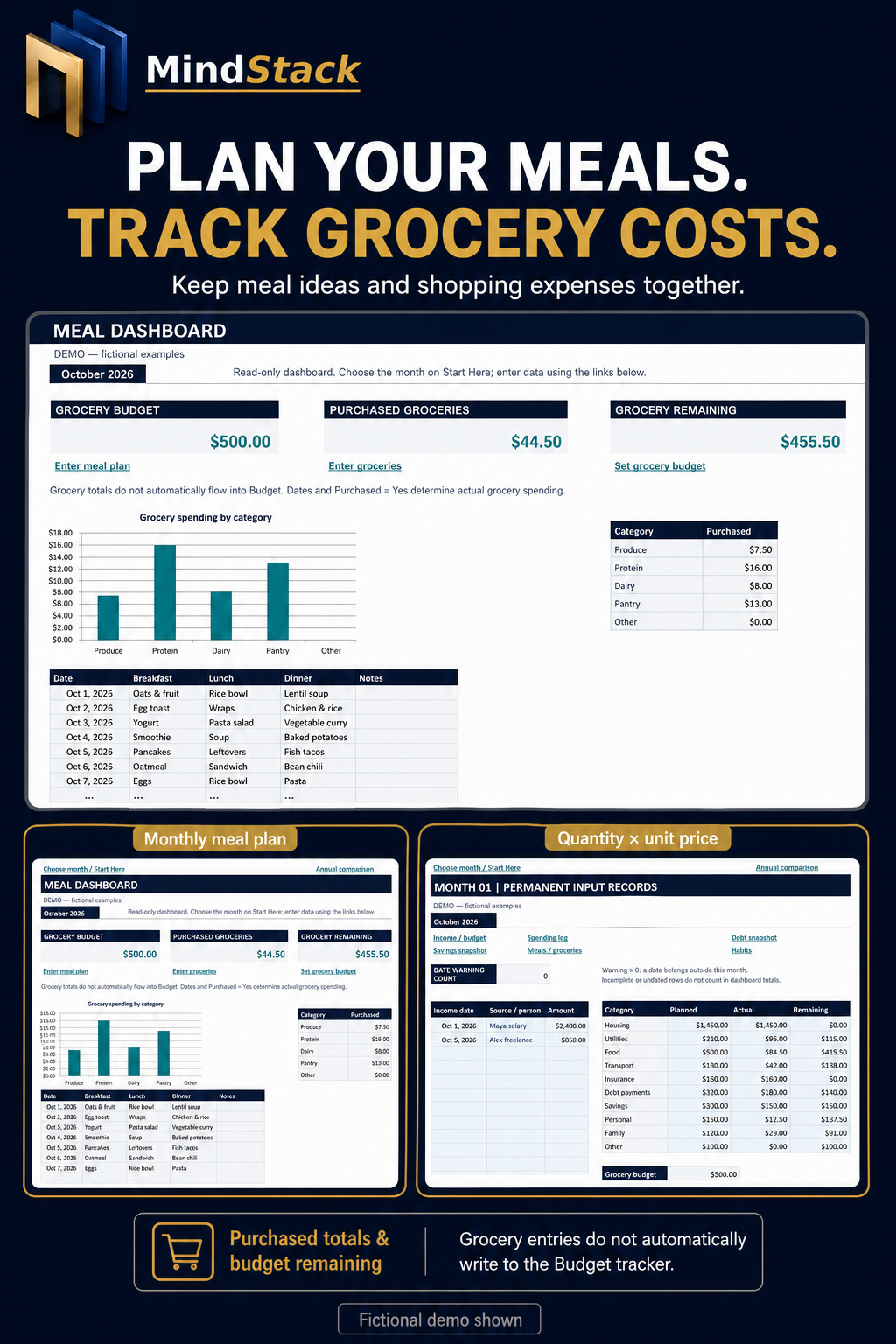
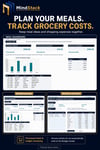
MEAL & GROCERY PLANNING
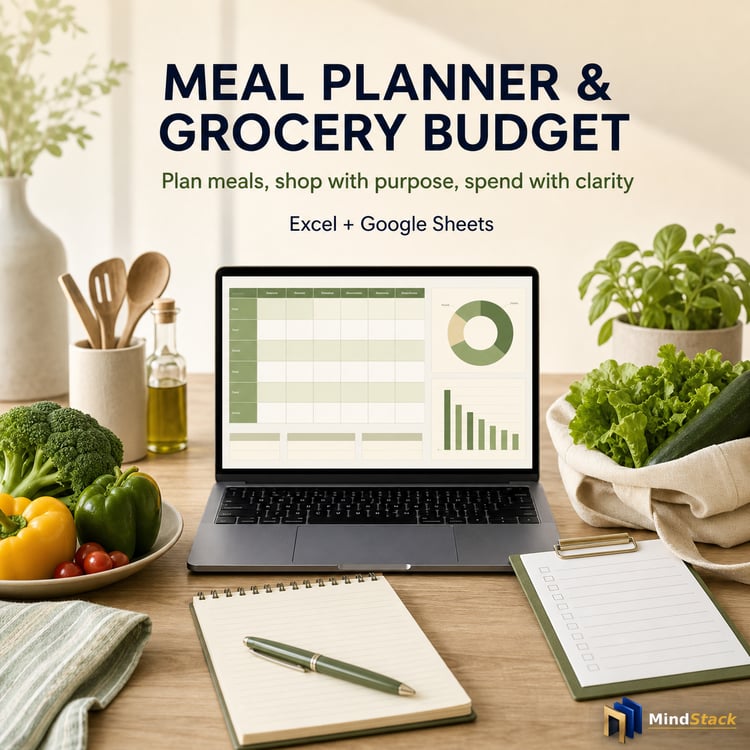
Organize meals by date and record grocery items, quantities, unit prices, and purchased status.
Review purchased grocery costs and the amount remaining in your grocery budget.
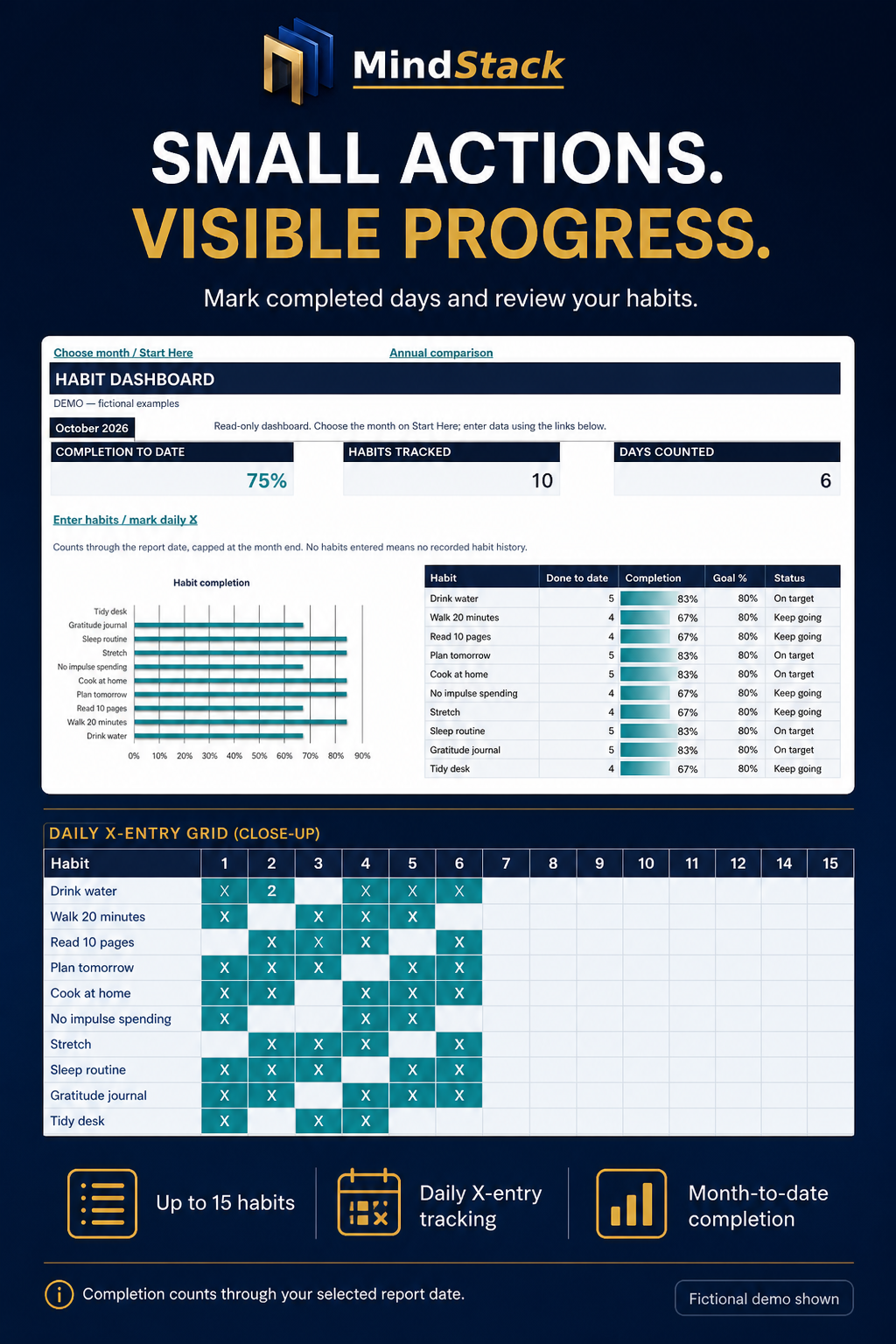
HABIT TRACKING
Choose up to 15 habits per month and mark completed days with an X.
Review completion percentages through your reporting date and compare recorded monthly progress.
━━━━━━━━━━━━━━━━━━━━
KEEP YOUR MONTHLY HISTORY
━━━━━━━━━━━━━━━━━━━━
• Choose a starting month and year
• Use twelve consecutive monthly input sheets
• Select the month you want to review using one master dropdown
• Revisit earlier entries without clearing them
• Compare recorded activity in the Annual Overview
• Review eight embedded charts
The workbook includes 19 visible tabs:
Start Here, five dashboards, Annual Overview, and twelve monthly input sheets.
━━━━━━━━━━━━━━━━━━━━
HOW TO USE IT
━━━━━━━━━━━━━━━━━━━━
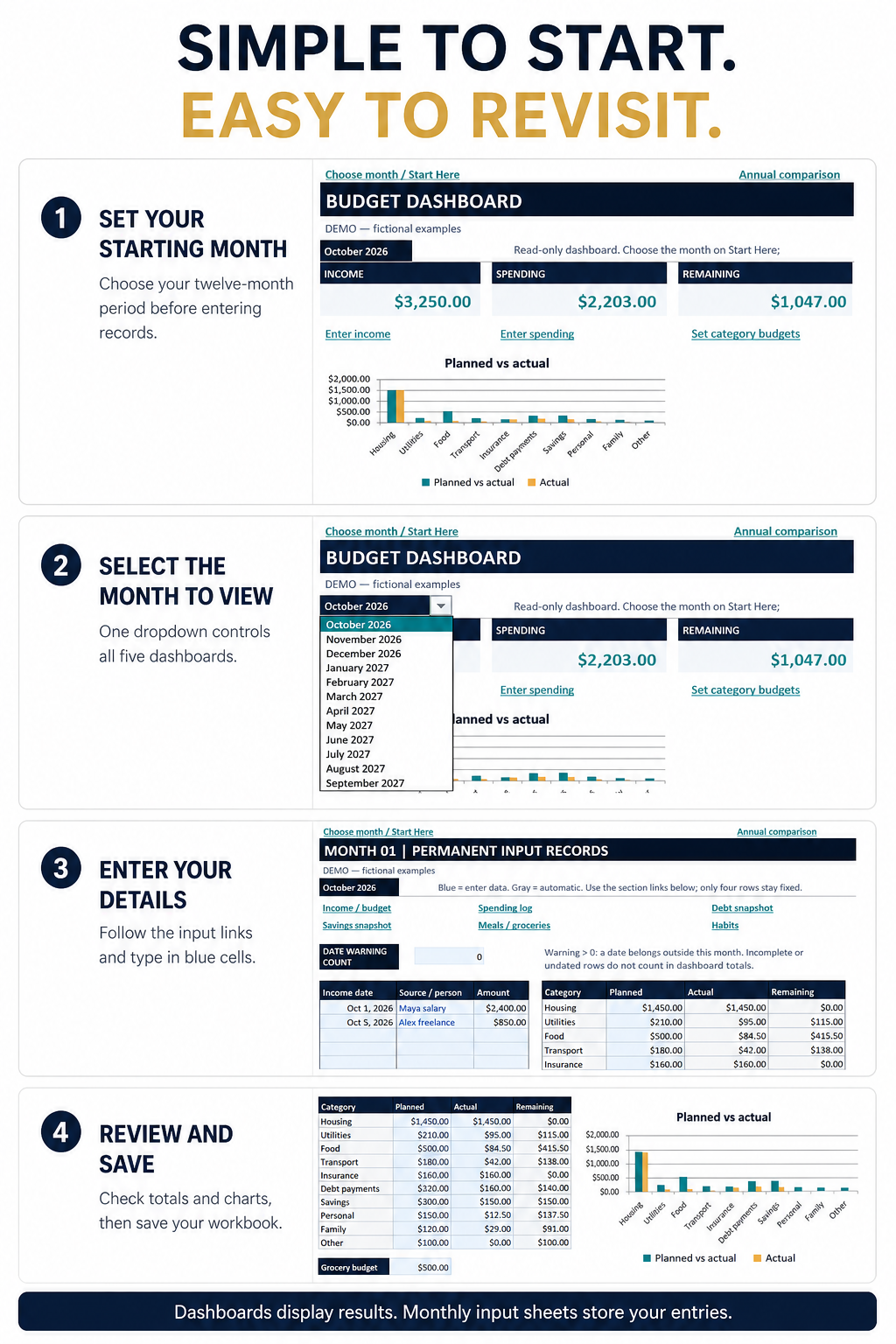
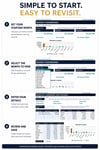
1. Open the clean buyer workbook and read Start Here.
2. Set your starting month before entering records.
3. Select the month you want to view.
4. Follow the dashboard links to that month’s input sheet.
5. Enter your details in the blue cells.
6. Return to the dashboard to review calculated results.
7. Save your workbook.
Dashboards display results. Monthly input sheets store your entries.
Formula cells are protected against accidental editing. This is not encryption or a security guarantee.
━━━━━━━━━━━━━━━━━━━━
MONTHLY ENTRY CAPACITY
━━━━━━━━━━━━━━━━━━━━
Each month supports:
• 30 income entries
• 200 expense entries
• 20 debt accounts
• 20 savings goals
• Up to 31 meal-plan days
• 150 grocery items
• 15 habits
The workbook uses fixed entry ranges. Do not insert or delete rows.
━━━━━━━━━━━━━━━━━━━━
SOFTWARE & IMPORTANT DETAILS
━━━━━━━━━━━━━━━━━━━━
Microsoft Excel is recommended. Excel software is not included.
This is a macro-free .xlsx planner. Google Sheets, mobile editing, and older Excel versions have not been certified.
Unzip the download before opening the files.
Data entry is manual. There is no bank connection, automatic transaction import, or automatic transfer of entries between trackers.
Enter each month’s planned budgets, debt balances, and savings balances manually. Recurring plans and balances do not automatically carry forward.
Changing the viewing month does not overwrite stored monthly entries. However, changing the starting month after entering records relabels the month slots; it does not migrate your history.
Save your changes regularly. Monthly record storage is not a guarantee of automatic file saving.
After twelve months, keep the completed workbook as your archive and start a new clean copy for your next twelve-month period.
━━━━━━━━━━━━━━━━━━━━
PLEASE NOTE
━━━━━━━━━━━━━━━━━━━━
The listing screenshots show fictional demonstration data. The clean buyer workbook does not contain those fictional financial entries.
Debt payoff figures and savings requirements are estimates. They do not account for every lender rule, fee, changing rate, or personal circumstance, and they are not guaranteed outcomes.
This product is an educational planning resource, not financial, legal, or tax advice.
For personal use only. Do not resell, share, or redistribute the files.
━━━━━━━━━━━━━━━━━━━━
TECHNICAL SUPPORT
━━━━━━━━━━━━━━━━━━━━
For download or file issues, please contact MindStack through Payhip Messages.
Please include the product name and a brief description of the problem. Do not send passwords, full bank details, or sensitive financial records.
For technical download or file issues, email hellomindstack@gmail.com with the product name and order details.
Please read any included Start Here guide before using your files.
If your download contains a ZIP file, extract it before opening the contents.